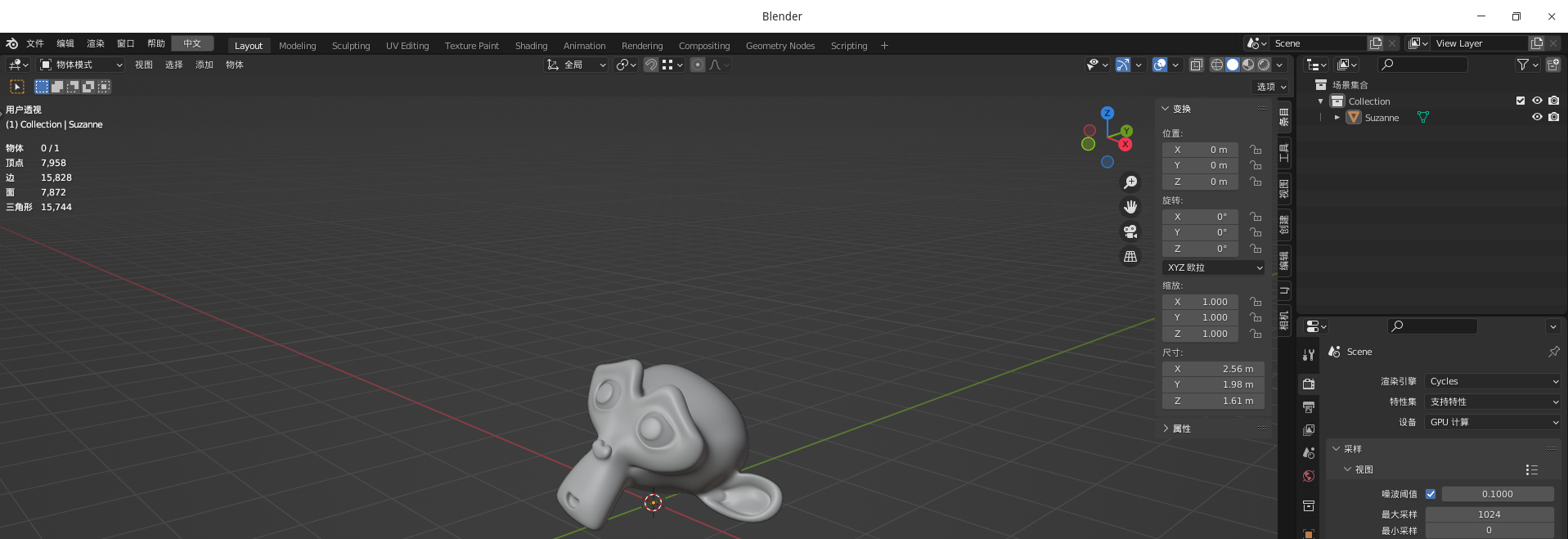
[Contribute Advice] 感觉标题栏太宽了
Tofloor
poster avatar
199******03
deepin
2022-03-05 21:25
Author

希望下一个版本能修改一下,减少四分之一就好了。。。QQ图片20220305132438.png

Reply Favorite View the author
All Replies
Free_Aaron.Li
deepin
2022-03-05 23:18
#1

1.创建一个文件:

#如果你的是黑色标题栏,那么就在终端输入:


vim ~/.local/share/deepin/themes/deepin/dark/titlebar.ini

#如果你的是白色标题栏,那么就在终端输入:

vim ~/.local/share/deepin/themes/deepin/light/titlebar.ini

2.自定义标题栏:

[Inactive]
width=30 #标题栏的宽度
height=24 #标题栏的高度

[Active]

width=30 #关闭按钮的宽度
height=24 # 关闭按钮的高度


deepin论坛是一个了解、学习deepin的好地方,在这里还有其他方法,你也可以借鉴借鉴:

1

2

Reply View the author
liuyongjin1987
deepin
2022-03-05 23:58
#2
Free_Aaron.Li

1.创建一个文件:

#如果你的是黑色标题栏,那么就在终端输入:


vim ~/.local/share/deepin/themes/deepin/dark/titlebar.ini

#如果你的是白色标题栏,那么就在终端输入:

vim ~/.local/share/deepin/themes/deepin/light/titlebar.ini

2.自定义标题栏:

[Inactive]
width=30 #标题栏的宽度
height=24 #标题栏的高度

[Active]

width=30 #关闭按钮的宽度
height=24 # 关闭按钮的高度


deepin论坛是一个了解、学习deepin的好地方,在这里还有其他方法,你也可以借鉴借鉴:

1

2

根本没用吧?

Reply View the author
老咸鱼
deepin
2022-03-06 02:06
#3

https://bbs.deepin.org/phone/post/224774

看这个,应该是你要的

Reply View the author
要讲武德
deepin
2022-03-06 02:17
#4

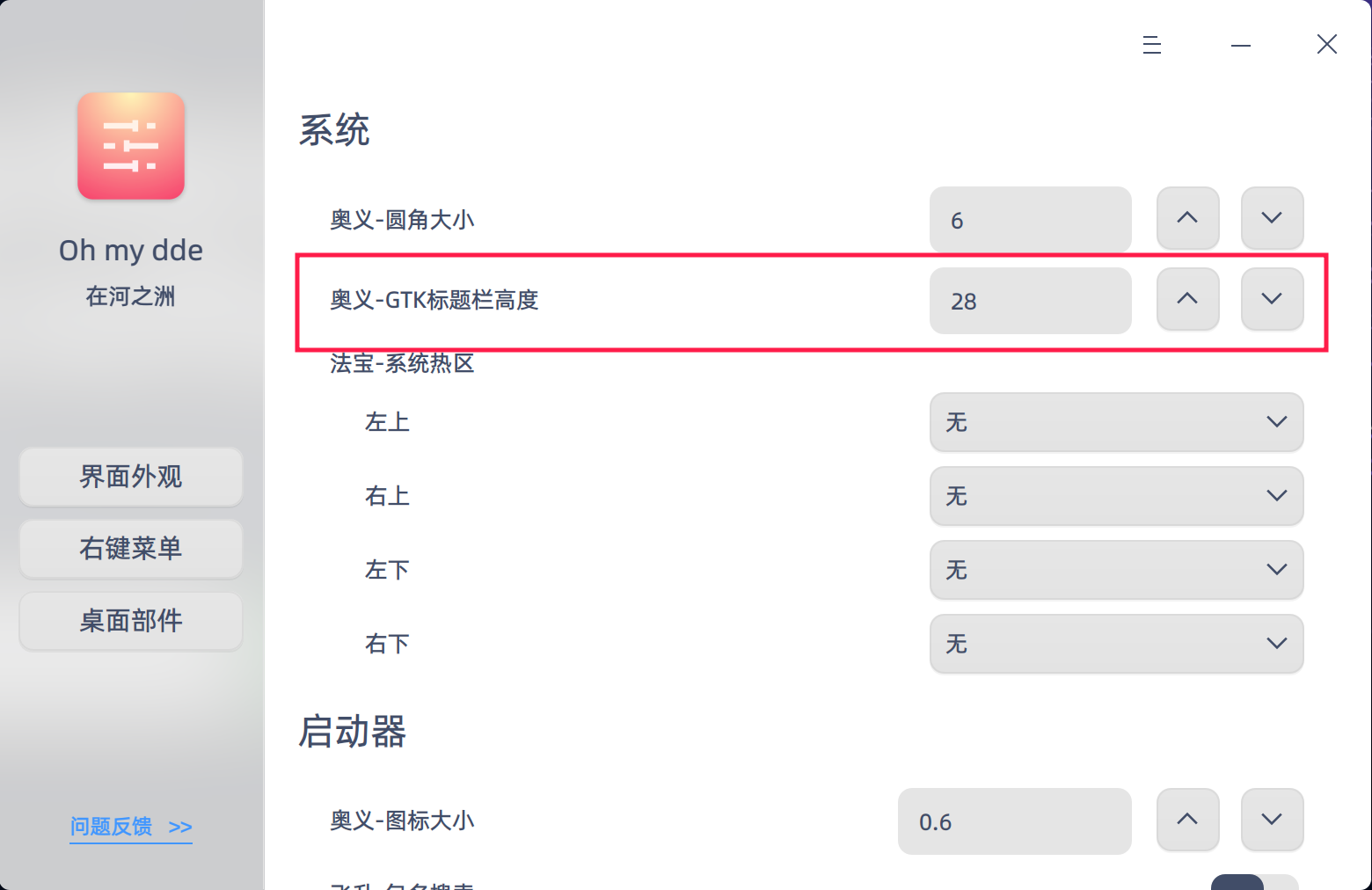
https://gitee.com/Limexb/oh-my-dde/releases/1.0.3

截图_oh-my-dde_20220305181501.png

改完之后要注销或者重启一下

Reply View the author
二月
deepin
2022-03-28 09:04
#5

希望官方能把标题栏和菜单栏合并。

Reply View the author