

 中文
中文 
deepin_xiaoqian
2022-03-02 23:23 deepin testing team
是不是安装deepin系统时把windows系统覆盖掉了,磁盘分区时需要手动分区,两个系统分别放在不同的分区下
Reply Like 0 View the author

 deepin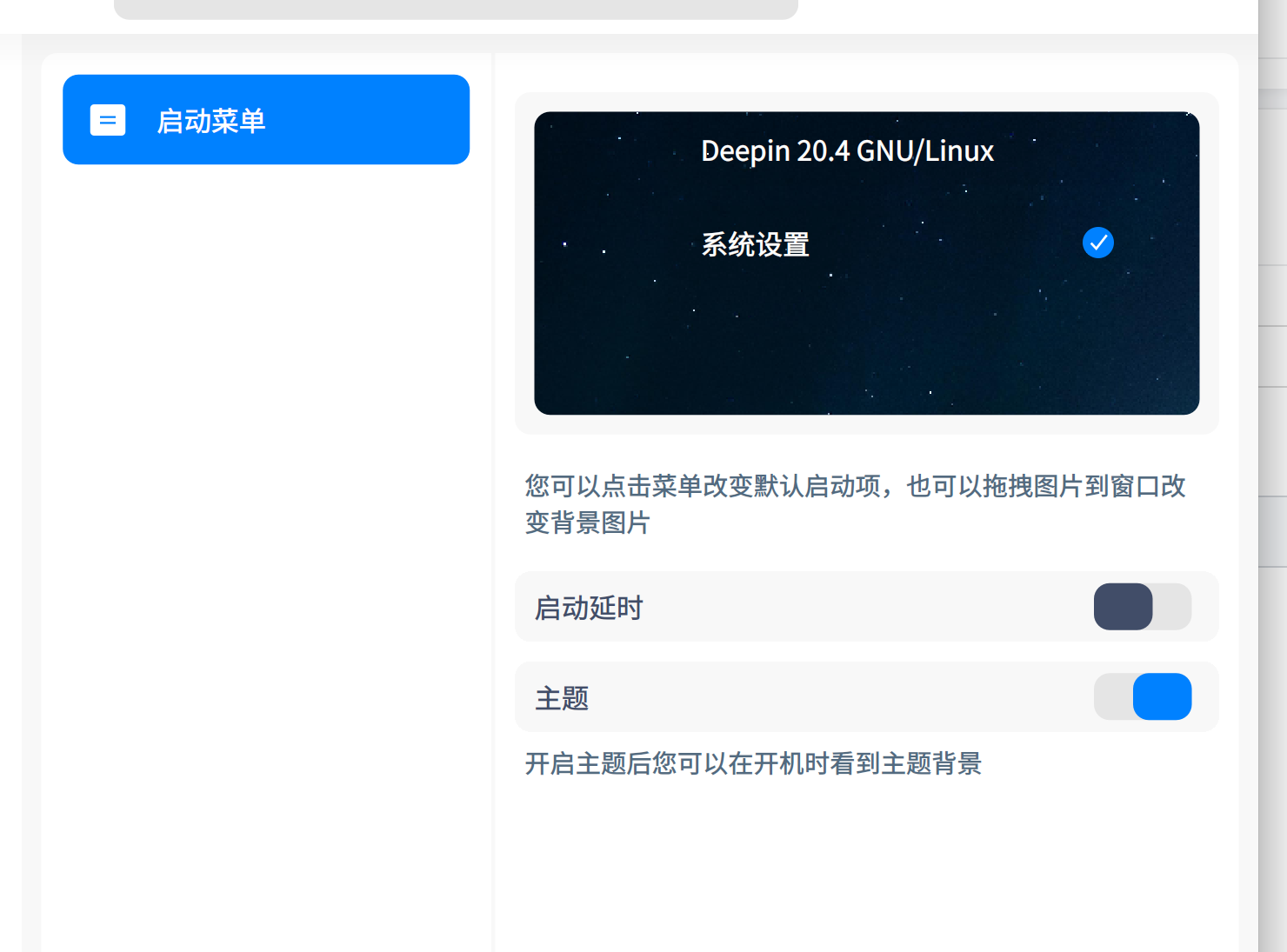

是不是安装deepin系统时把windows系统覆盖掉了,磁盘分区时需要手动分区,两个系统分别放在不同的分区下
deepin 是不是安装deepin系统时把windows系统覆盖掉了,磁盘分区时需要手动分区,两个系统分别放在不同的分区下
不是哦 win安装在固态 深度特意分区的一块空白的
deepin 不是哦 win安装在固态 深度特意分区的一块空白的
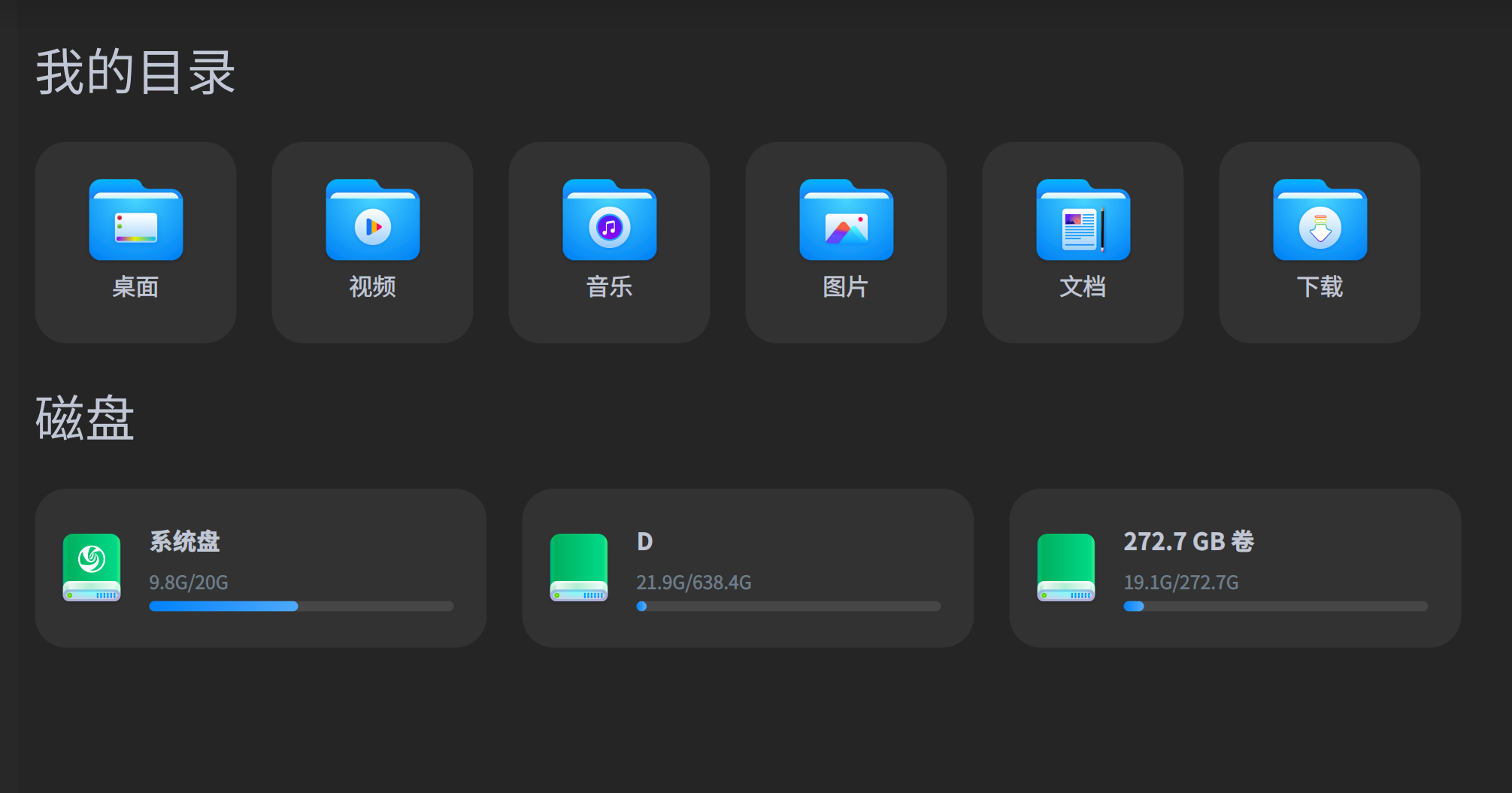
还看不到固态的磁盘

最新版本系统吗 我这边可以显示windows系统

 deepin
 在磁盘管理中看看固态盘有没有挂载上

 deepin
 不是统一引导方式不能用grub

 deepin
 sudo update-grub
还看不到固态的磁盘
我试了一下,使用下方的命令sudo update-grub,界面显示windows系统了
deepin 我试了一下,使用下方的命令sudo update-grub,界面显示windows系统了
前提得是都是uefi引导的,不然引导方式不同更新grub也没用,我第一次装就这个原因,win用的ghost安装的mbr,deepin用的uefi引导的gpt,始终看不到win,所以把win格式磁盘重新格式为gpt,uefi引导安装就好了
Popular Ranking
ChangePopular Events
More


 A bug with the language select