

 中文
中文 
Free_Aaron.Li deepin
2022-02-26 03:40 deepin 坐等小礼物
Reply Like 0 View the author
 deepin
 坐等小礼物
 deepin
 已经提交了, 希望 deepin 加油, 我比较喜欢 dde 环境 和 debian 内核, 一直在用 deepin 和 uos 家庭版
deepin 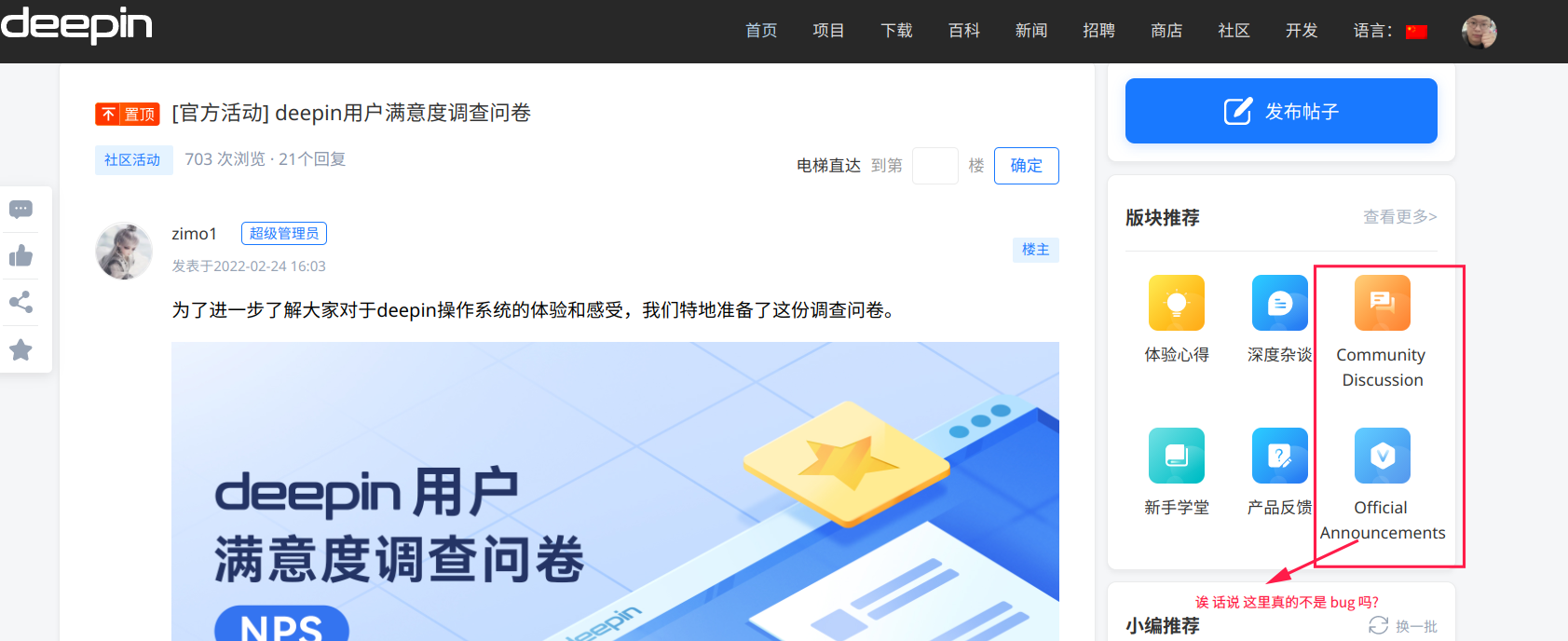
让人感到疑惑:
deepin 我表示 deepin 也想要 uos 家庭版的 语音助手 和 手机助手, 不过是登录 deepin Id 的

 deepin
 写了五六条感受吧,希望官方能一直进步
 deepin
 主要是系统安装完成了,没有对应的打驱动的工具,也没有系统优化工具,导致系统特别卡顿。安装个微信都卡半个小时,最后只能重新用回win10
 deepin
 背包 小浣熊玩偶 抱枕 U盘 鼠标垫 钥匙扣 贴纸
你猜猜是哪个
我猜是空气(bushi

 deepin
 主要是系统安装完成了,没有对应的打驱动的工具,也没有系统优化工具,导致系统特别卡顿。安装个微信都卡半个小时,最后只能重新用回win10
实体机安装通常不会卡,我电脑是2018年的配置,也不卡,怀疑是你的显卡驱动没有装好,可以安装个深度显卡管理器,切换下驱动试试
 deepin
 填了,奥利给,乌拉乌拉
deepin 
已填写,坐等小礼品!加油Deepin,中国的Linux,肯定有一天能超越美帝出品的Linux
 deepin
 认真反馈,祝愿deepin越来越好,让更多的人用起来!!!!!!✊
 deepin
 多年老用户,到20后升级4次,挂了3次,一次通过论坛解决,一次重装,这是第三次,真的爱不下去了。

 deepin
 认真填了,坐等小礼品😁
 deepin
 小孩子才猜来猜去,我选择都要有
我猜很可能是壁纸,或者系统主题!
 deepin
 建议以后做得简洁一点。如果我是普通用户不会有那么多耐心去填写繁琐的问卷,尤其是使用星星
评分那里没必要一分一分如此细化
deepin 应用商店的copyq是老版本,只有英文,并且不能粘贴图片。麻烦维护下
使用命令安装的是最新的:sudo apt-get install copyq
Popular Ranking
ChangePopular Events
More


 A bug with the language select
为了进一步了解大家对于deepin操作系统的体验和感受,我们特地准备了这份调查问卷。
问卷内容涉及日常使用、桌面环境、体验评价等多个方面,一切只为了倾听大家最真实的声音,让deepin变得更好!
调查问卷填写
问卷时间
2022.02.24 - 2022.03.06
特别礼物
对于优质填写调查问卷的用户,我们为你准备了一份精美礼包。
感谢大家的积极参与!