

 中文
中文 
Alex deepin
2022-01-19 21:19 deepin 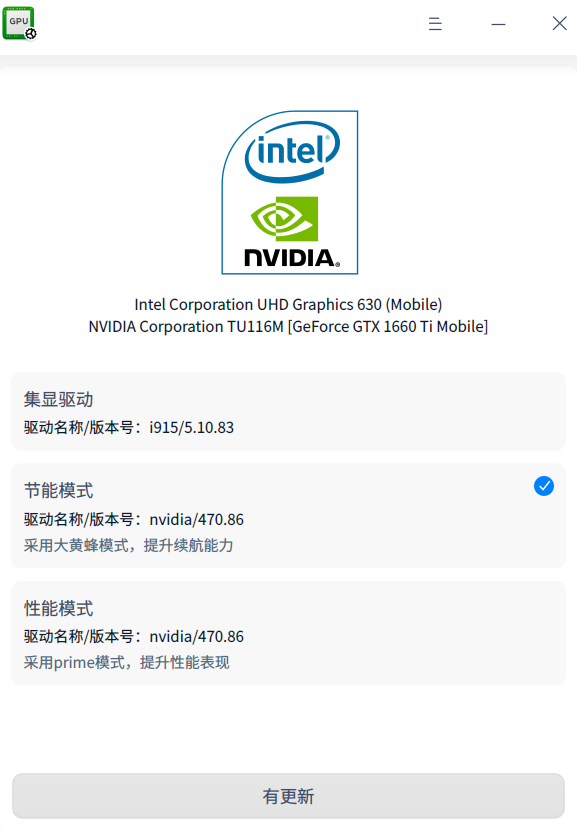
Reply Like 0 View the author
deepin
deepin 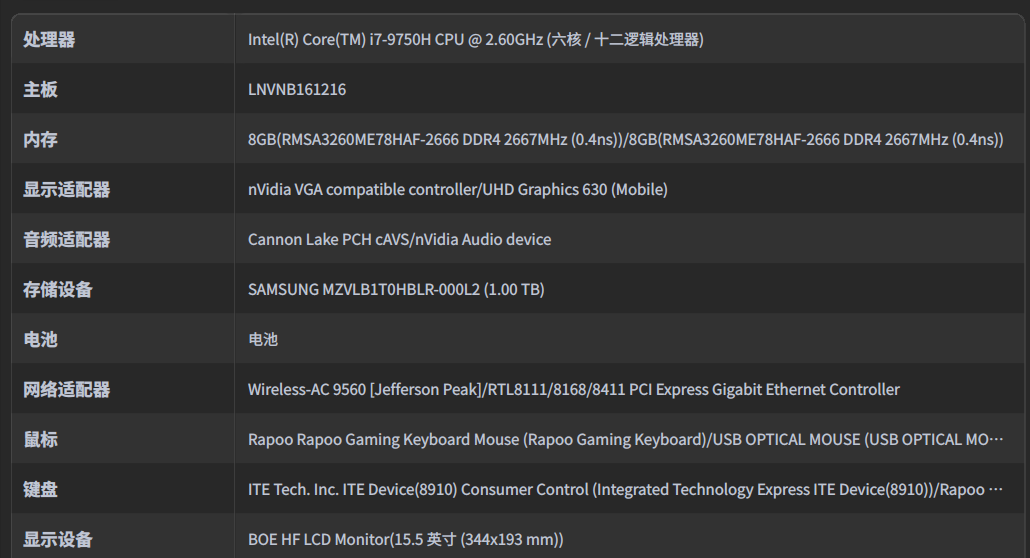

 deepin
 我曾经尝试过几次切换,后来我就放弃了。
可以用星火商店一个任务栏切换显卡的插件
deepin 我曾经尝试过几次切换,后来我就放弃了。
可以用星火商店一个任务栏切换显卡的插件
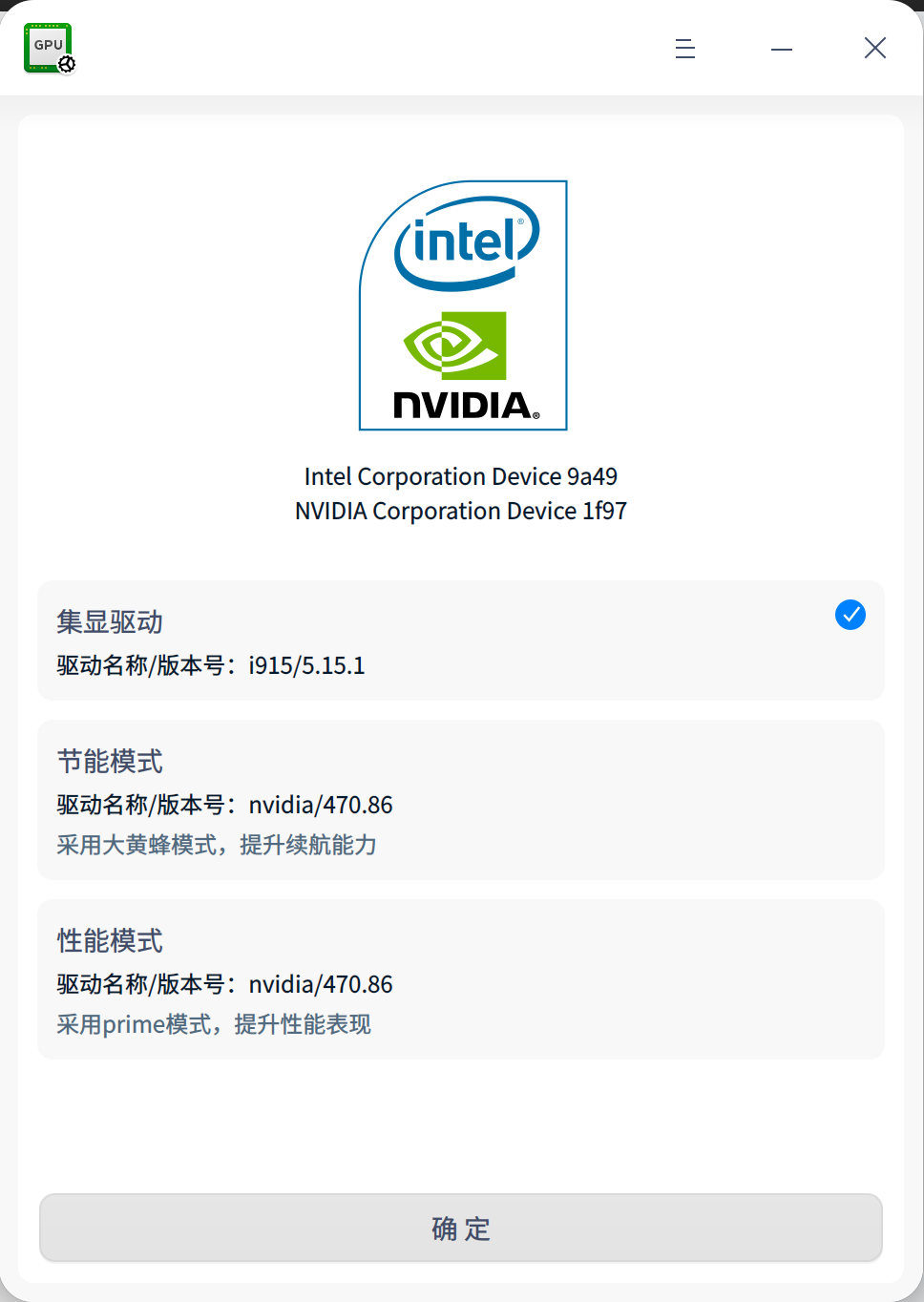
已经安装了不行,切换的时候提示找不到nvidia闭源驱动
deepin 俺也一样

 deepin
 俺也一样
先用这两行命令安装显卡驱动
sudo apt-get install -y nvidia-detect
nvidia-detect | awk 'match($0, /nvidia-.*/, a) {print a[0]}' | xargs sudo apt-get -y install
然后再用那个星火商店的切换插件切换
deepin 先用这两行命令安装显卡驱动
sudo apt-get install -y nvidia-detect
nvidia-detect | awk 'match($0, /nvidia-.*/, a) {print a[0]}' | xargs sudo apt-get -y install
然后再用那个星火商店的切换插件切换
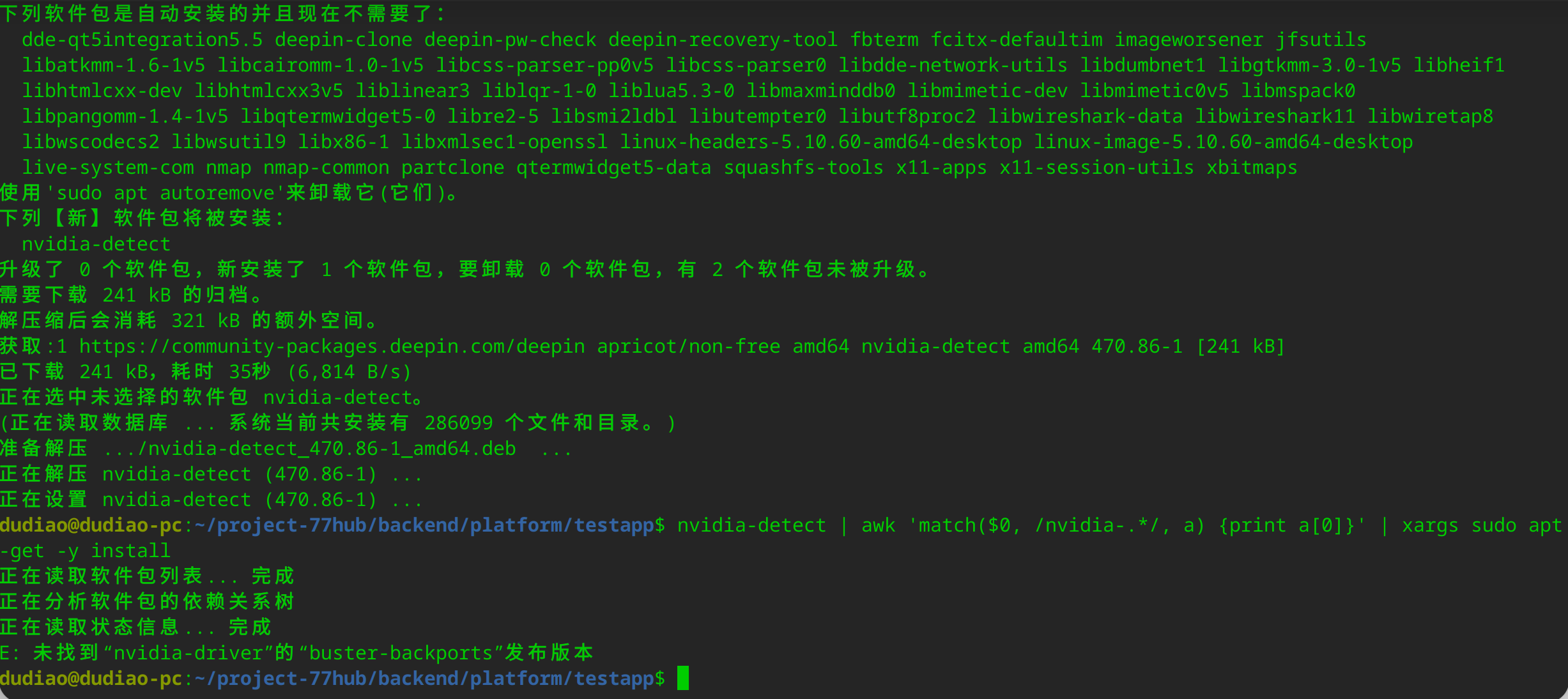
deepin
nvidia-detect 看一下输出什么?
直接 sudo apt-get install nvidia-driver 试试
deepin nvidia-detect 看一下输出什么?
直接 sudo apt-get install nvidia-driver 试试
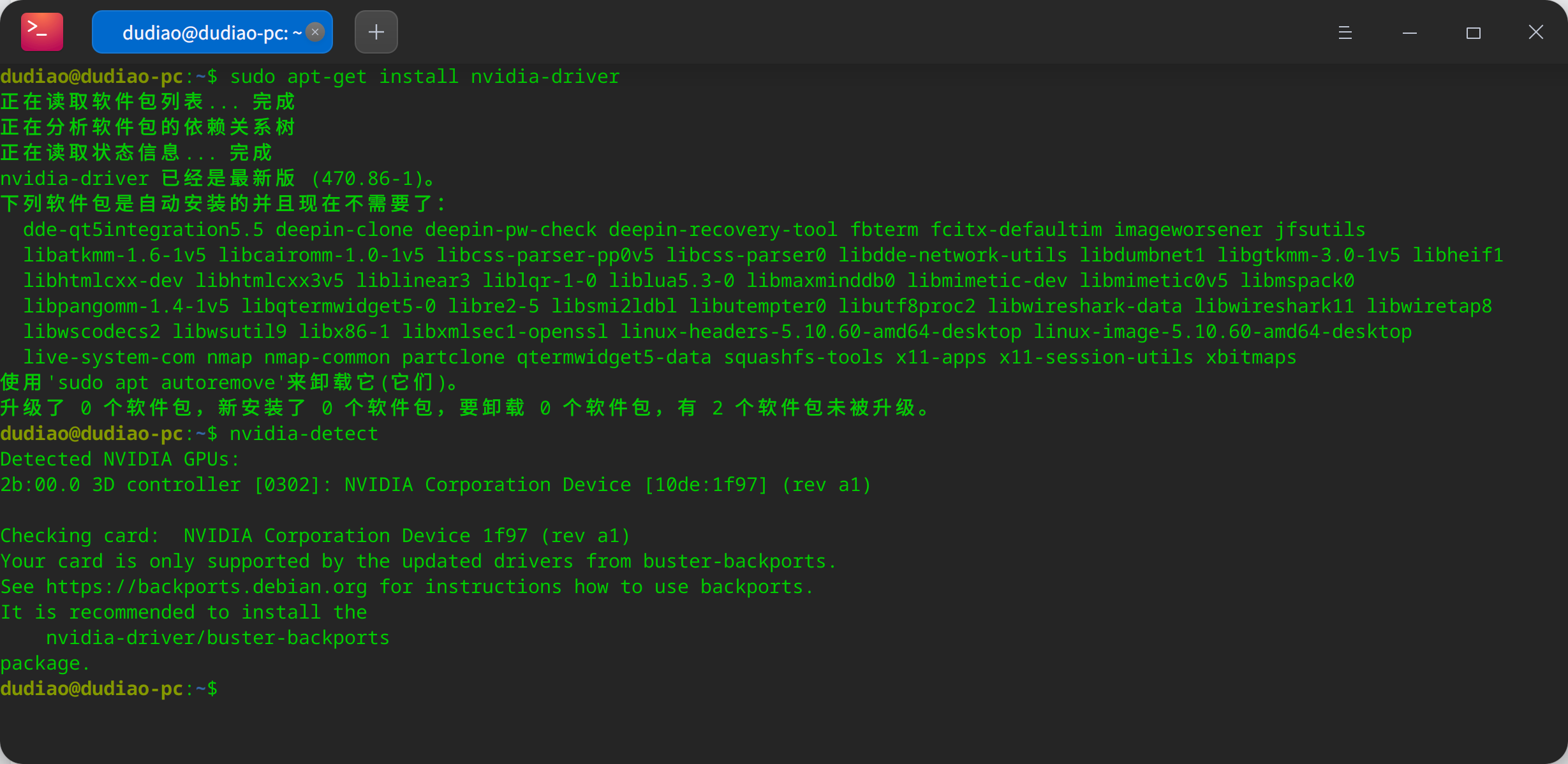
deepin 再切换,还是一样的,不行。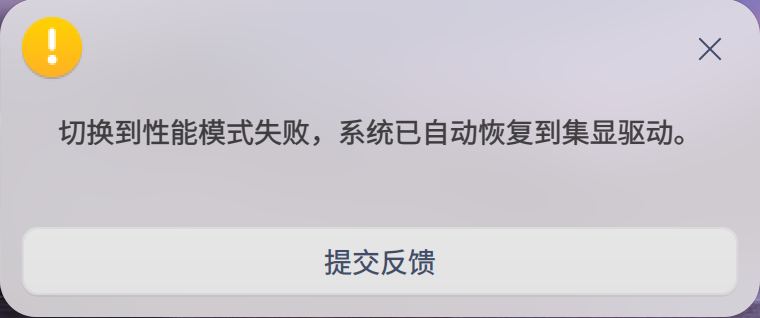
 deepin
 我重装了下系统 安装时未选择安装nvidia闭源驱动 系统安装成功后下载 显卡驱动管理器切换 一直失败


用户反馈
问题/建议描述
问题如何重现
使用显卡驱动管理器由节能模式切换到其他模式都失败