[Dock] 任务栏显示的是系统默认的图标
Tofloor
poster avatar
落魄魂师
deepin
2022-01-12 21:46
Author

任务栏显示的是这种默认图标要怎么解决?

Reply Favorite View the author
All Replies
deepin_z
deepin
2022-01-12 22:11
#1

注销或重启试试看

Reply View the author
落魄魂师
deepin
2022-01-12 22:21
#2
deepin_z

注销或重启试试看

试过了,不行

Reply View the author
liwl
deepin
2022-01-12 22:21
#3

这个是什么应用的图标?

Reply View the author
vivian_me
deepin testing team
2022-01-12 22:52
#4

我以前也遇到过 重启可以的啊

Reply View the author
落魄魂师
deepin
2022-01-12 23:57
#5
liwl

这个是什么应用的图标?

是我自己安装的一个程序😂

Reply View the author
liwl
deepin
2022-01-12 23:59
#6
落魄魂师

是我自己安装的一个程序😂

那可能就是没有icon导致的,可以在desktop手动指定

Reply View the author
落魄魂师
deepin
2022-01-12 23:59
#7
vivian_me

我以前也遇到过 重启可以的啊

有些重启可以

Reply View the author
vivian_me
deepin testing team
2022-01-13 00:07
#8
落魄魂师

有些重启可以

😂

Reply View the author
lcw0268
deepin
2022-01-13 04:04
#9
It has been deleted!
落魄魂师
deepin
2022-01-13 17:30
#10
liwl

那可能就是没有icon导致的,可以在desktop手动指定

之前也指定了,没用的!

Reply View the author
msan
deepin
2022-01-14 07:31
#11

是哪个应用的deb的还是appimage的

Reply View the author
落魄魂师
deepin
2022-01-14 23:27
#12
msan

是哪个应用的deb的还是appimage的

appimage,但是我是创建desktop文件打开的

Reply View the author
msan
deepin
2022-01-17 23:50
#13
落魄魂师

appimage,但是我是创建desktop文件打开的

试试这样0b14b6ab246e9db20a75e6ee8a15c59.jpg

Reply View the author
落魄魂师
deepin
2022-01-19 01:55
#14
It has been deleted!
落魄魂师
deepin
2022-01-19 01:58
#15
msan

试试这样0b14b6ab246e9db20a75e6ee8a15c59.jpg

完美解决,图标出来了,thank you!

Reply View the author
落魄魂师
deepin
2022-01-19 02:01
#16
msan

试试这样0b14b6ab246e9db20a75e6ee8a15c59.jpg

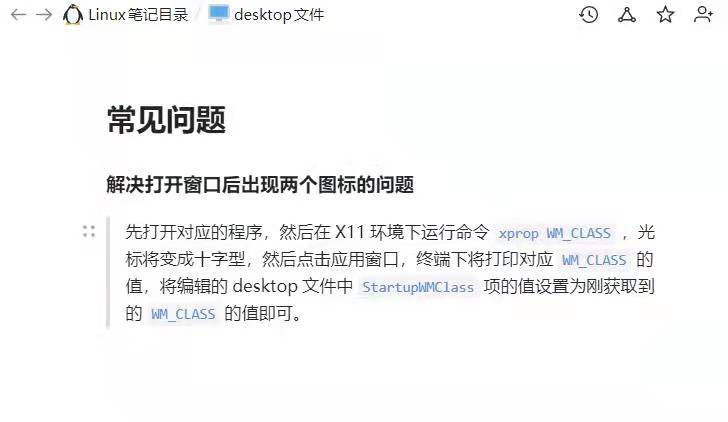
还有一种方式,直接去掉StartupWMClass 这个配置就可以了😂

Reply View the author