

 中文
中文 
deepin-superuser deepin
2021-12-14 19:08 deepin 大兄弟,Linux下还是习惯下吧
Reply Like 0 View the author
 deepin
 大兄弟,Linux下还是习惯下吧

 deepin
 赞成,挂载外接磁盘,应该有个标识。比如我一个移动硬盘上面有四个分区,可是里面是啥也看不出来
 deepin
 大兄弟,Linux下还是习惯下吧
年纪大了
,几个盘都是设置的200G
分不清那是哪
deepin 年纪大了
,几个盘都是设置的200G
分不清那是哪
不过文件管理器自定义别名确实是个好建议
 deepin
 文管的磁盘不是已经可以定义别名了吗

 deepin
 e2label?
 deepin
deepin
双系统在win下重命名
单系统去pe重命名
 deepin
 文管里直接右键重命名
deepin 文管里直接右键重命名
deepin 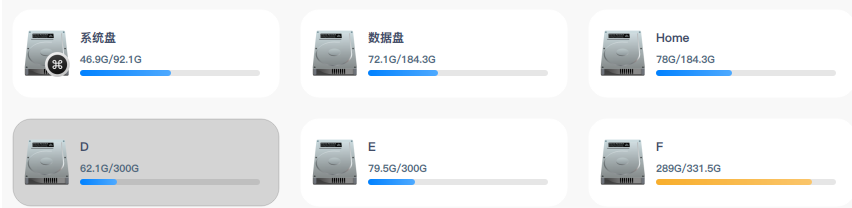
 deepin
 ext4分区直接点右键——重命名
NTFS分区,使用ntfslabel命令修改,先umount要修改的分区
sudo umount /dev/sda6
再修改名称
sudo ntfslabel /dev/sda6 D
deepin 文管里直接右键重命名
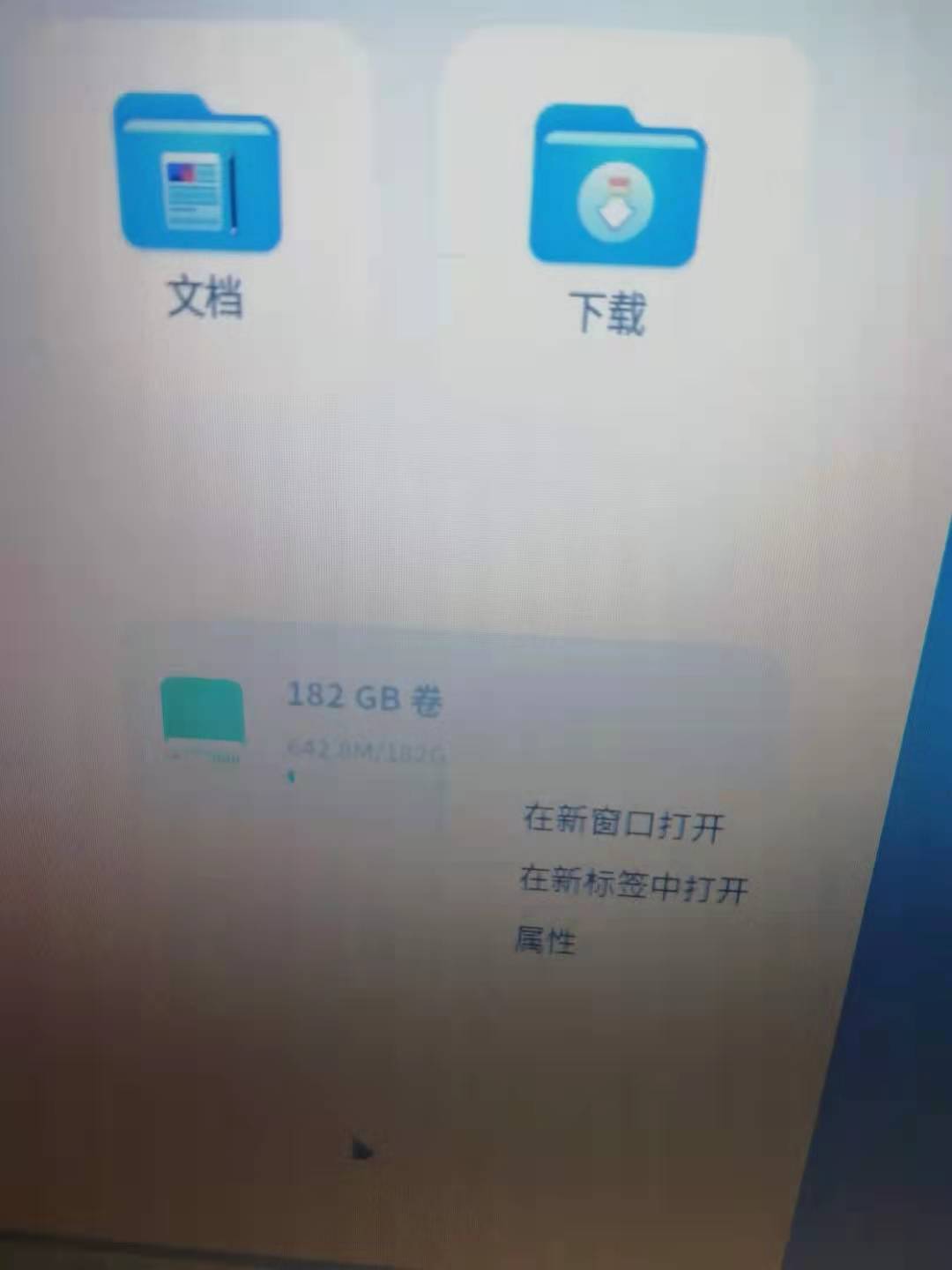
 deepin
又是一个deepin的奇葩设计(bug?)

你把分区卸载了以后就可以右键改名了,但是deepin的文件管理器磁盘挂载以后就找不到卸载的入口。
办法是你可以用磁盘管理器卸载分区,也可以在文管设置里面取消勾选“自动挂载”然后重启
deepin 又是一个deepin的奇葩设计(bug?)
你把分区卸载了以后就可以右键改名了,但是deepin的文件管理器磁盘挂载以后就找不到卸载的入口。
办法是你可以用磁盘管理器卸载分区,也可以在文管设置里面取消勾选“自动挂载”然后重启
按你说的取消挂载,重启后果然可以重新命名了,谢谢
Popular Ranking
ChangePopular Events
More


 Fantastic experience on Deepin
文件管理器不显示CDEF盘,
全是120GB卷,180GB卷这样的名字
好不舒服
啥时候能自己改名