

 中文
中文 
HualetWang deepin
2021-12-12 20:31 deepin 这个工具看到的情况并不完全准确,但是能看到一些不应该启动或者时机、依赖的问题,我们看是否有优化空间。
Reply Like 0 View the author
 deepin
 这个工具看到的情况并不完全准确,但是能看到一些不应该启动或者时机、依赖的问题,我们看是否有优化空间。

 deepin
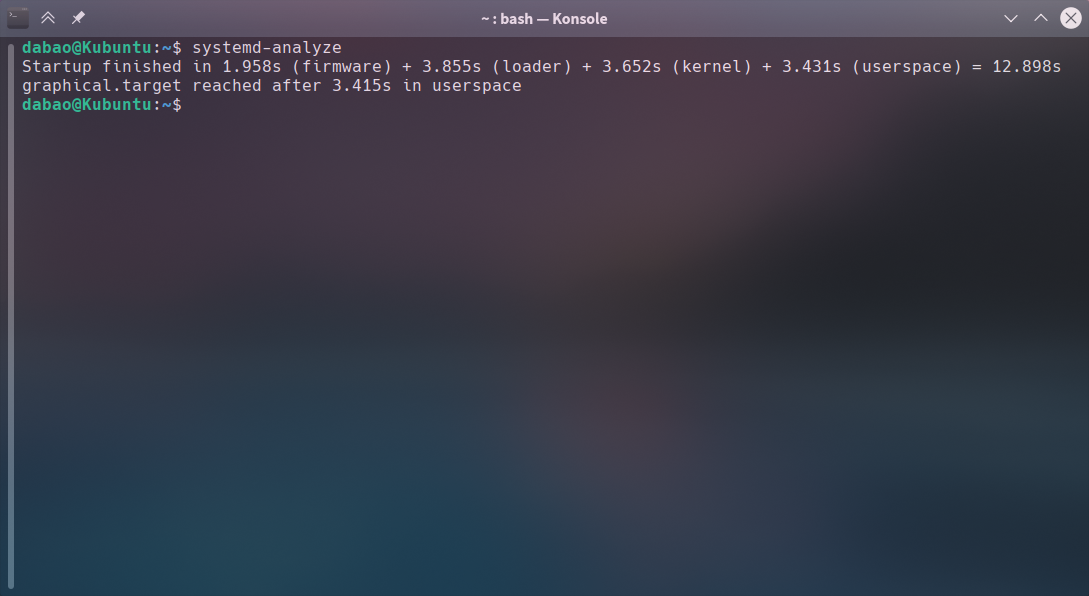
 优化了一下,缩短到15秒内,已经很满意了(因为还要使用 VBOX,否则还可以向10秒再争取争取)


 deepin
 优化了一下,缩短到15秒内,已经很满意了(因为还要使用 VBOX,否则还可以向10秒再争取争取)
firmware 怎么优化的啊?
deepin 优化了一下,缩短到15秒内,已经很满意了(因为还要使用 VBOX,否则还可以向10秒再争取争取)

拜托看看,我的机械硬盘咋优化
1min 3.092s apt-daily-upgrade.service
 deepin
 可以试一下sudo systemctl disable NetworkManager-wait-online.service
deepin 优化了一下,缩短到15秒内,已经很满意了(因为还要使用 VBOX,否则还可以向10秒再争取争取)
nsz@nsz:~$ systemd-analyze blame
30.020s NetworkManager-wait-online.service
6.949s apt-daily-upgrade.service
deepin 试试修改 /etc/systemd/system.conf 文件,把其中的
#DefaultTimeoutStartSec=90s
#DefaultTimeoutStopSec=90s
修改为
DefaultTimeoutStartSec=5s
DefaultTimeoutStopSec=3s
至于 NetworkManager-wait-online.service,得看你的网络使用情况。
我的电脑用不了网线,使用 Wifi,禁用了它也没见什么影响。
此外,可以检查看看有没有额外的旧内核,可以把它们删掉,也能起到加速的效果。
deepin man-db.service怎么优化
Popular Ranking
ChangePopular Events
More


 Fantastic experience on Deepin
不记得从什么时候开始,机械硬盘系统启动时长进入2分钟的级别了!
查看启动进程时长:systemd-analyze blame
48秒,apt-daily.service
必须关闭系统更新的清理软件包缓存,然后
sudo systemctl disable apt-daily.service
然而,下下次启动,又有了!
42秒,man-db.service
不知道是什么,不知道能不能关闭。