

 中文
中文 
feiniao-baby deepin
2021-10-20 18:30 deepin 哎,帖子里的图片去哪里了。。。。
Reply Like 1 View the author
deepin 哎,帖子里的图片去哪里了。。。。
 deepin
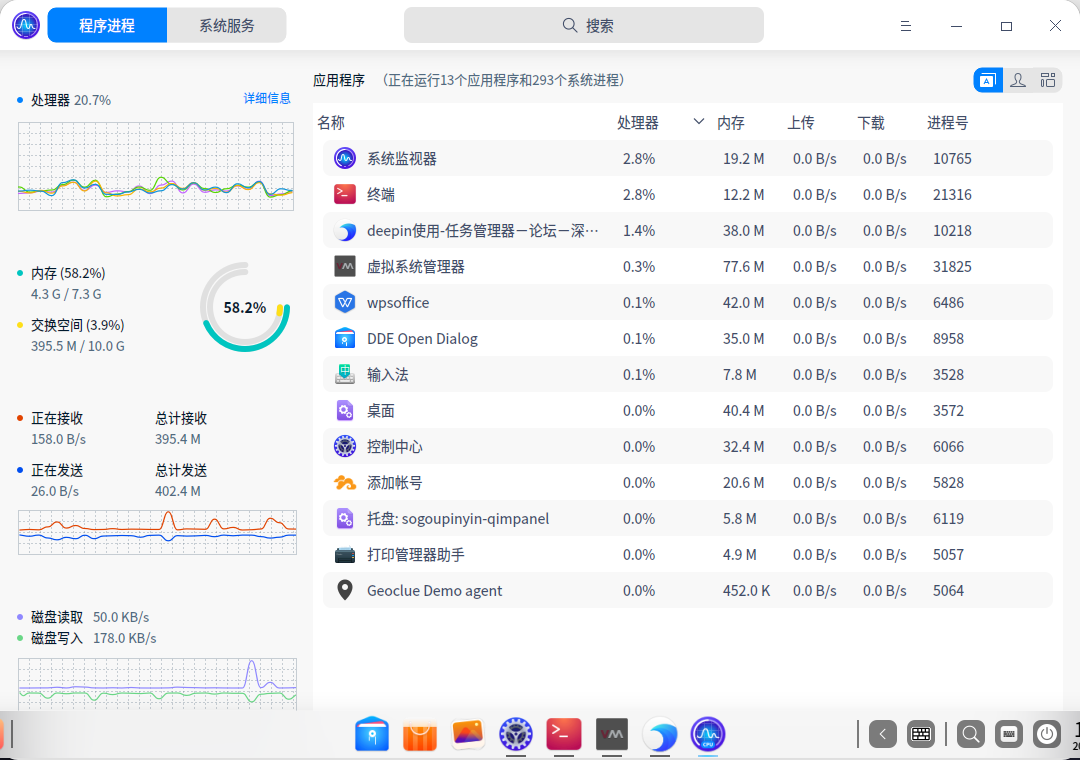
 高手就是不一样,像我们直接在启动器搜“系统监视器”就打开了。

 deepin
 系统监视器挺好用。就是每次打开,第一次都闪退,第二次或第三次可以正常打开。你们那里是不是这样?
deepin 系统监视器挺好用。就是每次打开,第一次都闪退,第二次或第三次可以正常打开。你们那里是不是这样?
没有遇到过闪退,可以用命令行打开该工具,如果闪退了会在命令行打印日志。

 deepin
 那个,你可以试试 ctrl+alt+esc,效果一样的
deepin 高手就是不一样,像我们直接在启动器搜“系统监视器”就打开了。
谢谢,不太会用。学习中
Popular Events
More

 Jp106 keyboard layout issue of use fcitx5-mozc
用惯了windows 当然想看看任务管理器
命令行输入 deepin-system-monitor
哇,惊艳!