

 中文
中文 
xiaodonggu deepin
2021-09-12 17:34 deepin 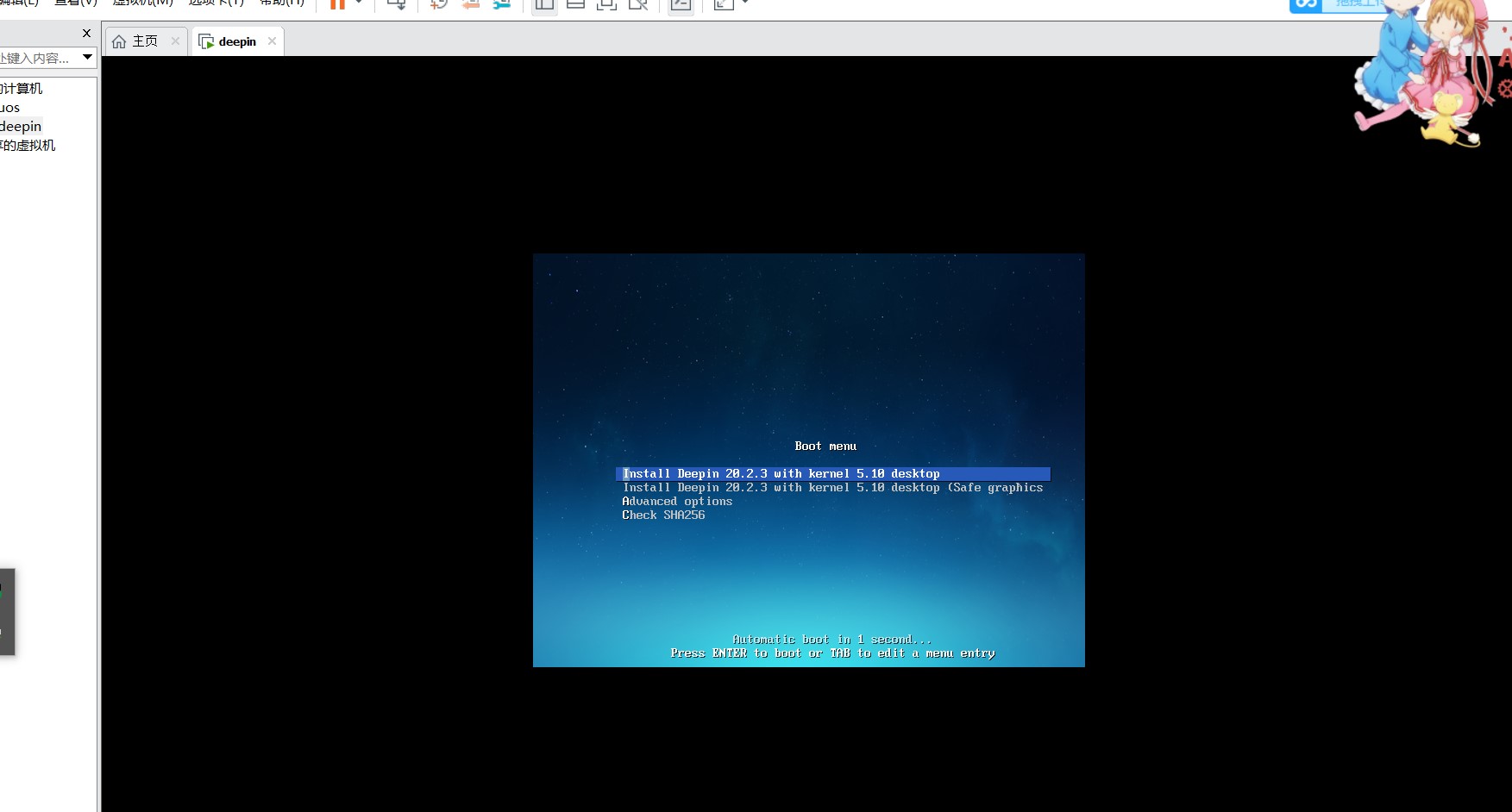
Reply Like 0 View the author
 deepin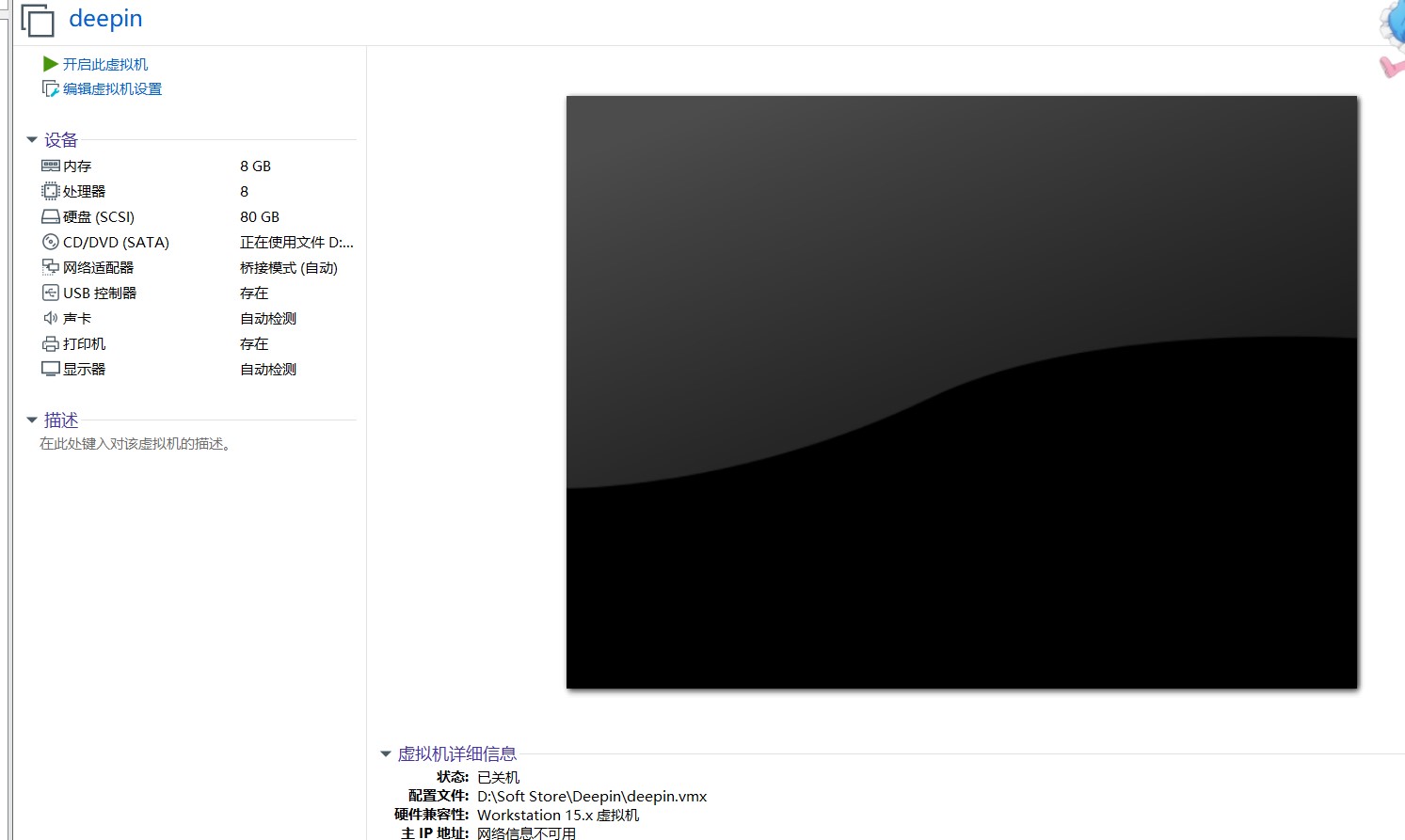
deepin
deepin
老是在这个页面,有声音,就是不安装

 deepin
 老是在这个页面,有声音,就是不安装
不妨启用虚拟机的UEFI模式。注意,这只适用没装系统的虚拟机,因为Legacy BIOS与UEFI是不同的引导方式。

deepin 不妨启用虚拟机的UEFI模式。注意,这只适用没装系统的虚拟机,因为Legacy BIOS与UEFI是不同的引导方式。
嗯嗯,好的。我去试一下
deepin deepin deepin 新状况。唉,之前装15版本都没有这么多状况
deepin 新状况。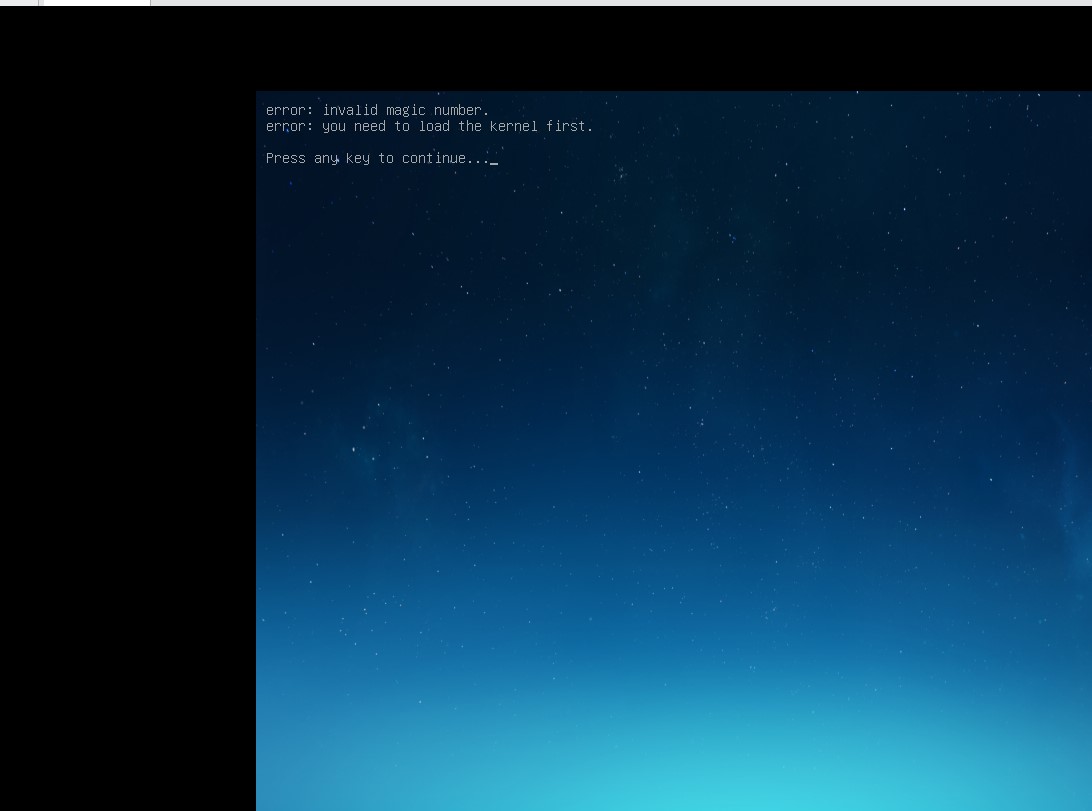
deepin 我这里没有问题,是从清华源下载来的镜像。
https://mirrors.tuna.tsinghua.edu.cn/deepin-cd/20.2.3/deepin-desktop-community-20.2.3-amd64.iso
猜测可能是光盘文件损坏了,校验一下它的SHA256吧
$ sha256sum deepin-desktop-community-20.2.3-amd64.iso
00137643513a121f8ae17f68fa4b4d558ab51809fc9a573429ee56ddbc4f542c deepin-desktop-community-20.2.3-amd64.iso我这里没有问题,是从清华源下载来的镜像。
https://mirrors.tuna.tsinghua.edu.cn/deepin-cd/20.2.3/deepin-desktop-community-20.2.3-amd64.iso
猜测可能是光盘文件损坏了,校验一下它的SHA256吧
$ sha256sum deepin-desktop-community-20.2.3-amd64.iso
00137643513a121f8ae17f68fa4b4d558ab51809fc9a573429ee56ddbc4f542c  deepin-desktop-community-20.2.3-amd64.iso
嗯嗯,我猜测也是,我重新下一个镜像文件吧
Popular Events
More


 The settings menu needs to be translated into Russian.