

 中文
中文 
sammy-621 deepin
2021-08-15 19:18 deepin wps的bug,当前不影响使用。等其后续的升级
Reply Like 1 View the author
 deepin
 wps的bug,当前不影响使用。等其后续的升级

 deepin
 我这边新版本还卡的很,卸载装libreoffice了
 deepin
 我这边新版本还卡的很,卸载装libreoffice了
什么配置?新版我这里不卡。不过第一次开启也会显示不对称。

 deepin
 我这边新版本还卡的很,卸载装libreoffice了
我也不卡,就显示了一把不对称之外,其他挺ok
deepin 我十年老机,之前不卡。新版的打开时就卡,打字的时候还一顿一顿的。libreoffice还挺流畅

 deepin
 一台笔记本出现楼主一样的问题,台式机没有这个问题

 deepin
 一台笔记本出现楼主一样的问题,台式机没有这个问题
我的台式机也出现这个提示,而且是最新版本的WPS了。
deepin 我的台式机也出现这个提示,而且是最新版本的WPS了。
实际使用上还没发现什么问题

 deepin
 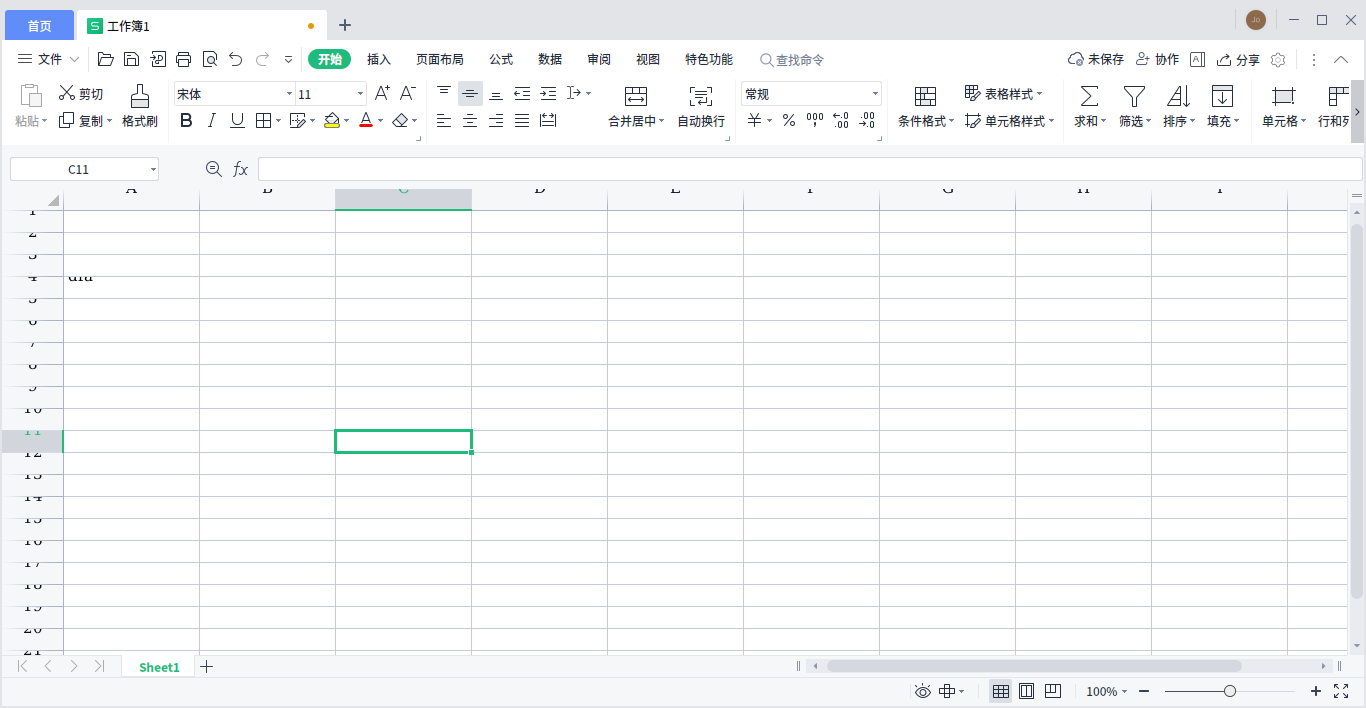 显示DPI不对称,影响实际使用😭
 deepin
 显示DPI不对称,影响实际使用😭
查了下发现是字体问题,把win的windows/fonts 下的字体复制到 /usr/share/fonts/wps-office/就可以了
deepin 查了下发现是字体问题,把win的windows/fonts 下的字体复制到 /usr/share/fonts/wps-office/就可以了
有用,谢谢
Popular Events
More


 The settings menu needs to be translated into Russian.
今天升级系统(也升级了wps)后,打开wps提示