

 中文
中文 
liwl deepin
2021-08-13 17:12 deepin 不同屏幕缩放,这个也算是很多坛友的刚需了,也有坛友分析了,好像做不到。
Reply Like 0 View the author
 deepin
 不同屏幕缩放,这个也算是很多坛友的刚需了,也有坛友分析了,好像做不到。

 deepin
 这个技术上好像实现不了

 deepin
 短期内无解,建议换掉外接显示器或者换掉系统
 deepin
 这个技术上好像实现不了

 deepin
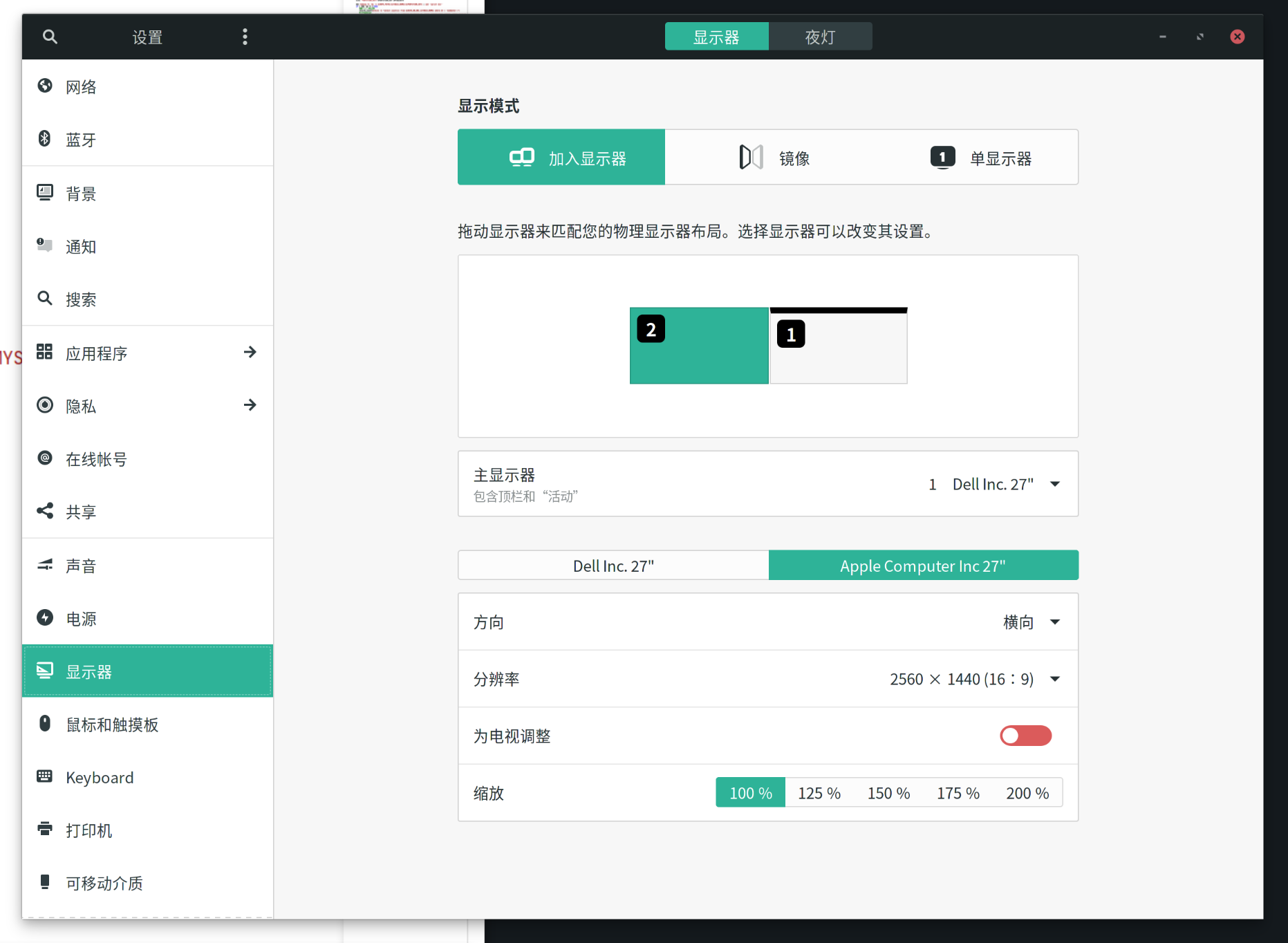
 manjaro支持的就挺完美的。
deepin 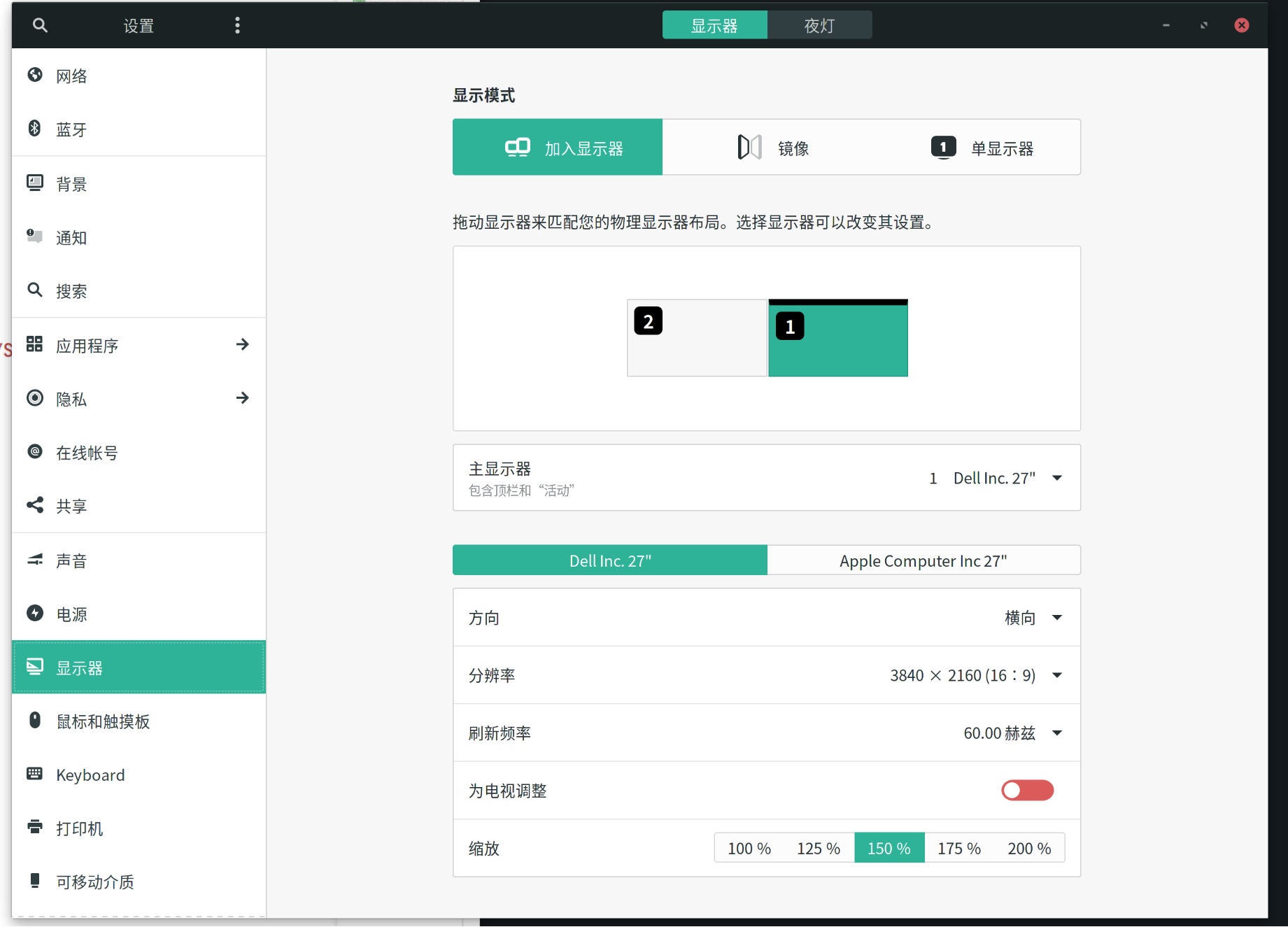
deepin 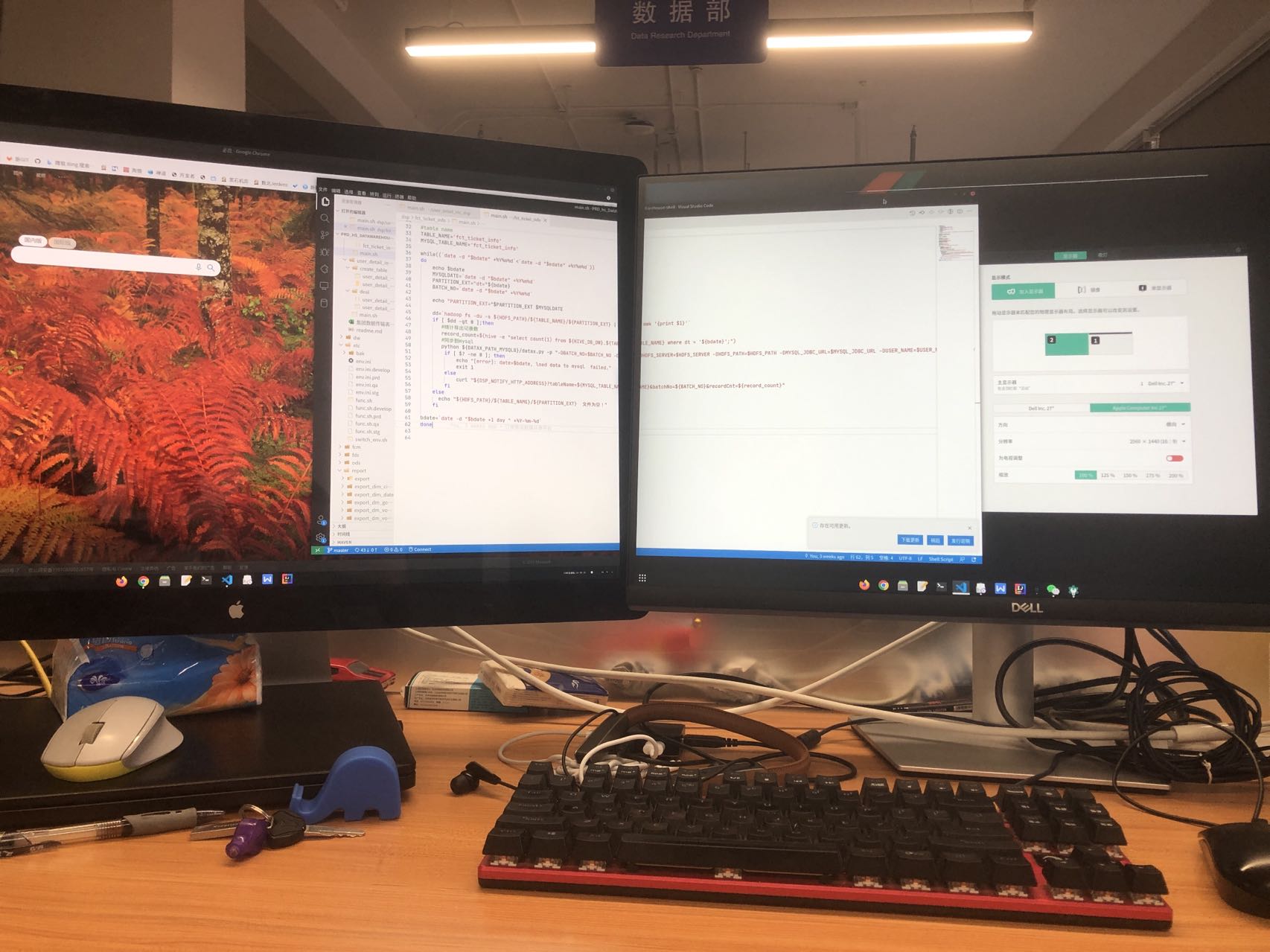
 deepin
 刚试了下成功了,内置屏幕是2k的,外置一个1080p屏幕;用的就是上面有人提到的downscaling,相当于给外屏渲染个2x高分,然后降采样下来
这里面有个坑:输出的两个屏幕区域会重叠,这时候打开 “deepin设置里的显示” 就可以了!它会自动帮你调整!
然而现在的deepin团队并不会完善这个方案了,希望能尽快切换到wayland
参考链接:
P.S. 那么我为什么不用gnome wayland呢?因为很多xwayland window会出现模糊的问题,它背后的机制也是scaling,但这个bug还没在mutter和gnome-shell里修好
P.P.S 还是算了,鼠标指针不知道为什么一直在闪……
deepin
请问你是什么桌面环境?我用的kde,缩放不太行,一边正常,一边是放大过的
Popular Events
More


 The settings menu needs to be translated into Russian.
主屏和副屏大小不一样,主屏缩放1.5倍,副屏想缩放2倍,如何才能做到呢?
设置里好像不能单独设置。
副屏分辨率虽然可以调整,但使用低分辨率后显示效果很差劲,字体都是模糊的。