

 中文
中文 

kitefly deepin
2021-08-05 17:07 deepin Go to the following website
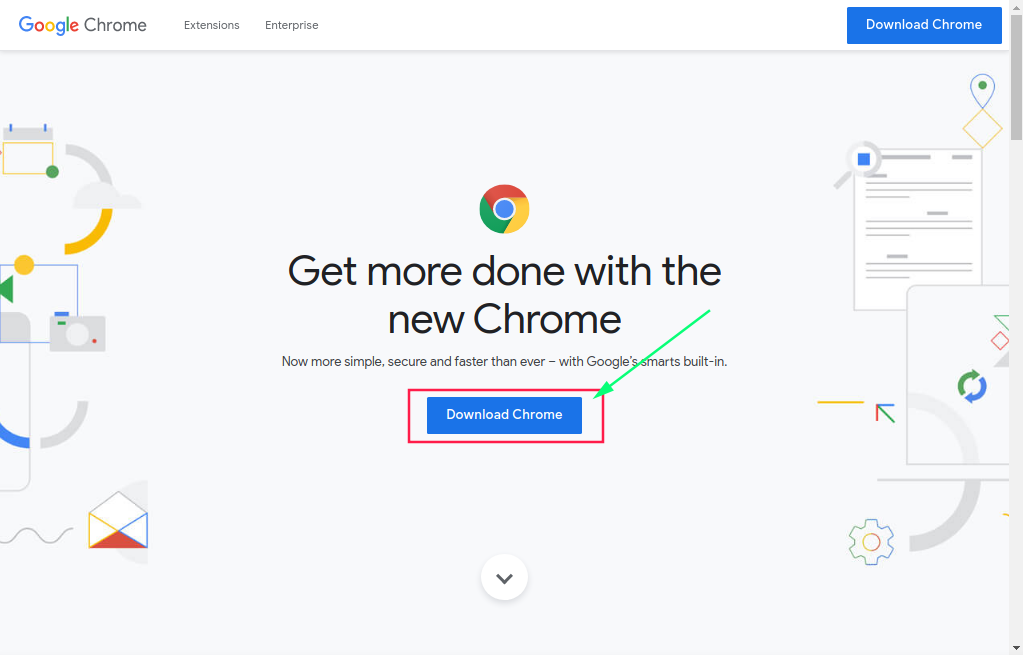
https://www.google.cn/chrome/index.html
Click to download Chrome:
Item 64 bit .deb (For Debian/Ubuntu)
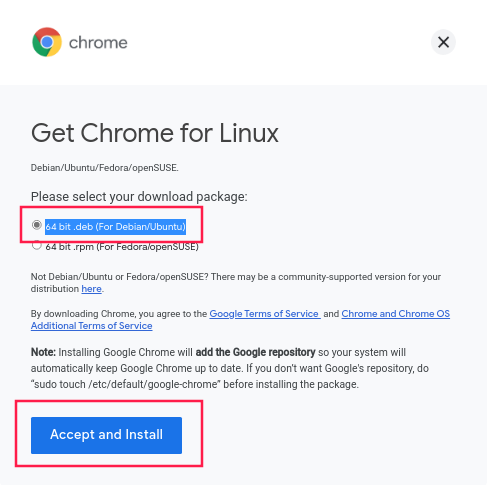
Accept and install
At this time, your browser downloader has helped you download
Then open the download directory, find the. DEB package you just downloaded, double-click it, a window will pop up, click Install, wait for a while, and then finish.
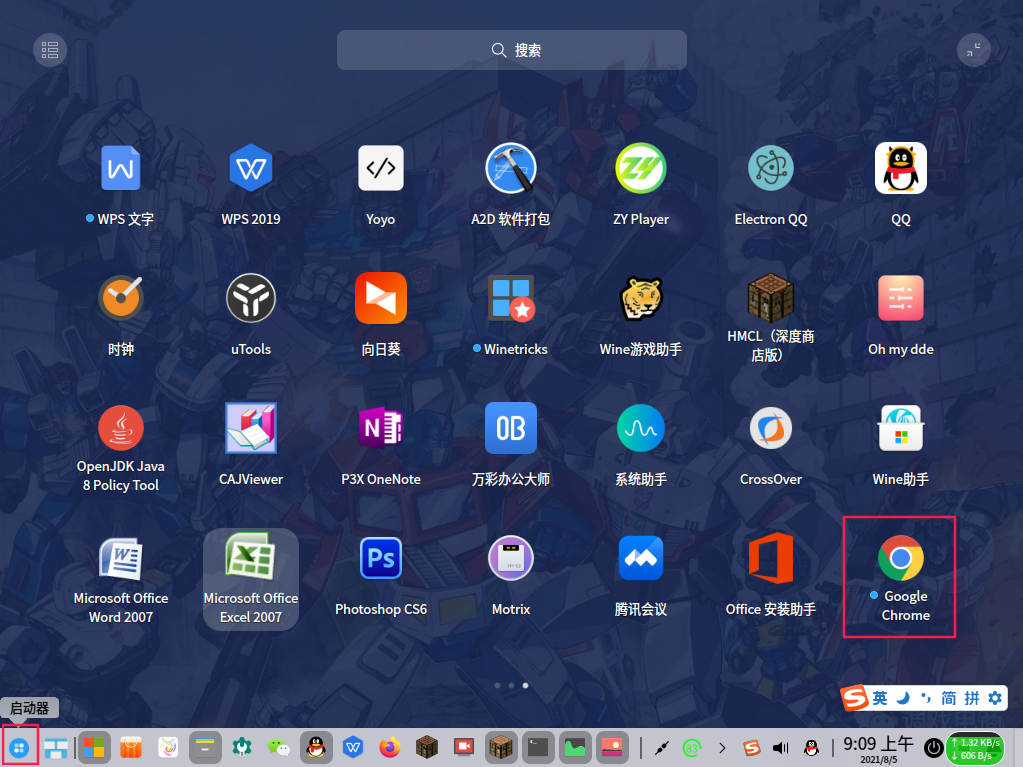
You can see chrome in the launcher
Have a good time!
Reply Like 1 View the author


 The settings menu needs to be translated into Russian.


Can some one help me pleas. How do i get Chrome installed on deepin 20.2.2