无法添加引导
Tofloor
poster avatar
kxh
deepin
2020-05-02 20:23
Author
win10+deepin
deepin的引导里面没有windows 的启动选项

用自带的引导修复没有效果
update-grub没有没用

只能开机的时候按f12选择进入windows,在windows下用easybcd添加启动项开机还是deepin的选择界面,没有windows的

进pe修复引导也没用

大佬们有办法吗?我太难了


Reply Favorite View the author
All Replies
avatar
MeowVing
deepin
2020-05-02 20:44
#1
进pe修复引导当然没用,这是grub又不是Windows boot manager。。。
要不重装grub试试:
打开终端:
sudo apt-get purge grub-pc                    #卸载原有的grub
安装新的grub:
sudo apt-get install grub-pc
sudo grub-mkconfig
sudo grub-install /dev/sda                    #据自身情况更改
sudo update-grub                    #更新grub,完成
Reply View the author
avatar
angie
deepin
2020-05-02 21:00
#2
看看这个对你有没有用.
https://jingyan.baidu.com/article/851fbc37b23c333e1f15ab09.html
Reply View the author
avatar
yanfung
deepin
2020-05-02 21:34
#3
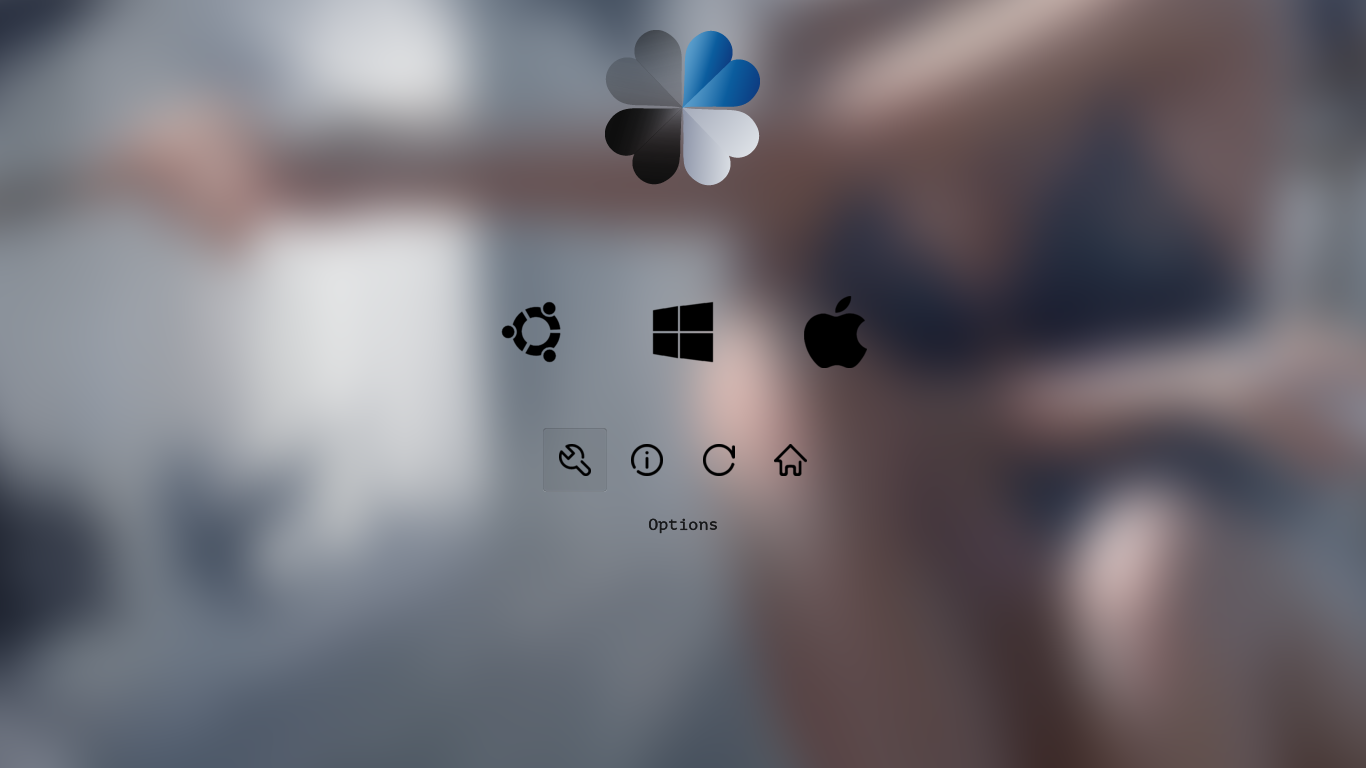
使用clover吧,好看又好用
Reply View the author
avatar
ShineWay
deepin
2020-05-02 21:49
#4
使用dism++修复引导试试
https://www.chuyu.me/zh-Hans/
Reply View the author
avatar
deepin
2020-05-03 01:35
#5
可以手动添加到boot/grub/grub.cfg:
menuentry "Windows" {
        search --no-floppy --set --file /efi/Microsoft/Boot/bootmgfw.efi
        chainloader /efi/Microsoft/Boot/bootmgfw.efi
}
我前阵子刚为本科学校的社团制作了一个Win10和Deepin二合一的UEFI启动PE,用的就是类似的方式。
Reply View the author
avatar
alanjames
deepin
2021-04-27 19:18
#6
yanfung
使用clover吧,好看又好用

和我一样!多系统!

Reply View the author