终端助手是一个运行在 Bash 终端内的命令速查工具。按 Ctrl+O 弹出一个搜索面板,输入关键词即可从 192 条精选 Linux 命令中快速找到你需要的。选中后自动填入当前命令行,按 Enter 执行。
Ctrl+O
不需要离开终端窗口,不需要记忆复杂参数,不需要打开浏览器查命令。
cp -r <源> <目标>
sed -i 's/old/new/g' <文件>
.bashrc
curl -fsSL https://gitee.com/zhazhahuihuihui/terminal-assistant/main/install.sh | bash
# 1. 克隆仓库
git clone https://gitee.com/zhazhahuihuihui/terminal-assistant.git
cd terminal-assistant

# 2. 运行安装脚本
chmod +x install.sh
./install.sh

# 3. 立即生效
source ~/.bashrc
# Ubuntu / Debian
sudo apt install fzf

# 或从源码安装
git clone --depth 1 https://github.com/junegunn/fzf.git ~/.fzf
~/.fzf/install --bin
1. 打开终端
2. 按 Ctrl+O       → 弹出命令搜索面板
3. 输入关键词       → 实时过滤(如输入 "git" 只看 Git 命令)
4. ↑↓ 方向键       → 选择命令
5. Enter            → 命令填入当前命令行
6. 再按 Enter       → 执行命令
Featured Collection
Popular Events


 中文
中文 

 deepin deepin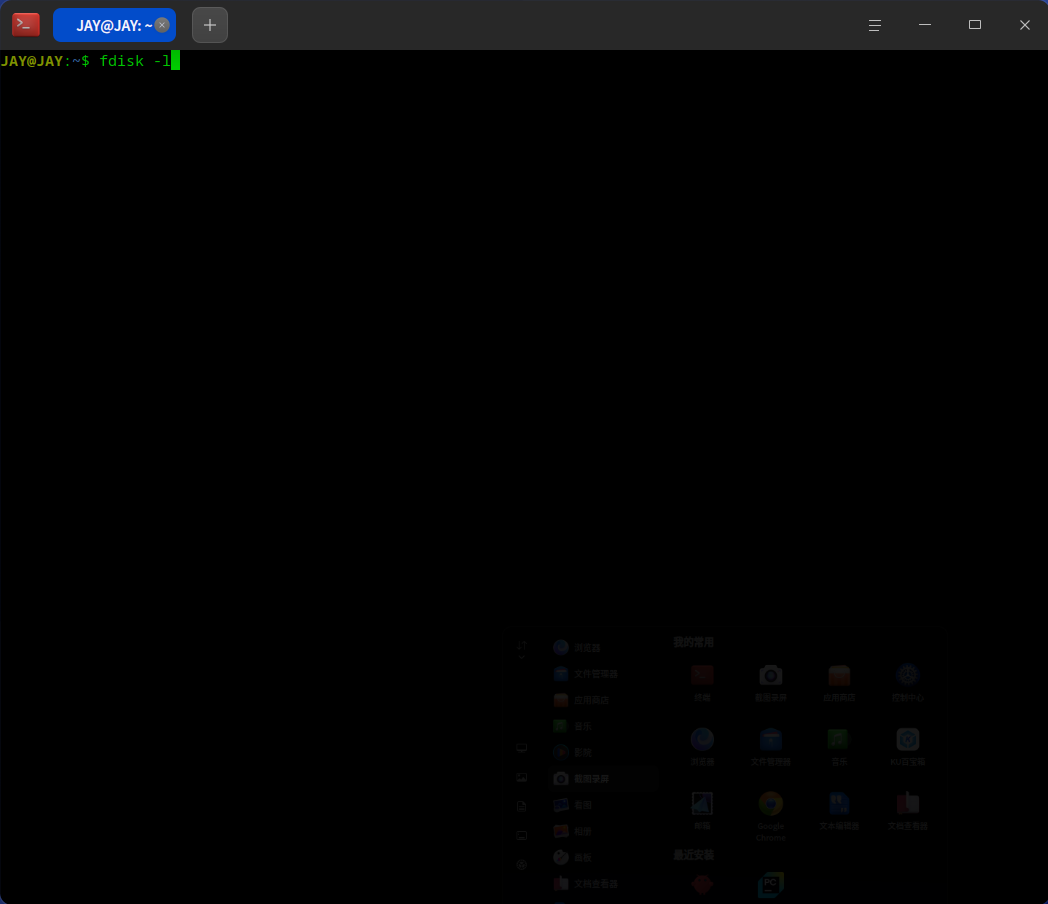
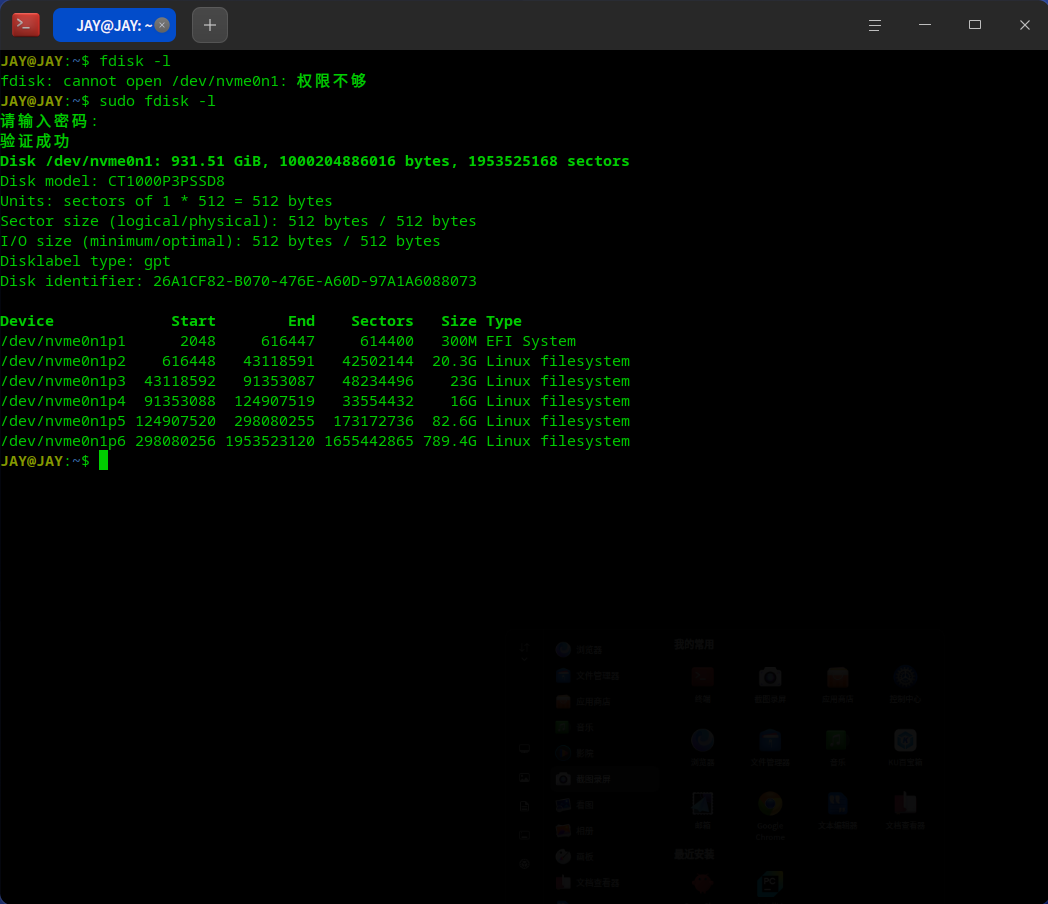
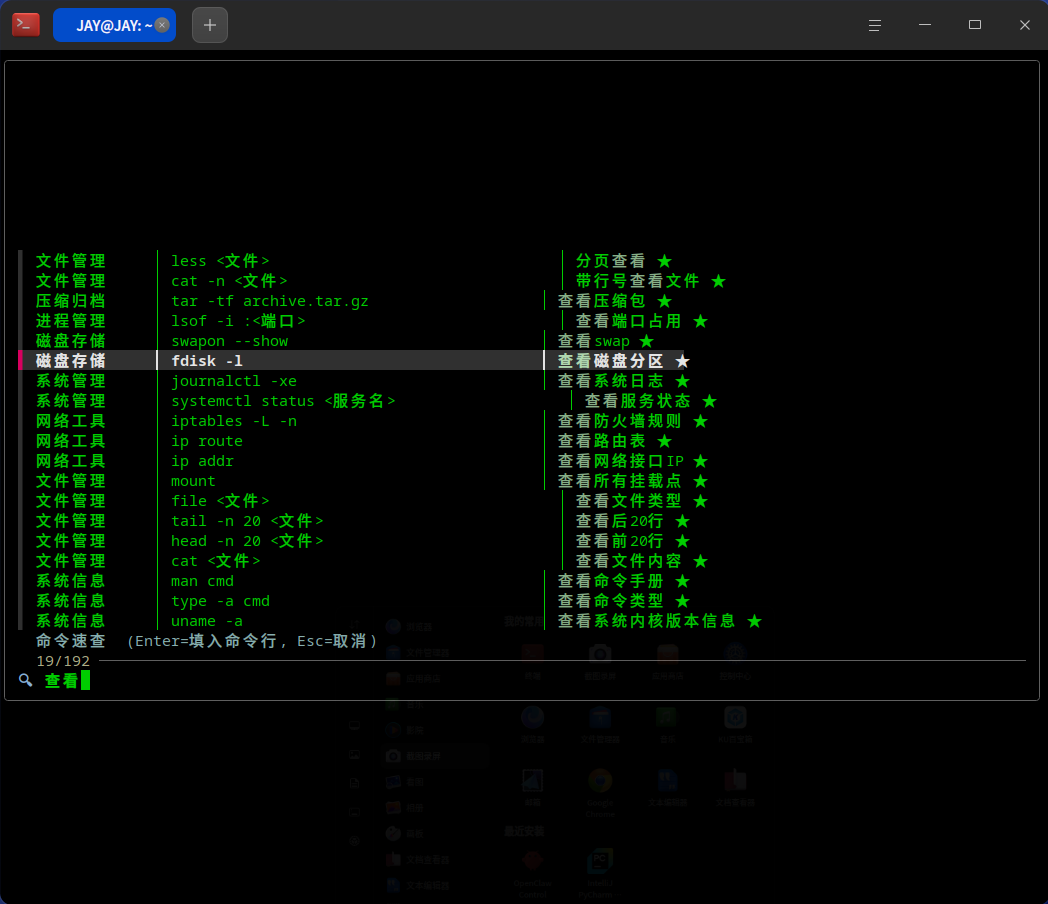


终端助手是一个运行在 Bash 终端内的命令速查工具。按
Ctrl+O弹出一个搜索面板,输入关键词即可从 192 条精选 Linux 命令中快速找到你需要的。选中后自动填入当前命令行,按 Enter 执行。不需要离开终端窗口,不需要记忆复杂参数,不需要打开浏览器查命令。
✨ 功能特性
Ctrl+O立即弹出cp -r <源> <目标>、sed -i 's/old/new/g' <文件>,一看就懂.bashrc,每个新终端自动生效📦 快速安装
一键安装(推荐)
手动安装
仅安装 fzf(如果已有脚本)
🎮 使用方法
基本操作
https://gitee.com/zhazhahuihuihui/terminal-assistant?source=header_my_projects