【已解决】15.3截图不能使用
Tofloor
poster avatar
usckur
deepin
2016-09-13 22:50
Author
本帖最后由 usckur 于 2016-9-13 15:27 编辑

Ctrl+Alt+A 没反应,点击图标启动也没反应。
导致问题因素:更新了N卡闭源驱动。
解决办法:sudo apt-get install bumblebee-nvidia


Reply Favorite View the author
All Replies
1 / 2
To page
avatar
jingle
deepin
2016-09-13 22:52
#1
终端执行deepin-screenshot 看看显示撒。
Reply View the author
avatar
liujindong
deepin
2016-09-13 22:53
#2
我这边测试可以正常使用啊,快捷键和图标都可以用,你是新安装的还是15.2升级上来的。
Reply View the author
avatar
aurthur
deepin
2016-09-13 22:53
#3
说实话,你直接给人家套上Bug这个大帽子,人家很冤的。我这截图一切如常
Reply View the author
avatar
usckur
deepin
2016-09-13 22:53
#4
https://bbs.deepin.org/post/43277
终端执行deepin-screenshot 看看显示撒。

The program 'deepin-screenshot' received an X Window System error.
This probably reflects a bug in the program.
The error was 'GLXBadFBConfig'.
  (Details: serial 417 error_code 181 request_code 155 minor_code 34)
  (Note to programmers: normally, X errors are reported asynchronously;
   that is, you will receive the error a while after causing it.
   To debug your program, run it with the --sync command line
   option to change this behavior. You can then get a meaningful
   backtrace from your debugger if you break on the gdk_x_error() function.)
Reply View the author
avatar
usckur
deepin
2016-09-13 22:56
#5
https://bbs.deepin.org/post/43277
我这边测试可以正常使用啊,快捷键和图标都可以用,你是新安装的还是15.2升级上来的。 ...

新安装来的。
Reply View the author
avatar
usckur
deepin
2016-09-13 22:59
#6
https://bbs.deepin.org/post/43277
说实话,你直接给人家套上Bug这个大帽子,人家很冤的。我这截图一切如常

看来这顶帽子不能乱扣。不能使用寻求解决办法。
Reply View the author
avatar
aurthur
deepin
2016-09-13 23:00
#7
https://bbs.deepin.org/post/43277
看来这顶帽子不能乱扣。不能使用寻求解决办法。

对头。求破求解决。
Reply View the author
avatar
liujianfeng
deepin
2016-09-13 23:14
#8
上传下 sudo deepin-feedback-cli 生成的压缩包
Reply View the author
avatar
usckur
deepin
2016-09-13 23:30
#9
https://bbs.deepin.org/post/43277
上传下 sudo deepin-feedback-cli 生成的压缩包
N卡驱动的锅,已解决。
Reply View the author
avatar
昨夜的星辰
deepin
2016-09-14 00:04
#10
老A卡了,2010年的本子,安装闭源驱动也是用不了截图,15。2的时候就是,挽回开源驱动就好,但是开源驱动有个问题,就是启动巨慢,过程中屏幕还会花,当然最后会好,具体原因不知
终端截图命令输出是
QSGContext::initialize: stencil buffer support missing, expect rendering errors
Xlib: sequence lost (0x103ad > 0x3ae) in reply type 0x23!
Xlib: sequence lost (0x105d2 > 0x5d3) in reply type 0x23!
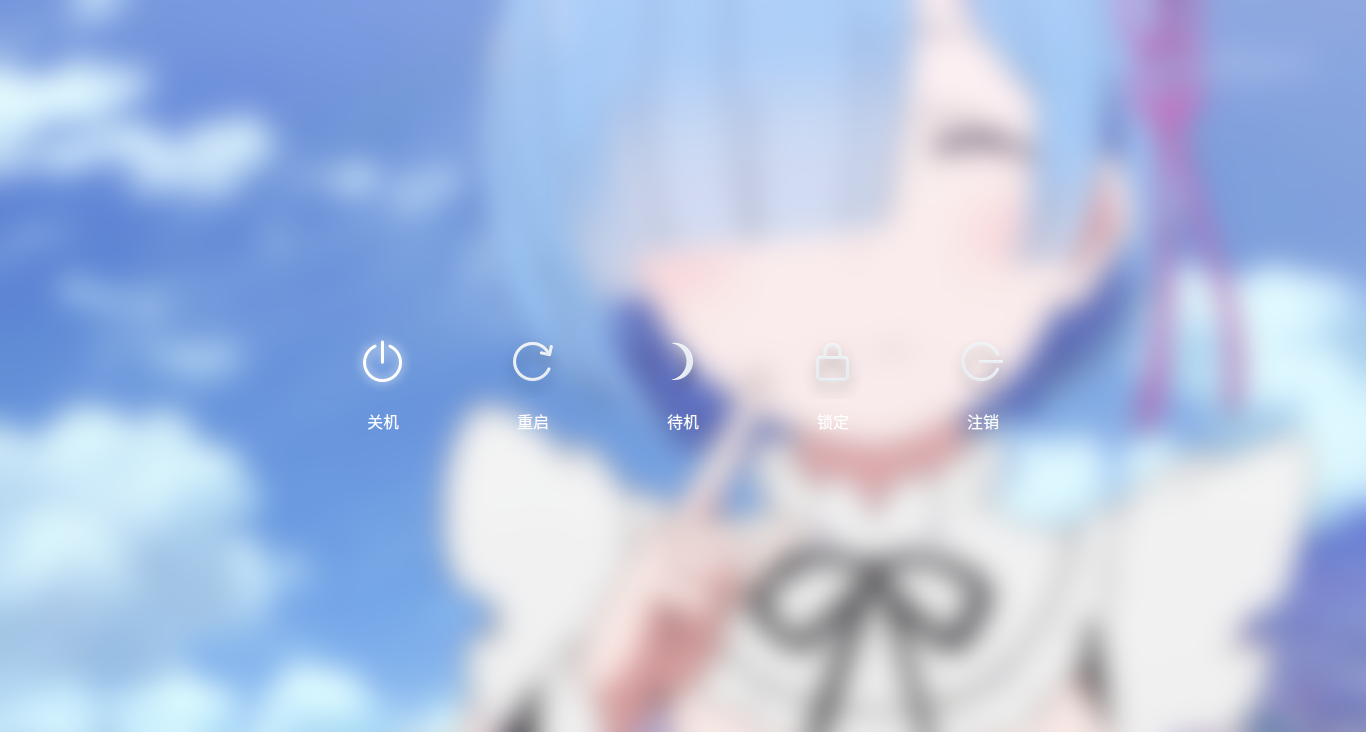
目前是15。3,用的闭源驱动,截图还是有问题,也能正常反应,就是截图起作用后,屏幕的画面是点了关机的那个界面,原因不知
Reply View the author
avatar
昨夜的星辰
deepin
2016-09-14 00:07
#11

截图就一直是这个样子,我也很奇怪为什么是这个画面

Reply View the author
avatar
usckur
deepin
2016-09-14 02:19
#12
https://bbs.deepin.org/post/43277
老A卡了,2010年的本子,安装闭源驱动也是用不了截图,15。2的时候就是,挽回开源驱动就好,但是开源驱动有 ...

换回开源驱动吧。。。
Reply View the author
avatar
nbxwj
deepin
2016-09-14 05:28
#13
我这截图用CTRL+ALT+A启动速度慢了点
Reply View the author
avatar
usckur
deepin
2016-09-14 05:45
#14
https://bbs.deepin.org/post/43277
我这截图用CTRL+ALT+A启动速度慢了点

慢是大家都有的问题,等深度重写吧。。。
Reply View the author
avatar
wangyong
deepin
2016-09-14 06:25
#15
非常抱歉,这些都是qml和私有驱动不兼容导致的问题。我们下一版会解决这些应用的兼容性问题的,暂时解决方案:不要用私有驱动
Reply View the author
avatar
jungle
deepin
2016-09-14 07:13
#16
https://bbs.deepin.org/post/43277
终端执行deepin-screenshot 看看显示撒。

我输入这个命令就出来三个汉字,段错误
Reply View the author
avatar
jungle
deepin
2016-09-14 16:32
#17
你是怎么卸载英伟达驱动的
Reply View the author
avatar
usckur
deepin
2016-09-14 16:36
#18
https://bbs.deepin.org/post/43277
你是怎么卸载英伟达驱动的

sudo apt-get install bumblebee-nvidia
会切回开源驱动。
Reply View the author
avatar
jungle
deepin
2016-09-14 17:00
#19
https://bbs.deepin.org/post/43277
sudo apt-get install bumblebee-nvidia
会切回开源驱动。

我使用驱动管理器切换的,但是切换回开源驱动还是不能使用截图
Reply View the author
avatar
ksliubaoming
deepin
2016-09-14 17:15
#20
两次内侧也没发现这个问题啊!正常使用啊!!!
Reply View the author
1 / 2
To page