No bootable device
Tofloor
poster avatar
airberg
deepin
2016-08-22 11:45
Author
Hi guys, im new on deepin.. i really like it like os, but when i tried to install it i ocurred an error. I formatted my HD and did a fresh install from usb with novice install without creating any partition...
After it finished, i started it, and it says me that there isnt any bootable device.. how i can solve this problem? Thank you alot!
Reply Favorite View the author
All Replies
avatar
youyou2011
deepin
2016-08-22 15:38
#1
本帖最后由 youyou2011 于 2016-8-22 07:43 编辑

If you can, please upload your image problem. Or write a complete error message.
Reply View the author
avatar
airberg
deepin
2016-08-22 15:52
#2
Actually no error were shown, the deepin os were installed successfully, but on restart it says that no boot device were found. I have an acer aspire e 15
Reply View the author
avatar
airberg
deepin
2016-08-22 15:54
#3
Its like there isnt grub2 or something that let the os boot fron hd
Reply View the author
avatar
youyou2011
deepin
2016-08-22 16:09
#4
本帖最后由 youyou2011 于 2016-8-22 08:16 编辑

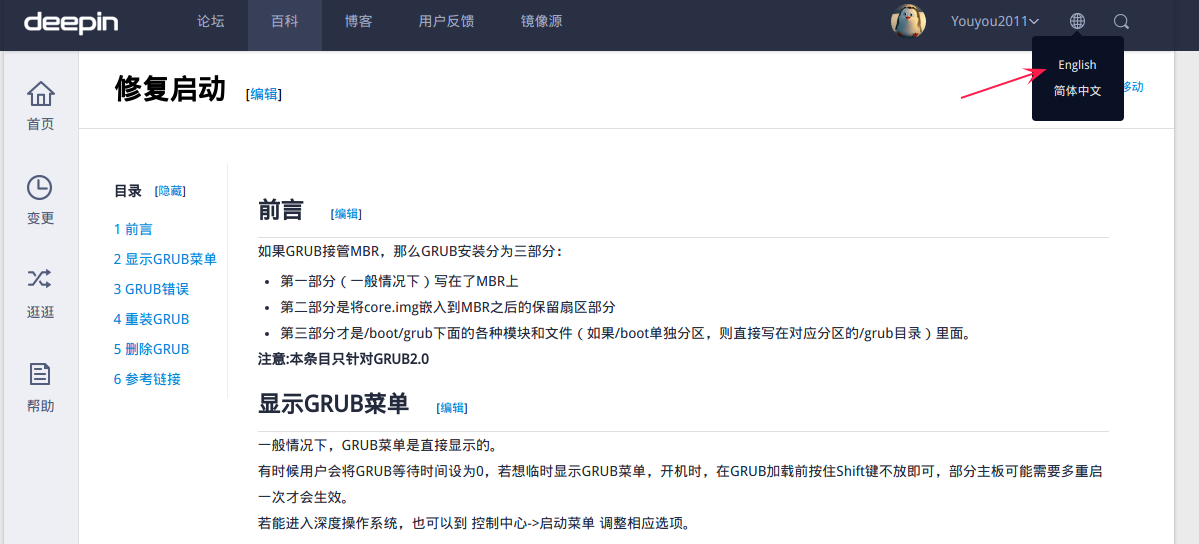
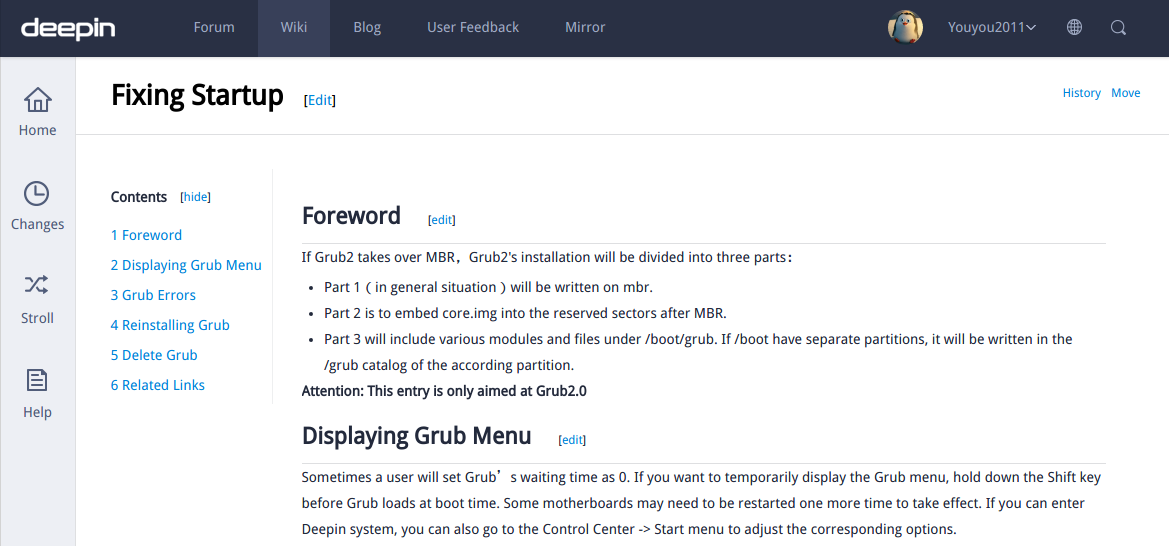
Try this method
Fixing Startup
https://wiki.deepin.org/index.php?title=Fixing_Startup【https://wiki.deepin.org/index.php?title=修复启动】


Reply View the author
avatar
wandsgood
deepin
2016-08-22 17:22
#5
picture?where is the picture?It can describe your question more clearly
Reply View the author
avatar
when123
deepin
2016-08-22 19:08
#6
hi ,try to  enter  BIOS and change boot    not with UEFI .    save and restart .to check details

the reason is that you don't have ufi partion when install .

Reply View the author
avatar
youyou2011
deepin
2016-08-22 19:15
#7
Install deepin
Note:
Please deactivate“quick boot” under windows 8, or the partition cannot be done.
Please deactivate “Secure Boot” under UEFI mainboard.
Restart your computer and press the key of “Changing boot order”, which will appear in BIOS/UEFI interface.

https://wiki.deepin.org/index.php?title=Original_Installation
Reply View the author
avatar
myTTYY
deepin
2016-08-22 19:42
#8
Maybe you can execute the command line.
  1. sudo update-grub
Copy the Code
Reply View the author
avatar
rekols
deepin
2016-08-22 20:05
#9
我了个去。Here is the Chinese community

Reply View the author
avatar
myTTYY
deepin
2016-08-22 20:11
#10
https://bbs.deepin.org/post/42610
我了个去。Here is the Chinese community

............................................也能有外国友人用deepin的,好吧
Reply View the author
avatar
15******06@sina.cn
deepin
2016-08-22 20:36
#11
https://bbs.deepin.org/post/42610
............................................也能有外国友人用deepin的,好吧

不是可能,是很多外国人知道deepin,你去看YouTube上的测评就知道了。Rekols的意思是让他去英文论坛提问。
Reply View the author
avatar
15******06@sina.cn
deepin
2016-08-22 20:46
#12
https://bbs.deepin.org/post/42610
hi ,try to  enter  BIOS and change boot    not with UEFI .    save and restart .to check details

t ...

That's right.
Reply View the author
avatar
myTTYY
deepin
2016-08-22 21:12
#13
https://bbs.deepin.org/post/42610
不是可能,是很多外国人知道deepin,你去看YouTube上的测评就知道了。Rekols的意思是让他去英文论坛提问 ...

好吧,我误解他的意思了
Reply View the author
avatar
fredy4212
deepin
2016-08-22 21:16
#14
本帖最后由 fredy4212 于 2016-8-22 13:25 编辑

We have global forum, link is here https://bbs.deepin.org/module
I think global forum more suitable for you
Reply View the author
avatar
15******06@sina.cn
deepin
2016-08-22 21:31
#15
本帖最后由 WuShichao 于 2016-8-22 13:33 编辑

I have encountered this problem too. You should enter the BIOS (BOOT MODE), please don't choose "UEFI", choose "Legacy".
Reply View the author
avatar
airberg
deepin
2016-08-22 22:21
#16
Sorry just finished to work, anyway.. i tried to boot in legacy, disabled secure boot, actually installed ubunto and it worked fine.. i dont have any windows on hd, its a fresh one.. i tried to create from expert mode from installer a partition with 500mb flagged as efi, /, home and swap.. linked boot loader on efi, and then did the same with /boot partition, still the same error..
Reply View the author
avatar
youyou2011
deepin
2016-08-23 14:35
#17
Please use their cell phones, an interface, the pictures must be clear.
Reply View the author
avatar
longxiang
deepin
2016-08-23 17:32
#18
ni zai zhe yang wo de ying yu shi ni ye yao bao fa le .
Reply View the author
avatar
rekols
deepin
2016-08-23 17:47
#19
https://bbs.deepin.org/post/42610
ni zai zhe yang wo de ying yu shi ni ye yao bao fa le .

what the ghost?
Reply View the author