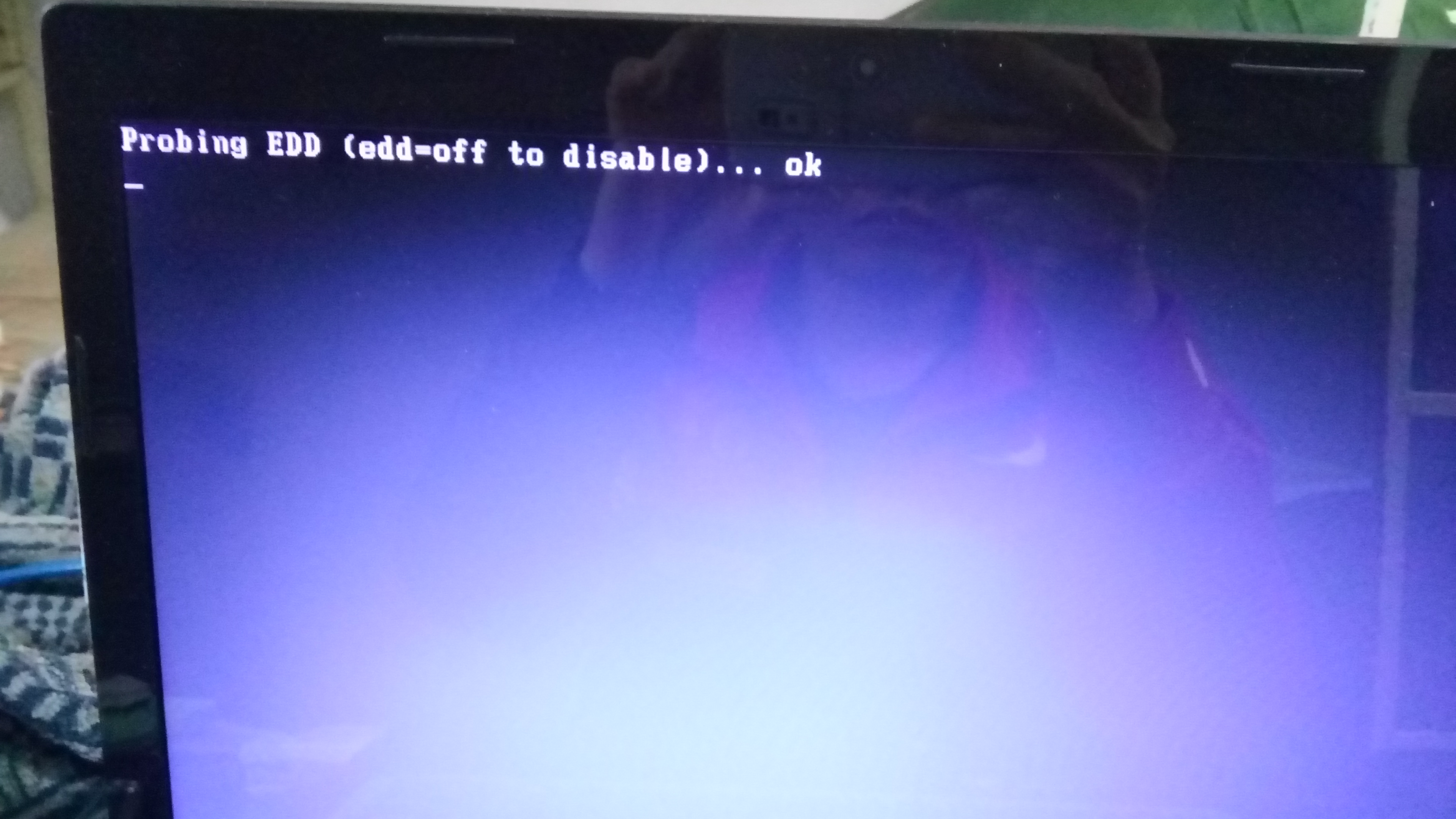
始终无法安装上
Tofloor
poster avatar
BG7ZAG
deepin
2016-04-09 07:28
Author
每次都卡在一个_一闪一闪那,电脑是联想m495a6版,U盘是东芝3.0的,安装了很多次,以前安装也是这样,今天用最新系统安装也是这样!系统文件下载对着md5验证也对,用官方的U盘制作工具制作启动盘。
Reply Favorite View the author
All Replies
1 / 2
To page
avatar
BG7ZAG
deepin
2016-04-09 07:29
#1
左下角一个底杠一闪一闪的
Reply View the author
avatar
天地不仁
deepin
2016-04-09 10:58
#2
本帖最后由 lzxorz 于 2016-4-9 03:02 编辑

按下面这个试试!!
https://bbs.deepin.org/post/38065#page%3D5
不行,再看看这个!!
http://www.apexu.com/apexu/tw/modules/publisher/item.php?itemid=14
Reply View the author
avatar
BG7ZAG
deepin
2016-04-09 17:11
#3
lzxorz 发表于 2016-4-9 02:58
按下面这个试试!!
https://bbs.deepin.org/post/38065#page%3D5
不行,再 ...

谢谢你的回复,第一种方法我试了,没进安装界面,再那贴里有说明,第二种,我都还没安装上系统呢!
Reply View the author
avatar
starcnt
deepin
2016-04-10 00:10
#4
WIN下用UltraISO写入U盘,写入方式必须是RAW
Reply View the author
avatar
BG7ZAG
deepin
2016-04-10 02:41
#5
https://bbs.deepin.org/post/38694
WIN下用UltraISO写入U盘,写入方式必须是RAW

我觉得不是U盘问题,我在别人的机子上可以。
Reply View the author
avatar
cxbii
deepin
2016-04-11 19:38
#6
在出问题的时候,按下ESC,会有报错输出吗?
有的话,请拍照上传
Reply View the author
avatar
BG7ZAG
deepin
2016-04-12 18:13
#7
https://bbs.deepin.org/post/38694
在出问题的时候,按下ESC,会有报错输出吗?
有的话,请拍照上传

出现那个“_”时按什么都没反应,除了强制关机
Reply View the author
avatar
cxbii
deepin
2016-04-12 18:32
#8
https://bbs.deepin.org/post/38694
出现那个“_”时按什么都没反应,除了强制关机

检查下主板是否有什么安全启动,然后关掉他
Reply View the author
avatar
BG7ZAG
deepin
2016-04-14 21:42
#9
https://bbs.deepin.org/post/38694
检查下主板是否有什么安全启动,然后关掉他

我不知道有没有,不会看,所以拍照下来给你
[attach]18816[/attach]
[attach]18817[/attach]
[attach]18818[/attach]
[attach]18819[/attach]
[attach]18820[/attach]
[attach]18821[/attach]
[attach]18822[/attach]
[attach]18815[/attach]

Reply View the author
avatar
BG7ZAG
deepin
2016-04-14 21:42
#10
https://bbs.deepin.org/post/38694
检查下主板是否有什么安全启动,然后关掉他

我不知道有没有,不会看,所以拍照下来给你
[attach]18816[/attach]
[attach]18817[/attach]
[attach]18818[/attach]
[attach]18819[/attach]
[attach]18820[/attach]
[attach]18821[/attach]
[attach]18822[/attach]
[attach]18815[/attach]

Reply View the author
avatar
cxbii
deepin
2016-04-15 00:05
#11
https://bbs.deepin.org/post/38694
我不知道有没有,不会看,所以拍照下来给你

图一的secure boot 就是安全启动,但是你已经关闭了。

拿这个U盘去引导其它的电脑,可能是你的U盘问题
Reply View the author
avatar
BG7ZAG
deepin
2016-04-15 06:29
#12
https://bbs.deepin.org/post/38694
图一的secure boot 就是安全启动,但是你已经关闭了。

拿这个U盘去引导其它的电脑,可能是你的U盘问题 ...

现在我周围就我一台电脑。。。以前用个金士顿的U盘试过也不行,不知道什么情况,现在只能在虚拟机上玩。以前刻光盘试过,那个光盘在其他机子里可以引导,我这个就不行了。。
Reply View the author
avatar
cxbii
deepin
2016-04-15 17:07
#13
https://bbs.deepin.org/post/38694
现在我周围就我一台电脑。。。以前用个金士顿的U盘试过也不行,不知道什么情况,现在只能在虚拟机上玩。 ...

我现在也不是很清楚,但是U盘有问题的概率比较大
Reply View the author
avatar
BG7ZAG
deepin
2016-04-15 17:37
#14
https://bbs.deepin.org/post/38694
我现在也不是很清楚,但是U盘有问题的概率比较大

对了,那个本地安装模式也试过,结果是一样的
Reply View the author
avatar
cxbii
deepin
2016-04-19 19:06
#15
https://bbs.deepin.org/post/38694
对了,那个本地安装模式也试过,结果是一样的

你硬盘的情况什么?
Reply View the author
avatar
BG7ZAG
deepin
2016-04-21 07:08
#16
https://bbs.deepin.org/post/38694
你硬盘的情况什么?

东芝500G 4500转 mbr分区
Reply View the author
avatar
zh******ao@gmail.com
deepin
2016-04-21 14:38
#17
看起来像是优盘的启动扇区没弄好。试试这个软件。http://www.linuxliveusb.com
Reply View the author
avatar
BG7ZAG
deepin
2016-04-23 03:06
#18
https://bbs.deepin.org/post/38694
看起来像是优盘的启动扇区没弄好。试试这个软件。http://www.linuxliveusb.com
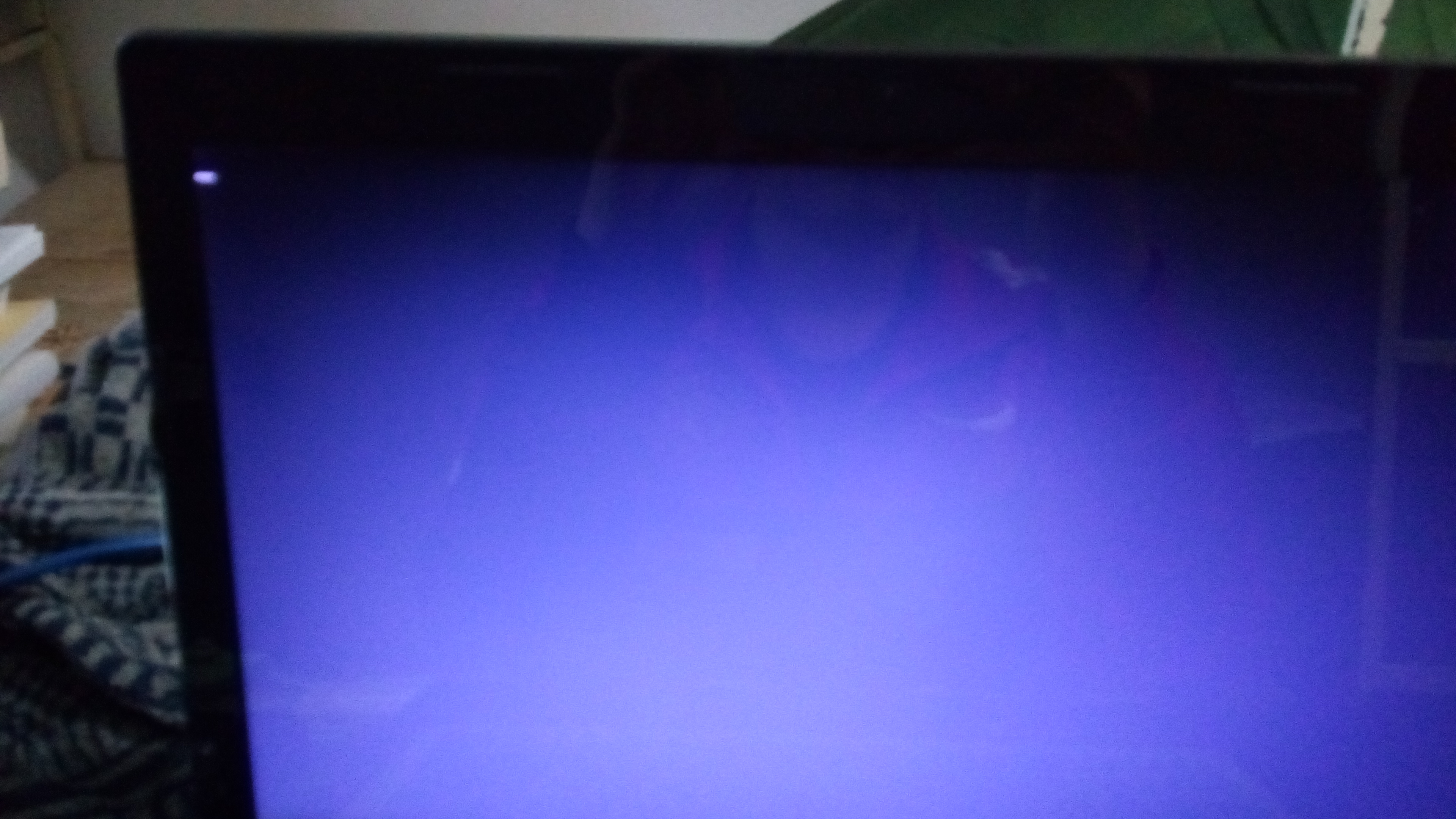
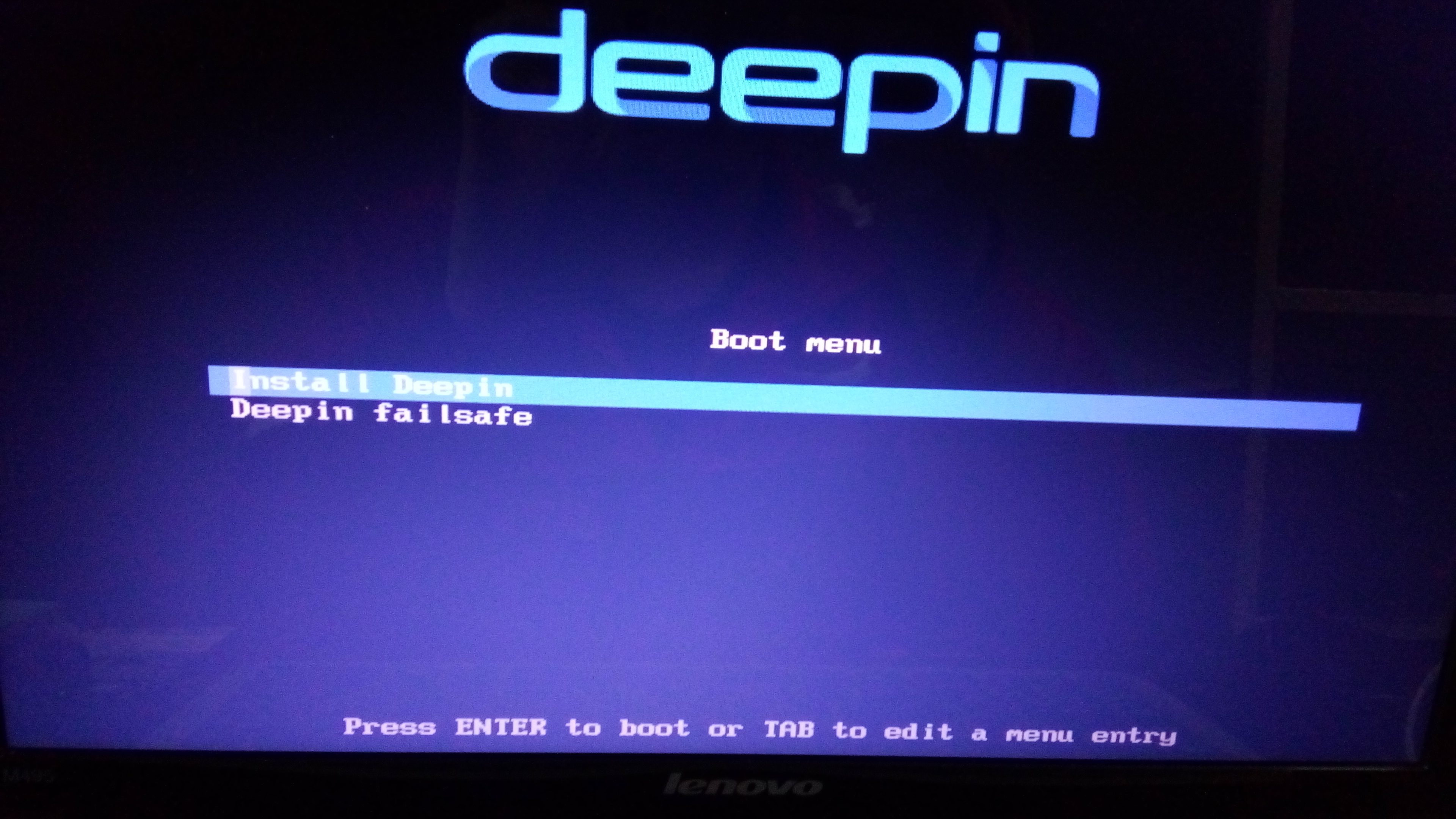
用了这个制作U盘,可以进入安装的第一页,
点击第一项,进入下面这,然后就卡在这一闪一闪的了


在第一张图中选择第二项就卡在下面这了


Reply View the author
avatar
retaw
deepin
2016-04-23 03:19
#19
本帖最后由 retaw 于 2016-4-22 19:31 编辑

问个比较2的问题,
1. 重新制作启动盘的时候先格式化了么? 2.安装启动时选择的启动项不带UEFI这个单词吧?
还有,深度启动盘制作工具是用的iso里的么?
Reply View the author
avatar
zh******ao@gmail.com
deepin
2016-04-23 07:12
#20
https://bbs.deepin.org/post/38694
用了这个制作U盘,可以进入安装的第一页,
点击第一项,进入下面这,然后就卡在这一闪一闪的了

我也是只老菜鸟,只能帮你到这儿了。我会试试制作U盘的时候选上格式化如果上次没选的话。还不行就换个U盘试试。
Reply View the author
1 / 2
To page