

 中文

132******13 deepin
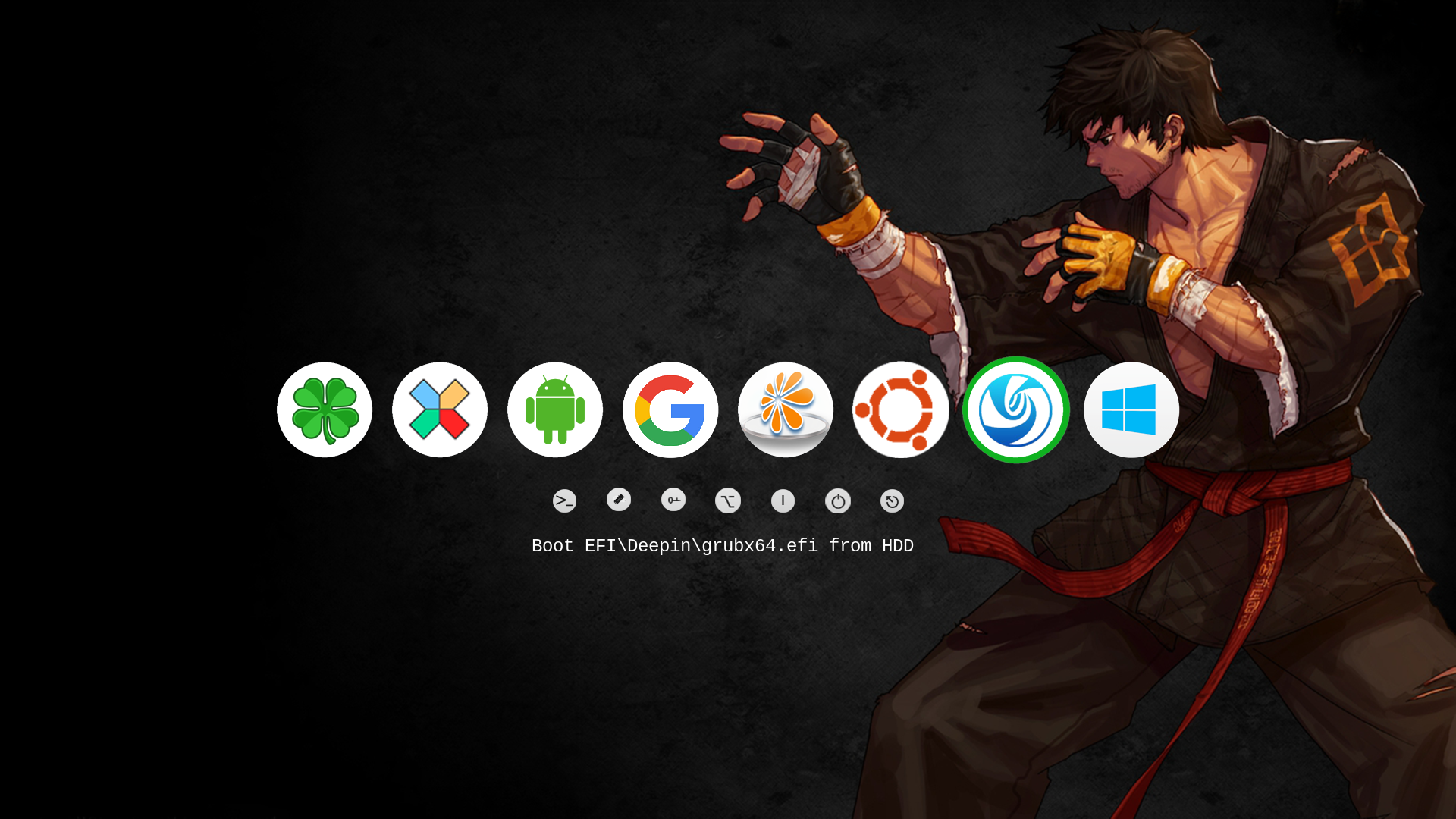
2016-02-20 03:55 deepin If your PC is in UEFI mode ,you can try rEFInd.It works in my ThinkPad.GL
Reply Like 0 View the author
 deepin
 deepin
 deepin
 deepin
https://bbs.deepin.org/post/37321
rEFInd可以自动找到androidx86 deepin引导项
deepin https://bbs.deepin.org/post/37321
refind能在windows环境下使用吗,我现在只能进入win10.
deepin https://bbs.deepin.org/post/37321
If your PC is in UEFI mode ,you can try rEFInd.It works in my ThinkPad.GL
deepin https://bbs.deepin.org/post/37321
用U盘启动修复下吧, sudo update-grub
deepin https://bbs.deepin.org/post/37321
可以啊 不会用refind就用easyuefi添加启动项

 deepin deepin
https://bbs.deepin.org/post/37321
http://wiki.deepin.org/index.php?title=%E4%BF%AE%E5%A4%8D%E5%90%AF%E5%8A%A8
Popular Ranking
ChangePopular Events
More


 Adding a Dancing Spectrum Bar to the Deepin Taskbar | deepin-spectrum
今天在win10下安装了凤凰os(安卓x86版本,硬盘安装的),开机后只有win10和凤凰os的启动项了,deepin的没有了。怎么找回来啊,求救。我电脑是uefi启动。