求问NVIDIA GTX950M 显卡系统字体为什么那么大?
Tofloor
poster avatar
spacestar120
deepin
2016-02-16 21:59
Author
我的电脑装了15.1,很多地方的字体都偏大很多,怎么设置都没用,用startx -- -dpi 96 这样的命令运行就正常的,但是crossover安装的程序就打不开了,怎么样才能让字体正常啊
Reply Favorite View the author
All Replies
avatar
kingskill
deepin
2016-02-16 22:06
#1
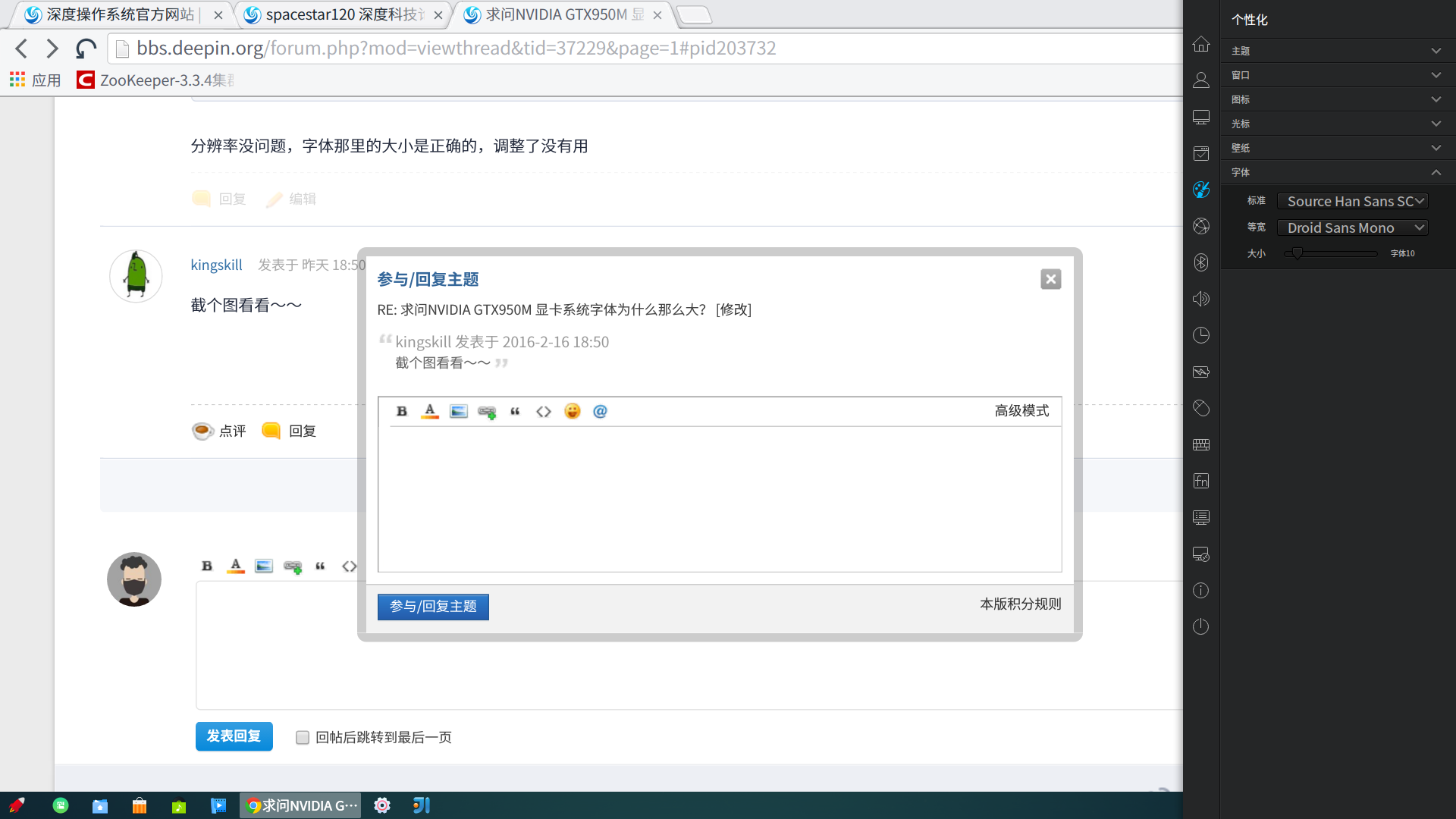
看一下分辨率是多少?如果是1024x768,那就是开源显卡驱动问题。如果分辨率没问题,那么在控制面板--个性化中调节一下字体大小。
Reply View the author
avatar
spacestar120
deepin
2016-02-17 02:33
#2
分辨率没问题,字体那里的大小是正确的,调整了没有用
Reply View the author
avatar
spacestar120
deepin
2016-02-17 02:33
#3
https://bbs.deepin.org/post/37229
看一下分辨率是多少?如果是1024x768,那就是开源显卡驱动问题。如果分辨率没问题,那么在控制面板--个性化 ...

分辨率没问题,字体那里的大小是正确的,调整了没有用
Reply View the author
avatar
kingskill
deepin
2016-02-17 02:50
#4
截个图看看~~
Reply View the author
avatar
spacestar120
deepin
2016-02-17 16:34
#5
本帖最后由 spacestar120 于 2016-2-17 08:45 编辑
https://bbs.deepin.org/post/37229
截个图看看~~


设置这里的字体的大小就不一致,很多应用的字体都偏大,不知道是那里的问题。
用startx -- dpi 96运行就是正常的,不知道在哪里可以设置这个Xorg的默认字体大小
Reply View the author
avatar
cxbii
deepin
2016-02-17 17:45
#6
https://bbs.deepin.org/post/37229
设置这里的字体的大小就不一致,很多应用的字体都偏大,不知道是那里的问题。
用startx -- dpi 96运行就 ...

控制中心只能设置GTK程序的字体,Qt的不受影响的
Reply View the author
avatar
kingskill
deepin
2016-02-17 18:02
#7
https://bbs.deepin.org/post/37229
控制中心只能设置GTK程序的字体,Qt的不受影响的

qt字体怎么调呢?
Reply View the author
avatar
spacestar120
deepin
2016-02-17 18:19
#8
https://bbs.deepin.org/post/37229
qt字体怎么调呢?

要怎么设置啊?
Reply View the author
avatar
spacestar120
deepin
2016-02-17 19:37
#9
https://bbs.deepin.org/post/37229
qt字体怎么调呢?

解决了,
~/.Xresources
增加设置
Xft.dpi: 96

一切正常了
Reply View the author
avatar
kingskill
deepin
2016-02-17 22:08
#10
https://bbs.deepin.org/post/37229
解决了,
~/.Xresources
增加设置

学到一招~ :)

是从百科里看到的吗?
Reply View the author