

 中文

David_Zeng deepin
4 hours ago deepin I installed it, but it doesn't seem to be multilingual. Is it planned?
In the meantime, good work ;)
Reply Like 0 View the author
 deepin
I installed it, but it doesn't seem to be multilingual. Is it planned?
In the meantime, good work ;)

 deepin
I installed it, but it doesn't seem to be multilingual. Is it planned?
In the meantime, good work ;)
You can click here to switch the display language.
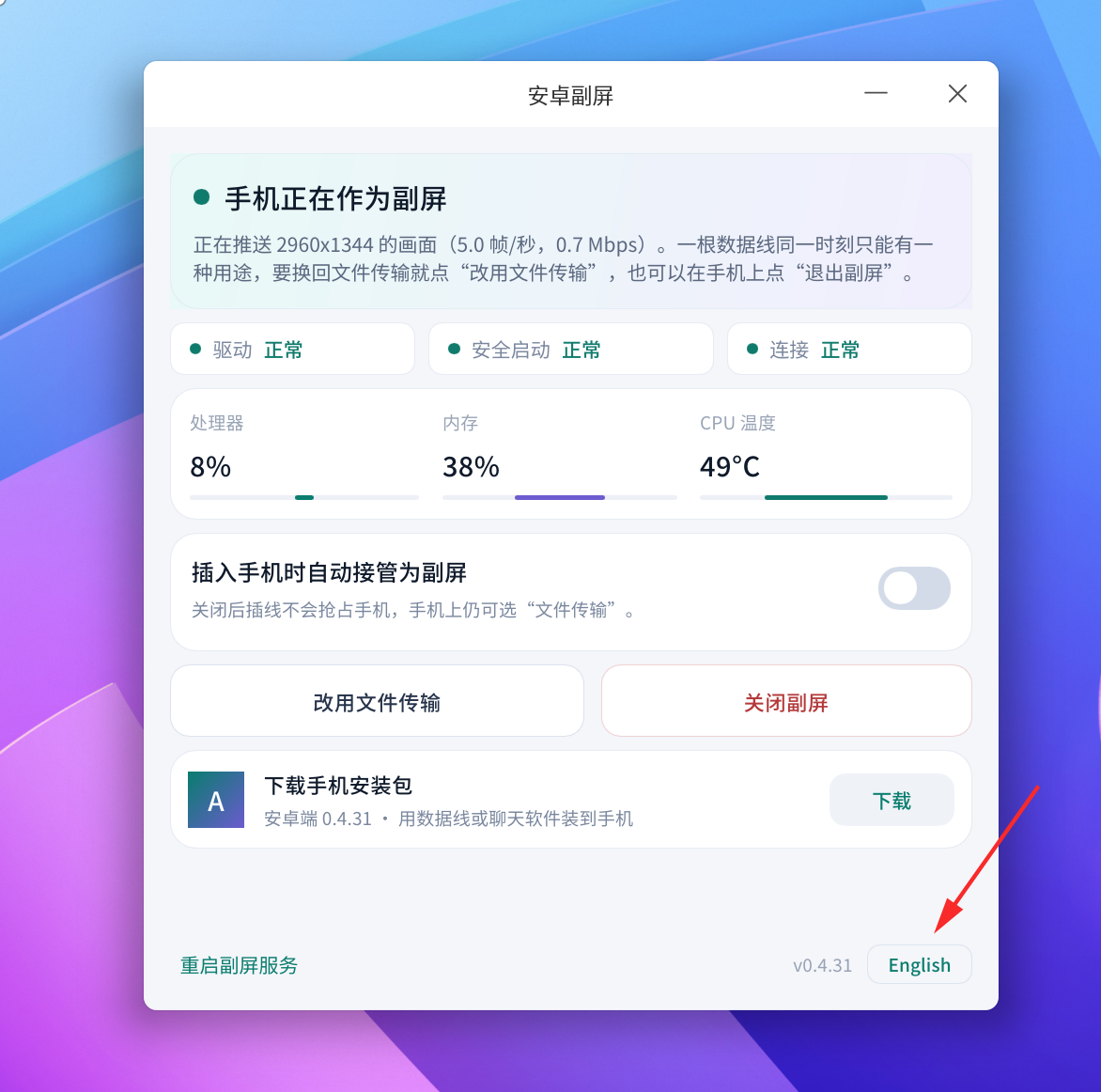
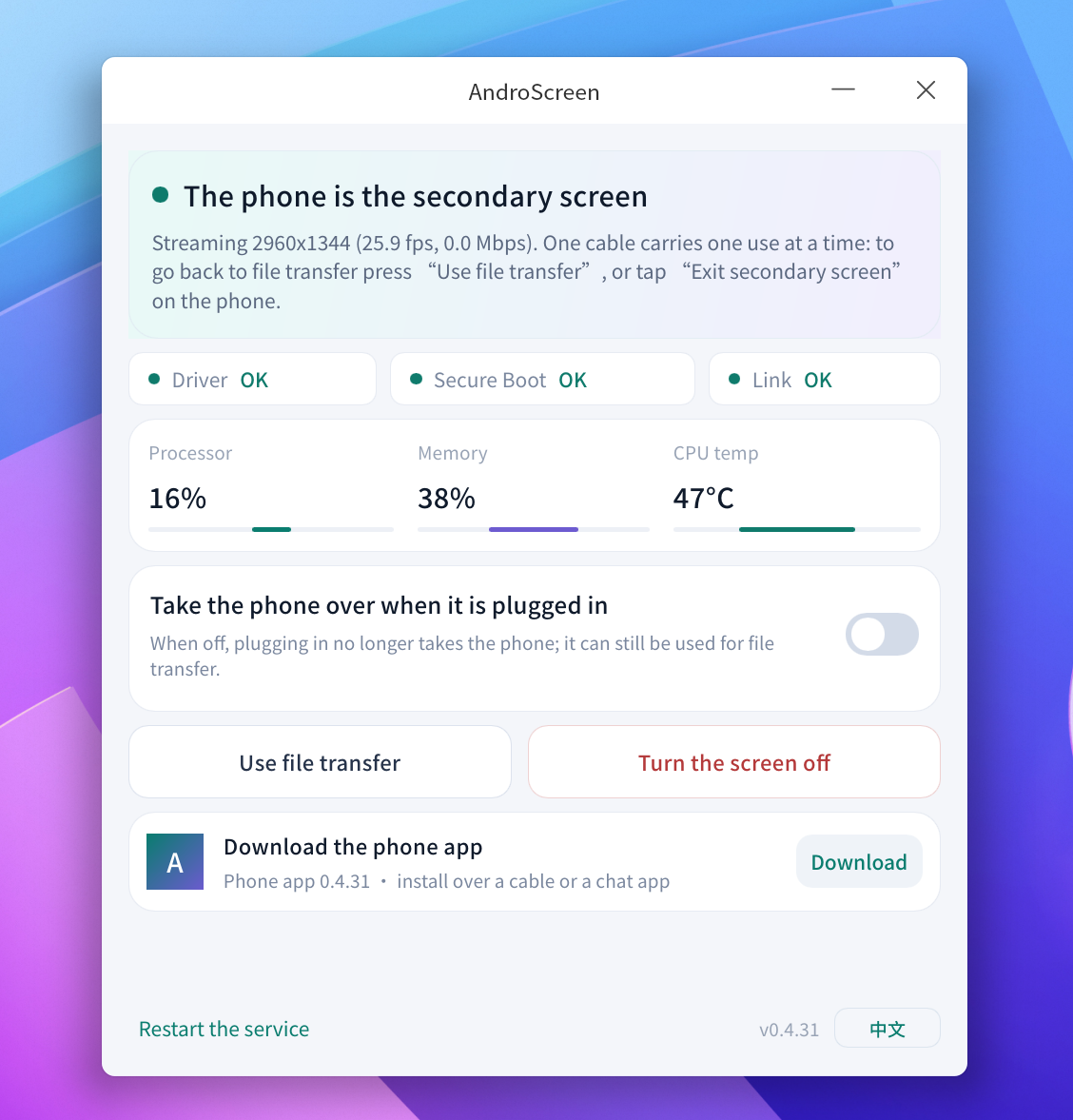
Effect after switching.
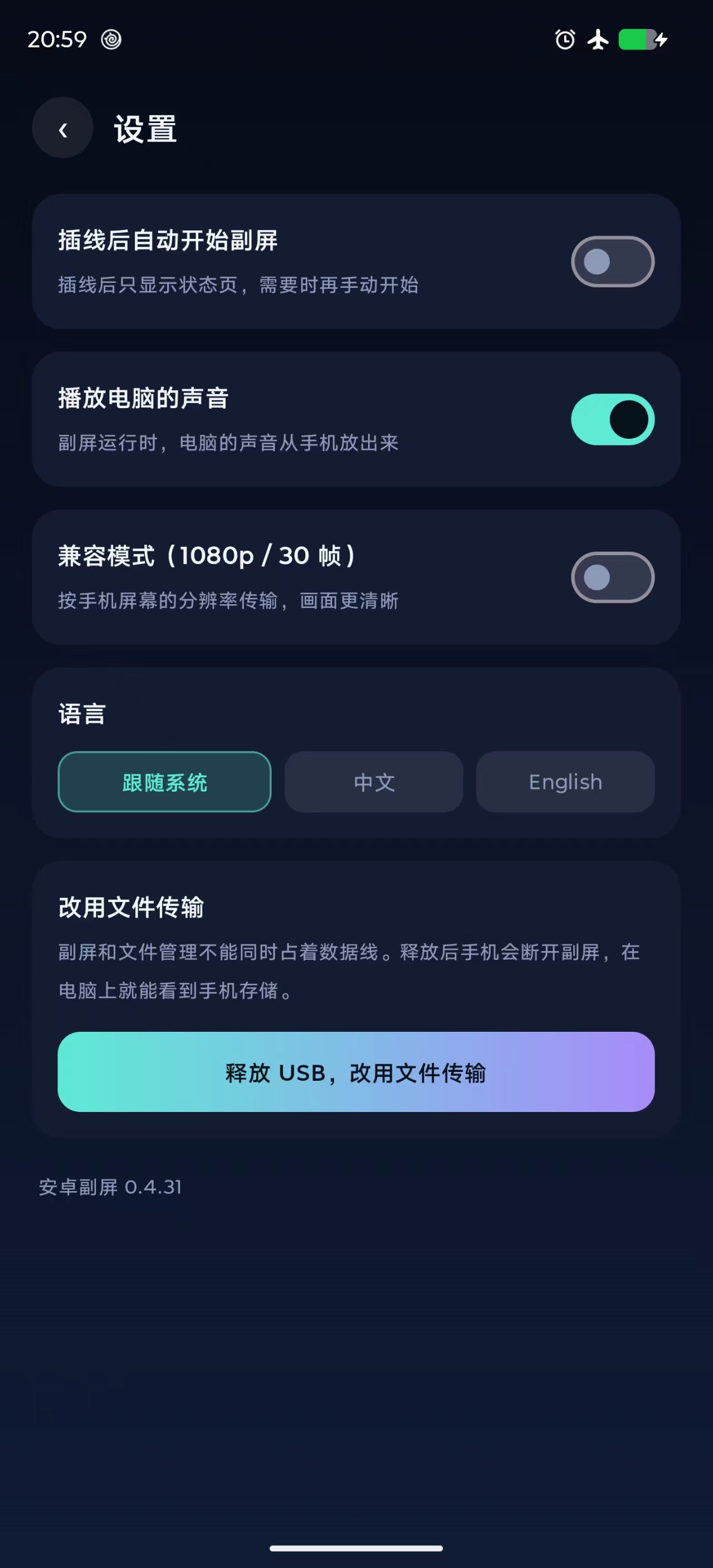
On mobile, there is a language switch option in Settings.
Effect after switching 1
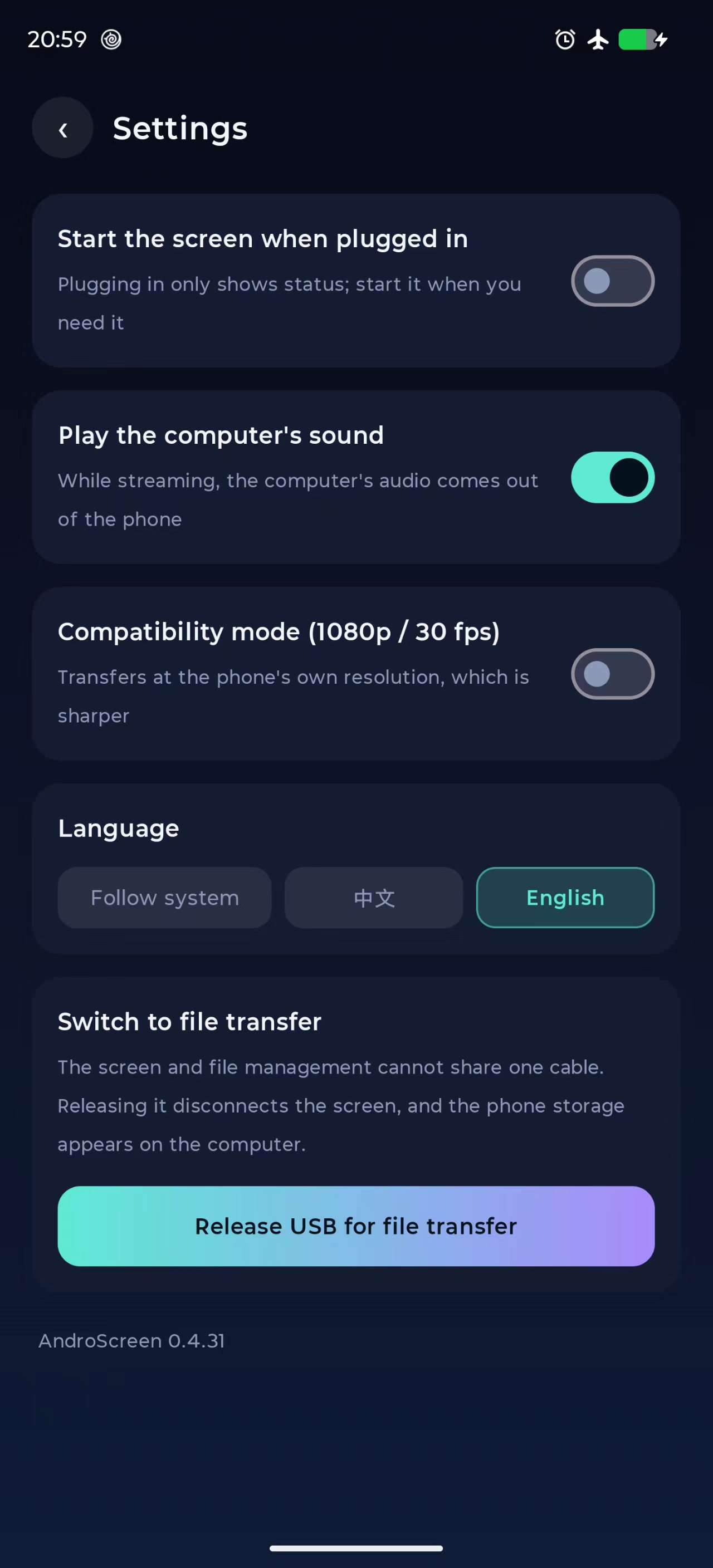
Effect after switching 2
deepin You can click here to switch the display language.
Effect after switching.
On mobile, there is a language switch option in Settings.
Effect after switching 1
Effect after switching 2
Oh ok sorry. i don't see it ;)
I just tried it again. It works very well.
I tested it with my Honor MagicBook (running Deepin 25.3) and my Xiaomi Pad 5.

Popular Ranking
ChangePopular Events
More


 Need help : App delivery on Deepin Appstore
I reckon some of you, while using deepin, have occasionally had this thought: "If only I had another screen right now." Or you keep wanting to glance at your phone (Is there something specific you want to look at? Not necessarily — it's just that feeling of wanting to look). To solve this not-so-important problem of yours, I made a piece of software called "Androscreen."
Let me give you a quick introduction 😏
Androscreen (AndroScreen) can turn an idle (though it might become your main device the very next moment 🤤) Android phone or tablet into a second screen for deepin: all you need is a single USB cable — no dependence on Wi-Fi or the internet, no need to enable USB debugging, and no need to root your phone. The display is transmitted directly through the USB accessory (AOA) channel, so it's plug-and-play whether you're at your workstation fighting day and night for your boss's dreams, on a business trip, or in a no-network environment.
Main features 🌲
How to use: Just three steps 🌲
Some questions you might care about 🌲
Below are some usage results
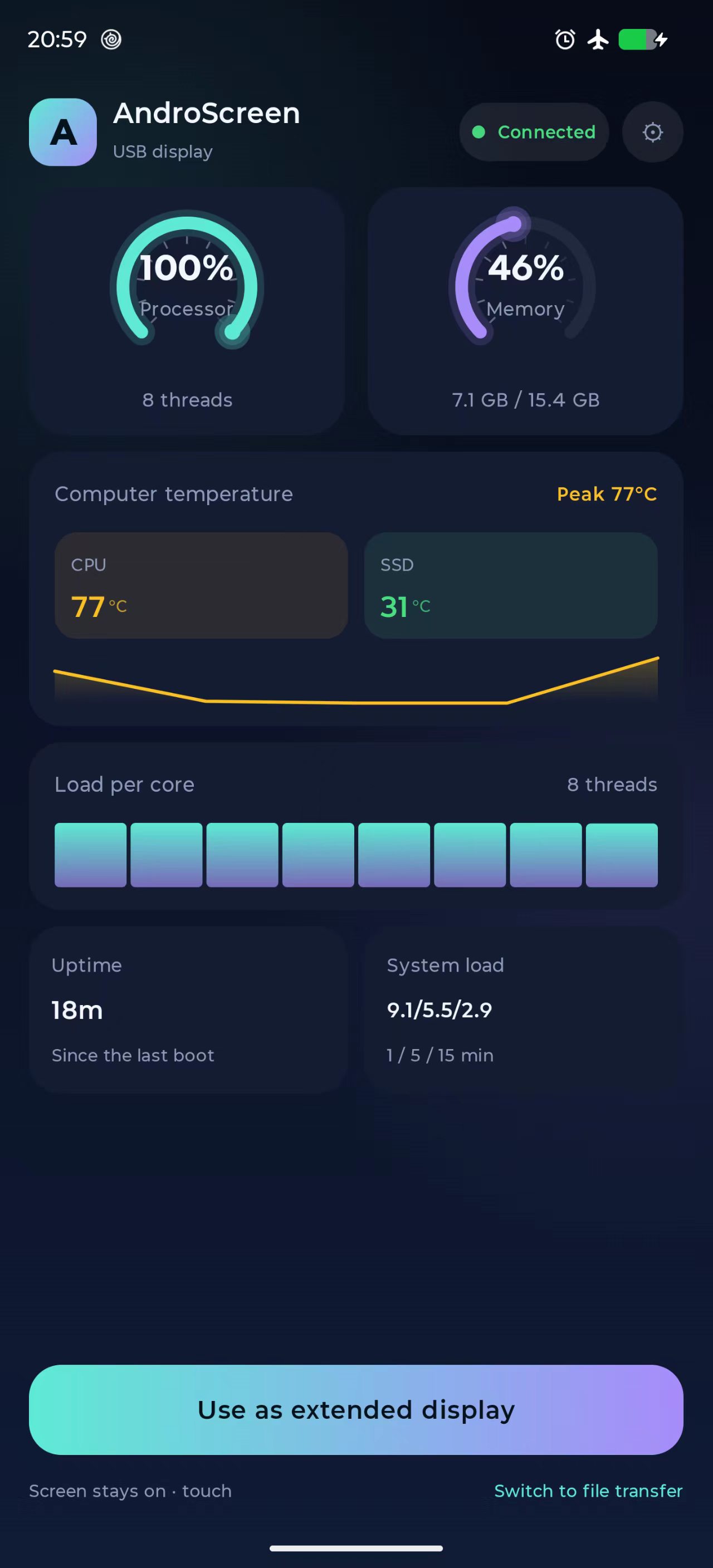
When exiting the secondary screen, some simple system status can be displayed
Of course, landscape works too
The effect of portrait display
The effect of tablet display; check "Automatically take over as secondary screen when phone is plugged in," and from then on you won't need to open the software — just plug in your phone and it will automatically connect as a secondary screen
I prefer to use it like this — put it on a phone stand, keep tabs on the computer's status at any time, without taking up computer screen space, and I can open the secondary screen at any time.
The software is now successfully listed on the deepin Store — everyone is welcome to download and try it out.