中文
中文 

pzm9012
2026-09-15 09:20 Moderator
Hi, this problem is solved in the latest version and the Linyaps package will be updated soon. Or you can replace with the .deb package:
ll-cli uninstall org.deepin.image.viewer
sudo apt install deepin-image-viewer
Reply Like 1 View the author

 Unable to install HP Laserject Pro M15a Printer


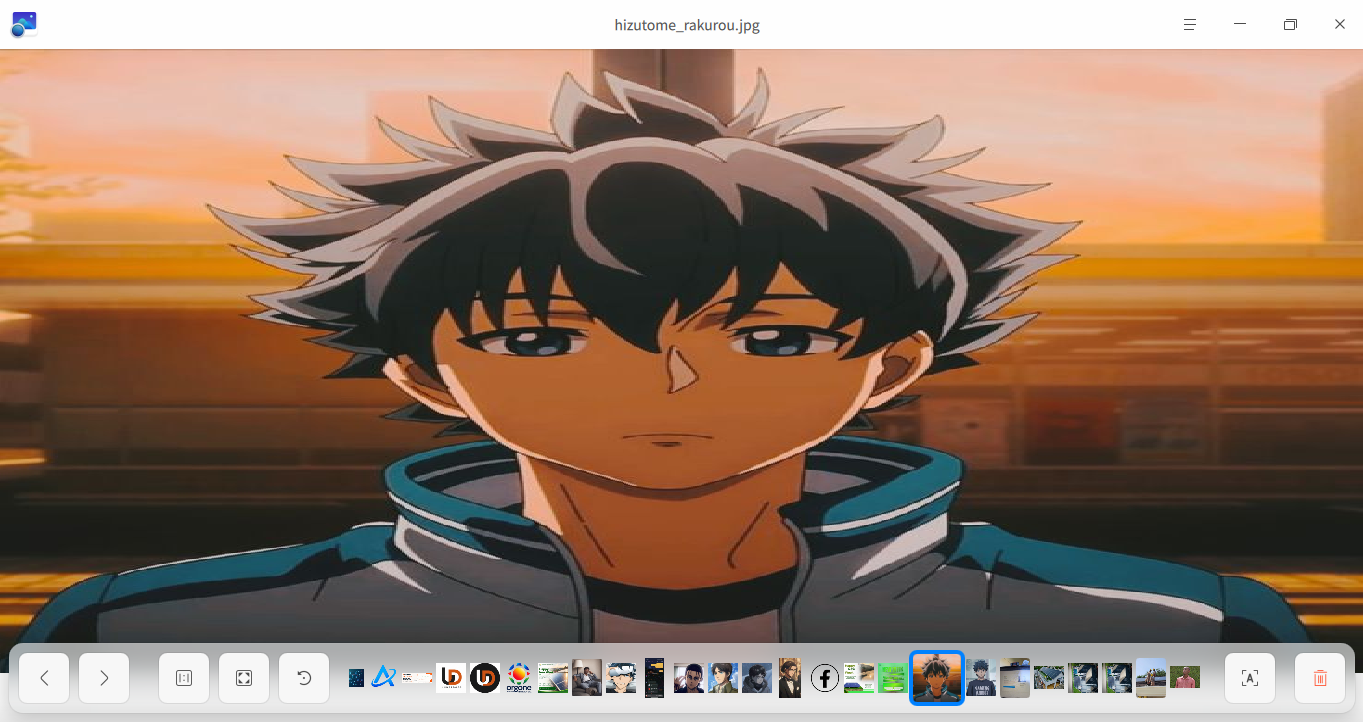
The image view stretches the image when you open any image in an attempt to scale the image's size to the window's size, leaving you with an odd looking image, i found that when you open the image and clicking "original size" it fixes it, but that a one time thing because the moment u switch to the next image its back to stretching it and this time clicking the original size button does not adjust it.