

 中文
中文 
j***4@outlook.com deepin
2026-09-09 13:39 deepin Here Video To Explain
On WIndows PC Login Normaly
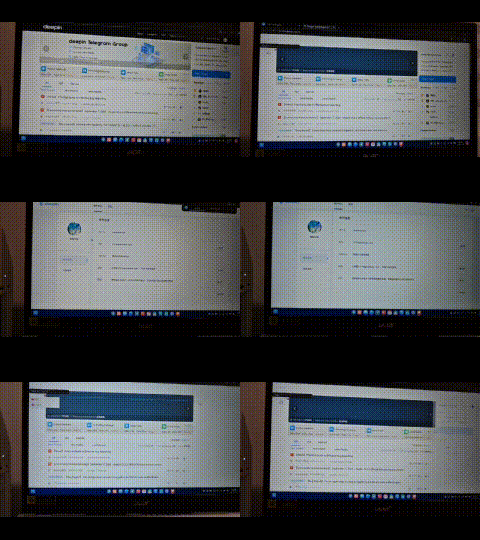
Reply Like 0 View the author
 deepin
 Here Video To Explain
On WIndows PC Login Normaly

 deepin
 I think I can help you, I had the same issue, I created a report.
Please disable IPv6 on your network settings, then it will work fine.
The problem is likely that — as was written back to me — Deepin Linux has IPv6 enabled by default. If your Wi-Fi router also supports IPv6, like mine does, then Deepin tries to connect via IPv6 as well, but the website doesn't support IPv6.
 deepin
 I'm having the same problem too. I'm going to test this possible IPv6 solution.
deepin I'm having the same problem too. I'm going to test this possible IPv6 solution.
Have you tried it? Does it solve your problem?
deepin Have you tried it? Does it solve your problem?
Yes
deepin We have similar problems from time to time at my company; it seems to all boil down to IPv6 somehow. At least, the problems always stop as soon as IPv6 is disabled—and we're talking about Windows 11 here, not Deepin or Linux in general. The DNS works for 30 minutes, then doesn't work for an hour, then works again for 15 minutes, and so on.
Popular Ranking
ChangePopular Events
More


 Unable to install HP Laserject Pro M15a Printer
Hi Deepin team,
I am having a login problem with the Deepin forum.
My Deepin account is working normally in the Account Center and I can see that I am already logged in there.
However, when I open the Forum section and try to log in, the login process does not complete.
The page simply reloads and I remain logged out. If I try again, the same thing happens, creating an endless login loop.
I tested this with:
The behavior is the same in both browsers.
Steps to reproduce:
Expected behavior:
The forum should recognize the same Deepin account session and log me in successfully.
Actual behavior:
Account Center shows me as logged in, but the forum never authenticates the account and remains in a login/reload loop.
I have also tried another browser, so this does not appear to be specific to Deepin Browser.
Please let me know if there is any additional information, browser log, cookie information, or account information I can provide to help investigate this issue.
Thank you!