

 中文
中文 
deepin流云
2026-01-22 17:52 Super Moderator
Community OP
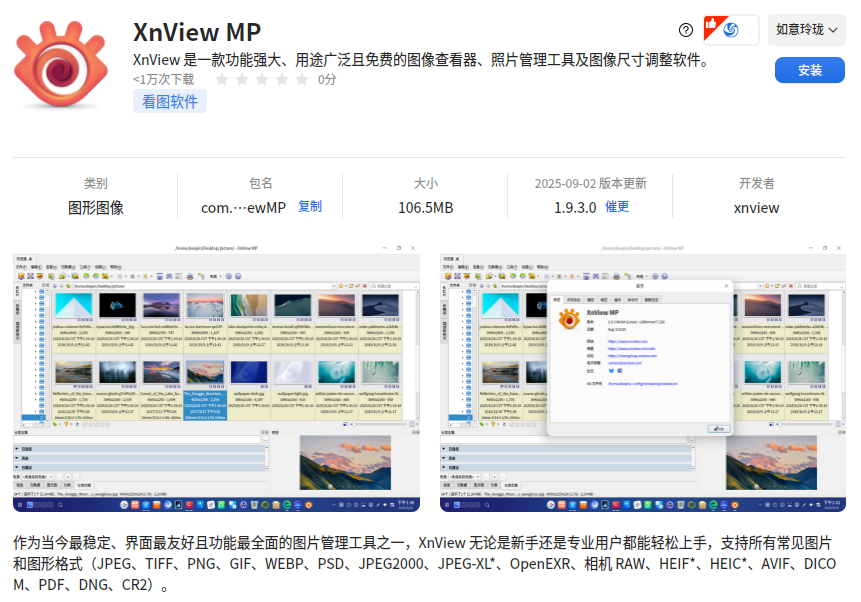
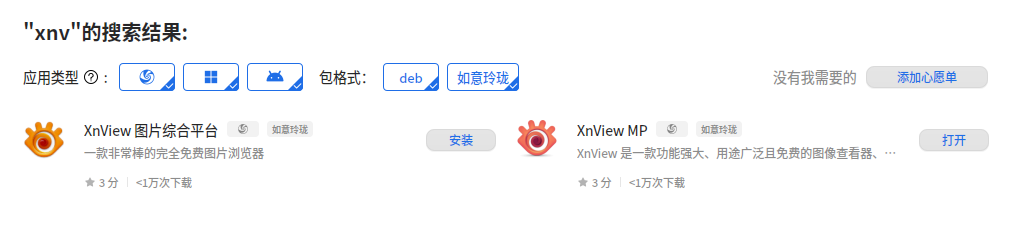
是用的玲珑版还是deb版?换另外一个版本试试
Reply Like 0 View the author

是用的玲珑版还是deb版?换另外一个版本试试

 deepin
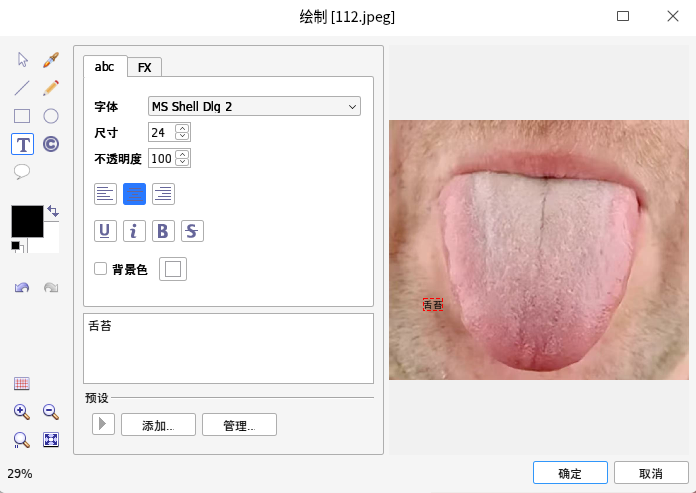
 商店里的两个版本,都试了,都不能输入汉字。

 deepin
 在别处输入汉字后复制,然后粘贴到xnviewMP软件的文本框
 deepin
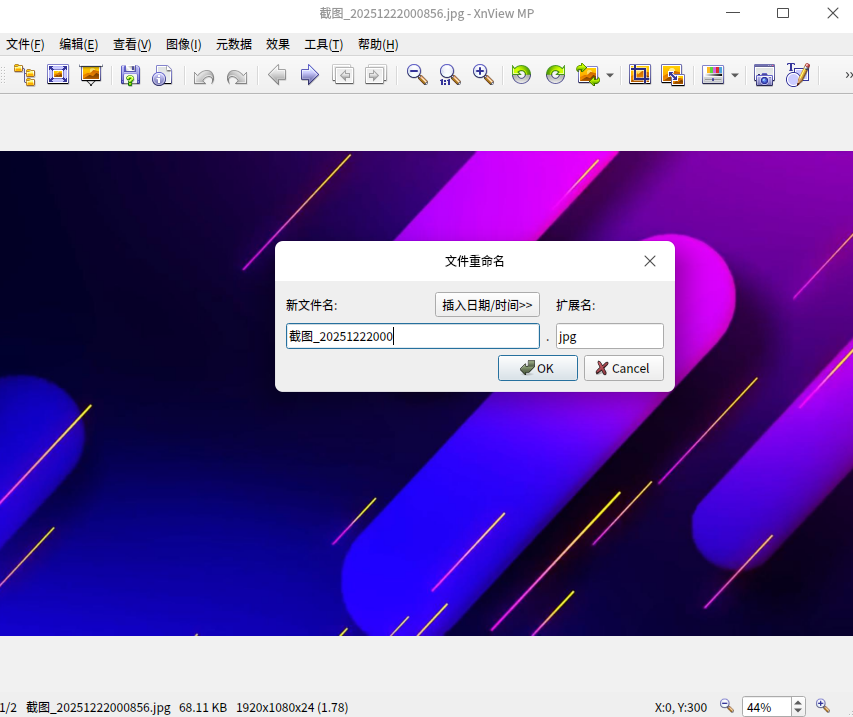
 我這邊也是輸入不了漢字,只能走別的地方複製漢字過來。系統deepin 25.0.11 .xnviewMP 官網下載的1.9.10
deepin 换了个办法,从网上下载了windows版的XnviewMP绿色版,用wine运行器,使用正常。可以输入汉字了。
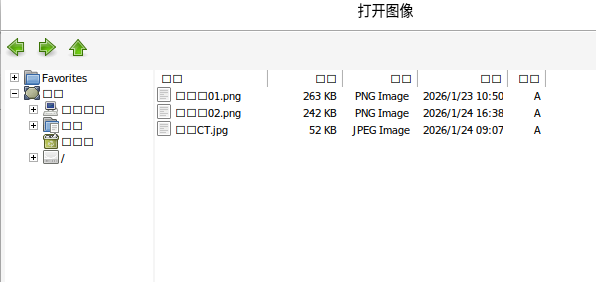
deepin 用wine运行器执行的XnviewMP绿色版,也有问题:即打开文件时出现乱码。
无耐,等待吧。
deepin 已解决:
1.重装系统:deepin25.0.10。
2.安装:统信Windows应用兼容引擎
3.下载:XnViewMP windows绿色版
安装成功,可以插入汉字,打开文件无乱码。


如题。