

 中文
中文 

BLumia deepin
2026-01-22 15:17 deepin Are you sure if it's a opacity issue (instead of a theming issue)?
There is a known issue that related to dock color theme not matching the system theme, which can be fixed using the following command:
dde-dconfig reset org.deepin.dde.shell -r org.deepin.dtk.preference themeType
You can try if this can be fixed using the above command, if not, feel free to let us know.
Edit: nevermind, it seems the testing team successfully reproduced this issue, we'll look into it shortly. Thanks for the feedback!
Reply Like 1 View the author


 Unable to install HP Laserject Pro M15a Printer


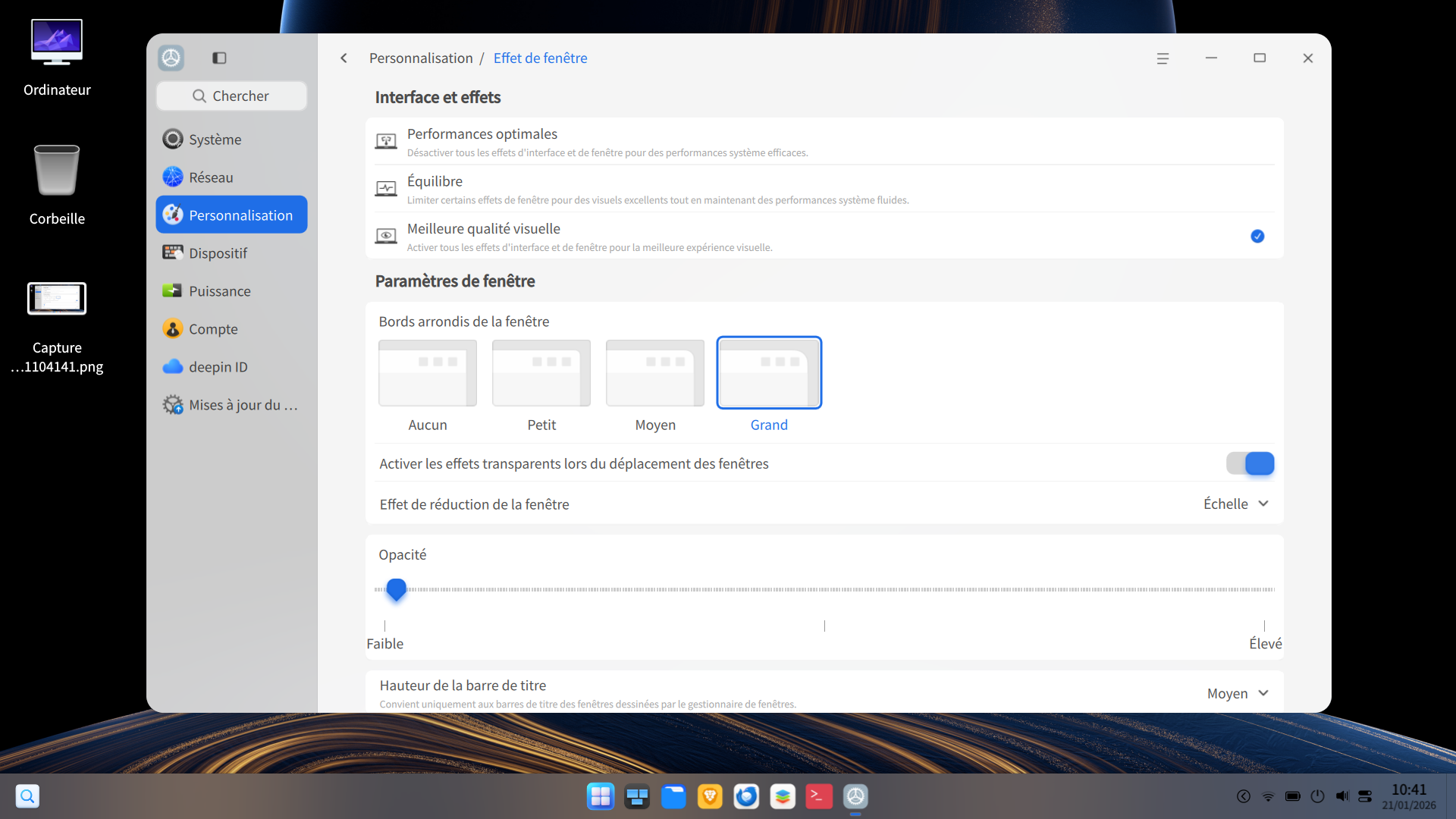
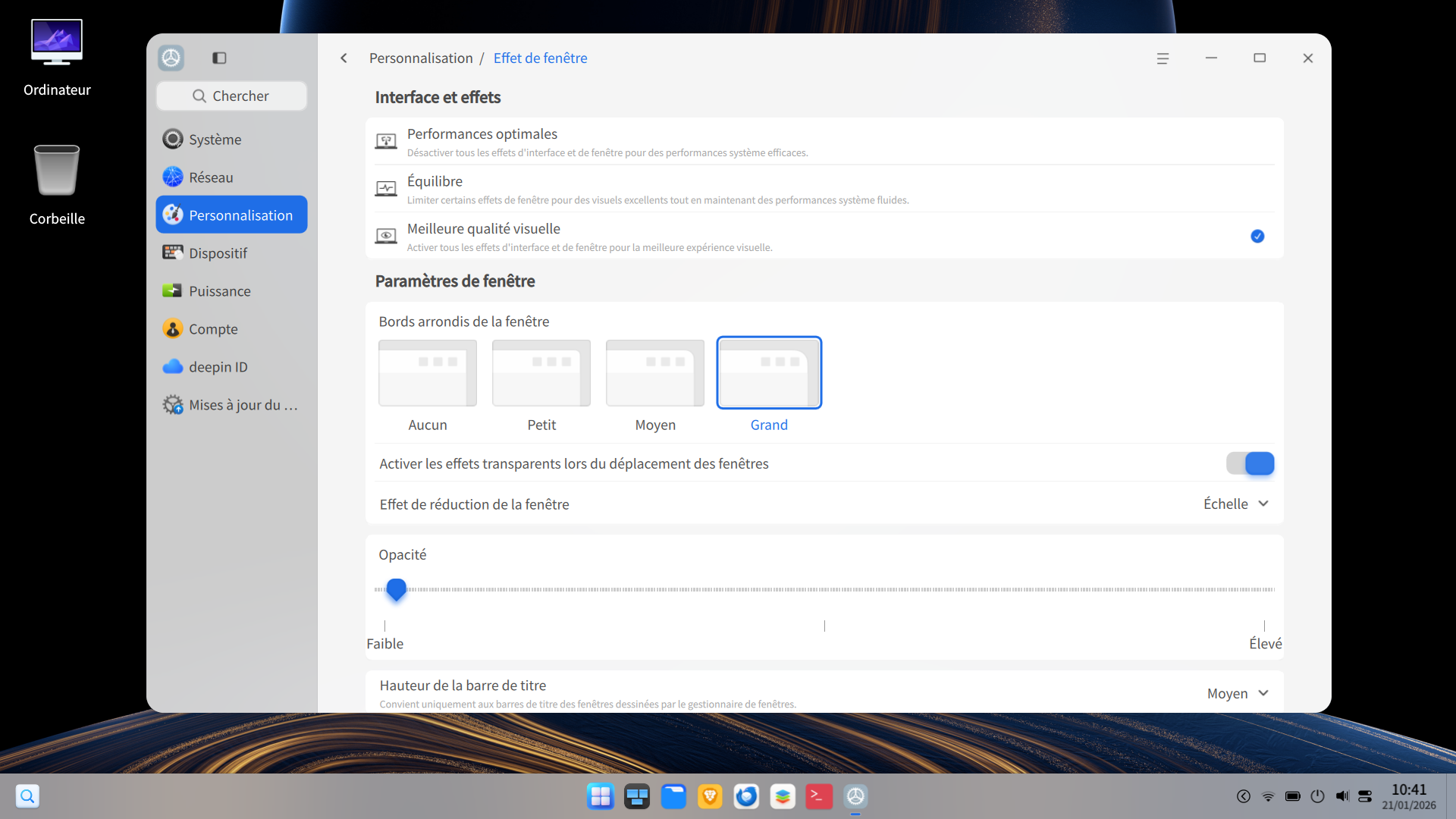
Dock opacity works when you change it, but the setting does not persist after restarting.
Dock after changing opacity for my desktop (The setting i want)
Dock after restart with the same setting
System : Deepin 25.0.10