

 中文
中文 
n***3@gxuzi.com deepin
2026-01-30 10:13 deepin The user is banned, and the content is hidden.
 deepin
 deepin
 Great job, thanks for the new ISO. It removes mostly my bug that on some websites the hidden window to enter the password is switching to english (instead of a german keyboard whitch I uses).
I found that the Bug that the App Store is not working per default when ipv6 is enabled is still exists, here are also a few questions about a non working app store in our forum, I answered them a few minutes ago how he can make it work again (disabling IPv6).
I saw that there out (on the Facebook channel from Deepin Linux) that some users having issues that they are not able to install 25.0.10 image to there PC, I tried it on 2 different pc's and it works perfect for me.

 deepin
 I can not boot to the live desktop nor to the the installer; I have an HP EliteDesk 800 G2 SFF 16 GB RAM /256 SSD here. I had to download an old Deepin 25 ISO then update to version 25.0.10.
deepin I also use older HP Hardware, and also the EliteDesk 800 G2 DM35, and it works fine. What I found is that the 25.0.1 release will not be able to installed, but with the 25.0.10 ISO Image it works fine.
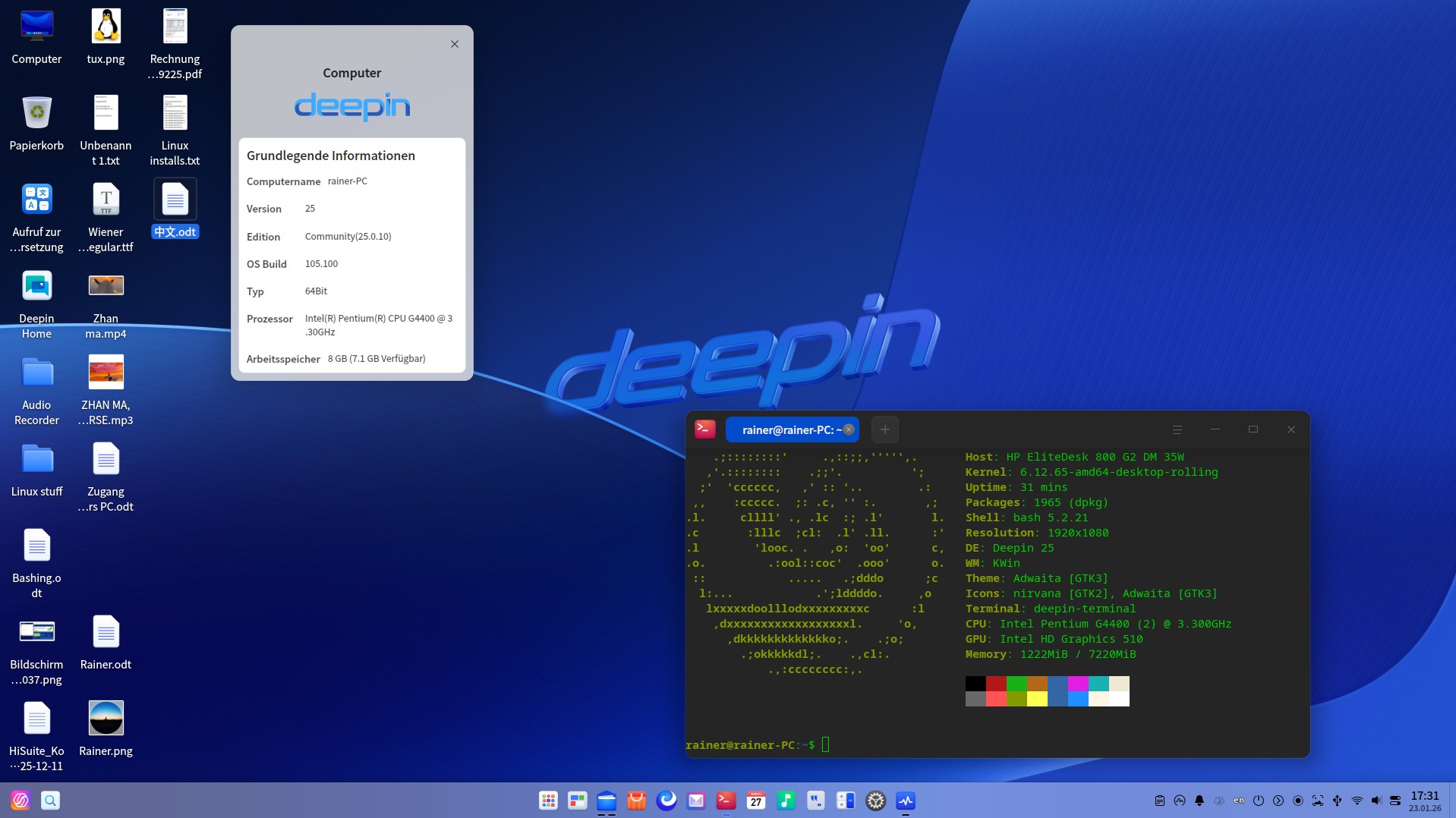
But I have to say this is only my "backup" computer, just prepared to have one if my current one dies. Here is a screenshot of my HP ED 800 G2 running 25.0.10...
I haven't tried the Live version on it (ED 800 G2), but with the newer one ED800 G3 it works perfectly.
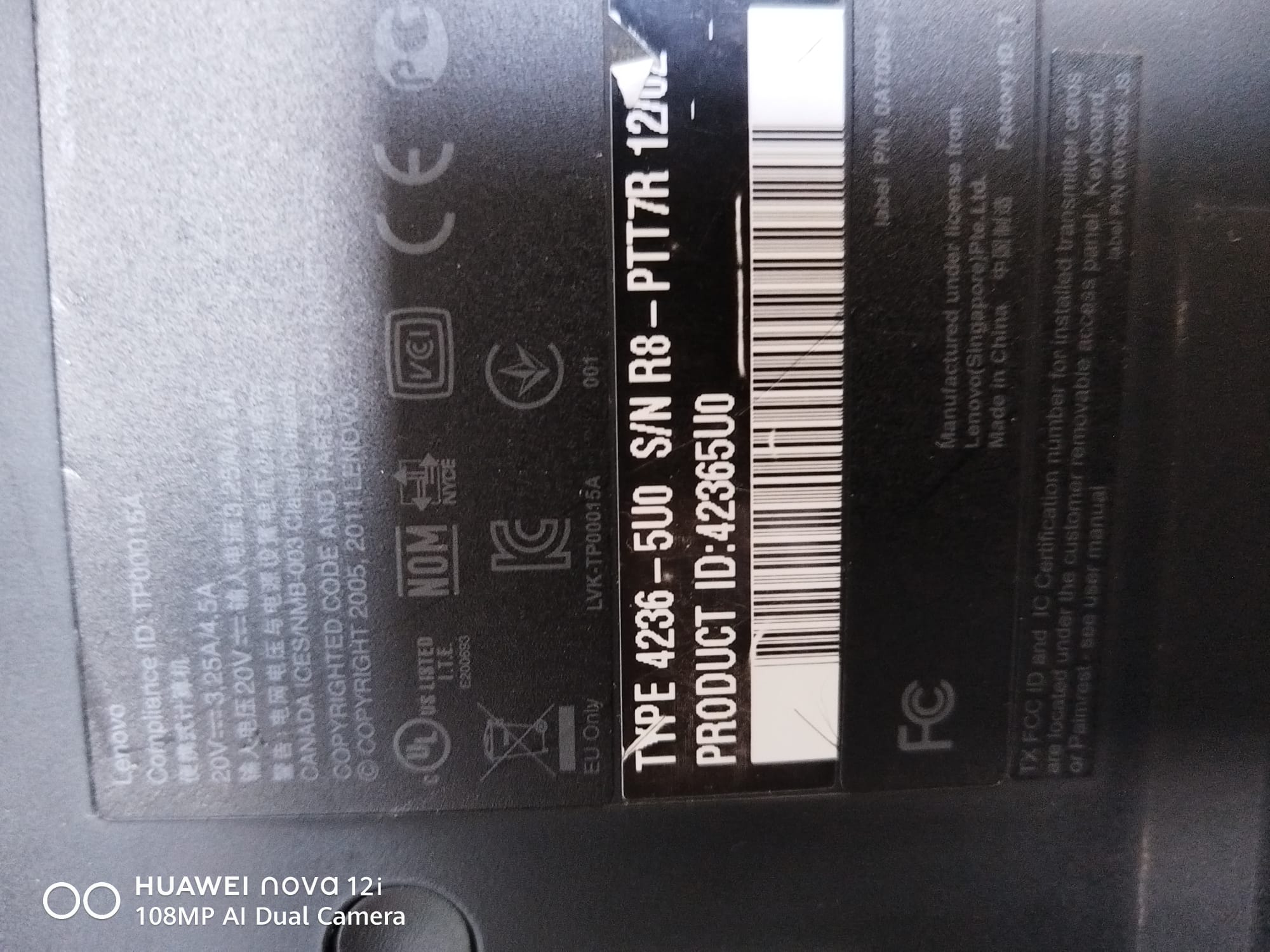
deepin Some useres reported in the Deepin Linux Facebook Group about issues with installing with the new 25.0.10 ISO image, at first I toght it is maybe just an issue with the USB Stick, but now I tried it also with my old Lenovo T420 Notebook, and BAM, sam issue, it stops with a black screen.
I reported this issue with a system report to the Deeping guys as "Error report". ("ISO IMAGE Deepin Linux 25.0.10 not start on Lenovo T420").
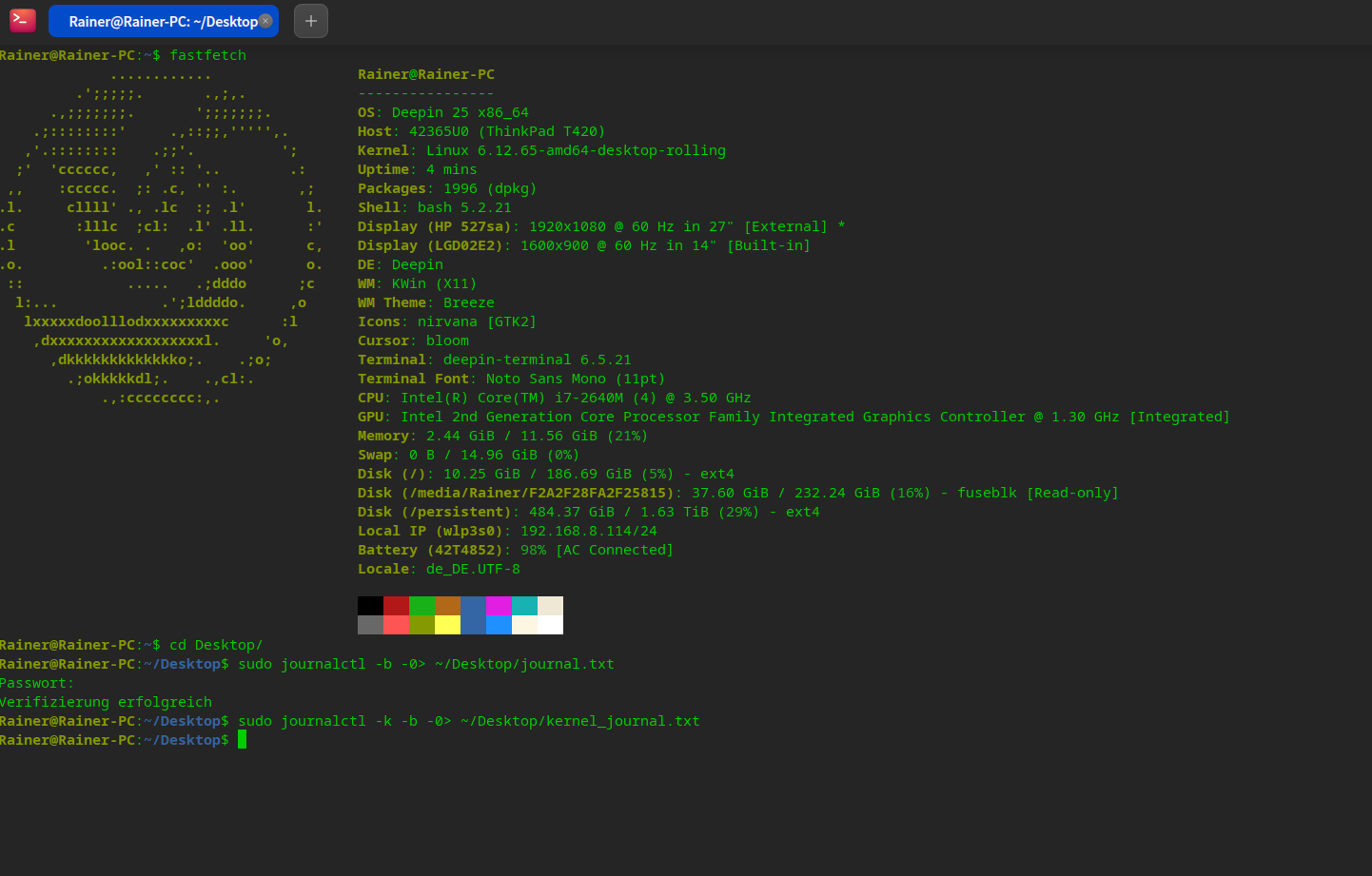
At the moment of the installation I was not able to get a journal or even a kernel-journal.
But after installation with 25.0.1 and doing the updates I am back here with 25.0.10. with this old Lenovo Notebook. (attached also the Journal files, but there will be for sure no hint about the previous try of the 25.0.10 ISO installation).
It looks that it works fine in the background, so my USB Stick has an activity led, after the first stop with the black screen the installation looks that it is processing after pressing ENTER, but after a few seconds this also stops again, ENTER key does not help any more, in my opinion it is a kind a display issue. So the Lenovo T420 has also a DP conntor and a BIOS feature to put all out from the start to the external display with common solution. But it fails also. :( So I have a dual boot and checked out the "warrenty state" of this old Notebook from 2012. ;)
deepin Popular Ranking
ChangePopular Events
More


 Unable to install HP Laserject Pro M15a Printer
🔔🔔🔔 Dear deepin community members,
To further enhance system usability and user experience, the deepin team officially releases the 25.0.10 image update. This update focuses on four main directions: file management, application ecosystem, system interaction, and stability. It optimizes multiple high-frequency usage scenarios, fixes a large number of known issues, and comprehensively improves system fluency and reliability.
🚀 Key Updates in This Version
📌 Recommended Use Cases
This image is a feature‑enhanced and bug‑fix release, recommended for the following users to install or update:
🔧 Known Issues Pending Fix
We are aware that the current image still contains a few minor issues that do not affect normal use. For example:
The above issues have been included in the fix plan and will be resolved via subsequent system updates. If you encounter any other problems, please feel free to report them to us.
📥 Image Download and Feedback
The new image has been synced to official download channels. You can obtain it via the following link: Download deepin 25.0.10 Now
For detailed update information, please refer to the full changelog below. If you encounter any issues or have suggestions, you are welcome to provide feedback through community forums, the official WeChat account, and other channels.
Thank you for your trust and support! Deepin will continue striving to build a more elegant, stable, and efficient open‑source operating system!
📄 Complete Changelog for deepin 25.0.10
I. Functional Updates
1. File Manager
2. Application Store
3. DDE
4. Control Center
5. Screenshot & Screen Recording
6. Themes
7. Input Method
8. Installer
9. Others
II. Issue Fixes
1. System Startup and Basic Operation
2. File Manager
3. DDE
4. Application‑Related
5. Devices and Network
6. Terminal and System Tools
7. System Components and Security Updates
Thank you for reading. We look forward to your experience and feedback!