[Internal testing communication] wps字体问题
Tofloor
poster avatar
139******11
deepin
12 hours ago
Author

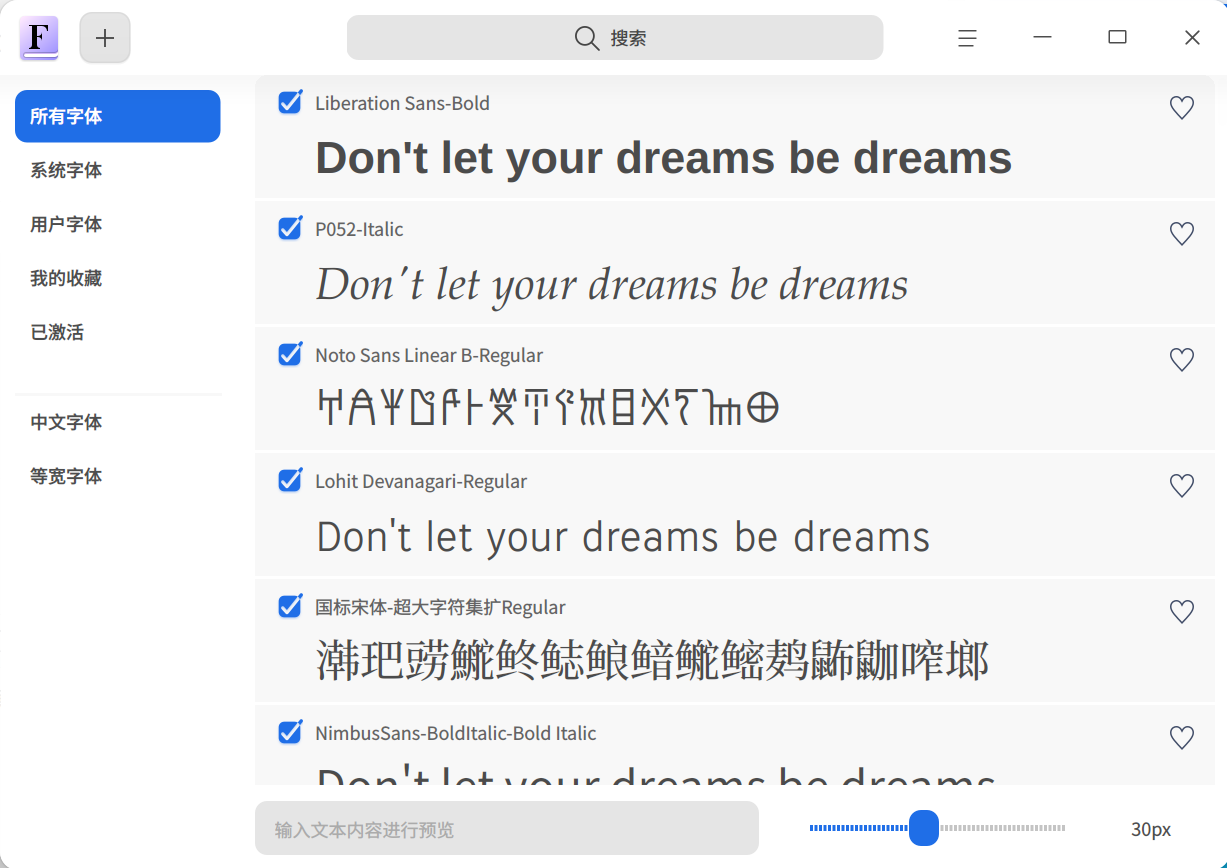
之前都是用deepin应用商店里的wps,发现少了不少字体,长期当成桌面系统的话,这样会很不方便。

所以从官网下载wps的deb包,安装。。。安装完本体后会自动用ttf-mscorefonts-installer从美网sourceforge(好象是,记不清了)下载安装ms字体

但是这个美网和其他很多美网一样屏蔽大陆、香港的ip

不科学上网下载极慢,但是我还确实在某天早上7:00慢慢的下完了,并且安装成功,字体也全多了。

再次安装的时候,我用科学上网,发现clashverge的自动选择总是会选香港,改成了韩国,字体下载环节就很快了,非常顺利的一口气安装完成。

之前坛子里有兄弟推荐apt安装,我还担心把系统搞乱,毕竟那个神奇的“autoremove不能随便autoremove”的问题还没整明白,这次装机几款常用软件都是apt安装的,挺稳的。

Reply Favorite View the author
All Replies
LiuYongzhang
deepin
12 hours ago
#1

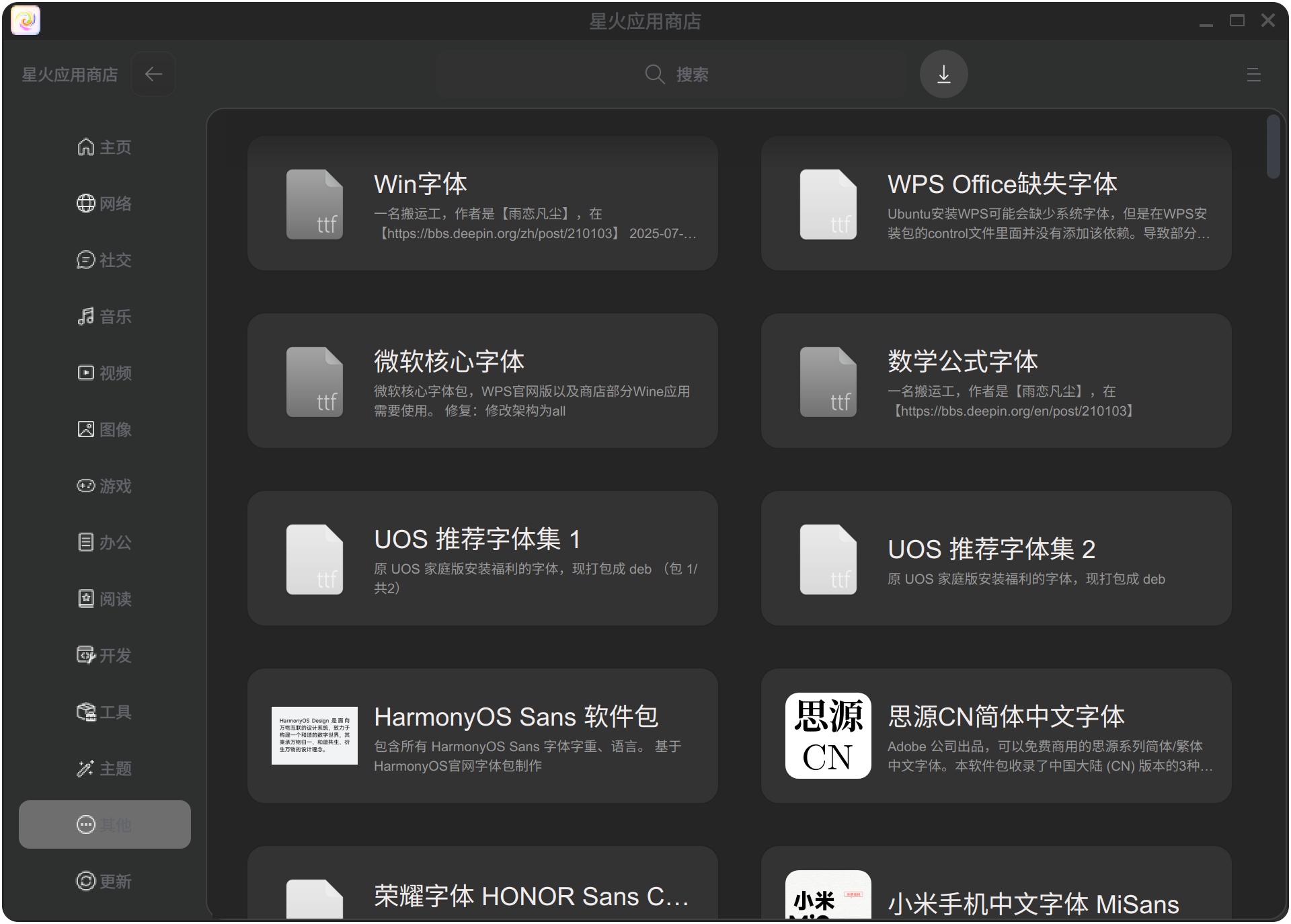
sudo apt install spark-store && sudo aptss update && sudo aptss install symbol-fonts winfonts wps-office-fonts ms-core-fonts uos-recommend-fonts-part1 uos-recommend-fonts-part2 adobe-fonts-zh fonts-honor-sans-cn -y

Reply View the author
186******75
deepin
12 hours ago
#2
LiuYongzhang

sudo apt install spark-store && sudo aptss update && sudo aptss install symbol-fonts winfonts wps-office-fonts ms-core-fonts uos-recommend-fonts-part1 uos-recommend-fonts-part2 adobe-fonts-zh fonts-honor-sans-cn -y

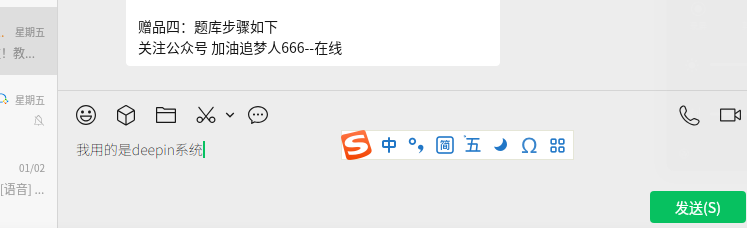
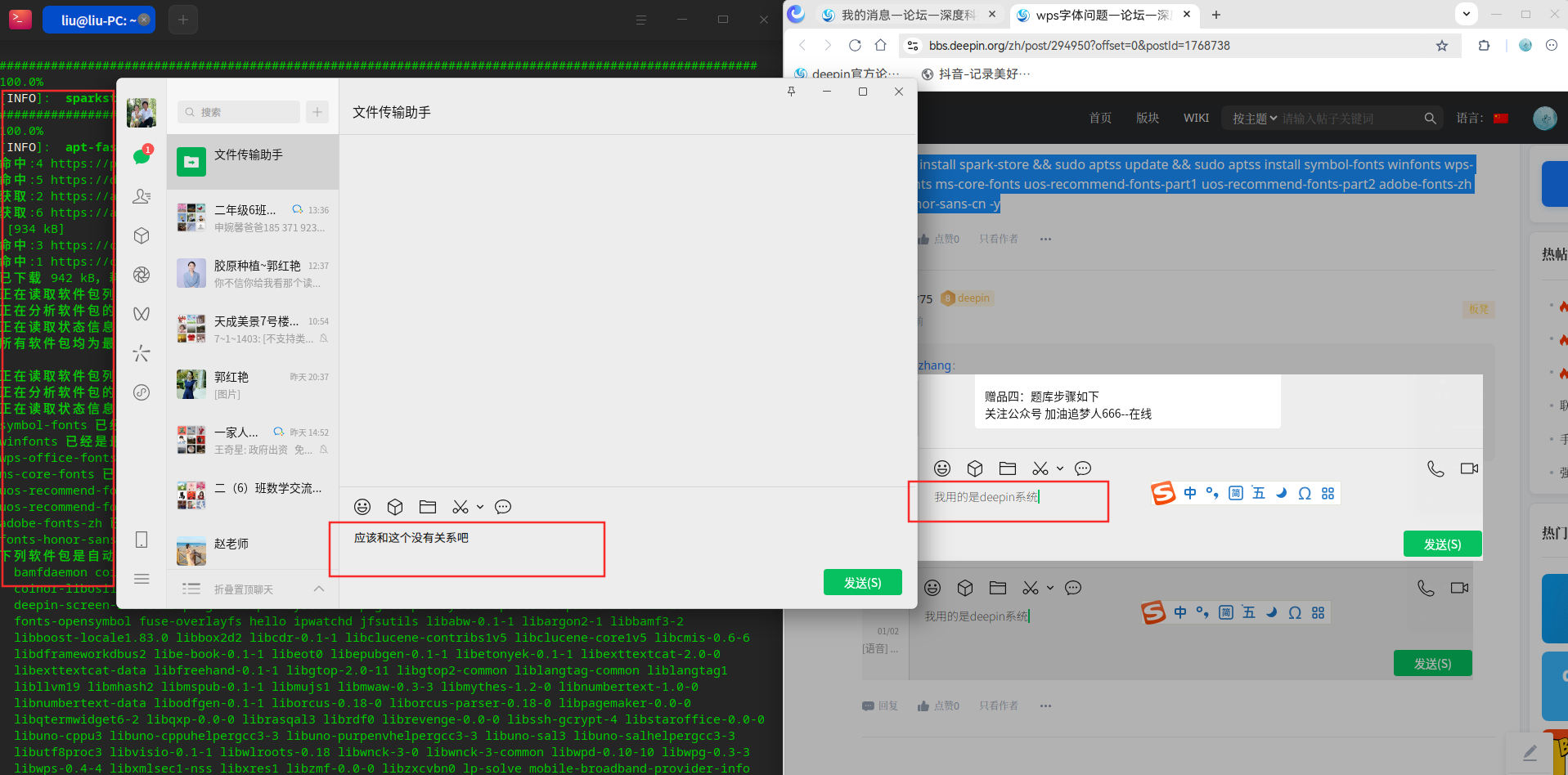
安装完后,微信输入的文字,很看不清
image.png

Reply View the author
LiuYongzhang
deepin
11 hours ago
#3
186******75

安装完后,微信输入的文字,很看不清
image.png

image.png

Reply View the author
LiuYongzhang
deepin
11 hours ago
#4
186******75

安装完后,微信输入的文字,很看不清
image.png

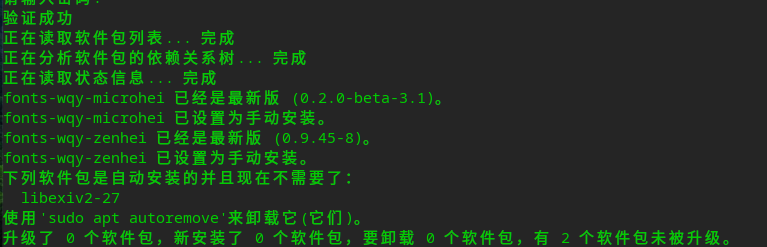
sudo apt install -y fonts-wqy-microhei fonts-wqy-zenhei

Reply View the author
LiuYongzhang
deepin
11 hours ago
#5
186******75

安装完后,微信输入的文字,很看不清
image.png

把微信右击--强制退出, 在控制中心-个性化-字体 选择一下其他字体 然后再打开微信试试

Reply View the author
186******75
deepin
10 hours ago
#6
LiuYongzhang

sudo apt install -y fonts-wqy-microhei fonts-wqy-zenhei

在没有安装上面的命令以前是正常的,安装后就变成浅色,看不清了。

Reply View the author
186******75
deepin
10 hours ago
#7
LiuYongzhang

把微信右击--强制退出, 在控制中心-个性化-字体 选择一下其他字体 然后再打开微信试试

不行,还是浅色,看不清。

Reply View the author
186******75
deepin
10 hours ago
#8
LiuYongzhang

sudo apt install -y fonts-wqy-microhei fonts-wqy-zenhei

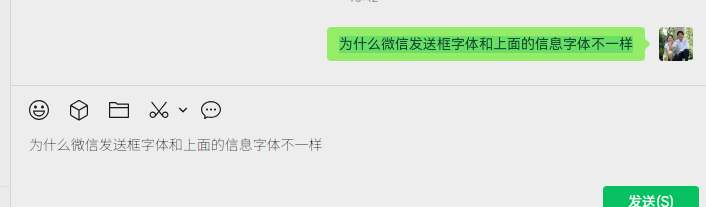
还是那个样子。
image.png

Reply View the author
LiuYongzhang
deepin
8 hours ago
#9
186******75

还是那个样子。
image.png

我的也这样了,删除微信,清空缓存,重新安装,甚至恢复系统也回不去了sob
image.png

Reply View the author
UOS小白
deepin
8 hours ago
#10

我都是直接把win系统的字体备个份,安装deepin的时候直接导入

Reply View the author
139******11
deepin
7 hours ago
#11

我是已经开始老花了,27寸2560*1680的屏折腾了很长时间都看不清,不止微信,专门配了看电脑的眼镜还是觉得文字虚,windows下好一些还是虚,直接入手了27寸4k屏,缩放用的200%的整数缩放,挺好的。

Reply View the author
语过添情@阿Q
deepin
an hour ago
#12

走过路过,学习中。。。

Reply View the author