中文
中文 
deepin流云
2026-01-04 16:32 Super Moderator
Community OP
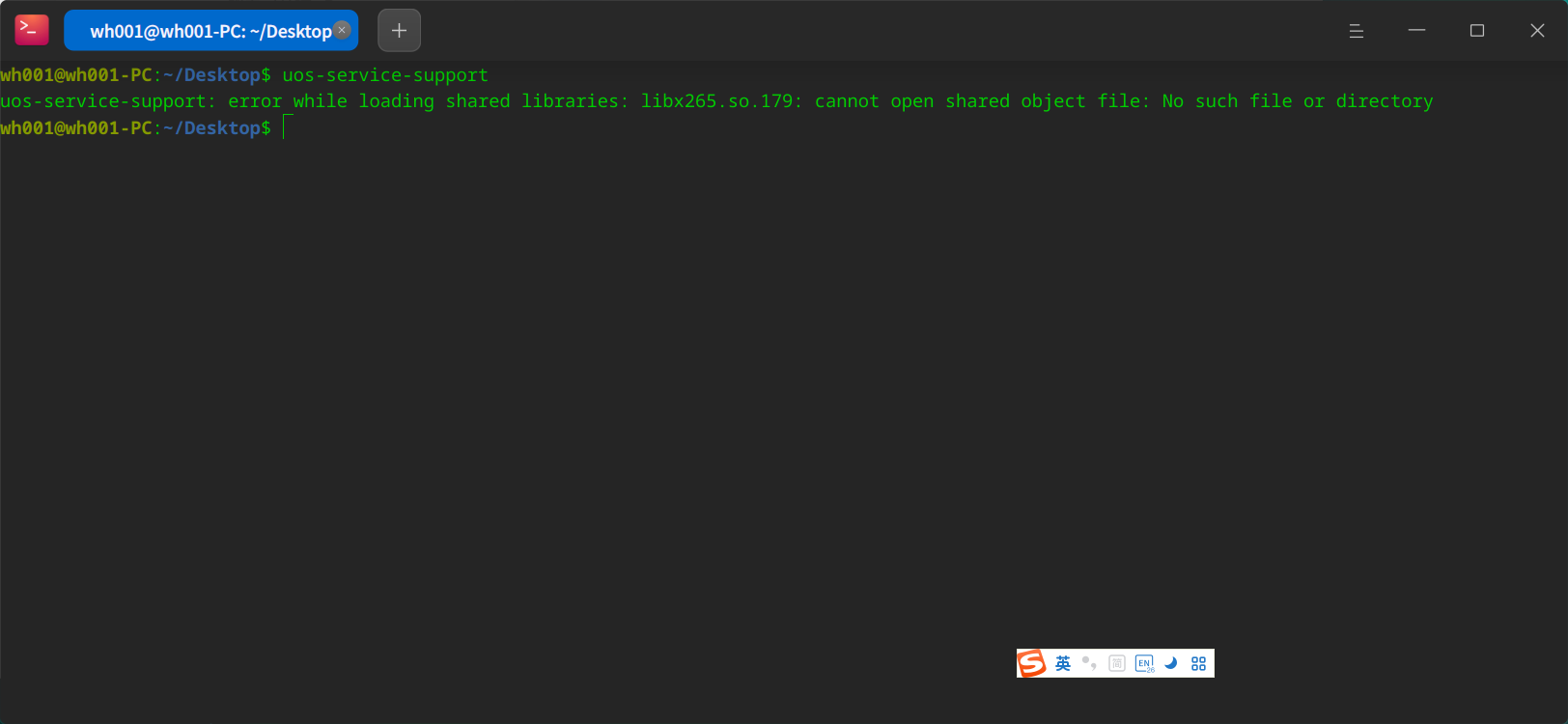
启动器搜索能找到这个应用的图标么?看这个报错提示是缺了依赖库文件,重新安装下用依赖修复命令看能不能补上。
Reply Like 0 View the author

启动器搜索能找到这个应用的图标么?看这个报错提示是缺了依赖库文件,重新安装下用依赖修复命令看能不能补上。

 deepin
 建议先更新一下系统看看能否解决,不能就单独下载依赖包安装。
apt download libx265-* #下载安装包
xdg-open *.deb #打开安装包安装

 deepin
 建议先更新一下系统看看能否解决,不能就单独下载依赖包安装。
apt download libx265-* #下载安装包
xdg-open *.deb #打开安装包安装
仍然无法解决问题,且命令xdg-open使用方式有误,通过dpkg -i安装后提示缺失其他的依赖文件,因此libx256依赖文件缺失应该不是根源问题。
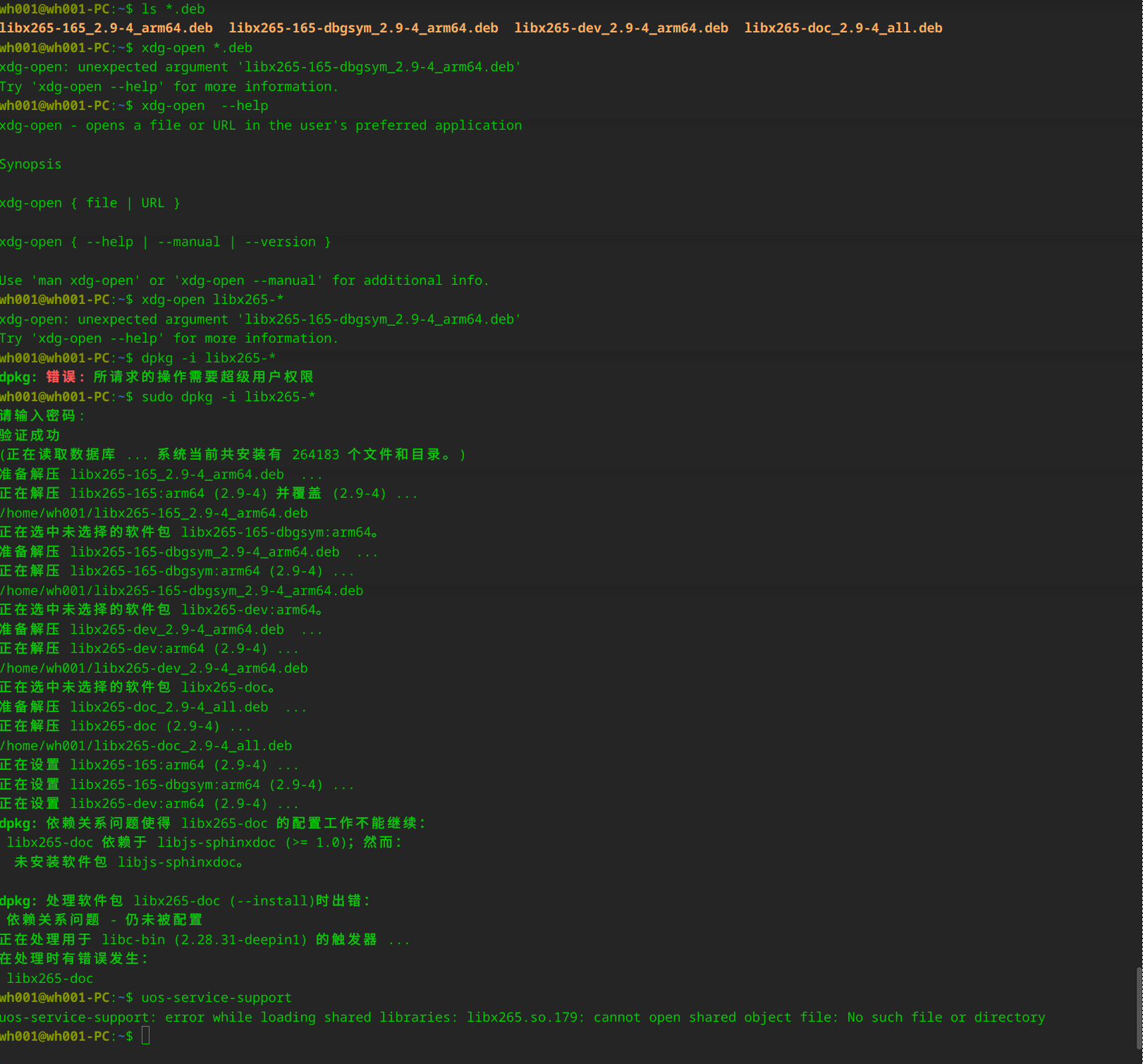
deepin 仍然无法解决问题,且命令xdg-open使用方式有误,通过dpkg -i安装后提示缺失其他的依赖文件,因此libx256依赖文件缺失应该不是根源问题。
只需要安装这个,另外几个不需要。不过如果你能用sudo权限的话直接,sudo apt install libx265-165即可。

deepin 启动器搜索能找到这个应用的图标么?看这个报错提示是缺了依赖库文件,重新安装下用依赖修复命令看能不能补上。
启动器和开始菜单能够查看该程序,且系统为最新版本,所有安全补丁都已更新,并且该程序在激活系统前能够使用,但激活系统后无法使用,激活系统后仅更新2个安全补丁,不确定是否是安全补丁的原因。
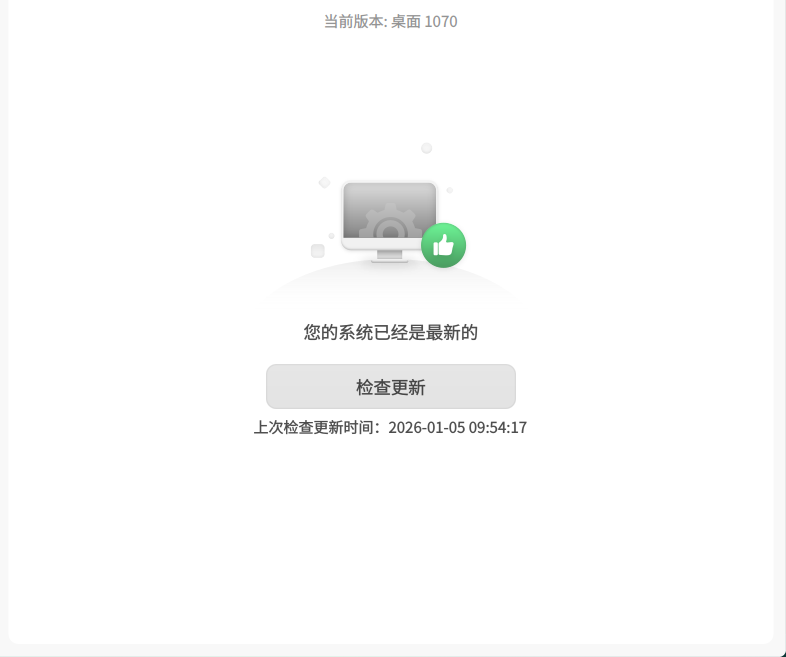
deepin 只需要安装这个,另外几个不需要。不过如果你能用sudo权限的话直接,sudo apt install libx265-165即可。
刚刚更新了最新的安全补丁包,已无法从源获取相关软件包。
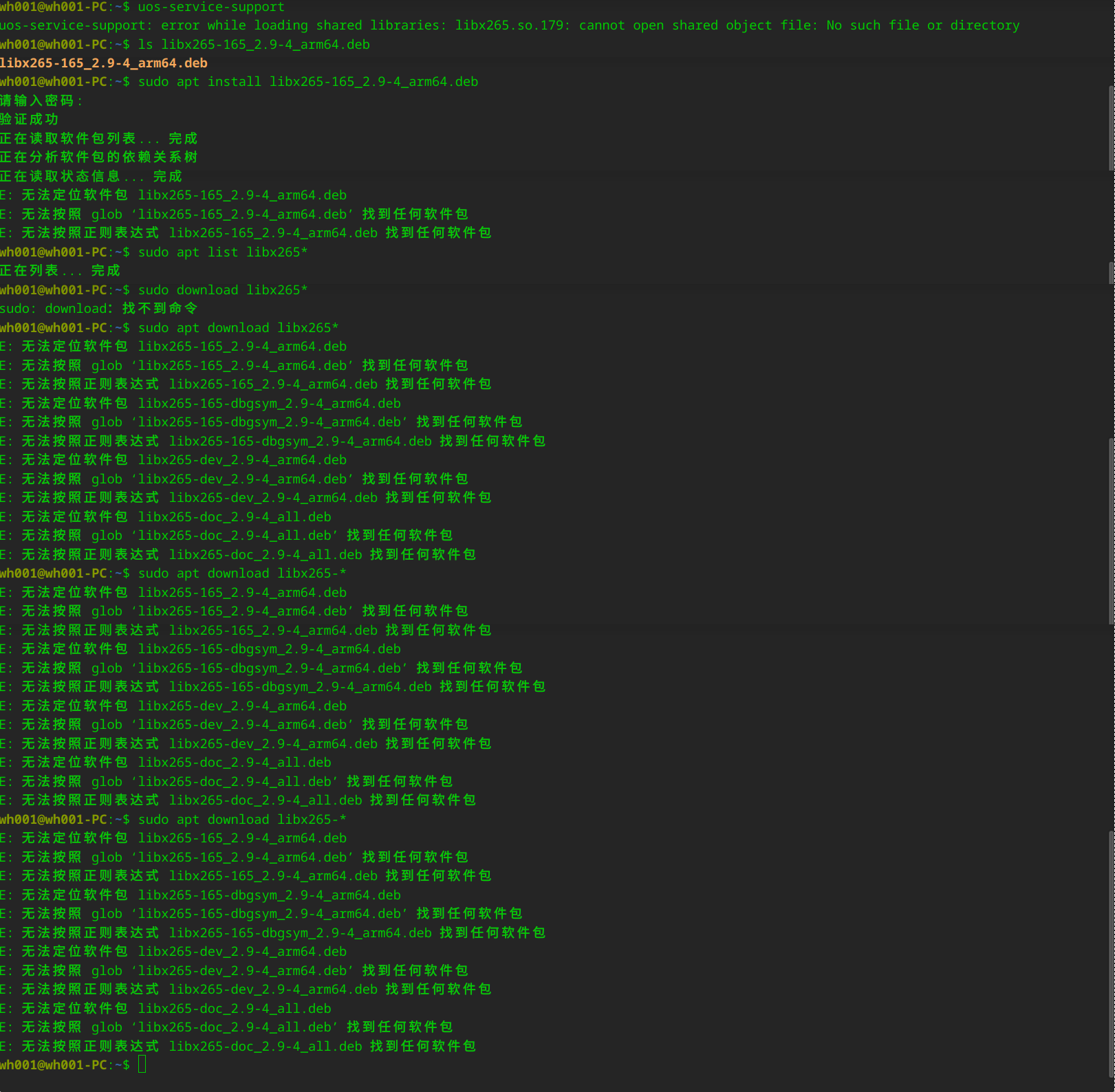
刚刚更新了最新的安全补丁包,已无法从源获取相关软件包。
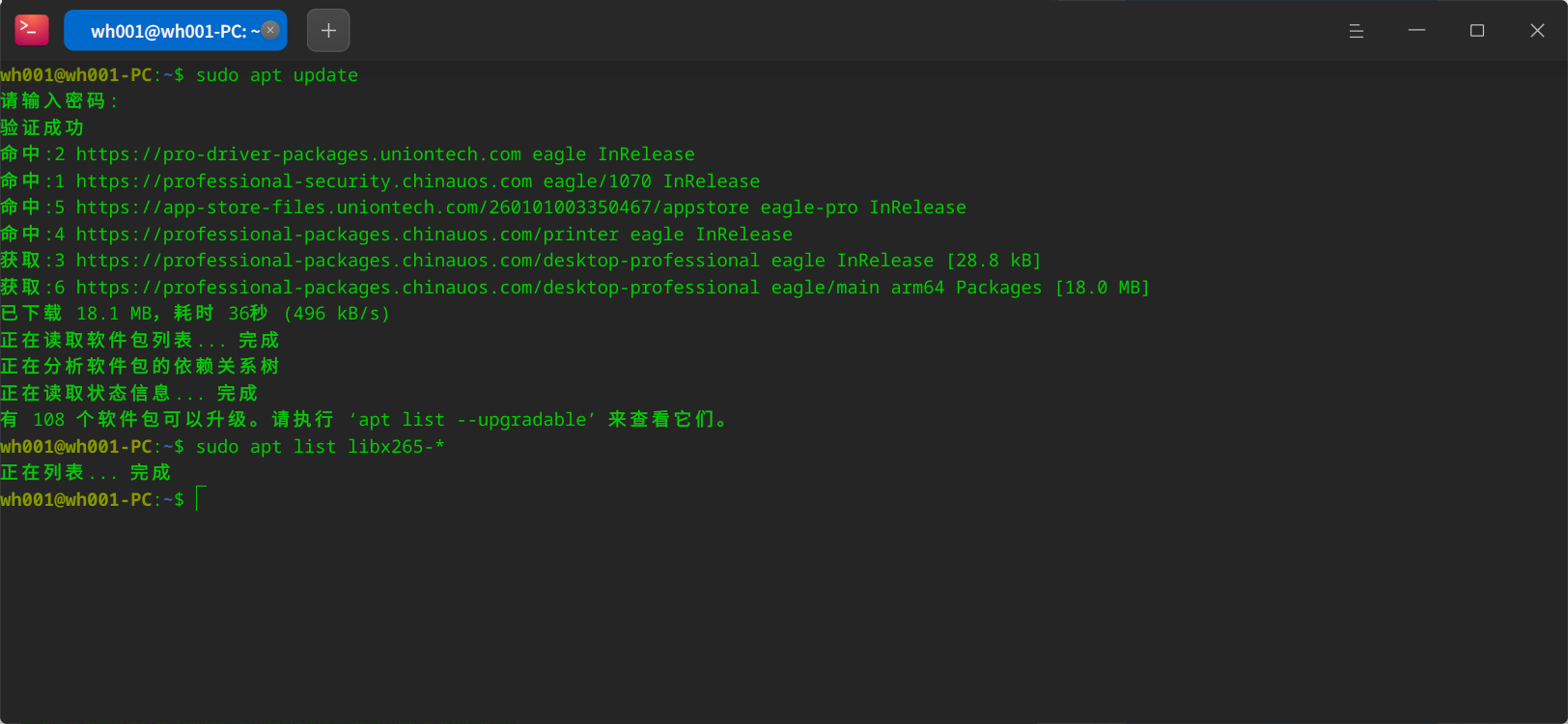
要先sudo apt update一下
deepin 要先sudo apt update一下
源更新了,依然没有。应该是被做限制了。


UOS专业版服务与支持无法打开
新安装的系统不确定是什么原因导致的。