

 中文
中文 
deepin流云
2026-01-04 10:02 Super Moderator
Community OP
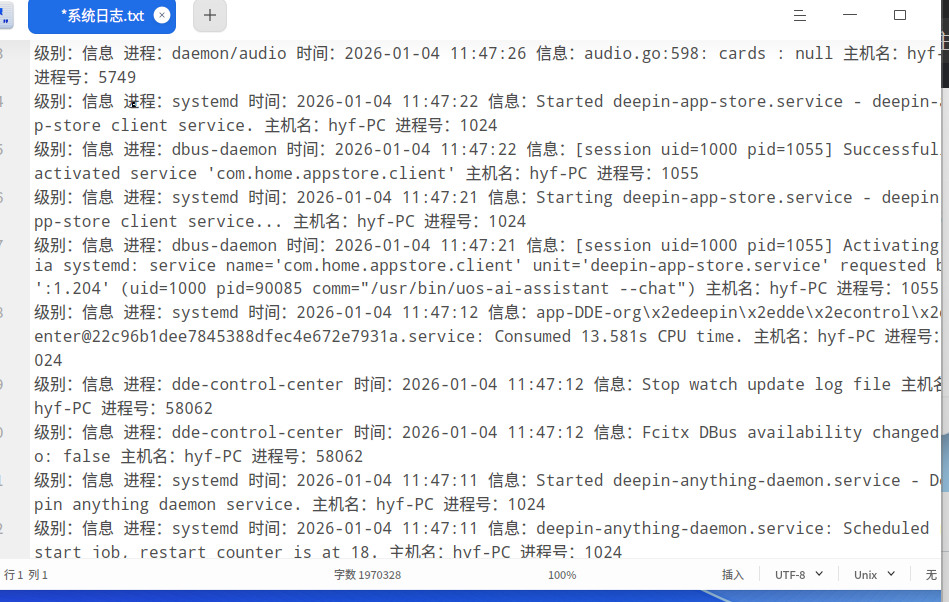
具体哪个版本?按引导提供下系统信息和日志
Reply Like 0 View the author

具体哪个版本?按引导提供下系统信息和日志
 deepin
 设备名称 LAPTOP-R5V18CNB
处理器 11th Gen Intel(R) Core(TM) i5-1135G7 @ 2.40GHz (2.42 GHz)
机带 RAM 8.00 GB (7.79 GB 可用)
系统类型 64 位操作系统, 基于 x64 的处理器
笔和触控 没有可用于此显示器的笔或触控输入
版本 Windows 11 专业版
版本号 25H2
安装日期 2025/12/6
操作系统版本 26200.7462
体验 Windows 功能体验包 1000.26100.275.0
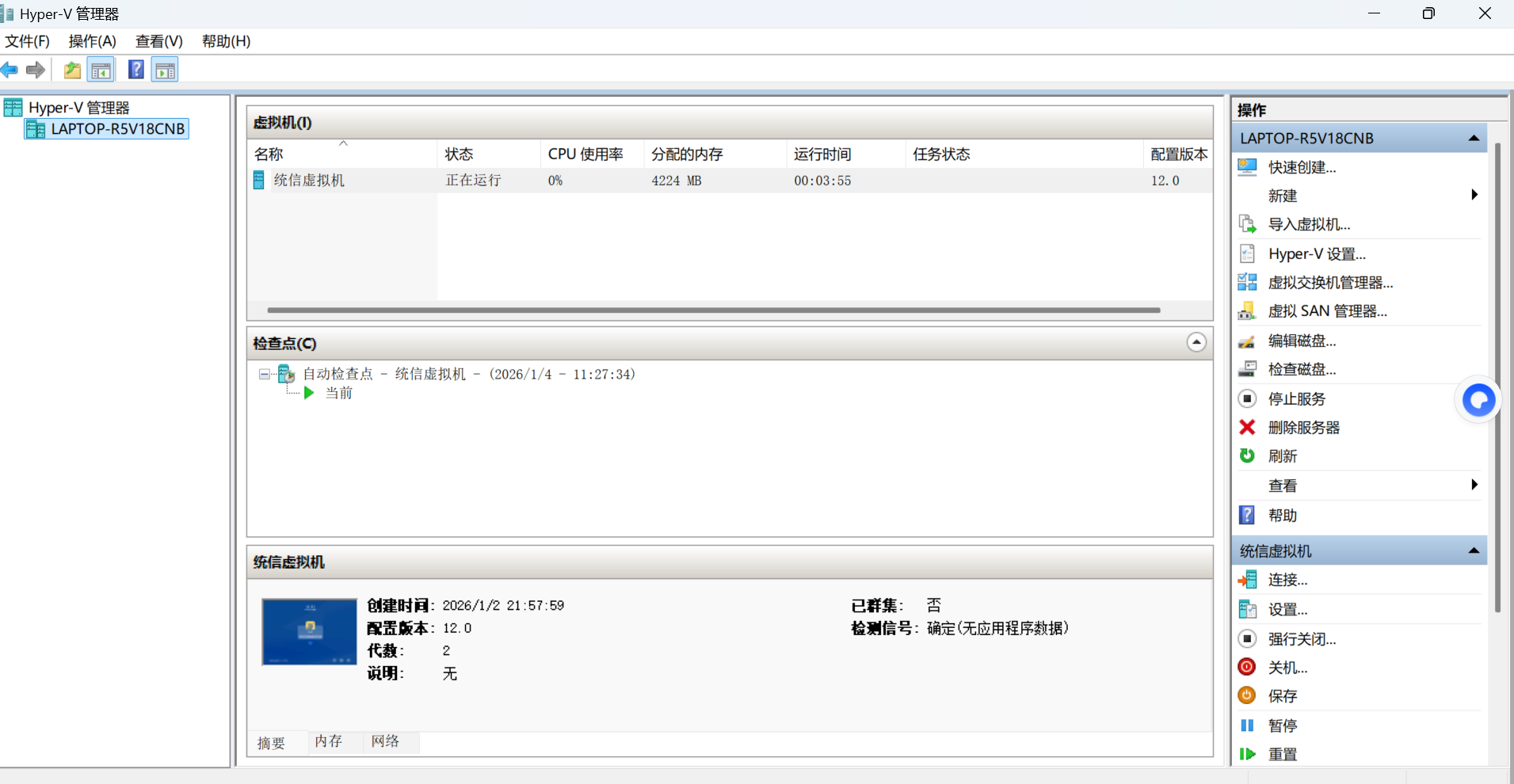
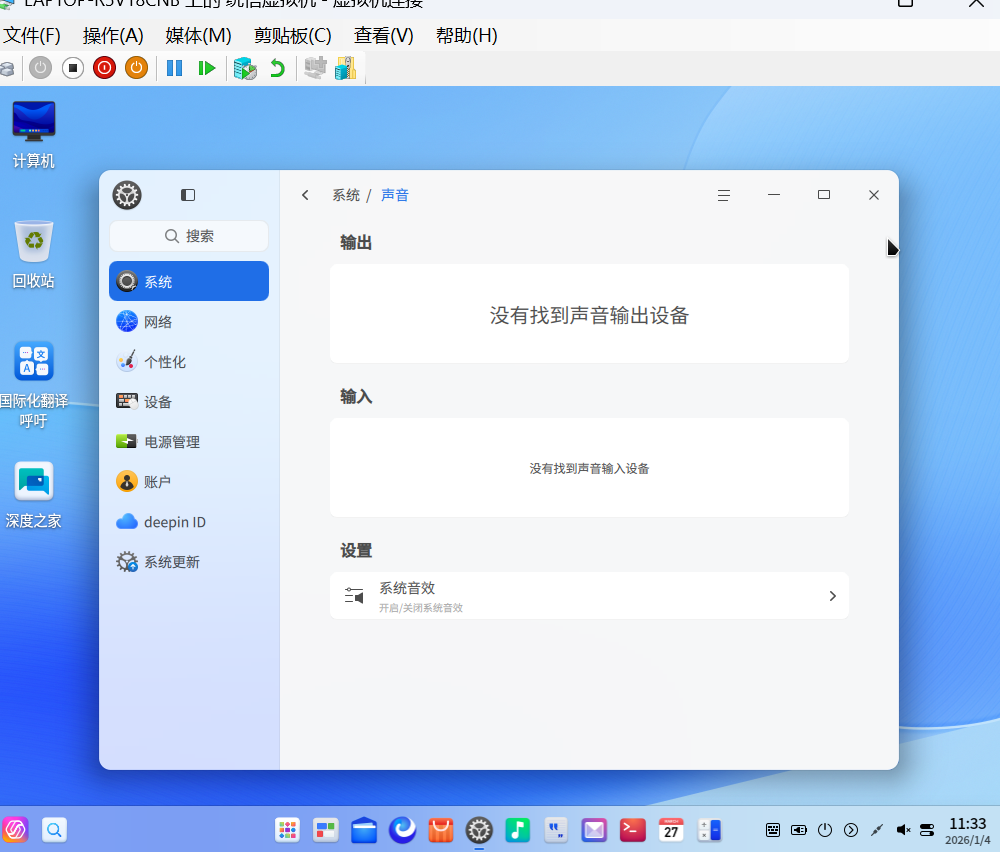
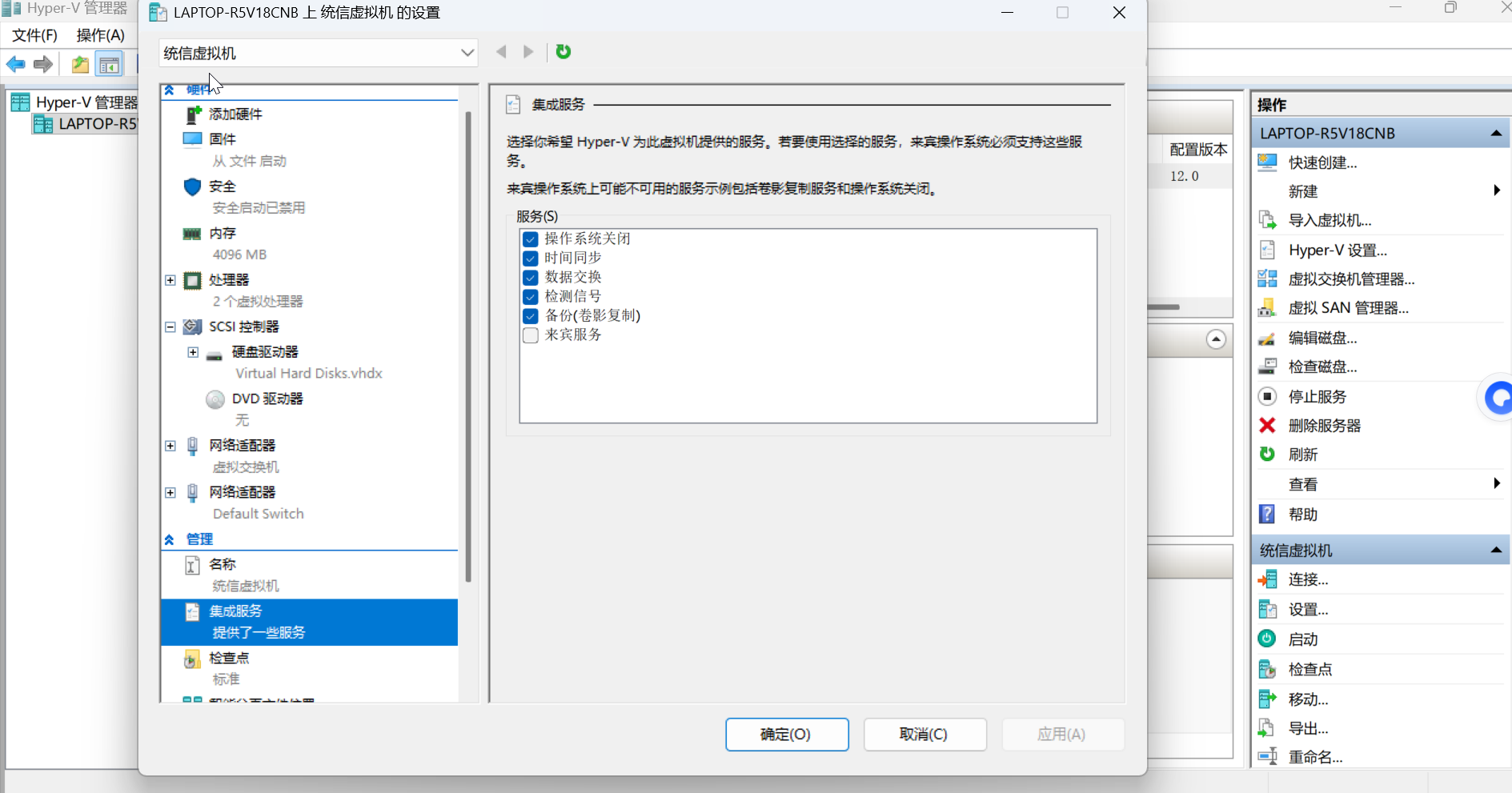
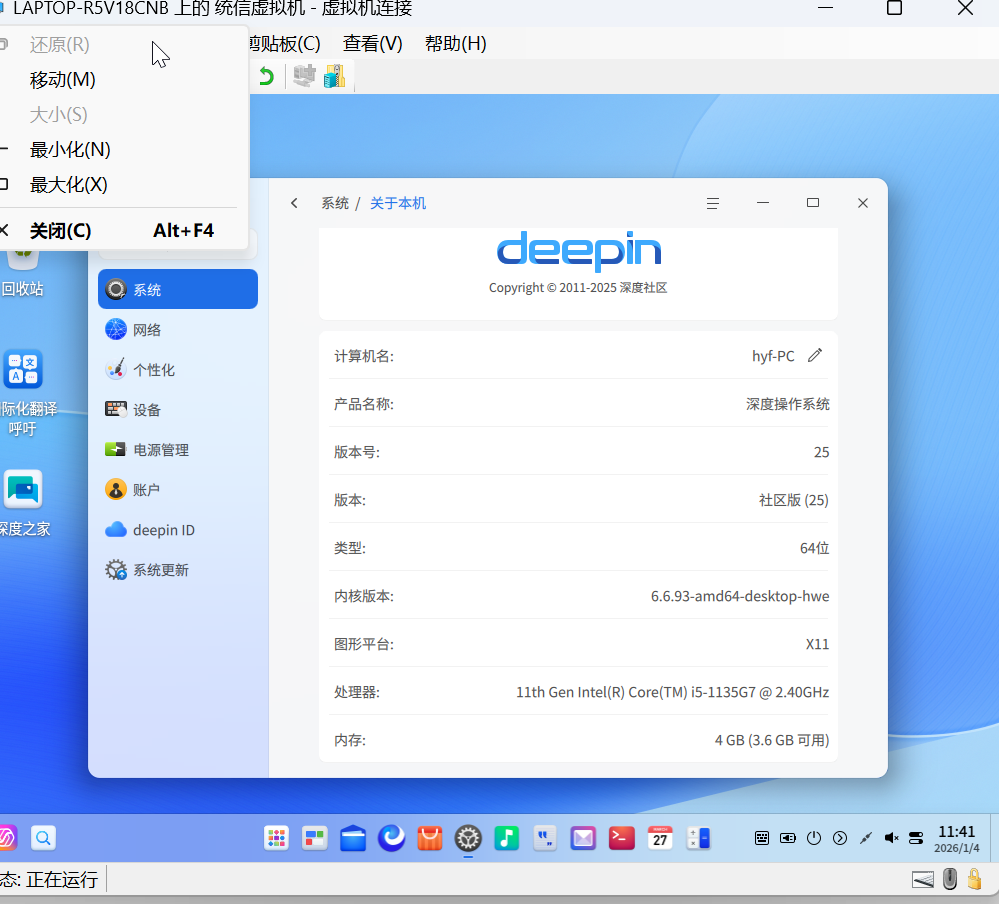
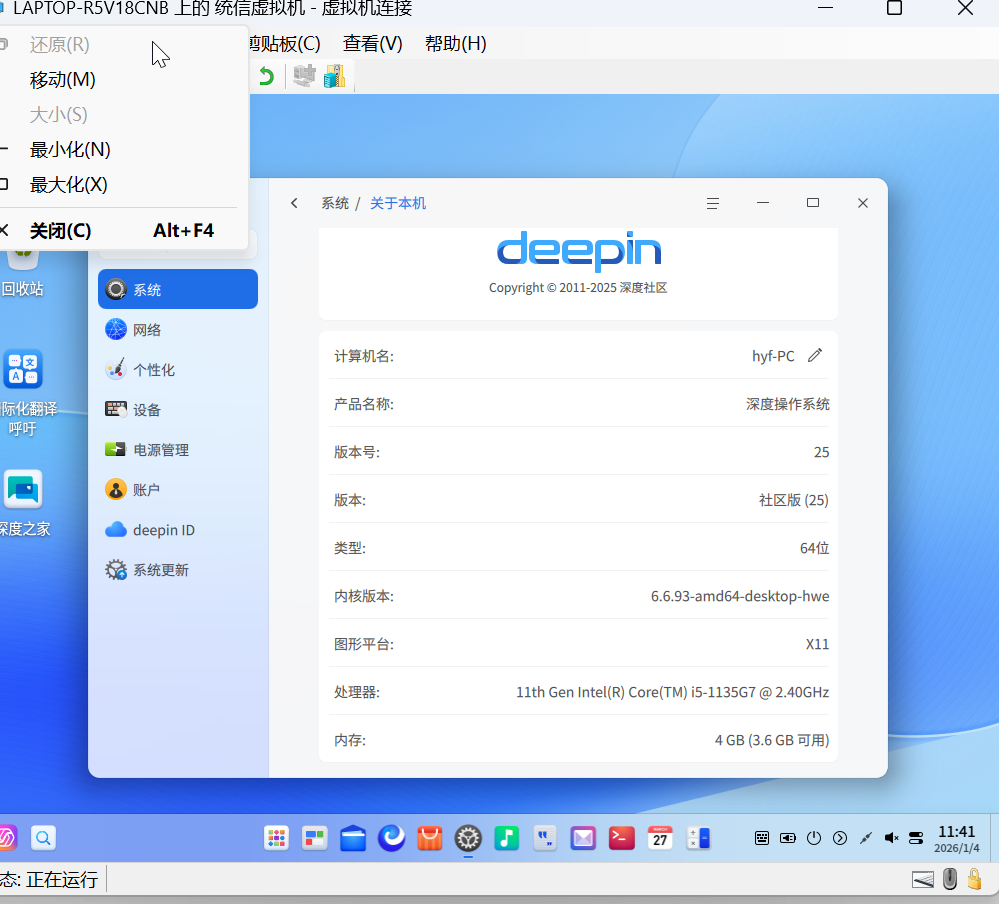
deepin 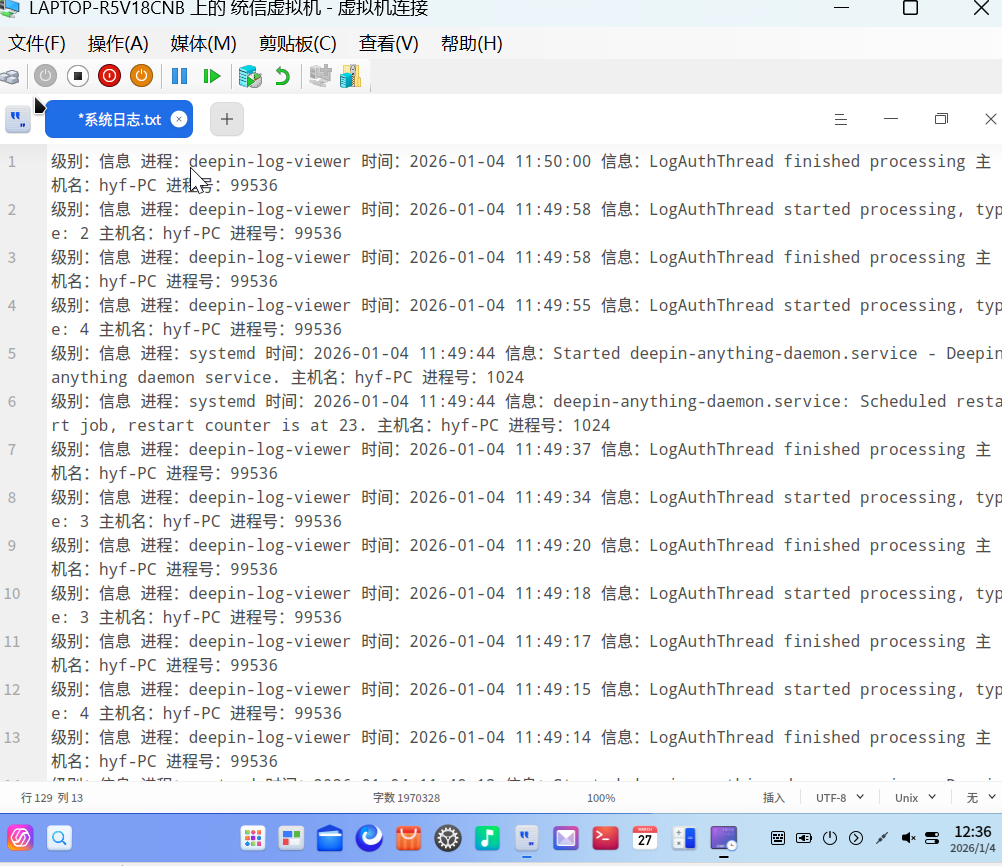
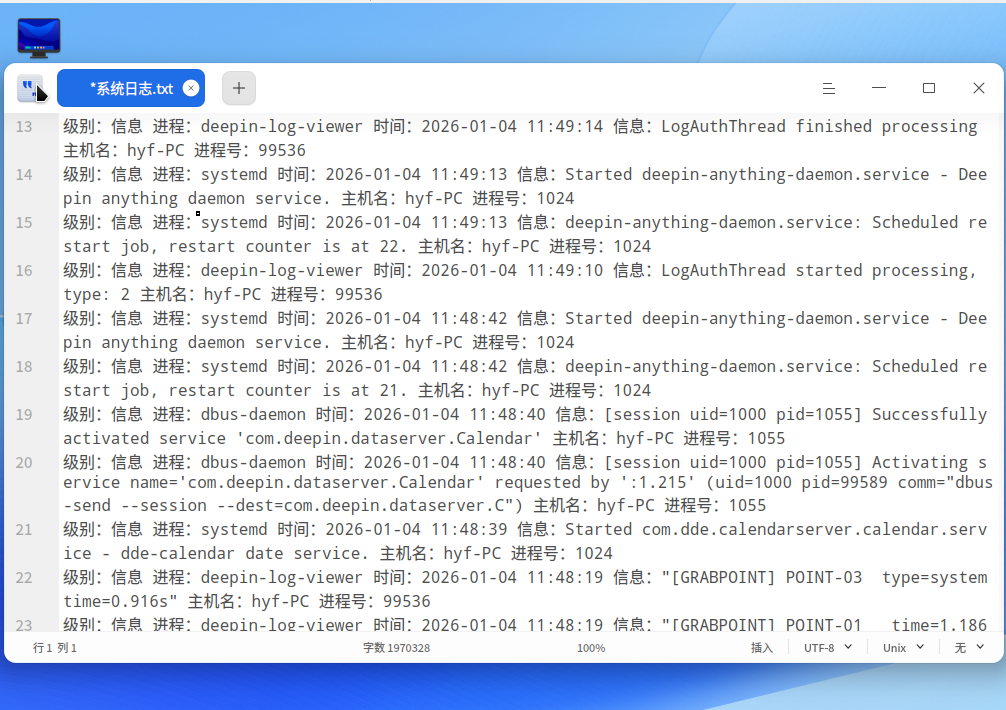
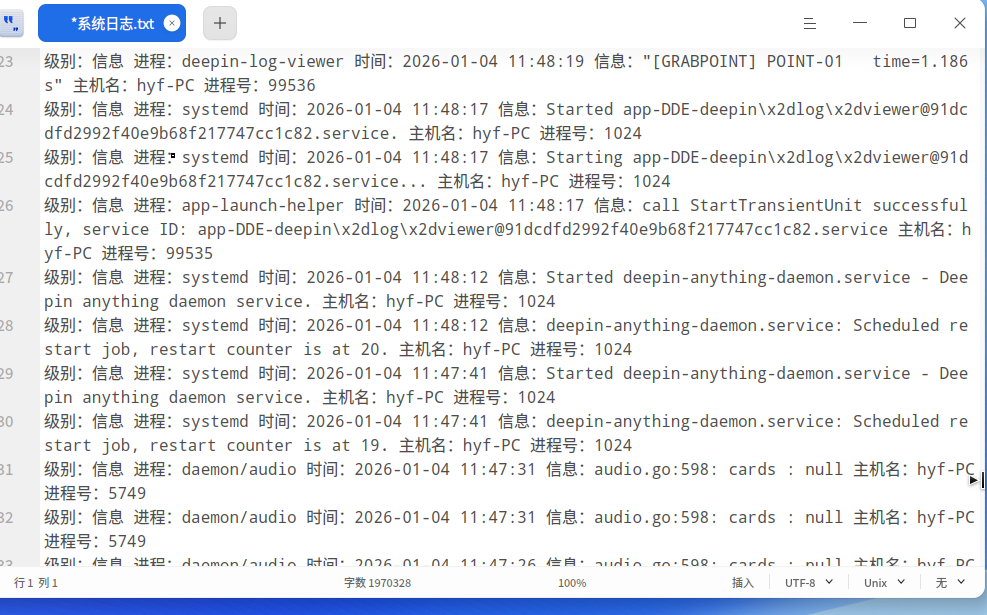
 deepin
 开视频软件经常没有声音,要调动音量开关

 deepin
 如果有耳机插孔,用下机插头插一下试试
 deepin
 开视频软件经常没有声音,要调动音量开关
@deepin流云 这么多人反馈声音问题,是否计划修复?
deepin 开视频软件经常没有声音,要调动音量开关
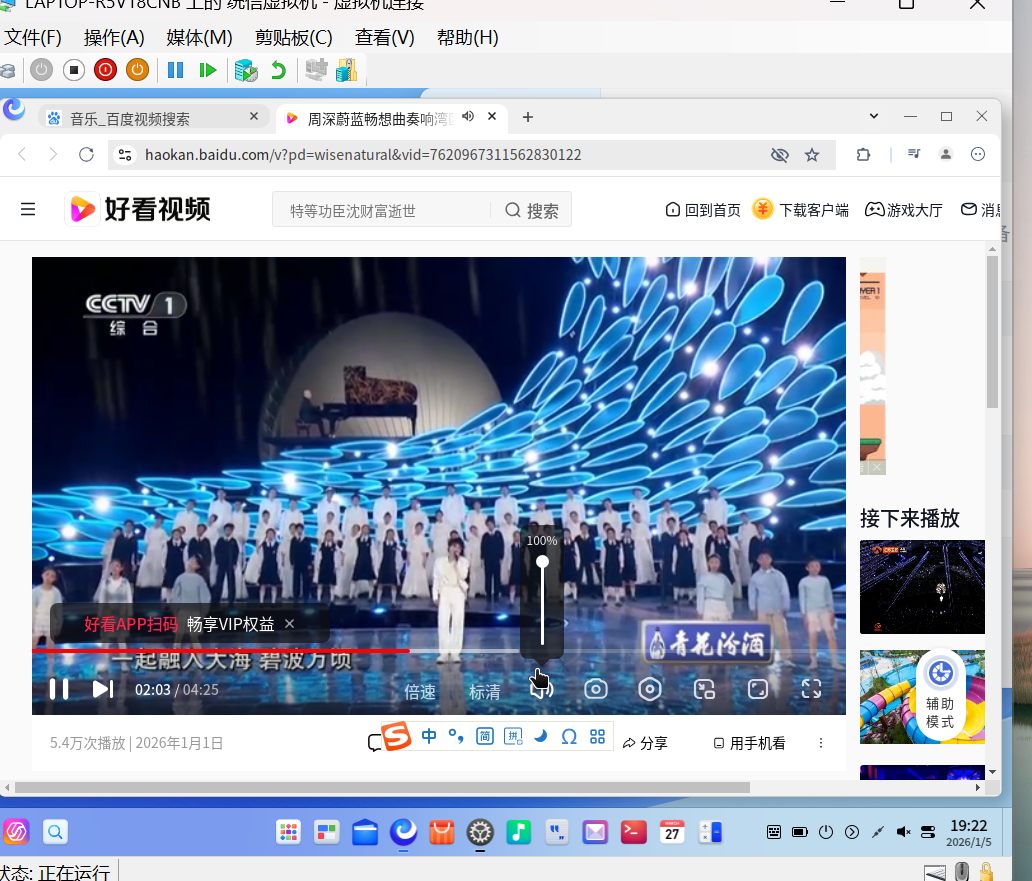
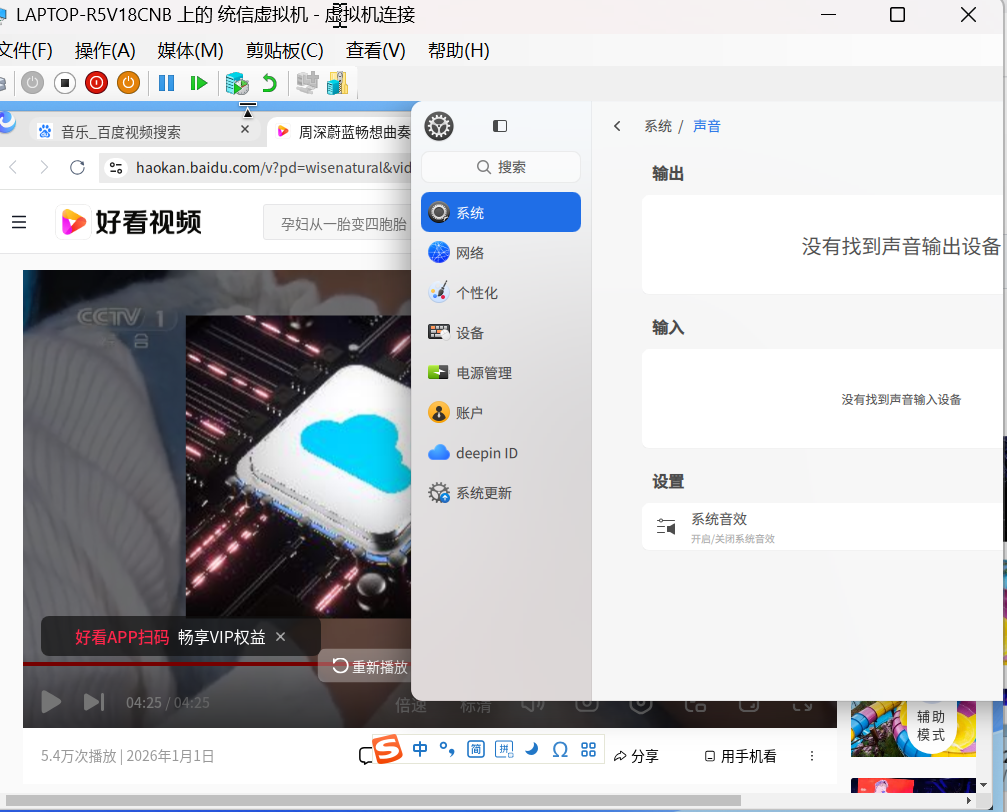
还是没有声音
deepin 终端里执行 aplay -l 看一下有没有硬件声卡?


我的Win11 64位旗舰版声音正常,打开了hyper-v安装了统信社区版,统信里面显示没有发现音频输出设备,元宝,千问都咨询照做就是解决不了,统信人工说社区版没有技术支持,恳请希望大神指点