

 中文
中文 
deepin流云
2025-12-29 16:25 Super Moderator
Community OP
https://bbs.deepin.org.cn/post/290663
参考这个帖子系统信息和内核日志提供下 ,飞腾FTC663没查到😂 应该是没有驱动
Reply Like 0 View the author

https://bbs.deepin.org.cn/post/290663
参考这个帖子系统信息和内核日志提供下 ,飞腾FTC663没查到😂 应该是没有驱动
 deepin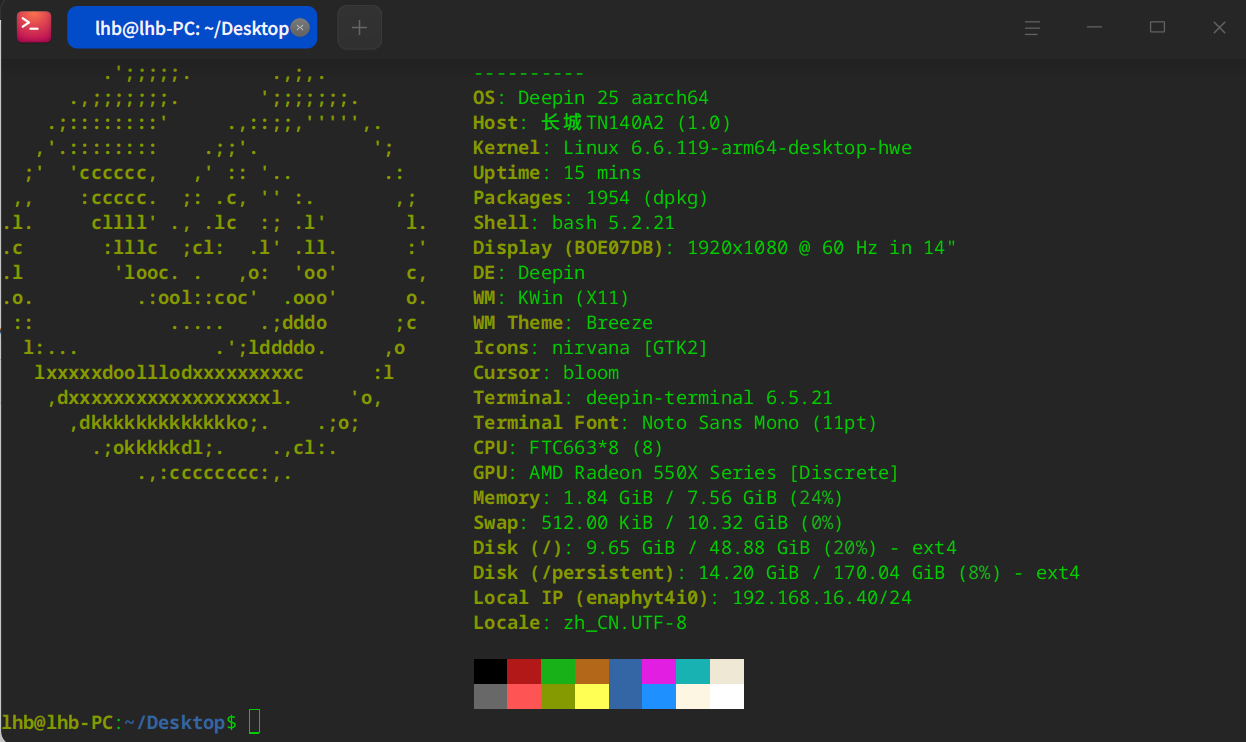
deepin 还有,系统自动更新到 25.0.10 后,控制中心 模块 打不开了。
deepin 还有,系统自动更新到 25.0.10 后,控制中心 模块 打不开了。
这个问题,更新后 重启了电脑,解决了,能打开了。但是键盘无法识别的问题,还是不行,是不是缺少驱动
deepin 同样的笔记本,我安装了UOS桌面专业版V20(1070 arm64)试用版,键盘是可以识别的。是不是这个社区版 没有把 这款电脑的驱动编译进去,谢谢
研发说这是已知问题,目前飞腾没有给25系统提供这部分的驱动,他们自己也在想办法解决,看后面的内核更新吧。

 deepin
 同样的笔记本,我安装了UOS桌面专业版V20(1070 arm64)试用版,键盘是可以识别的。是不是这个社区版 没有把 这款电脑的驱动编译进去,谢谢
把uos的内核下载下来,然后在deepin上安装就可以了
deepin 把uos的内核下载下来,然后在deepin上安装就可以了
你好,具体是怎么操作的?能详细说一下操作步骤吗?谢谢!
deepin 你好,具体是怎么操作的?能详细说一下操作步骤吗?谢谢!
你试一下吧 我也不知道能不能成功。
查看内核版本
uname -a
大概率是 linux-image-4.19.*
下载linux内核
apt download linux-image-4.19*
会得到内核deb文件,复制到u盘,等安装完deepin25后,然后 将内核deb文件复制到的主目录下,然后运行
sudo apt install ./linux-image-4.19*
重启选择4.19内核 你试试看 行不行
deepin 你试一下吧 我也不知道能不能成功。
查看内核版本
uname -a
大概率是 linux-image-4.19.*
下载linux内核
apt download linux-image-4.19*
会得到内核deb文件,复制到u盘,等安装完deepin25后,然后 将内核deb文件复制到的主目录下,然后运行
sudo apt install ./linux-image-4.19*
重启选择4.19内核 你试试看 行不行
你好,按照你的方法试了,重新安装内核,重启后,还是不行。请问该怎么办啊?
deepin 你好,按照你的方法试了,重新安装内核,重启后,还是不行。请问该怎么办啊?
上飞腾官网注册账号,提问,会有技术人员跟进的。
deepin https://bbs.deepin.org.cn/post/290663
参考这个帖子系统信息和内核日志提供下 ,飞腾FTC663没查到😂 应该是没有驱动
这个问题,现在新的社区版本 有没有解决啊?
deepin 这个问题,在新版本中 ,还没解决掉。
deepin 这个 问题,有哪位大神 提供详细的解决一方案啊
Popular Ranking
ChangePopular Events
More


 Frequent kernel panic error since the last kernel update.
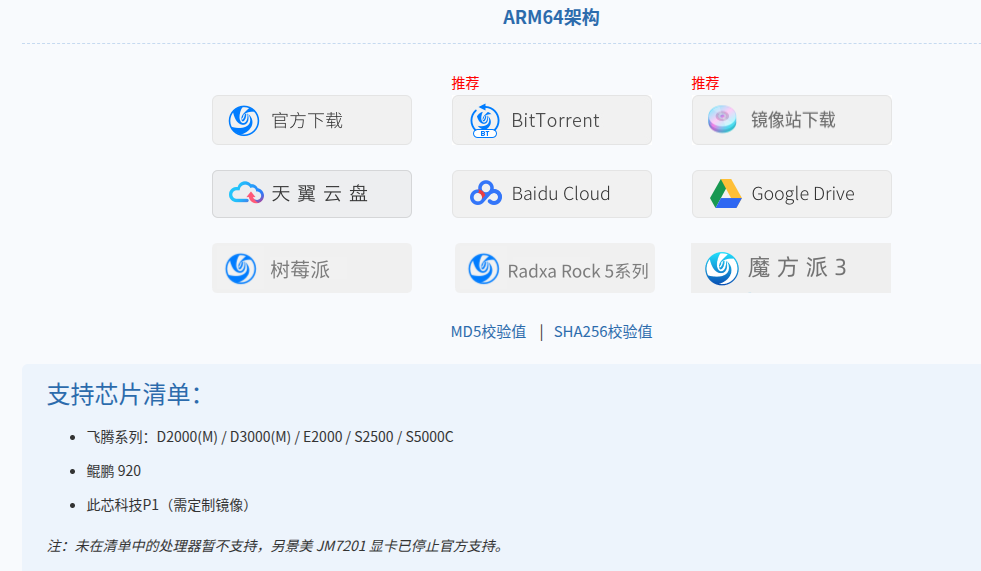
长城笔记本TN140A2 (CPU 飞腾FTC663 )安装了 UOS家庭版V25版本(deepin-desktop-community-25.0.1-arm64),笔记本自带的键盘没反应,无法操作,识别不了键盘。但是外接USB键盘是可以识别的,请问这是什么原因?该怎么解决?