[Test feedback] 25.0.10Treeland模式启动黑屏
Tofloor
poster avatar
叶落无语
deepin
2025-12-04 11:02
Author

就刚升级那会儿进入Treeland模式启动可以正常进入桌面,后面退回普通模式,再重新进入Treeland,就怎么也不能正常启动,一直黑屏。

image.png

Reply Favorite View the author
All Replies
deepin-流云
Super Moderator
Community OP
2025-12-04 11:28
#1

Treeland目前还没完善,还只能简单体验,等后面作为正式桌面吧。如果进不去桌面,进TTY执行:

sudo systemctl disable ddm

sudo systemctl stop ddm

sudo systemctl enable lightdm

sudo systemctl start lightdm

Reply View the author
bulubiu
deepin
2025-12-04 13:21
#2
deepin-流云

Treeland目前还没完善,还只能简单体验,等后面作为正式桌面吧。如果进不去桌面,进TTY执行:

sudo systemctl disable ddm

sudo systemctl stop ddm

sudo systemctl enable lightdm

sudo systemctl start lightdm

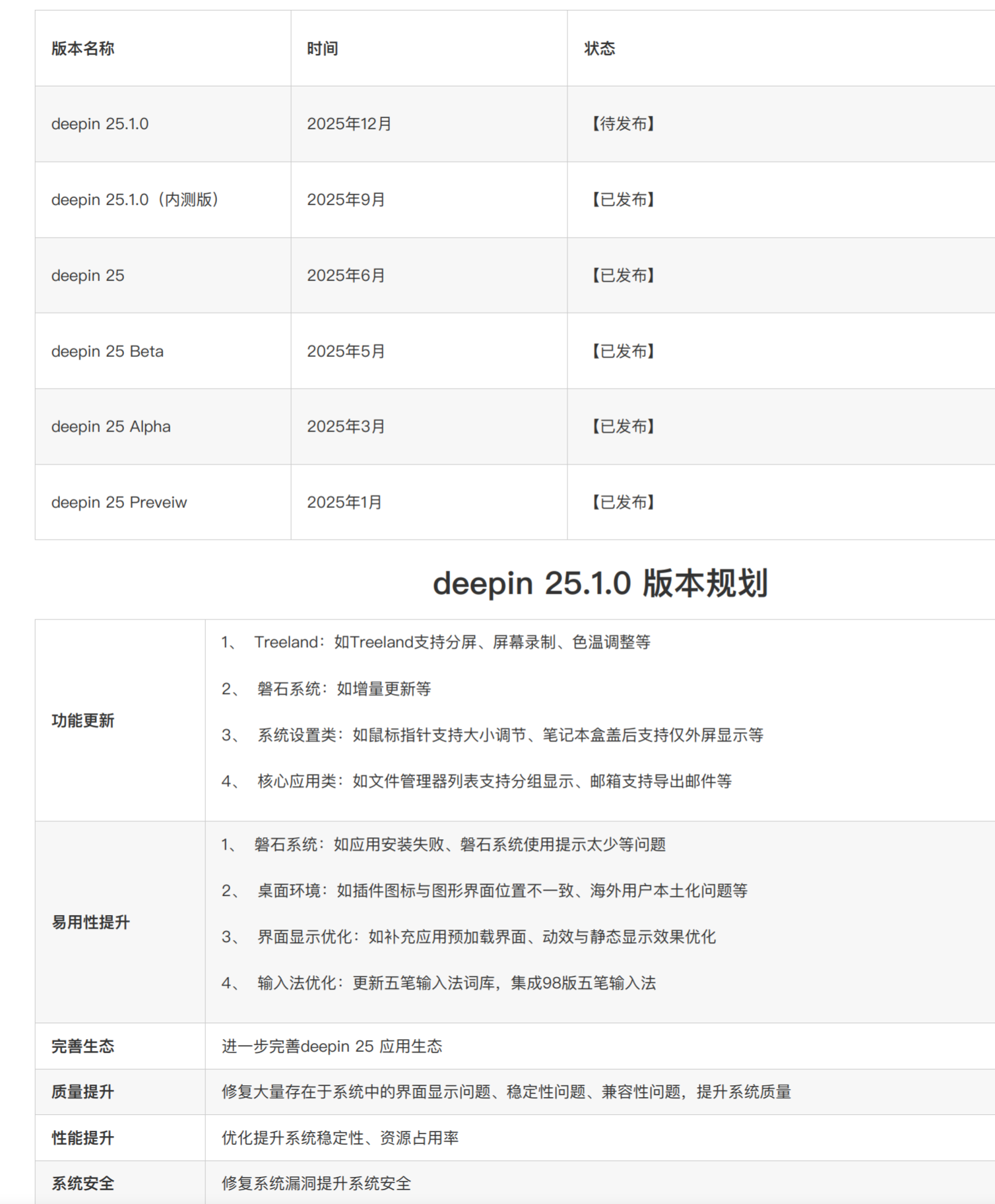
有一个正式上线的大概时间吗,盼头一下

Reply View the author
qq4945286
deepin
2025-12-04 14:20
#3
bulubiu

有一个正式上线的大概时间吗,盼头一下

001.png

Reply View the author
叶落无语
deepin
2025-12-04 15:25
#4
deepin-流云

Treeland目前还没完善,还只能简单体验,等后面作为正式桌面吧。如果进不去桌面,进TTY执行:

sudo systemctl disable ddm

sudo systemctl stop ddm

sudo systemctl enable lightdm

sudo systemctl start lightdm

黑屏状态怎么进TTY?

Reply View the author
deepin-流云
Super Moderator
Community OP
2025-12-04 15:36
#5
叶落无语

黑屏状态怎么进TTY?

黑屏了键盘还能响应么?(比如说按大写和数字,灯会不会亮?)如果能的话,按Ctrl+Alt+F2(F2-F6都可以试试);或者重启的时候直接切

成功切换后,屏幕上会显示一个纯文本的登录提示符。你需要依次输入你的用户名(按回车)和密码(输入时屏幕不会显示任何字符,这是正常的),然后再次按回车登录。

Reply View the author
叶落无语
deepin
19 hours ago
#6

谢谢!下回试试试。

但是关键是要解决Treeland启动黑屏的问题,退回普通模式只是回避了Treeland自己的问题。


试了一下,黑屏时无法通过Ctrl+ALT+F2~F6进入TTY

在启动过程中按ESC查看启动日志,发现系统卡在以下这个地方:

Job plymouth-quit-wait.service/start running (7min 35s / no limit)

这应该是老问题了,之前版本也时常遇到。

Reply View the author