

 中文
中文 
森林的天空 deepin
2025-11-06 16:33 deepin 网络池激活了么,或者用virsh net-start激活,virish net-autostart可以一启动自动激活
Reply Like 0 View the author
 deepin
 网络池激活了么,或者用virsh net-start激活,virish net-autostart可以一启动自动激活

 deepin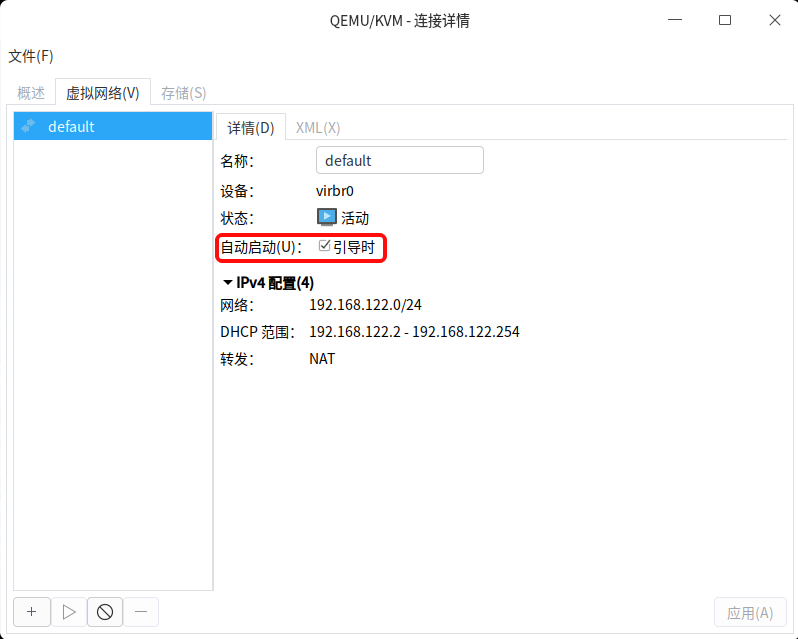

 deepin
 终端输入:sudo virsh net-autostart default
我是用这个激活网络
 deepin
怎么看不到你那个界面?
deepin 终端输入:sudo virsh net-autostart default
我是用这个激活网络
用这个方法重启系统后可以了。谢谢。
deepin 怎么看不到你那个界面?
打开“虚拟系统管理器”——点击“QEMU/KVM"——点击“编辑”——“连接详情”——“虚拟网络”
Popular Events
More


 WhatsApp doesn't work in the official Deepin browser!
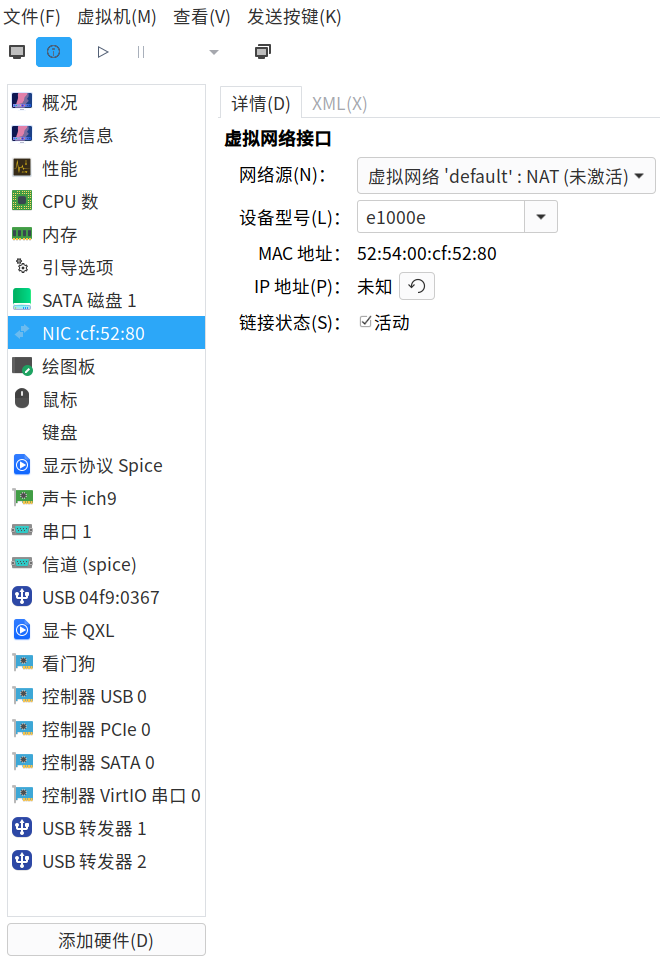
系统重启后,KVM中Win10虚拟机的网络总是“未激活”
要在硬件详情里删除网卡重新添加“网络”
添加网络时有“未激活”提示
点“是”来启动就行了
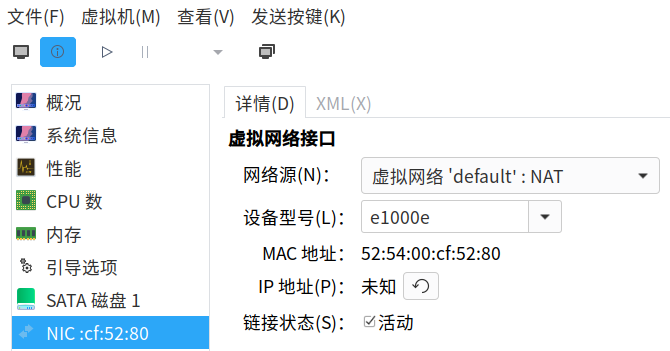
每次重启deepin系统都会导致虚拟机中的网络“未激活”,怎么办?