中文
中文 
锵锵枪ᯤ deepin
2025-11-03 16:06 deepin 深度在1920*1080分辨率显示就是很模糊。
换4K屏幕或者换系统吧
Reply Like 0 View the author
deepin 深度在1920*1080分辨率显示就是很模糊。
换4K屏幕或者换系统吧



 deepin
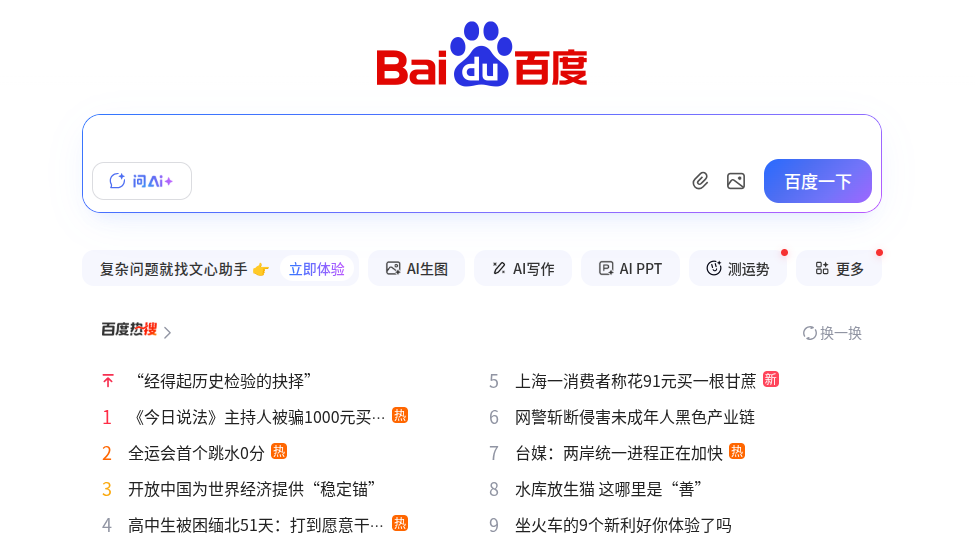
这是ubuntu截图的显示效果,明显比deepin清晰很多
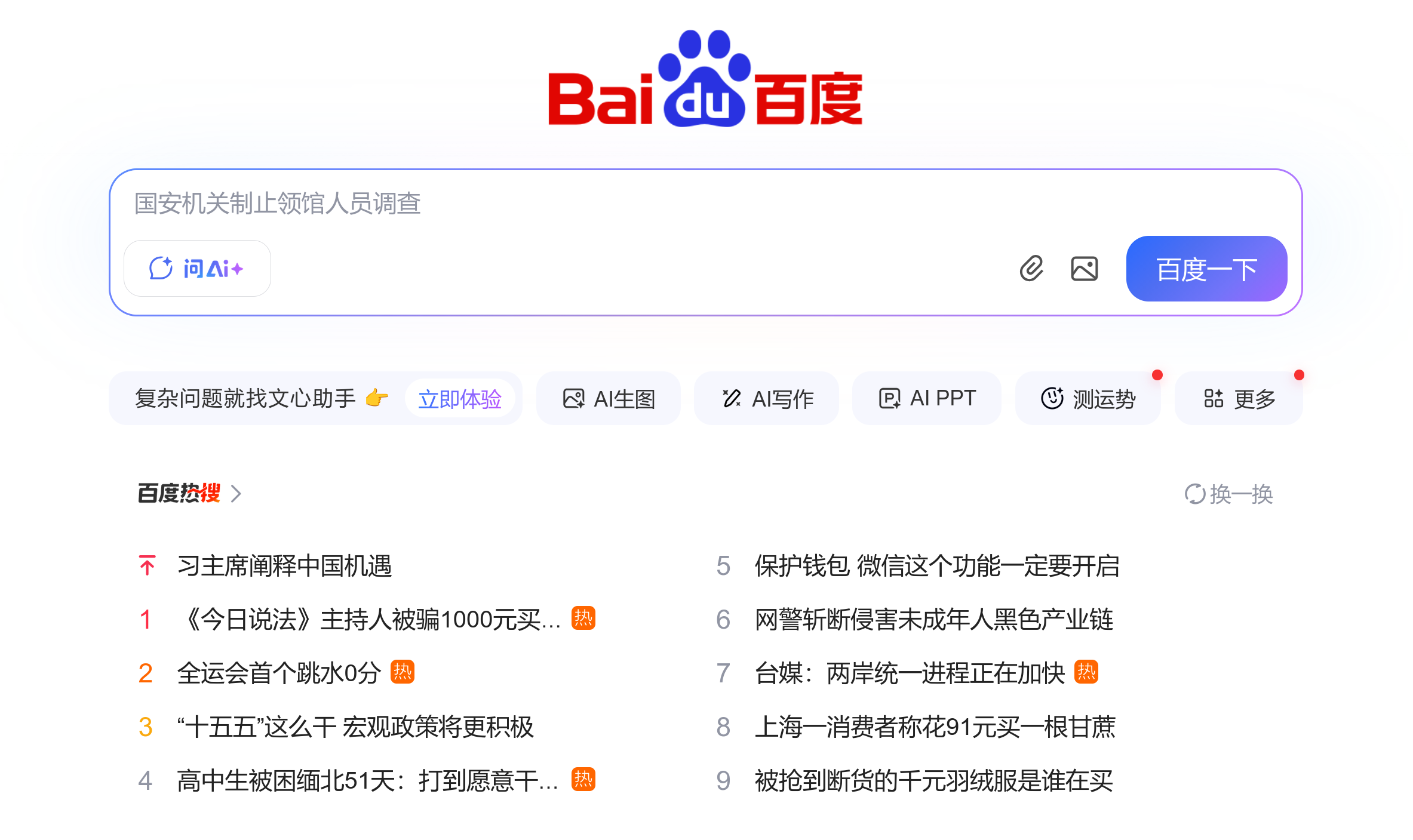
deepin 普通截图场景,默认设置的,截图没有修改过设置也不知道如何修改,好像是升级前还是正常的。感觉点了截图后,先对整修屏幕进行了截取,然后才能选区域的。
Linux Deepinwens 6.6.101-amd64-desktop-hwe #25.01.00.08 SMP PREEMPT_DYNAMIC Tue Aug 5 13:23:06 CST 2025 x86_64 GNU/Linux
............ hmy@Deepinwens
.';;;;;. .,;,. --------------
.,;;;;;;;. ';;;;;;;. OS: Deepin 25 x86_64
.;::::::::' .,::;;,''''',. Host: 90M2A04WCD (QiTianM428-A118)
,'.:::::::: .;;'. '; Kernel: Linux 6.6.101-amd64-desktop-hwe
;' 'cccccc, ,' :: '.. .: Uptime: 2 hours, 36 mins
,, :ccccc. ;: .c, '' :. ,; Packages: 1893 (dpkg)
.l. cllll' ., .lc :; .l' l. Shell: bash 5.2.21
.c :lllc ;cl: .l' .ll. :' Display (HP 24m): 1920x1080 @ 60 Hz in 24" [External] *
.l 'looc. . ,o: 'oo' c, Display (S22E200): 1920x1080 @ 60 Hz in 22" [External]
.o. .:ool::coc' .ooo' o. DE: Deepin
:: ..... .;dddo ;c WM: KWin (X11)
l:... .';lddddo. ,o WM Theme: Breeze
lxxxxxdoolllodxxxxxxxxxc :l Icons: nirvana [GTK2]
,dxxxxxxxxxxxxxxxxxxl. 'o, Cursor: bloom
,dkkkkkkkkkkkkko;. .;o; Terminal: deepin-terminal 6.5.18
.;okkkkkdl;. .,cl:. Terminal Font: Noto Sans Mono (11pt)
.,:cccccccc:,. CPU: Intel(R) Core(TM) i3-9100 (4) @ 4.20 GHz
GPU: Intel UHD Graphics 630 @ 1.10 GHz [Integrated]
Memory: 8.65 GiB / 19.42 GiB (45%)
Swap: 1.01 MiB / 16.00 GiB (0%)
Disk (/): 9.53 GiB / 22.44 GiB (42%) - ext4
Disk (/media/hmy/app): 55.44 GiB / 111.78 GiB (50%) - ntfs3
Disk (/media/hmy/data1): 104.03 GiB / 325.96 GiB (32%) - ntfs3
Disk (/media/hmy/data2): 133.25 GiB / 435.46 GiB (31%) - ntfs3
Disk (/media/hmy/系统): 66.53 GiB / 118.25 GiB (56%) - ntfs3
Disk (/persistent): 55.93 GiB / 124.49 GiB (45%) - ext4
Local IP (wlx6c1ff7807196): 10.35.7.149/23
Locale: zh_CN.UTF-8
把系统升级到最新试试,截图模糊这个问题是早期25正式版刚发布的时候遇到过一些案例,后面专项修复过的,现在系统最新的版本是25.0.9,控制中心检查更新或者命令升级下
deepin 已经是最新版了。内核好像有更新的,但安装了grub-customizer,好像启动菜单不显示最新内核,不显示,无法选择内核。
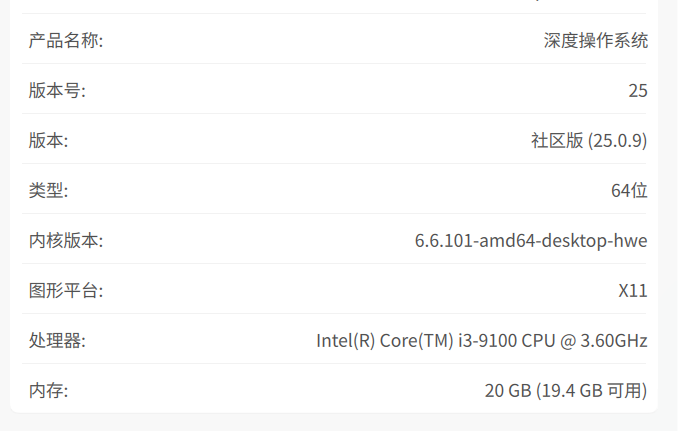
deepin
你这个已经模糊的不成样子了。。。
deepin
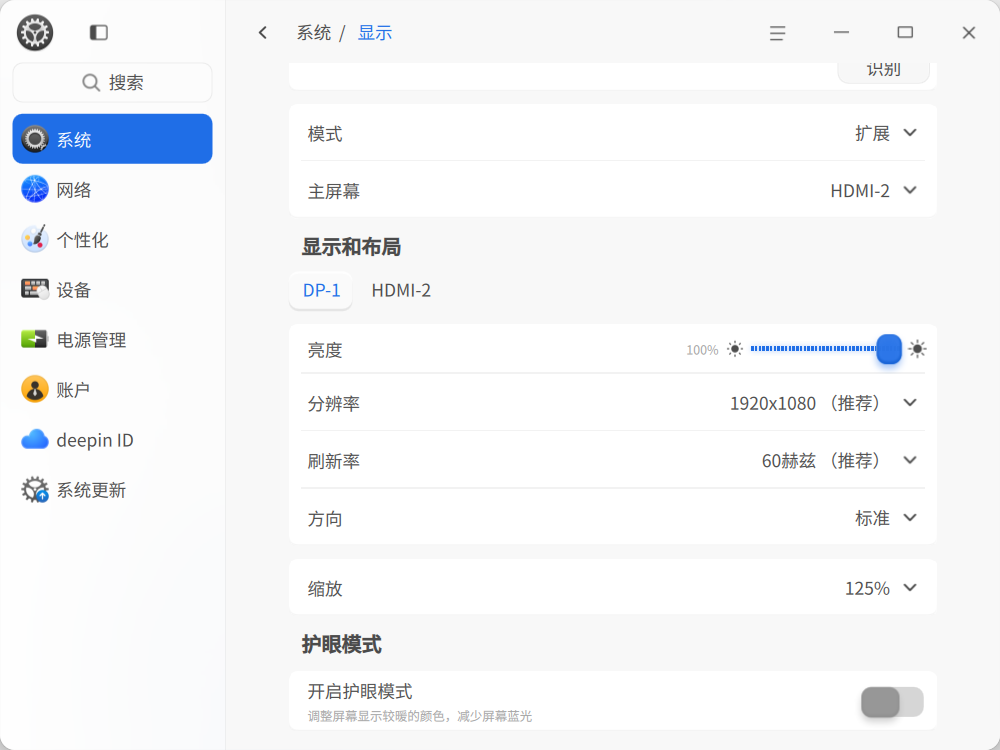
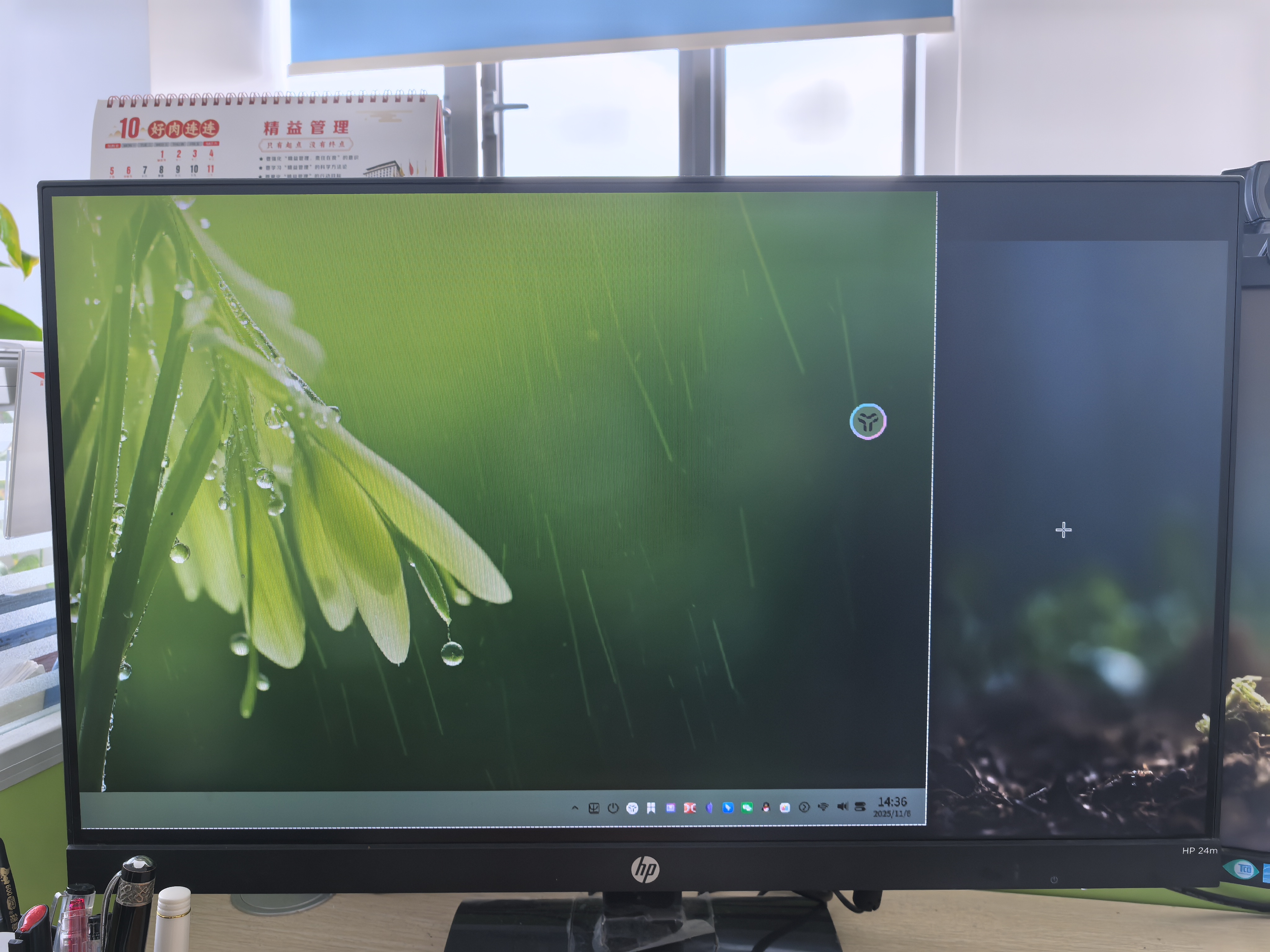
@deepin-流云 我的是两个屏幕,如果是复制时就没有问题,但如果是扩展时就会有这种情况存在。
 deepin
 测试,好像还可以。
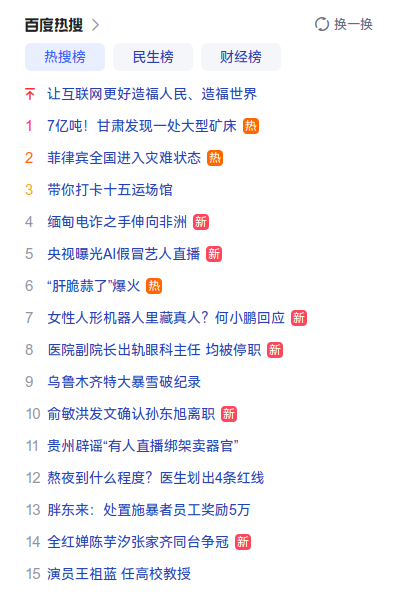
deepin 使用扩展屏幕截图时,点击截图按钮,感觉首先是对整个屏幕进行的截图(这时已经模糊了),然后再让选区域,
Popular Events
More


 WhatsApp doesn't work in the official Deepin browser!
下面的图片分别是snipaste、wechat和深度默认截图的。明显深度的不清晰,是怎么回事?