[Share Experiences] 我为rime万象输入方案增加了声调辅助功能
Tofloor
poster avatar
AMZ
deepin
2025-05-07 12:46
Author

万象拼音输入方案,做最强rime基础底座
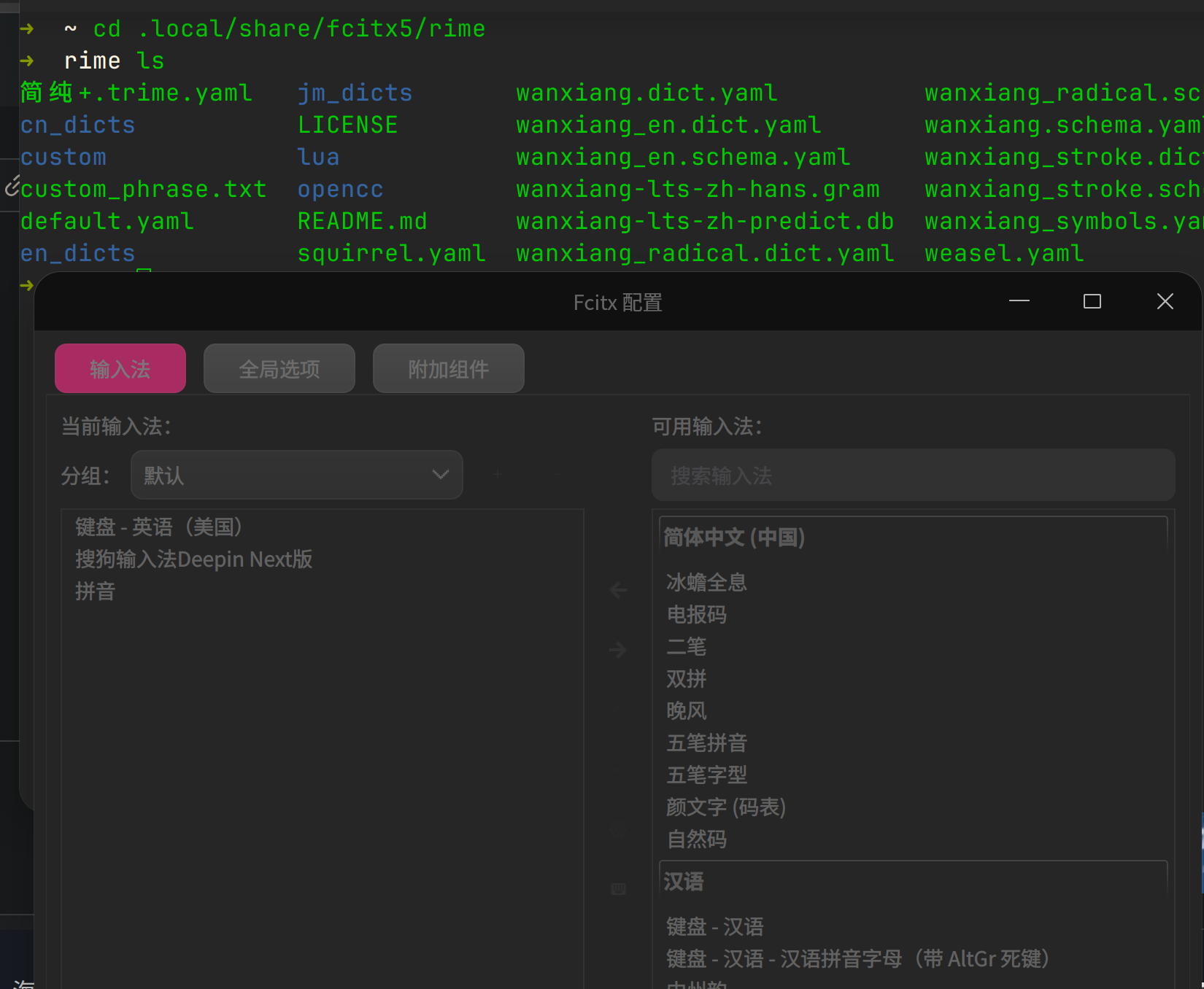
deepin使用方法:
sudo apt install fcitx5-rime librime-plugin-lua librime-plugin-octagram
用户目录:

~/.local/share/fcitx5/rime
方案下载地址:
github.com/amzxyz/rime_wanxiang

解压文件到用户目录即可不套文件夹

439873931-efa826d5-b1c9-454d-bf5b-25fbe36126fa.png

439873739-c7d0bc5e-f7b3-443b-8308-edf4599807f4.png

Reply Favorite View the author
All Replies
jjcui8595
deepin
2025-05-07 13:48
#1

like

Reply View the author
tacat
deepin
2025-05-09 15:44
#2

妙啊,这可比不断翻页找字,方便快捷多了like

声调,相比字形,也更容易上手掌握

Reply View the author
果农
deepin
2025-05-25 01:32
#3

完全不会用,门槛太高了

image.png

重启了也没找到在哪

Reply View the author
tacat
deepin
2025-05-25 05:39
#4
果农

完全不会用,门槛太高了

image.png

重启了也没找到在哪

[ 部署 rime万象输入方案 (入门级) 实录 ] https://bbs.openkylin.top/t/topic/172267

参考下

Reply View the author
tacat
deepin
2025-05-25 05:45
#5
果农

完全不会用,门槛太高了

image.png

重启了也没找到在哪

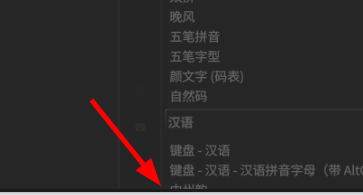
就是这个 中州韵joy
image.png

Reply View the author
锵锵枪ᯤ
deepin
2025-05-27 10:40
#6
It has been deleted!
锵锵枪ᯤ
deepin
2025-05-29 15:47
#7
It has been deleted!
锵锵枪ᯤ
deepin
2025-05-30 10:43
#8

配好了,不容易。

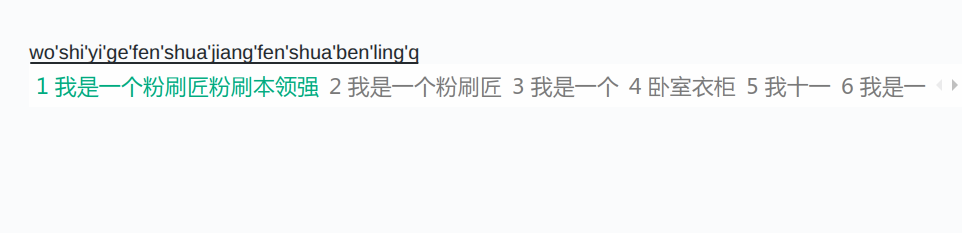
默认的输入面板 ,待选词是白底白字。

那个声调怎么输入,按数字默认就是选择待选词
截图_选择区域_20250530104225.png

Reply View the author
锵锵枪ᯤ
deepin
2025-05-30 11:00
#9

没有emoji表情

Reply View the author
tacat
deepin
2025-05-30 11:02
#10
锵锵枪ᯤ

配好了,不容易。

默认的输入面板 ,待选词是白底白字。

那个声调怎么输入,按数字默认就是选择待选词

截图_选择区域_20250530104225.png

7890对应声调

Reply View the author
锵锵枪ᯤ
deepin
2025-05-30 12:16
#11
tacat

7890对应声调

👍 可以了😌

Reply View the author
果农
deepin
2025-05-31 14:02
#12
tacat

就是这个 中州韵joy
image.png

感谢回得,终于找到了

Reply View the author
tagerw
deepin
2025-06-03 17:28
#13
果农

完全不会用,门槛太高了

image.png

重启了也没找到在哪

5月29日这次23.1版升级后搜狗双拼的问题部分得到解决。V(zh)能正常打字了(候选项还是英文),ing键位正常了(恢复;键)。搜狗输入法在商店里面就有。

Reply View the author
绿竹
deepin
2025-07-08 11:27
#14
It has been deleted!
AMZ
deepin
2025-07-31 10:18
#15
绿竹 It has been deleted!

任何rime框架下的都可以使用,那就不要配置默认使用即可

Reply View the author