

 中文
中文 
tagerw deepin
2025-04-05 20:14 deepin 这个fcitx5比fcitx高级在哪里?现在只有deepinV23在用fcitx5所有输入法都还在fcitx版本,跟不上deepin步伐了。以前很方便的输入法功能没有了,还状况百出。
Reply Like 0 View the author
deepin 这个fcitx5比fcitx高级在哪里?现在只有deepinV23在用fcitx5所有输入法都还在fcitx版本,跟不上deepin步伐了。以前很方便的输入法功能没有了,还状况百出。

 deepin
 尤其是 Wayland 环境Fcitx5 是更好的选择它在性能、兼容性、功能和维护方面都优于4.
 deepin
 我这调字体大小是正常地(候选字体大小)。

 deepin
 我这调字体大小是正常地(候选字体大小)。
不是候选字,是托盘里的那个指示的图标。可能是系统限制了大小,就像那个快捷设置一样。但是这里能设置字体与大小,为啥不放开呢

 deepin
 这个应该是主题图标吧?换个不是系统自带的主题试试,就知道是不是主题图标决定的了!我的plasma桌面的状态栏的图标:
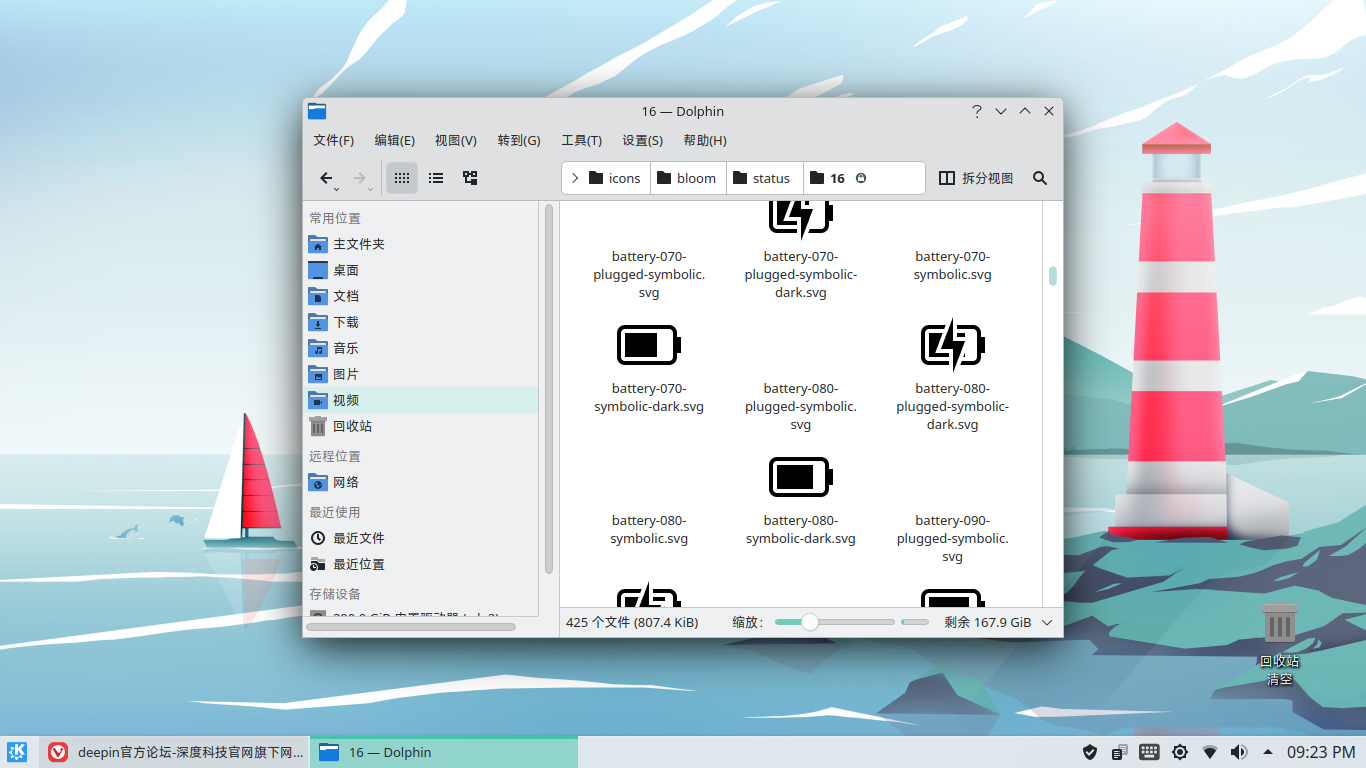
deepin 系统托盘图标默认只有16像素x16像素
deepin 系统托盘图标默认只有16像素x16像素
好的吧,谢谢


请教一下大神们,我对fictx5做了一下设置,但是发现指示图标太小啦,并且不能调整,如下图所示,字体已经调大了,但是不起作用。这个怎么搞一下呢?