

 中文
中文 

TangentSky85954 deepin
2025-02-11 15:39 deepin 25还是预览版,完成度很低。官方不建议用于日常使用。
如果要硬上的话,用这几个命令试试看,关掉磐石系统:
#进入系统后,关闭只读保护功能: sudo deepin-immutable-ctl disable-system-protect enable #注意:开启或关闭此功能,都需要重启才能生效。
#如果想开启只读保护,只需运行: sudo deepin-immutable-ctl disable-system-protect disable
#通过以下命令查询功能的开启状态: sudo deepin-immutable-ctl disable-system-protect status
Reply Like 0 View the author





 GXDE 25.5 beta1 has arrived — now with full Wayland support!


Deepin 25 Preview环境
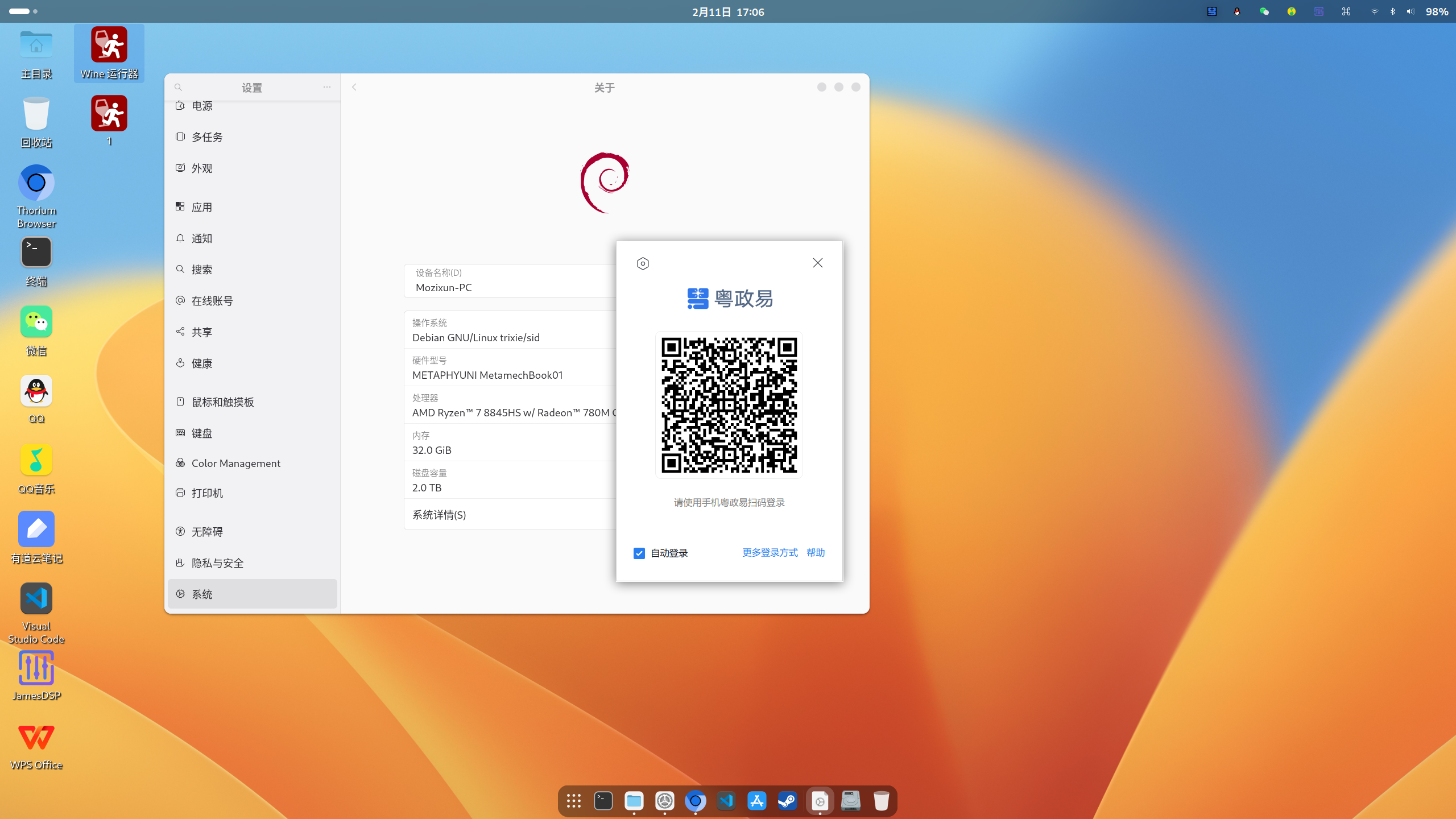
在应用商店安装总是失败,通过官网下载可以正常安装,但运行失败,信息如下:
$ ./wwlocal
xdg-settings: unknown desktop environment
initWeworkSDK
[wecrmConfigPath] /usr/opt/apps/cn.gov.gdzwfw.yzy/files/resources/wecrm_config.json
WeWorkSDKWrapper::InitSDK start -----------
munmap_chunk(): invalid pointer
已放弃
$ sudo ./wwlocal
[0211/152210.557455:FATAL:electron_main_delegate.cc(299)] Running as root without --no-sandbox is not supported. See https://crbug.com/638180.
追踪与中断点陷阱