

 中文
中文 
阿尼樱奈奈 deepin
2023-06-17 19:12 deepin V23自带的输入法是Fcitx5,而搜狗输入法暂未兼容Fcitx5。
需要卸载Fcitx5,安装Fcitx。
终端执行:
sudo apt autoremove fcitx5*
sudo apt install fcitx
然后去搜狗输入法官网下载安装。
不过比起这个,我更推荐你用V23自带的Fcitx5。
Reply Like 0 View the author
 deepin
 V23自带的输入法是Fcitx5,而搜狗输入法暂未兼容Fcitx5。
需要卸载Fcitx5,安装Fcitx。
终端执行:
sudo apt autoremove fcitx5*
sudo apt install fcitx
然后去搜狗输入法官网下载安装。
不过比起这个,我更推荐你用V23自带的Fcitx5。

 deepin
 我推荐使用fcitx5,可以给输入法换个主题,加个词库啥的,比搜狗好用。
搜狗也早晚会上fcitx5

 deepin
 等v23 正式版发布即可

 deepin
 我推荐使用fcitx5,可以给输入法换个主题,加个词库啥的,比搜狗好用。
搜狗也早晚会上fcitx5
对,讯飞已经开始做了。

用fcitx 5自带的五笔拼音,也不错。我以前也用搜狗的五笔拼音。搜狗输入法不支持fctix5 ,刚开始也是卸载了fcitx5,安装了搜狗。后来感觉不对,fcitx 5肯定有优点。所以逼着自己适应,2天就完全适应了。感觉输入速度比搜狗输入法快。好多习惯也搜狗也类似。通过坛子里请都,也学会了,如何自定义快速输入。摆脱这条狗吧

 deepin
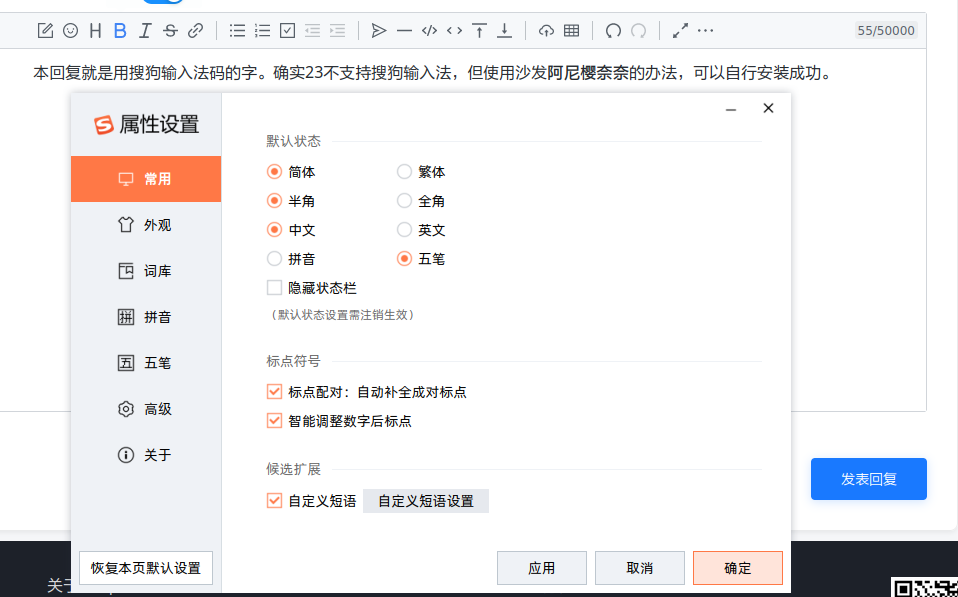
 本回复就是用搜狗输入法码的字。确实23不支持搜狗输入法,但使用沙发阿尼樱奈奈的办法,可以自行安装成功。
Popular Ranking
ChangePopular Events
More


 NVIDIA graphics driver are not working with enabled secure boot
deepin23不支持搜狗输入法,希望官方快点改进