

 中文
中文 
阿尼樱奈奈 deepin
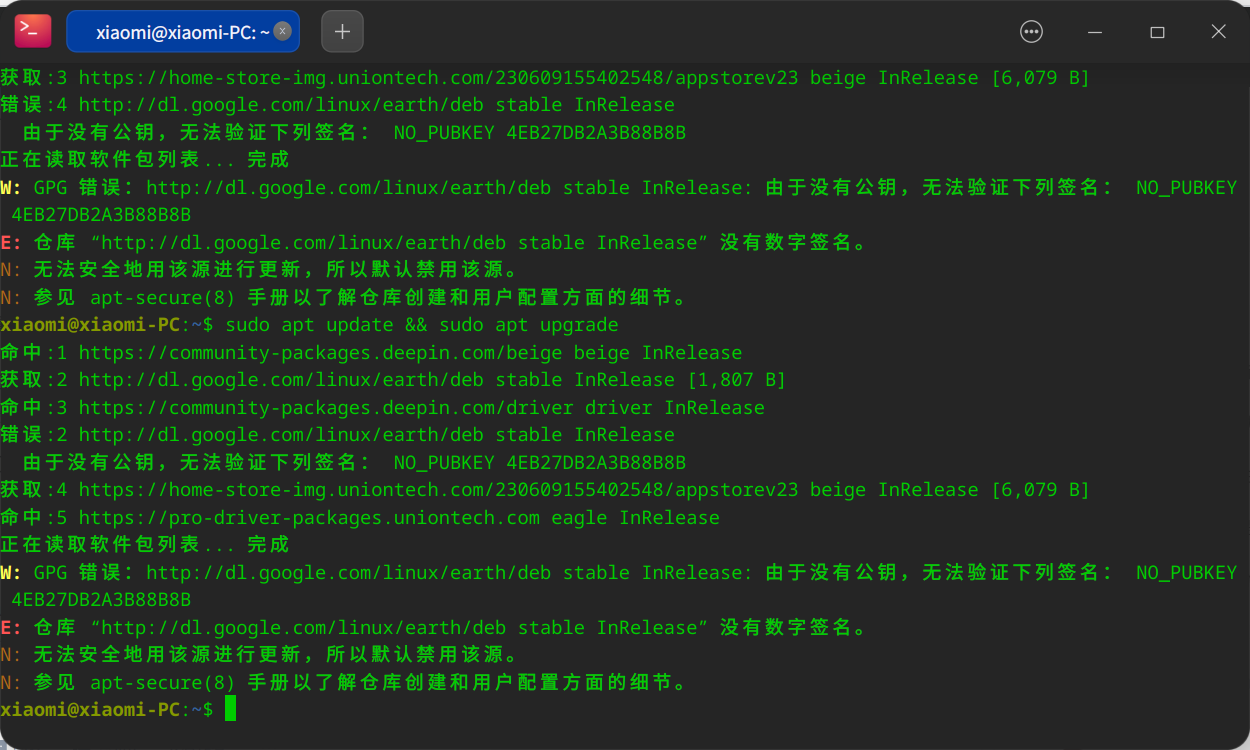
2023-06-13 05:44 deepin 打开终端,执行此命令:sudo apt update && sudo apt upgrade
Reply Like 0 View the author

 deepin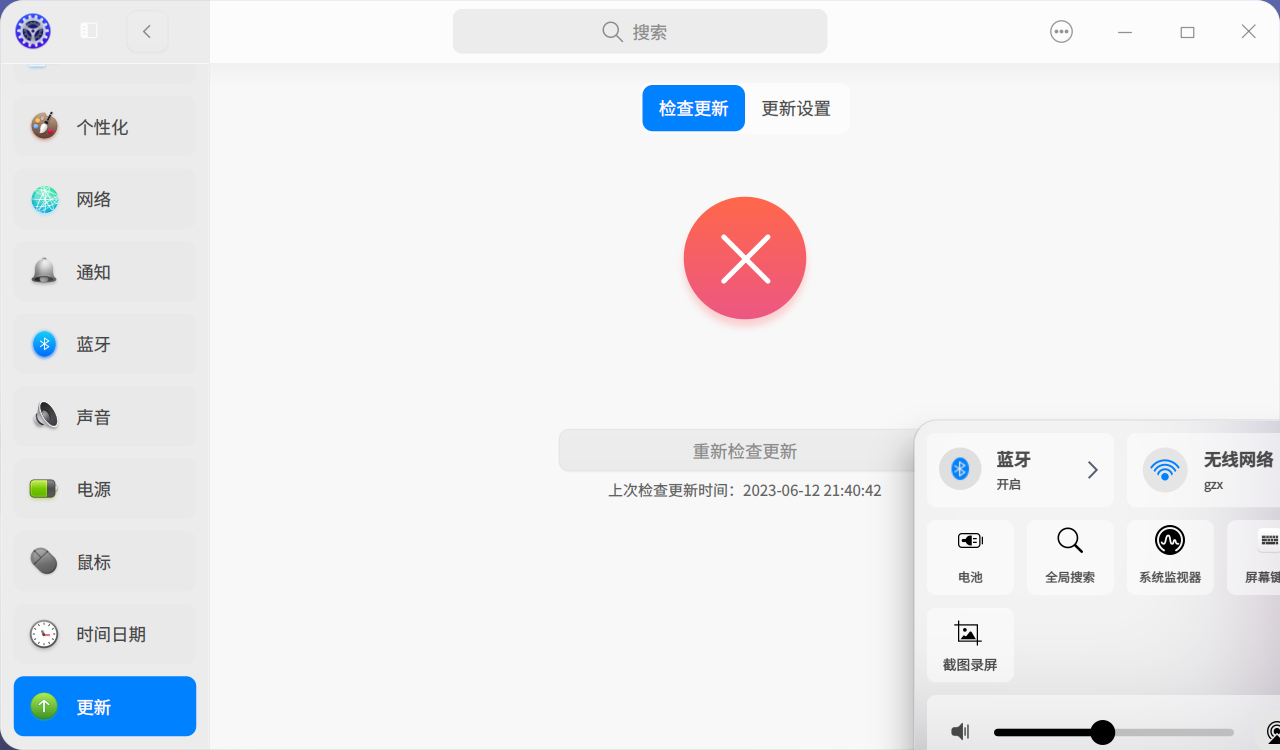
 deepin
 打开终端,执行此命令:sudo apt update && sudo apt upgrade
 deepin
 打开终端,执行此命令:sudo apt update && sudo apt upgrade
deepin 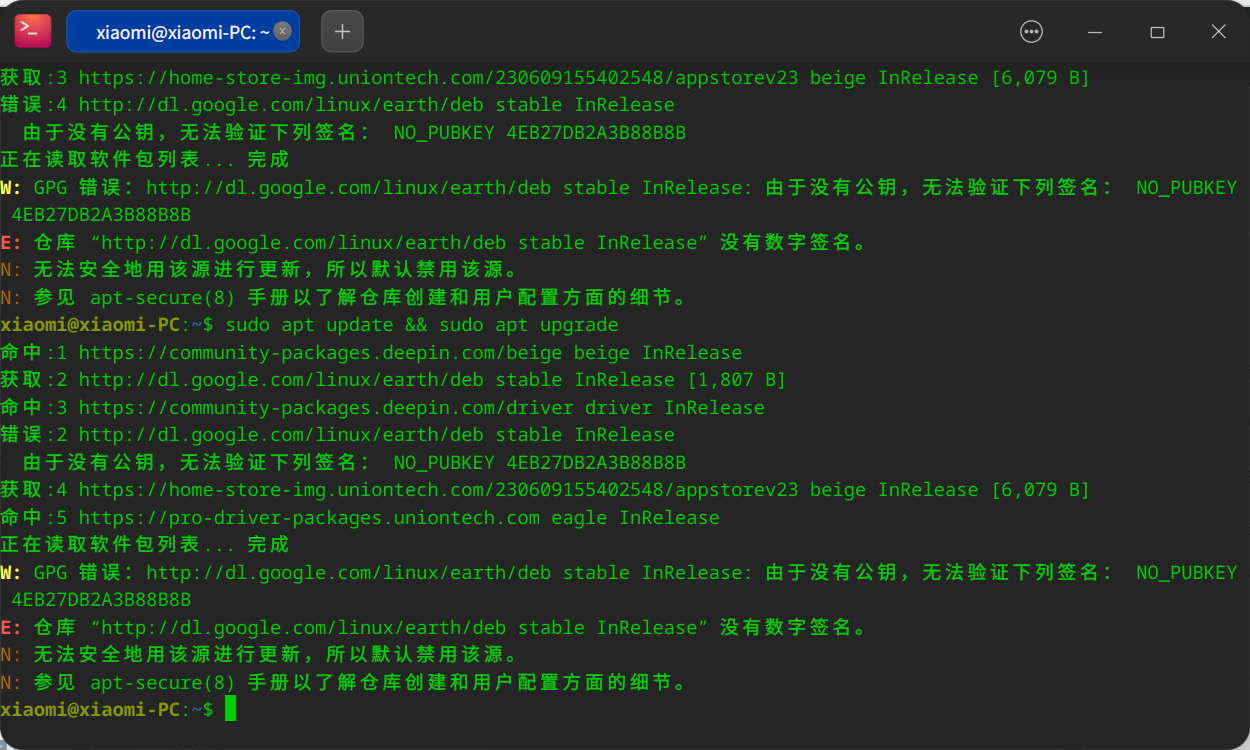
deepin
去 /etc/apt/sources.list 把这个dl.google的报错源删了或注释掉
如果 /etc/apt/sources.list 里面没有,去 /etc/apt/sources.list.d 这个文件夹查看文件,看看有没有带这个源的文件,有就删了
(需要鼠标右键以管理员权限打开文件夹)
deepin 去 /etc/apt/sources.list 把这个dl.google的报错源删了或注释掉
如果 /etc/apt/sources.list 里面没有,去 /etc/apt/sources.list.d 这个文件夹查看文件,看看有没有带这个源的文件,有就删了
(需要鼠标右键以管理员权限打开文件夹)
删不了

 deepin
 删不了
这是缺少gpg造成的。
sudo apt-key adv --keyserver keyserver.ubuntu.com --recv-keys EB3E94ADBE1229CF 替换成缺少的gpg
也就是4E开头的那个
deepin 这是缺少gpg造成的。
sudo apt-key adv --keyserver keyserver.ubuntu.com --recv-keys EB3E94ADBE1229CF 替换成缺少的gpg
也就是4E开头的那个
怎么处理
deepin deepin 怎么处理
上文已更新,另外说下,不建议在deepinV23添加第三方软件源。
deepin 国内嘛?国内用谷歌源干嘛?
如果是国外可以用,国内用不了。
如果在国内的话按照阿尼樱奈奈的方法删除源。
我补充一下,安装gedit删除,sudo apt install gedit
之后以管理员权限打开文件夹,选择用其他方式打开文件,选择gedit,删除源。
如果源文件是单独的,也就是只有那个源,没有其他内容,直接在目录打开终端,sudo rm +文件名。
deepin 国内嘛?国内用谷歌源干嘛?
如果是国外可以用,国内用不了。
如果在国内的话按照阿尼樱奈奈的方法删除源。
我补充一下,安装gedit删除,sudo apt install gedit
之后以管理员权限打开文件夹,选择用其他方式打开文件,选择gedit,删除源。
如果源文件是单独的,也就是只有那个源,没有其他内容,直接在目录打开终端,sudo rm +文件名。
deepin 去 /etc/apt/sources.list 把这个dl.google的报错源删了或注释掉
如果 /etc/apt/sources.list 里面没有,去 /etc/apt/sources.list.d 这个文件夹查看文件,看看有没有带这个源的文件,有就删了
(需要鼠标右键以管理员权限打开文件夹)
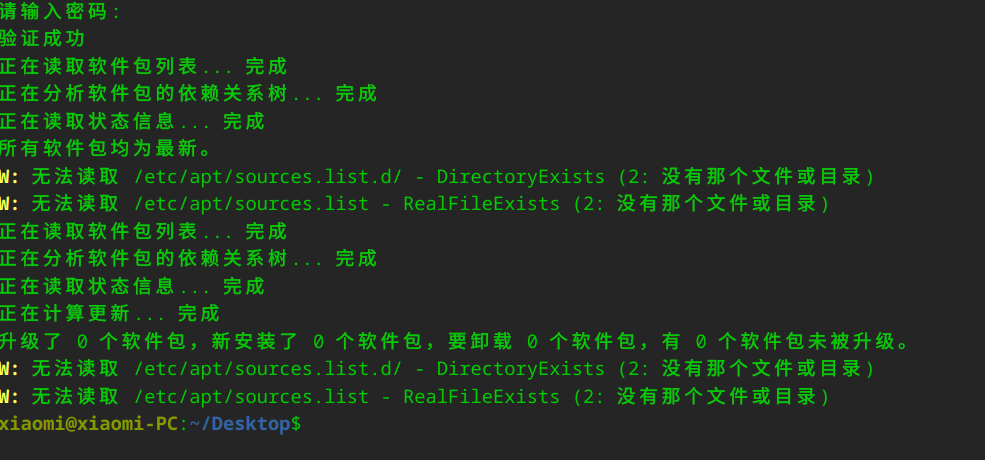
deepin
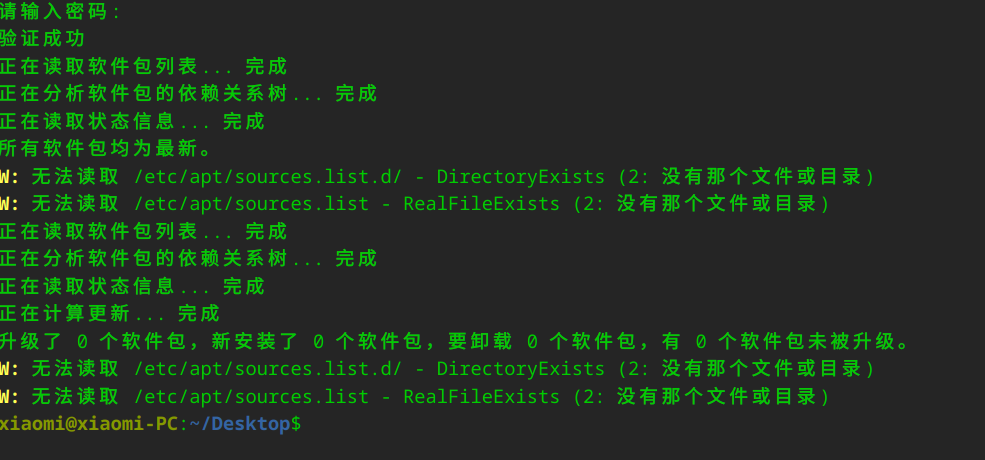
你是把/etc/apt/sources.list和/etc/apt/sources.list.d删除了?!
deepin 你是把/etc/apt/sources.list和/etc/apt/sources.list.d删除了?!
可以删吗
deepin 可以删吗
不能删的,删了就没法更新了
是删文件和文件夹里面的源,不是删文件和文件夹。
deepin 不能删的,删了就没法更新了
是删文件和文件夹里面的源,不是删文件和文件夹。
还有办法补救吗
deepin 还有办法补救吗
备份数据重装系统吧。
 deepin
 还有办法补救吗
删了也没什么问题的,重建就好了
Linux 一切皆文件
/etc/apt/sources.list和 /etc/apt/sources.list.d 里面就一些软件源地址,自己加进去就行了
不会弄就叫他们发一下就好了
不需要重装的
deepin 删了也没什么问题的,重建就好了
Linux 一切皆文件
/etc/apt/sources.list和 /etc/apt/sources.list.d 里面就一些软件源地址,自己加进去就行了
不会弄就叫他们发一下就好了
不需要重装的
多重装了
Popular Ranking
ChangePopular Events
More


 NVIDIA graphics driver are not working with enabled secure boot