

 中文
中文 
阿尼樱奈奈 deepin
2023-06-01 22:05 deepin .tar.gz是压缩包,不是安装包,双击用归档管理器解压
Reply Like 2 View the author
 deepin
 deepin
 .tar.gz是压缩包,不是安装包,双击用归档管理器解压

 deepin
 别的我不知道,永中办公软件在没有DEB的时候,统一用的就是tar.gz.
先用解压命令解压,然后在得到的文件夹里 打开终端:sudo ./setup
大功告成。
 deepin
 先解压,再看里面的情况
deepin 先解压,再看里面的情况
里面是这样的
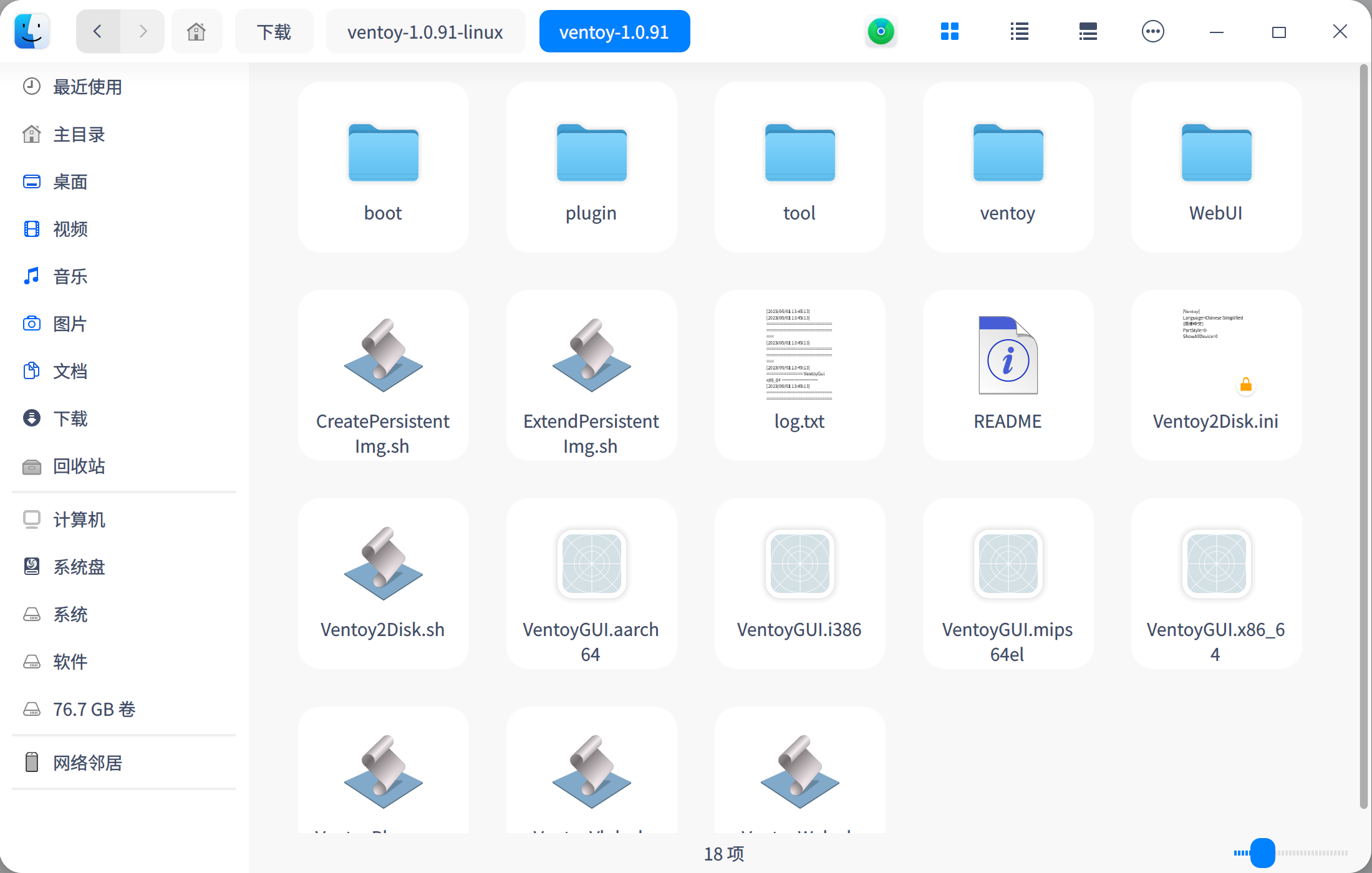
deepin 里面是这样的
运行这个VentoyGUI.x86_64:(注意需要输入登录密码)
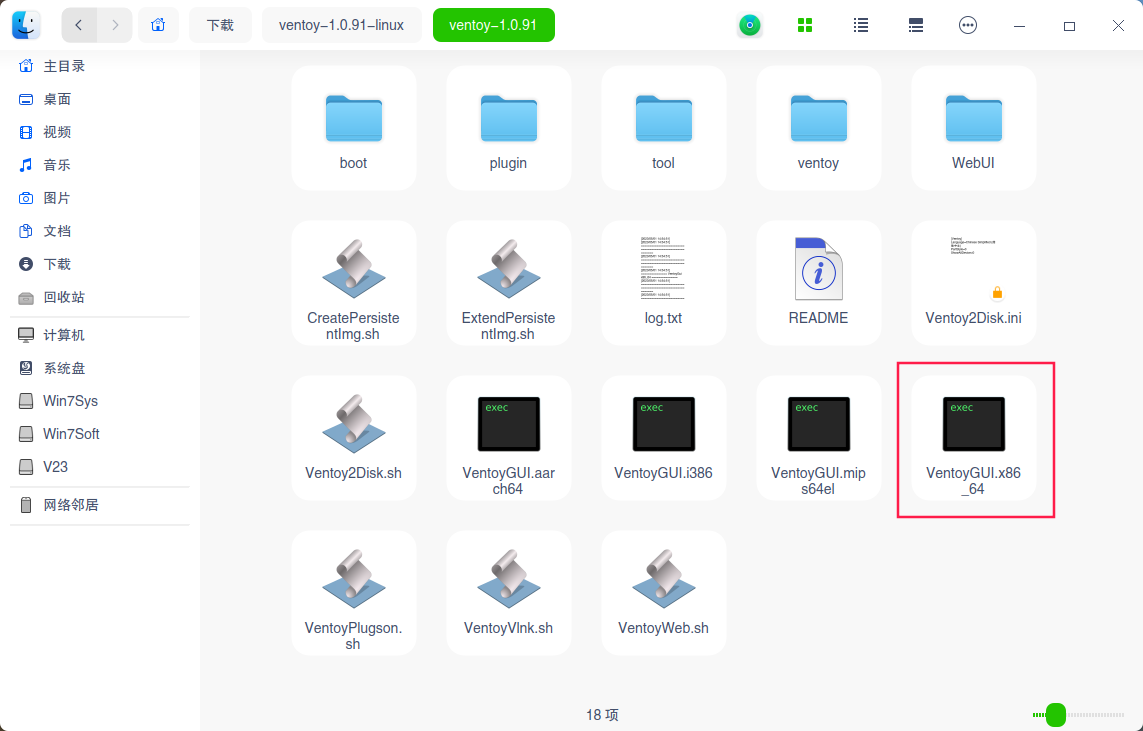
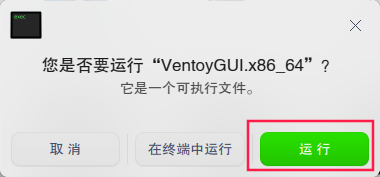
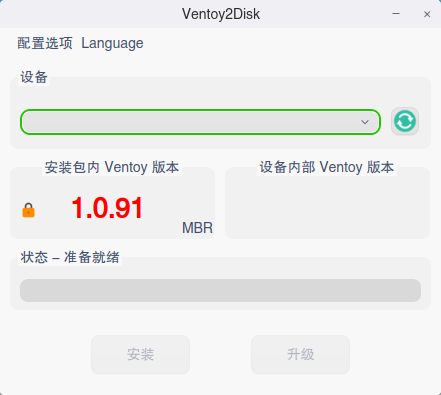
deepin 运行这个VentoyGUI.x86_64:(注意需要输入登录密码)
嗯 ,我知道这个可以直接运行 我是想让他想别的软件一样 有个图标
deepin 嗯 ,我知道这个可以直接运行 我是想让他想别的软件一样 有个图标
百度搜索desktop文件找一下。
https://blog.csdn.net/inxunxun/article/details/128177918
只要修改两个文件路径就行:执行文件和图标路径。
deepin 百度搜索desktop文件找一下。
https://blog.csdn.net/inxunxun/article/details/128177918
只要修改两个文件路径就行:执行文件和图标路径。
好的谢谢
 deepin
 嗯 ,我知道这个可以直接运行 我是想让他想别的软件一样 有个图标
星火商店有一个desktop图标生成器可以比较方便的使用
deepin 星火商店有一个desktop图标生成器可以比较方便的使用
好的 谢谢

我是来涨知识的
Popular Ranking
ChangePopular Events
More


 necesito ayuda