

 中文
中文 
阿尼樱奈奈 deepin
2023-05-28 19:50 deepin It has been deleted!
 deepin
  deepin
 Windows下使用 BitLocker解密你的分区

 deepin
 还是一样要输入密码。
 deepin
 最方便的办法就是在windows下取消加密分区,要么在windows下查询一下密码然后输入
 deepin
 原来要输入密码,这次升级过后就不需要了
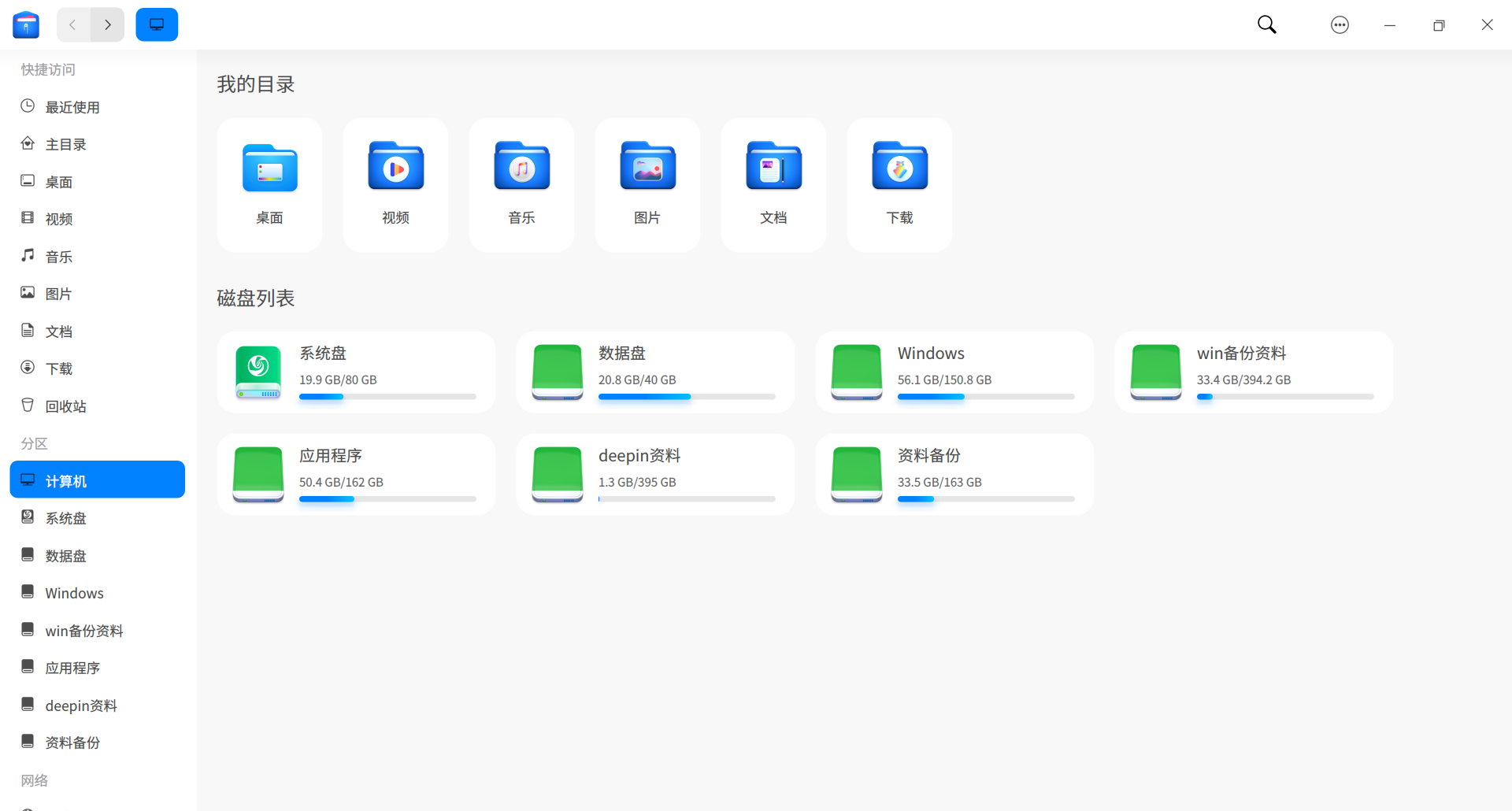
deepin 解决了,在Win11系统(家庭版,控制面板没有Bitlocker驱动器加密这项),在计算机管理-服务中找到BitLocker Drive Encryption Service,属性中选择禁用。在V23打开桌面计算机或者打开文件管理器,win分区图标里的锁消失了,双击可以直接打开win分区操作了。
Popular Ranking
ChangePopular Events
More


 necesito ayuda
deepin V23访问win分区提示要输入密码,怎么解决?