

 中文
中文 
Jokul deepin
2023-05-19 23:52 deepin 打开终端,输入sudo apt update 看下报什么错,看不懂的话,截图发出来。解决了报错,这边就可以更新了
Reply Like 0 View the author
 deepin
 打开终端,输入sudo apt update 看下报什么错,看不懂的话,截图发出来。解决了报错,这边就可以更新了
 deepin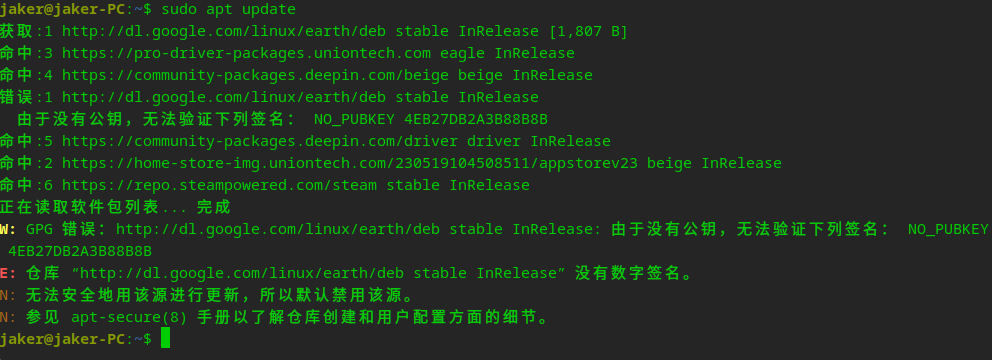
deepin 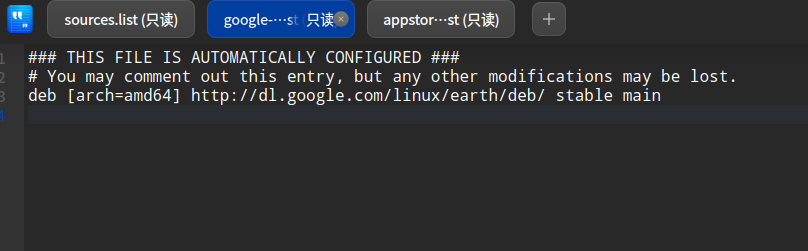
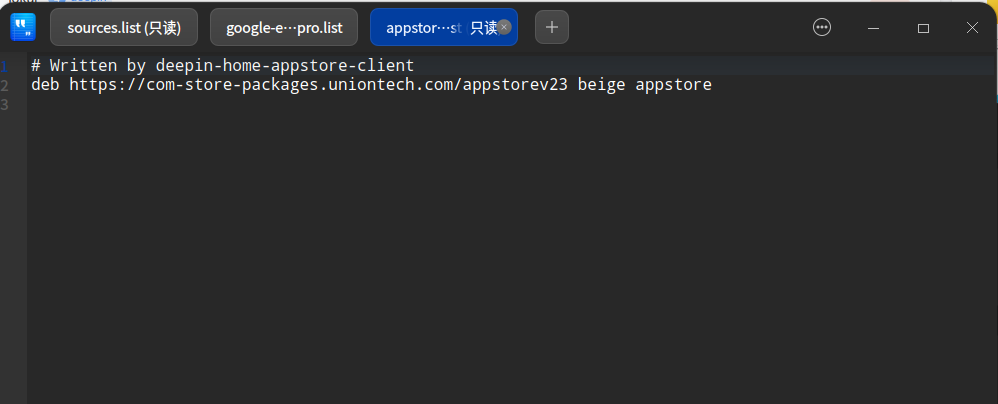
deepin 不懂怎么获取权限怎么修改配置文件

 deepin
 不懂怎么获取权限怎么修改配置文件
退回/etc/apt,然后在文件夹sources.list.d右键“以管理员身份打开”,输入密码。
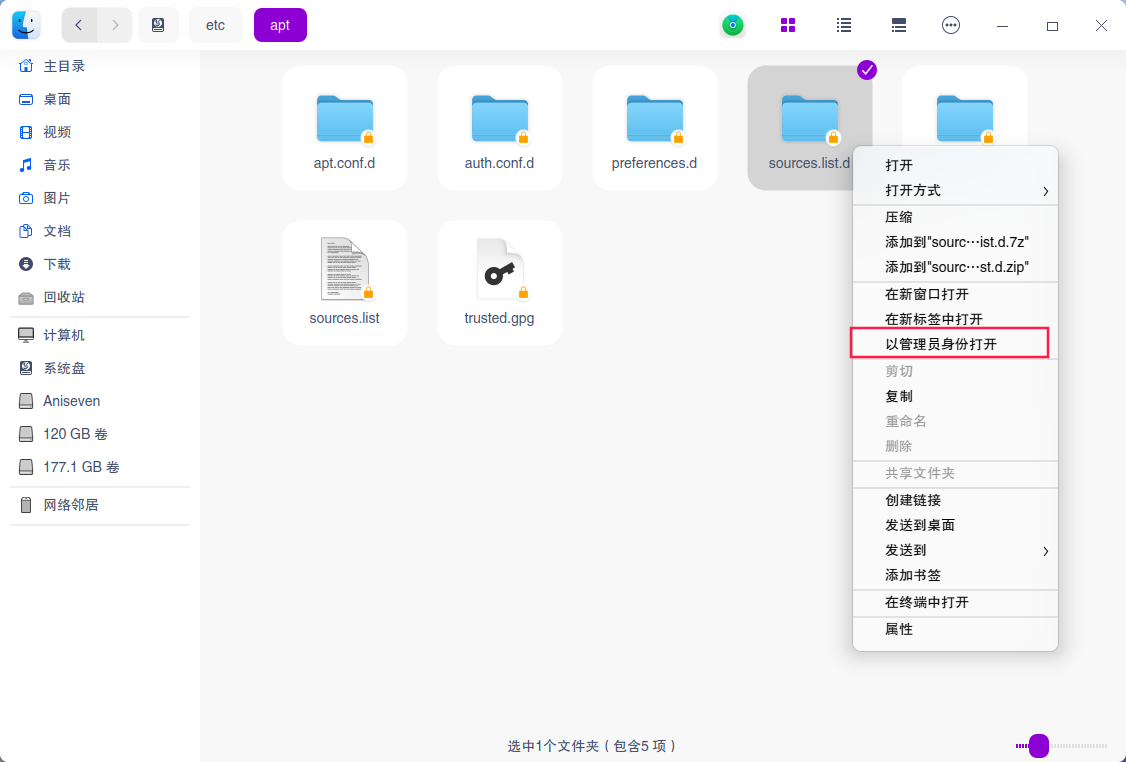
输入密码后会弹出该文件夹的窗口,就能把google的那个源直接删了
deepin 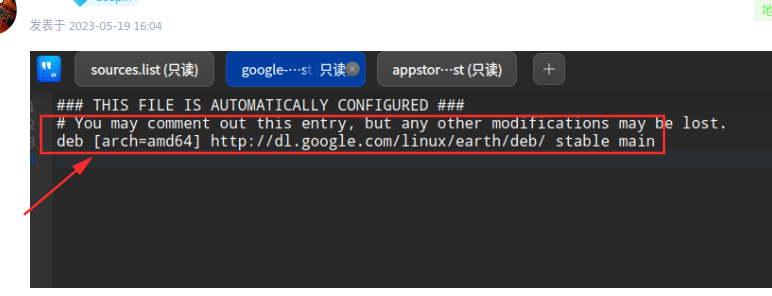
这个源地址没有公钥,删除就行了。用终端命令行删除
sudo rm -rf /etc/apt/sources.list.d/google-*

 deepin
 取消 google 的源就行
sudo mv /etc/apt/sources.list.d/google-earth-pro.list /etc/apt/sources.list.d/google-earth-pro.list.bak
deepin
这个源地址没有公钥,删除就行了。用终端命令行删除
sudo rm -rf /etc/apt/sources.list.d/google-*
已解决,谢谢!
Popular Ranking
ChangePopular Events
More


 necesito ayuda
更新出错,删除了星火商店也是一样