

 中文
中文 
182******59 deepin
2023-05-15 23:06 deepin 版本是deepin20.9
Reply Like 0 View the author
 deepin
 版本是deepin20.9

哪一款应用呢
deepin 哪一款应用呢
所有应用都无法移动,最大化,最小化,只能关闭
deepin 第一次遇到是使用了wine游戏助手,运行了kwin相关命令,出现过上述冻结窗口的问题, 网上有类似描述无解决方案。 这一次又遇到了,真的烦

 deepin
 先来一张图吧,无法确定窗口管理器还在不在了。
我先给些解决方案,检查一下 /usr/bin/deepin-kwin_x11 还是否存在,如果不存在,执行 sudo apt install deepin-kwin-x11 dde 进行安装。
顺带上传一下日志吧,用 deepin-feedback 那个。
deepin 刚才重新进系统,问题更多了,
出现了解锁秘钥环未解锁,不清楚这是什么,
电脑无法上网,但是ping通baidu
无法安装deepin-kwin-x11,电脑没有该选项,
deepin 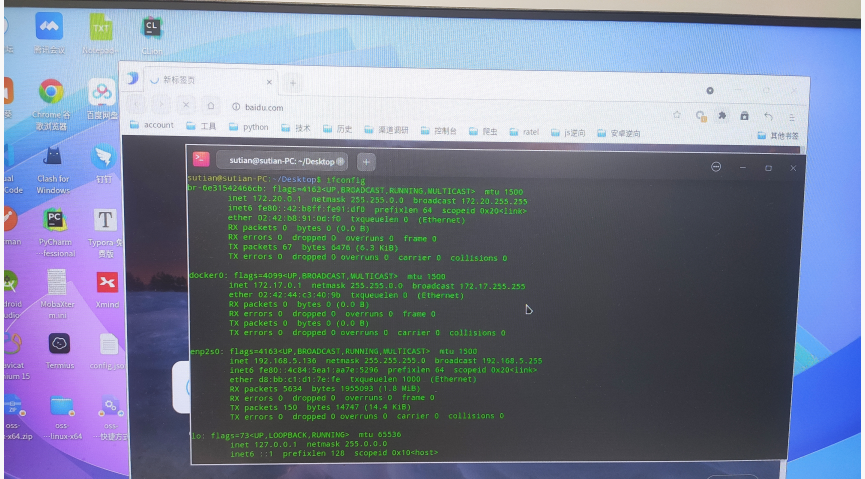
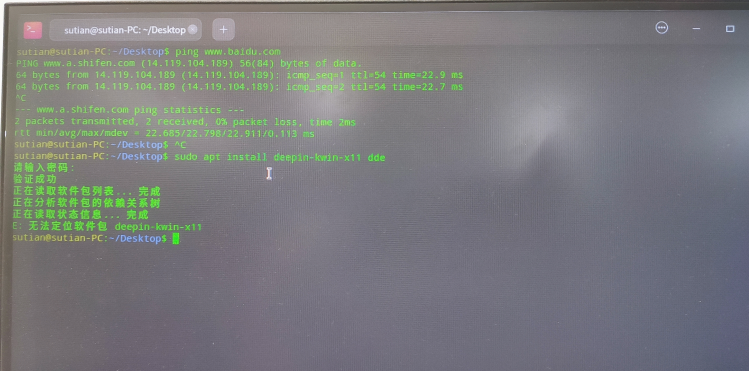
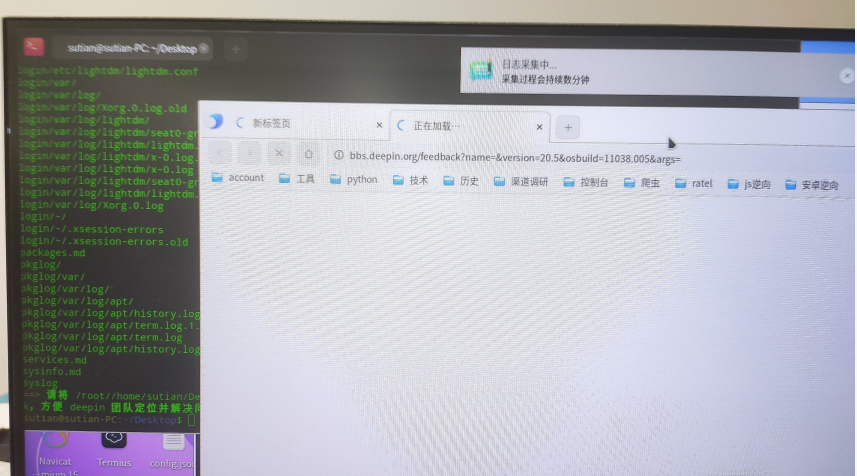
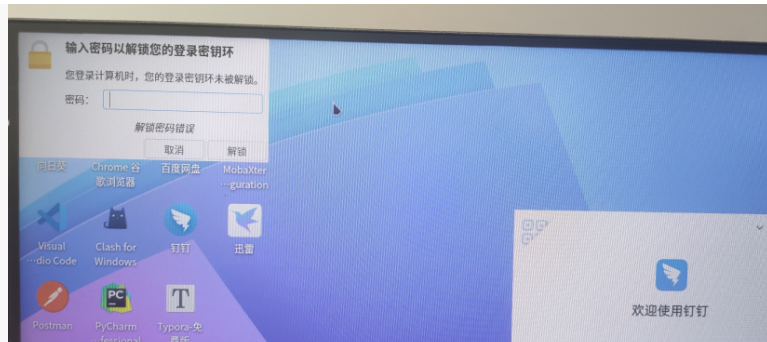
deepin 上传日志,因为浏览器连不上网所以传不上去应该, 控制台是有网的。 第一次启动键盘都用不了,而且直接越过了我的密码登录界面, 重启后才可以正常使用键盘,但是依然有报错密钥环的问题(我根本就未用过,不清楚是什么)
deepin 先来一张图吧,无法确定窗口管理器还在不在了。
我先给些解决方案,检查一下 /usr/bin/deepin-kwin_x11 还是否存在,如果不存在,执行 sudo apt install deepin-kwin-x11 dde 进行安装。
顺带上传一下日志吧,用 deepin-feedback 那个。
你看下,这种情况是什么原因造成的,怎么修复和规避

 deepin deepin deepin
 @justforlxz 大佬帮忙看看
deepin @justforlxz 大佬帮忙看看
忘了v20窗管还没改名字,看了一下日志包都还在,你按 ctrl alt t 打开终端,然后运行一下 kwin_x11 --replace试一下,有错误的话拍一张照片看看。
deepin 同样的问题,什么破系统
Popular Ranking
ChangePopular Events
More


 necesito ayuda
应用窗口无法最小化,最大化,移动,只能关闭, 下方无法管理打开的窗口。 之前安装过wine,但wine不好用, 出现应用窗口无法最小化,最大化,移动问题后,卸载wine也未解决。 不想重装系统,请问如何修复