中文
中文 
阿尼樱奈奈 deepin
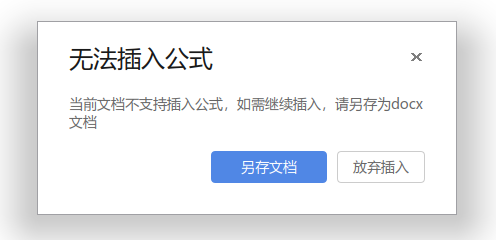
2023-05-12 20:37 deepin Windows下的微软Office也是这样,后缀.doc的文件格式本身就不支持公式插入。
Reply Like 1 View the author
 deepin
 Windows下的微软Office也是这样,后缀.doc的文件格式本身就不支持公式插入。

 deepin
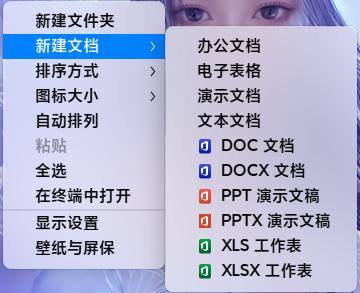
 桌面右键,可以直接新建DOCX文档。

 deepin
 .doc基本属于淘汰的格式了
deepin 为什么我的可以插入公式?
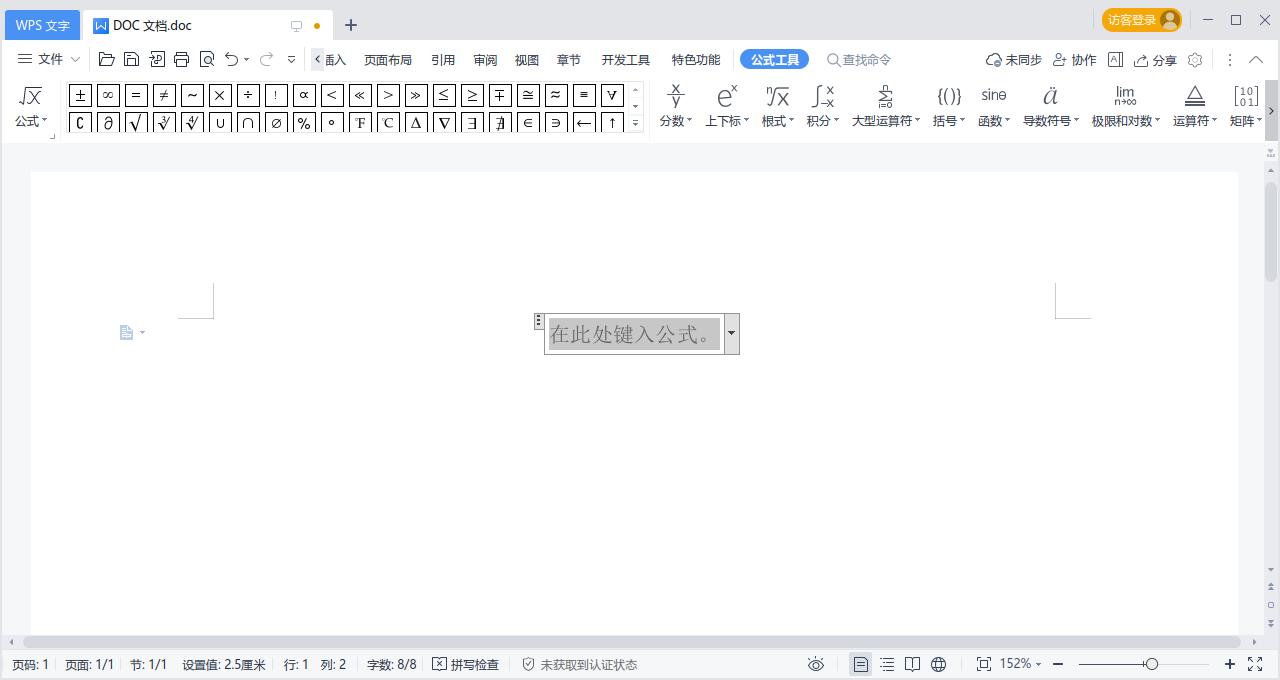
deepin 而且也能新建docx文档
 deepin
 而且也能新建docx文档
对问题就在这,我右键“新建文档”菜单只有上面四行,之前跟你是一样的,我也不知道动了啥,就没了
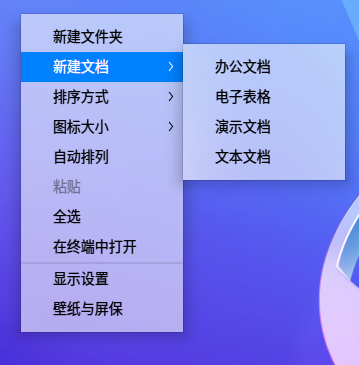
deepin 而且也能新建docx文档
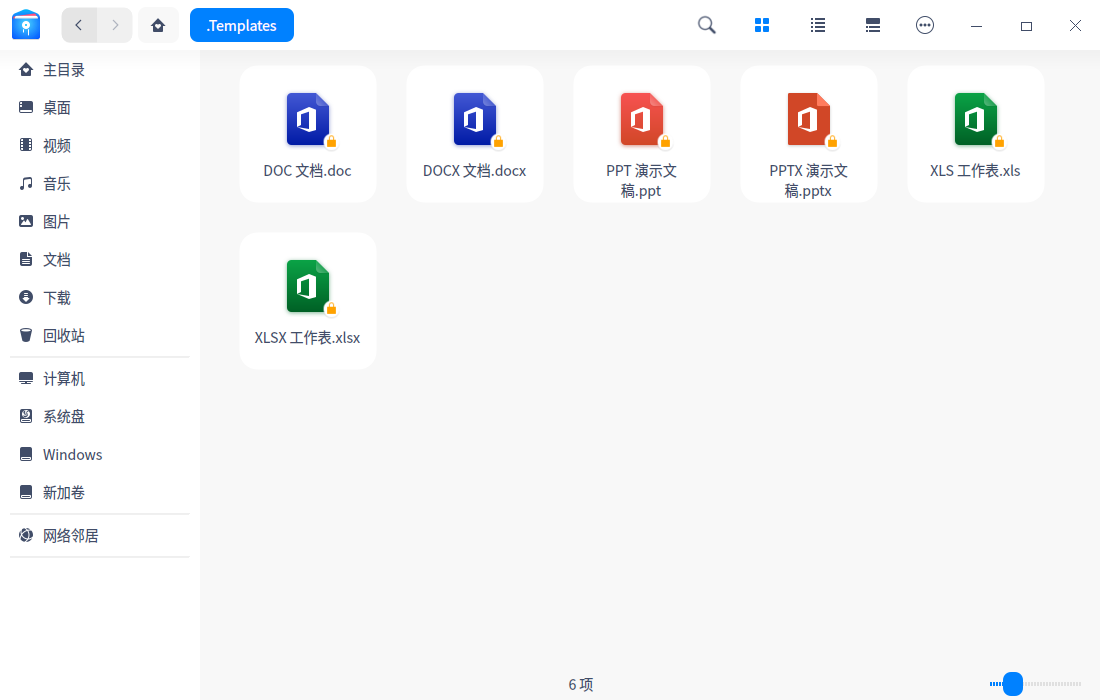
家目录下.Templates文件是正常的
Popular Ranking
ChangePopular Events
More


 necesito ayuda
如题,右键新建的word文件都是.doc格式,打开文件之后无法插入公式,提示需要另存为.docx之后才能插入公式,给日常使用带来不便。无法通过将.doc文件扩展名修改为.docx使能插入公式功能,只能另存为docx