

 中文
中文 
阿尼樱奈奈 deepin
2023-05-07 19:17 deepin 官方已经说了,这是已知bug。
用 ll-cli uninstall 卸载玲珑包软件
Reply Like 0 View the author
 deepin
 官方已经说了,这是已知bug。
用 ll-cli uninstall 卸载玲珑包软件

 deepin
 官方已经说了,这是已知bug。
用 ll-cli uninstall 卸载玲珑包软件
我的意思是给玲珑彻底删除替换组件会不会好一些。

deepin 官方已经说了,这是已知bug。
用 ll-cli uninstall 卸载玲珑包软件
我的意思是彻底移除玲珑,并不是卸载包这么简单。
一会虚拟机试试给玲珑都删除了,至少Ubuntu卸载snap没有任何问题。
 deepin
 你可以卸载有问题的玲珑软件,然后用apt安装源里的deb包替代。
deepin 我的意思是彻底移除玲珑,并不是卸载包这么简单。
一会虚拟机试试给玲珑都删除了,至少Ubuntu卸载snap没有任何问题。
卸载玲珑应该没有问题,只是使用玲珑包的软件会用不了,我以前卸过玲珑。
deepin 我在虚拟机尝试过把玲珑官网的这条命令的install换成purge,结果:
sudo apt install linglong-builder
linglong-box
linglong-dbus-proxy
linglong-bin
linglong-installer
替换成:
sudo apt purge linglong-builder
linglong-box
linglong-dbus-proxy
linglong-bin
linglong-installer
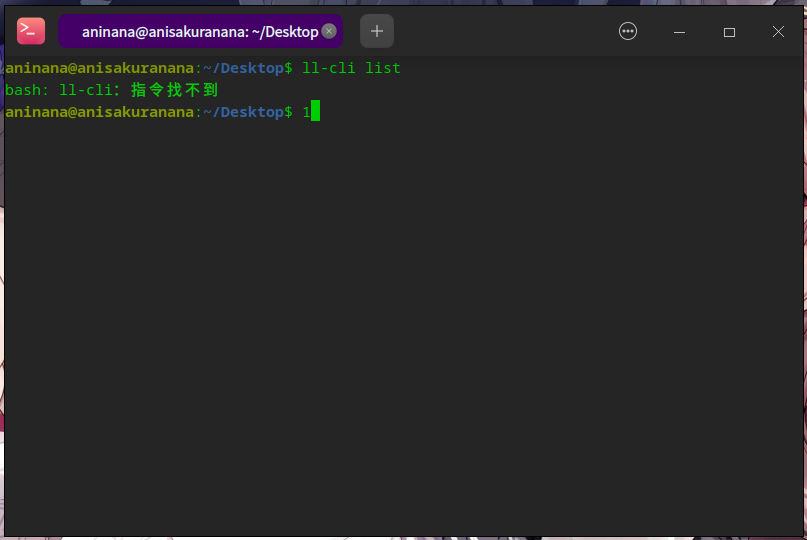
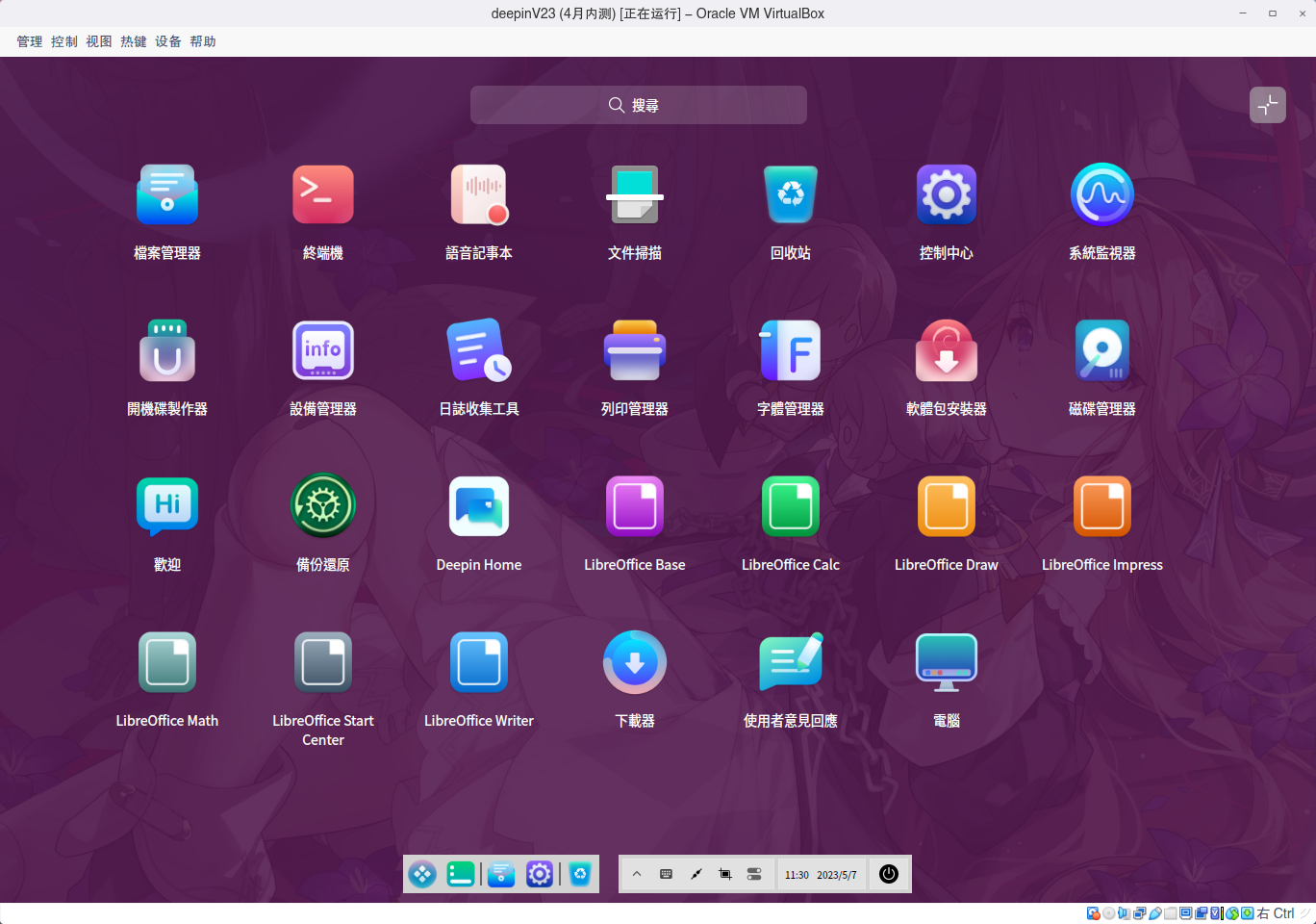
deepin 我在虚拟机尝试过把玲珑官网的这条命令的install换成purge,结果:
sudo apt install linglong-builder
linglong-box
linglong-dbus-proxy
linglong-bin
linglong-installer
替换成:
sudo apt purge linglong-builder
linglong-box
linglong-dbus-proxy
linglong-bin
linglong-installer
往里面添加V20的源,补齐缺的系统应用,之后删除V20的源,添加后执行Update,不执行Upgrade,就可以安装了。
这个只是个想法,不知道会有啥后果。
deepin 你可以卸载有问题的玲珑软件,然后用apt安装源里的deb包替代。
apt源里面不确定有没有,如果没有就得添加20.9的源补齐,补齐后删除源。
deepin apt源里面不确定有没有,如果没有就得添加20.9的源补齐,补齐后删除源。
一般都是有的,你试试就知道了
deepin 一般都是有的,你试试就知道了
有时间虚拟机试试,都替换成deb格式,问过研发了,移除没有问题,如果不使用自研应用。

 deepin
 其实卸载后再给安装回来就可以了,目前我知道有问题的有两个,一个浏览器,安装回来后打开在任务栏上还是有两个图标,还有一个是截图,卸载后就不能用了,即便是安装回来也用不了,其他的没发现有问题
Popular Ranking
ChangePopular Events
More


 necesito ayuda
更新后玲珑应用图标重复,看着非常难受的。
想给玲珑彻底移除,但是怕出问题,能不能从20.9提取这些组件,替换成deb的,貌似23的源里面没有deb格式的,移除玲珑会不会好受一些啊?