

 中文
中文 
Ziggy deepin
2023-05-05 06:45 deepin 装的时候用sudo apt install ./xxx
dpkg不会自动补全32位库
Reply Like 0 View the author
 deepin
 装的时候用sudo apt install ./xxx
dpkg不会自动补全32位库

 deepin
 这应该是V23的版本吧,我也遇到了;
网上搜到的办法如下:
您缺少以下32位库,并且Steam可能无法运行:libc.so.6
假设只有libc.so.6丢失,请打开一个终端并执行以下命令来安装缺少的库
sudo apt-get update
sudo apt-get install libc6-i386
但是后面还有问题我没解决,你可以先试试。
 deepin
 我也是出现这个提示,后来发现是N卡驱动没安装,按这个帖子https://bbs.deepin.org/zh/post/238766装好驱动就可以装steam了,另外steam要玩windows游戏要开steamplay哈🙂
deepin 奇怪,链接跳转不对,直接复制这个网址吧https://bbs.deepin.org/zh/post/238766,输到浏览器里就可以了
deepin 安装了了N卡驱动后,商店里的冰封王座可以直接玩了
deepin 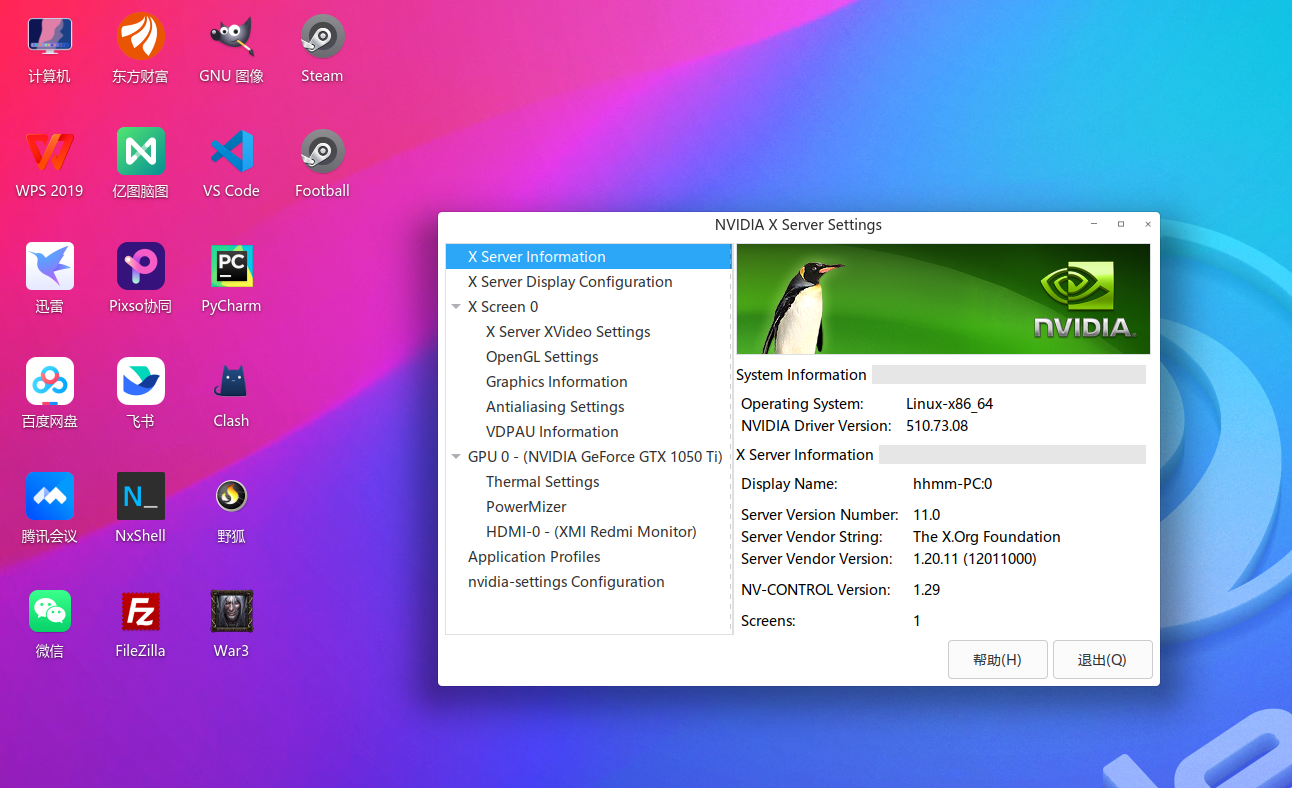
 deepin
 这应该是V23的版本吧,我也遇到了;
网上搜到的办法如下:
您缺少以下32位库,并且Steam可能无法运行:libc.so.6
假设只有libc.so.6丢失,请打开一个终端并执行以下命令来安装缺少的库
sudo apt-get update
sudo apt-get install libc6-i386
但是后面还有问题我没解决,你可以先试试。
You are missing the following 32-bit libraries, and Steam may not run:
libGL.so.1
libdrm.so.2
你说的后面是这个 吗?
😂
我从旧版本拿过来之后链接了一下,到最后glXChooseVisual failed,没辙了。
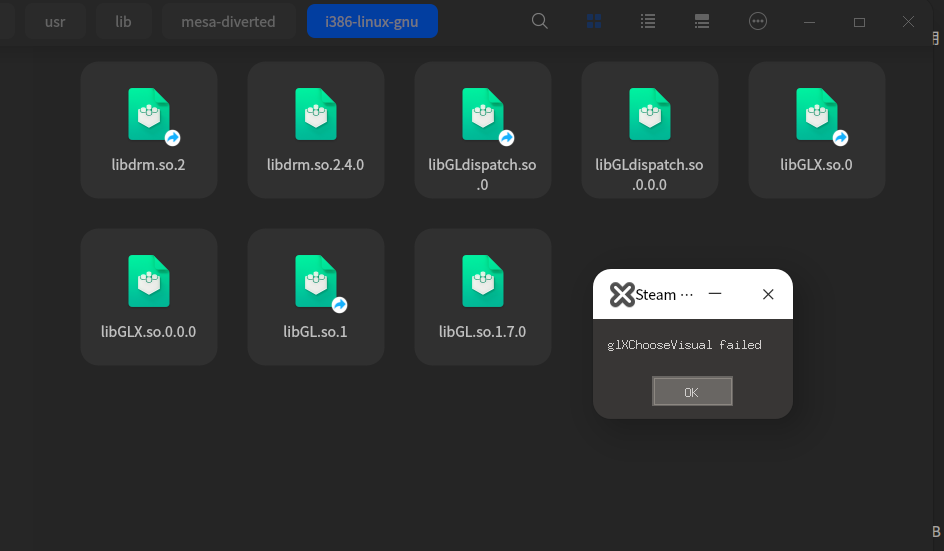
deepin You are missing the following 32-bit libraries, and Steam may not run:
libGL.so.1
libdrm.so.2
你说的后面是这个 吗?
😂
我从旧版本拿过来之后链接了一下,到最后glXChooseVisual failed,没辙了。
是这个错误,看来现阶段没辙了。
 deepin
 感谢各位热心的解答,虽然都没有成功😂
deepin https://zhuanlan.zhihu.com/p/561949473
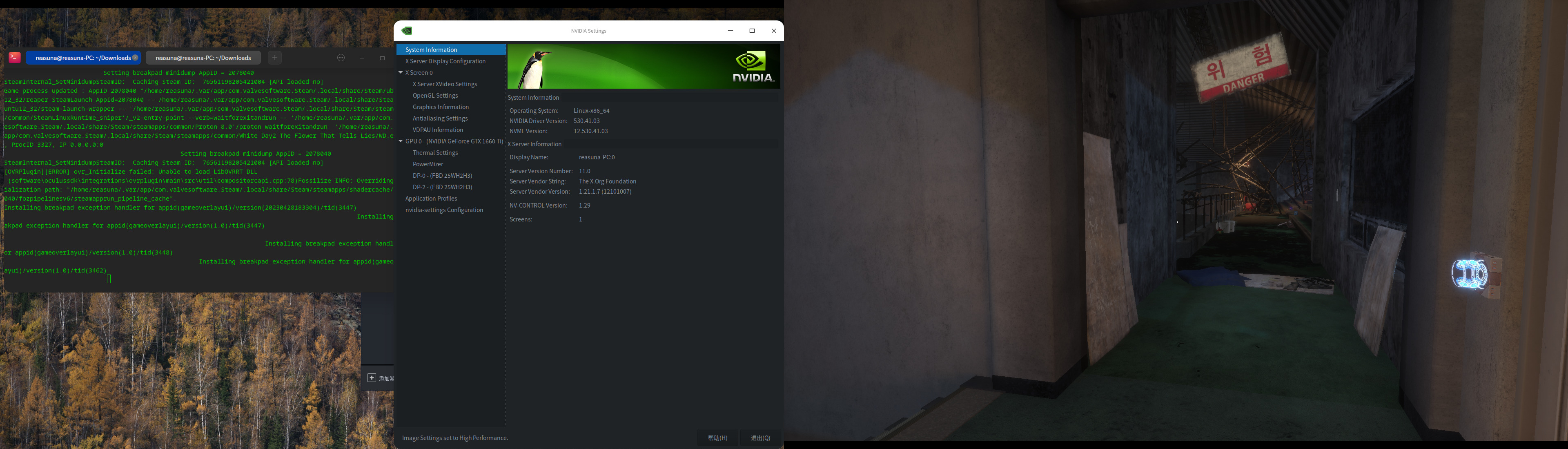
我用这个方法成功了。。
Flatpak安装steam
Popular Ranking
ChangePopular Events
More


 necesito ayuda
会出现这个提示,需要怎么处理?