

 中文
中文 
buyike deepin
2023-05-03 02:15 deepin 我晕,莫名进对地方,前面找他好久没找到,搞定了。
Reply Like 0 View the author
 deepin
 我晕,莫名进对地方,前面找他好久没找到,搞定了。

 deepin
 我最后加上win字体,一共有250M
deepin 字体极简主义,系统现在只装了默认的等宽字体1种,补充WIN中文常用字体5种和英文2种,并安装WPS缺失字体,共103M。
然后就是另外装了几十种自己常用的免费可商用的个性设计字体。
deepin 我最后加上win字体,一共有250M
我的设计字体多,809M,70多种。
 deepin
 方正兰亭黑以前见过,win11里面没有了
 deepin
 我是装的Windows系统里的除微软雅黑外的全部字体,然后系统字体现在用的是方正黑体
(我不想让微软雅黑出现在我的deepin里)
deepin 我是装的Windows系统里的除微软雅黑外的全部字体,然后系统字体现在用的是方正黑体
(我不想让微软雅黑出现在我的deepin里)
有些基本宋、黑、楷之类,要看别人的文件呀,没了字体容易出错的,乱了格式。
deepin 我是装的Windows系统里的除微软雅黑外的全部字体,然后系统字体现在用的是方正黑体
(我不想让微软雅黑出现在我的deepin里)
微软雅黑确实挺大的,
还是挺多人用的,万一别人用的是这个win常见字体,
自己却没有就挺麻烦的
Popular Ranking
ChangePopular Events
More


 necesito ayuda
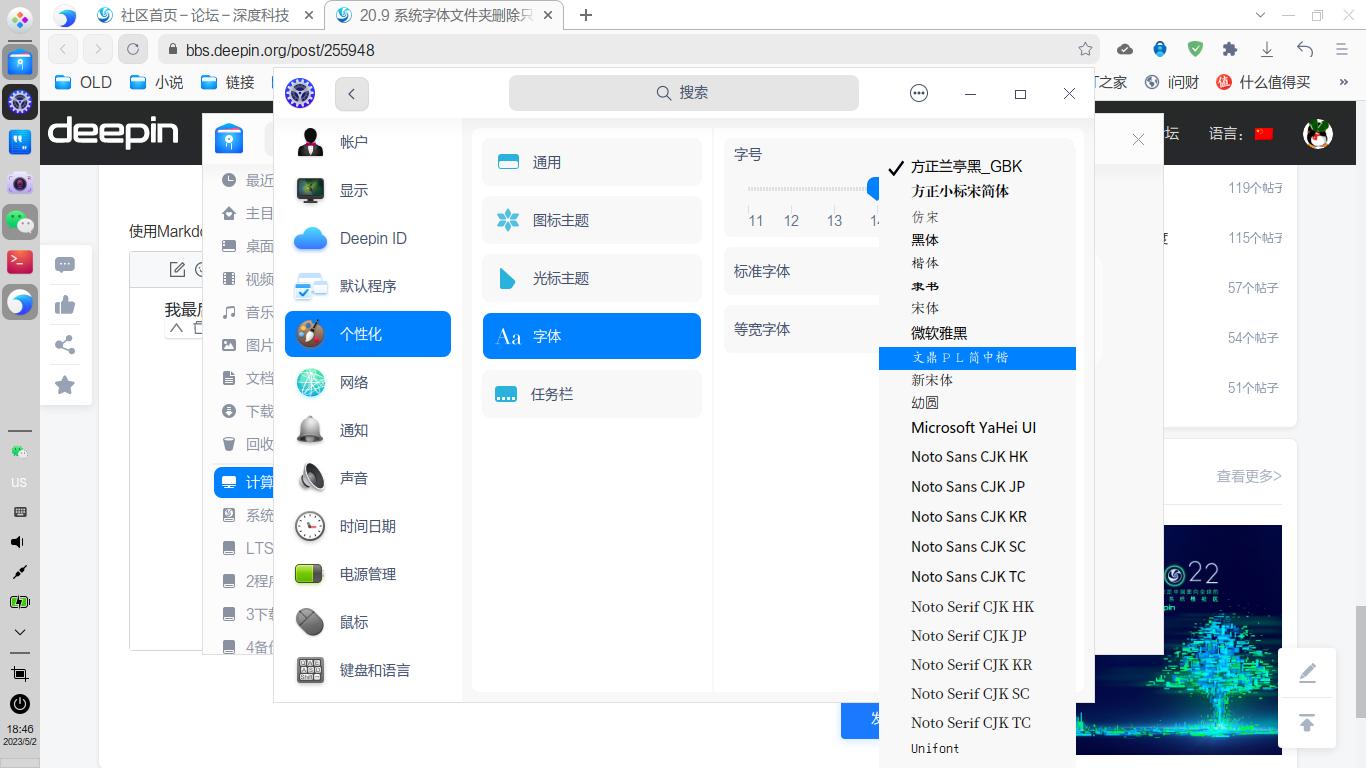
我已经将字体删除完了,只保存了两种,但为什么个性化设置还能设置别的字体?这些字体是我原来安装的,但别的都删除了,可这几个一直在,这是什么情况,又是在什么文件夹呢?