curl -fOL https://github.com/coder/code-server/releases/download/v$VERSION/code-server_${VERSION}_amd64.deb
sudo dpkg -i code-server_${VERSION}_amd64.deb
sudo systemctl enable --now code-server@$USER
# Now visit http://127.0.0.1:8080. Your password is in ~/.config/code-server/config.yaml
Arch
# Install code-server from the AUR using yay.
yay -S code-server
sudo systemctl enable --now code-server@$USER
# Now visit http://127.0.0.1:8080. Your password is in ~/.config/code-server/config.yaml
centos
curl -fOL https://github.com/coder/code-server/releases/download/v$VERSION/code-server-$VERSION-amd64.rpm
sudo rpm -i code-server-$VERSION-amd64.rpm
sudo systemctl enable --now code-server@$USER
# Now visit http://127.0.0.1:8080. Your password is in ~/.config/code-server/config.yaml


 中文
中文 

 deepin


 necesito ayuda

可以在浏览器里运行的vscode
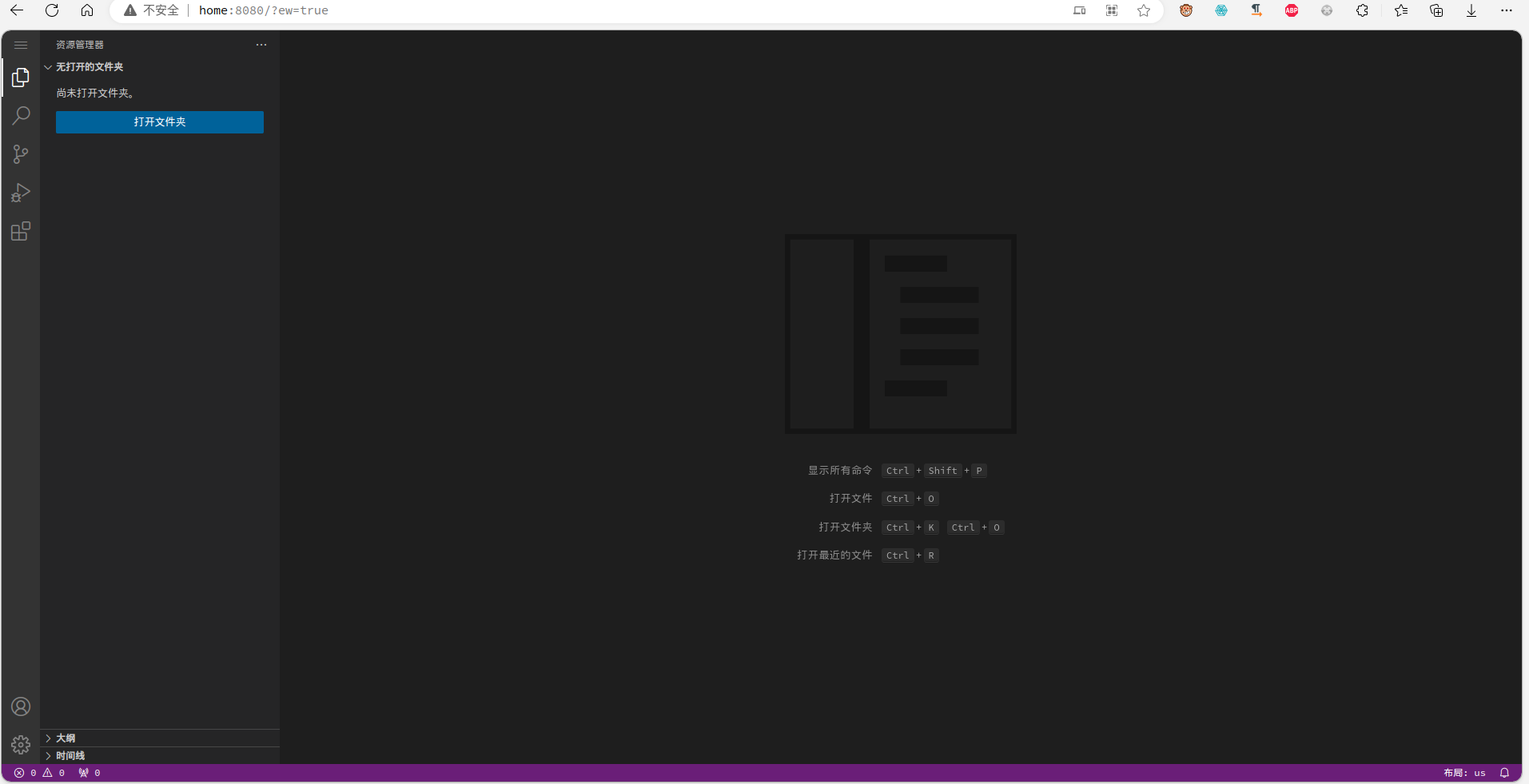
项目地址
安装说明
debian
Arch
centos
配置文件
谨慎!!!个人的免密设置
服务启动 $USER为用户名