

 中文
中文 
阿尼樱奈奈 deepin
2023-04-22 03:50 deepin 👍🏻👍🏻👍🏻
Reply Like 0 View the author
 deepin
 👍🏻👍🏻👍🏻

 deepin
 这个新包可以投稿一下星火商店

 deepin
 此包已投星火商店,需要的也可以直接到星火商店下载
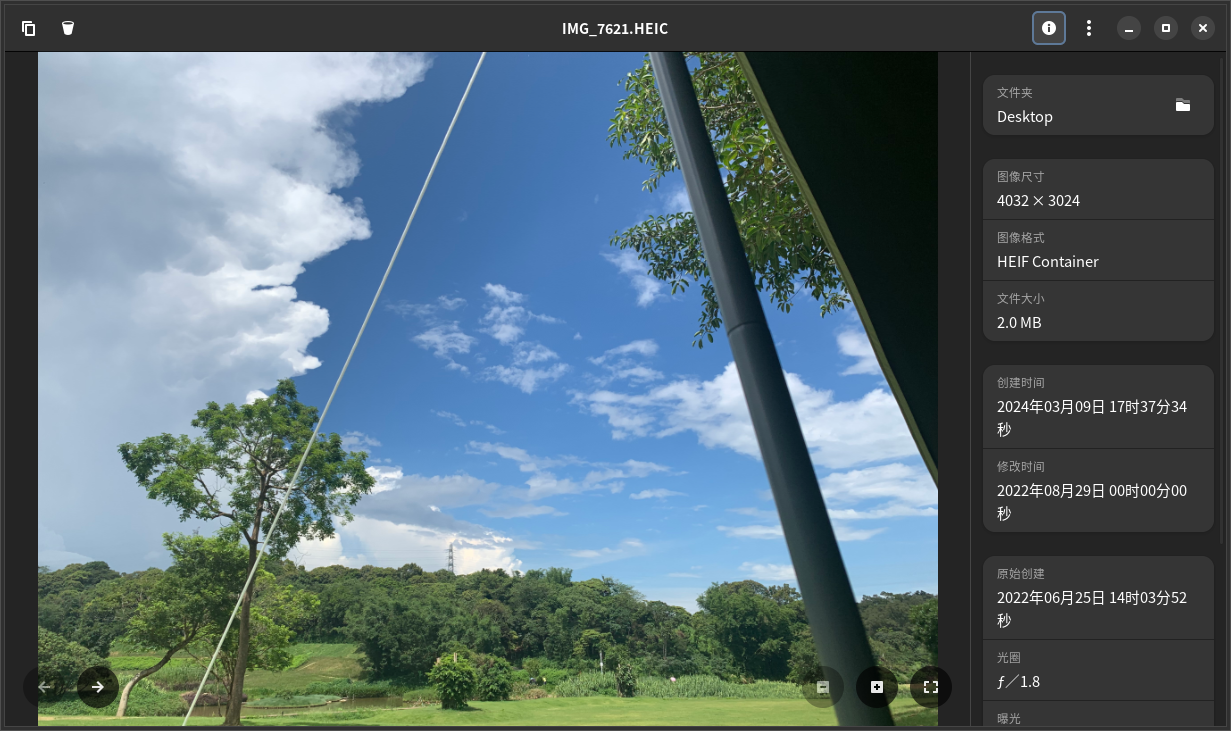
deepin GNOME图片查看器(用Flatpak安装的最新版):
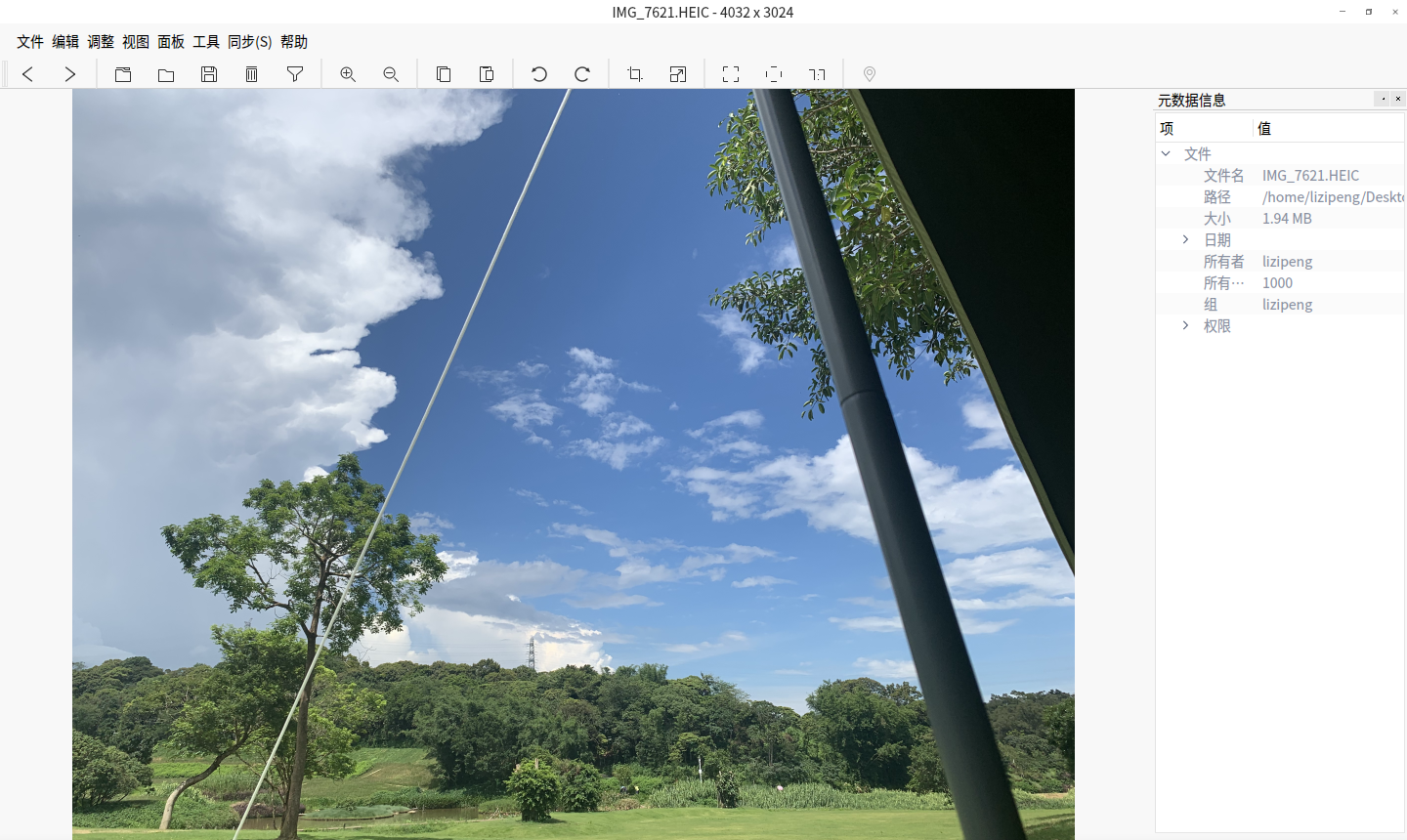
Nomacs(需要手动下载或编译安装heif插件)
安装:sudo apt install nomacs
heif插件地址:https://github.com/jakar/qt-heif-image-plugin
v23安装v20的版本也运行正常:
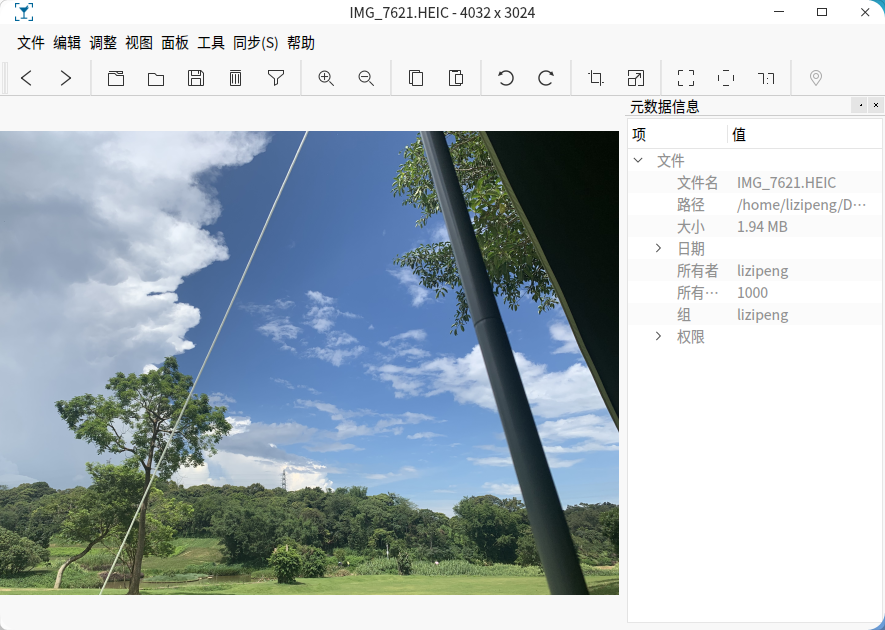
v23用的v20版本(已下载所有依赖):
https://shengmingsu.lanzouw.com/i1yLm1rpikvi
v23 beta3编译的版本(仅适用v23和更新版本):
https://shengmingsu.lanzouw.com/idmYY1qxb89e
Popular Ranking
ChangePopular Events
More


 necesito ayuda
今天才发现,deepin的商店在我发这个帖 https://bbs.deepin.org/post/251746 之前已上架了这个软件
安装体验了一下,这个商店的包并不能关联Mime,所以右键打开方式里找不到qView(手动选择程序也不行),这样就不能双击打开图片查看了
我修改了一下desktop文件,更改了软件包名,重新打了个包,现在已经可以关联各种图像文件了
蓝奏云分享deb包:https://shengmingsu.lanzoue.com/i7e5q0tu8h2h
20240317更新:
安装官方deb的修改版(删除了Deepin20无法安装的依赖项libgcc-s1)+heif插件后,也可以直接打开heic格式的照片,不一定要appimage版。
软件本体(修改版,适用deepin20):https://shengmingsu.lanzouw.com/ivYWA1rqkt3c
heif插件(自编译):https://shengmingsu.lanzouw.com/i8KKH1rqkt5e