

 中文
中文 
tomonkey deepin
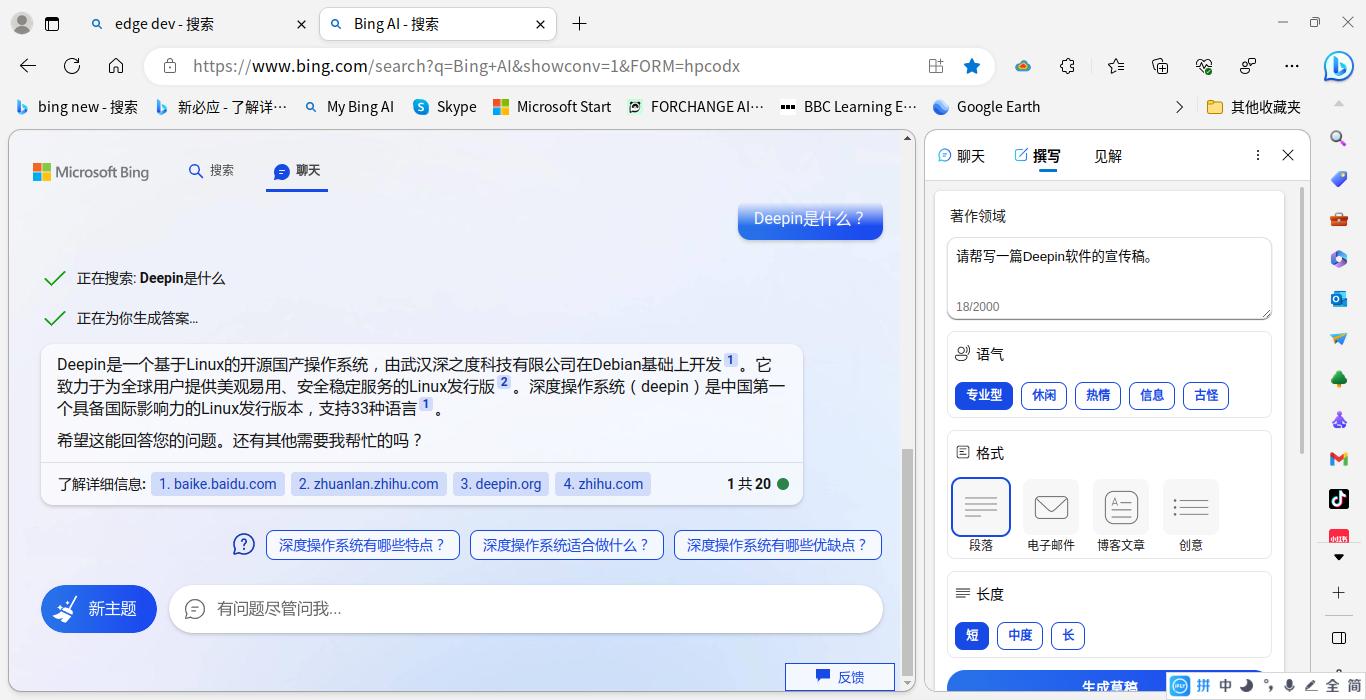
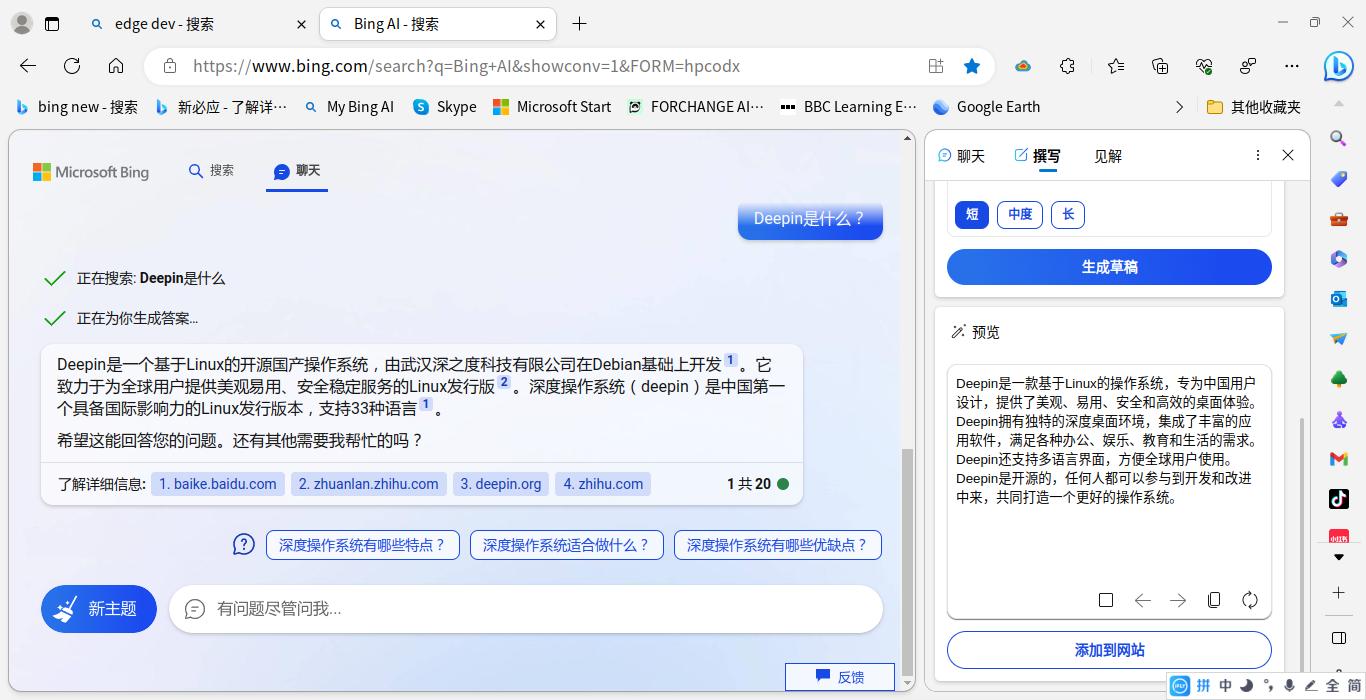
2023-04-09 03:09 deepin 是这样的哦。
Reply Like 1 View the author
deepin 是这样的哦。

 deepin
 哦豁 还有这种插件 学习了~
deepin 是不是马上就要被墙了?
deepin 是不是马上就要被墙了?
非常有可能。

 deepin
 试试bingGPT应用
https://deepin-community-store.gitee.io/spk-resolv/?spk=spk://store/tools/binggpt
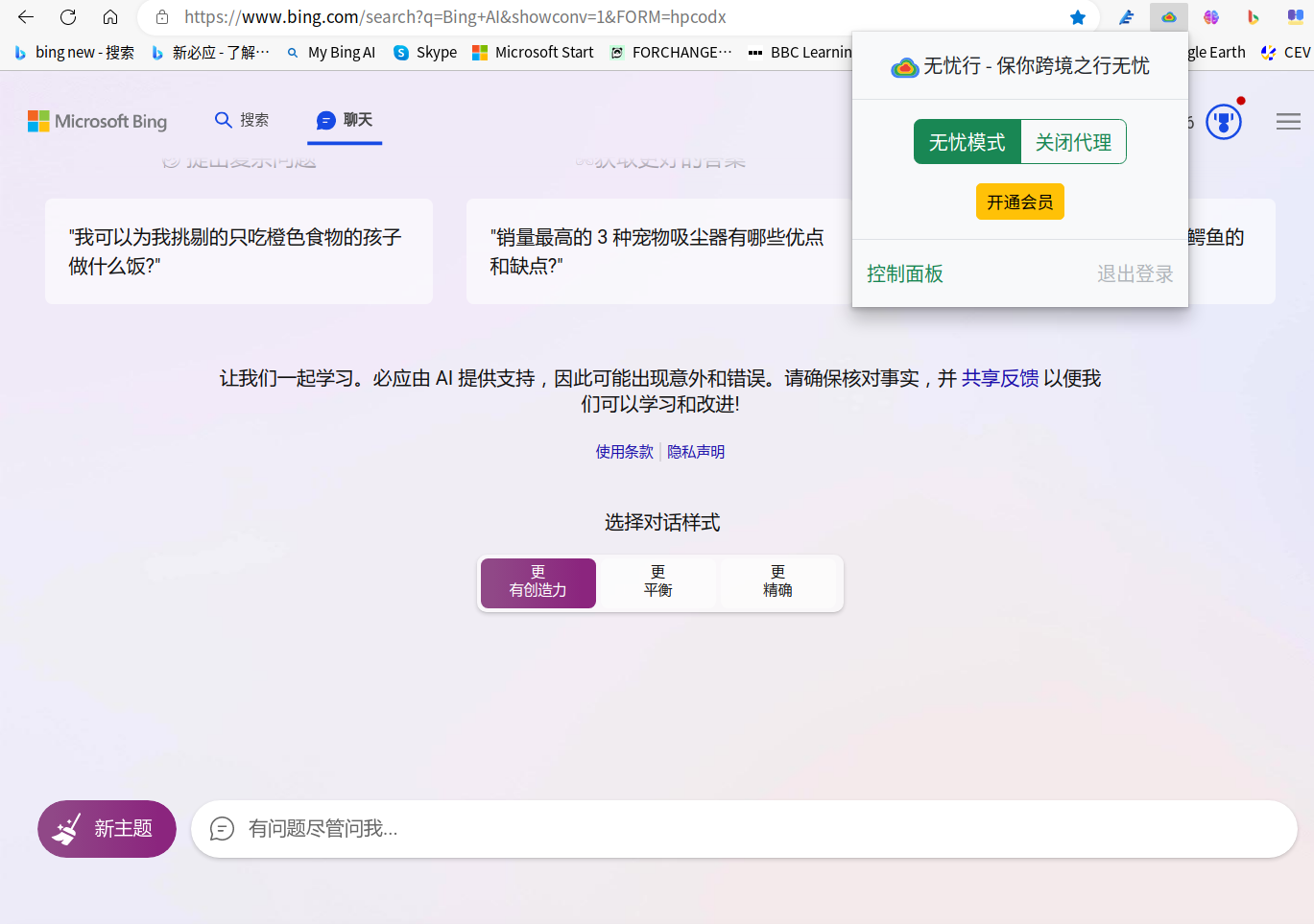
deepin 现在微软开放了Chat功能,不用排队,只要注册一个微软账号,就可以支持Bing AI 聊天,无忧行就是科学上网的插件哦。
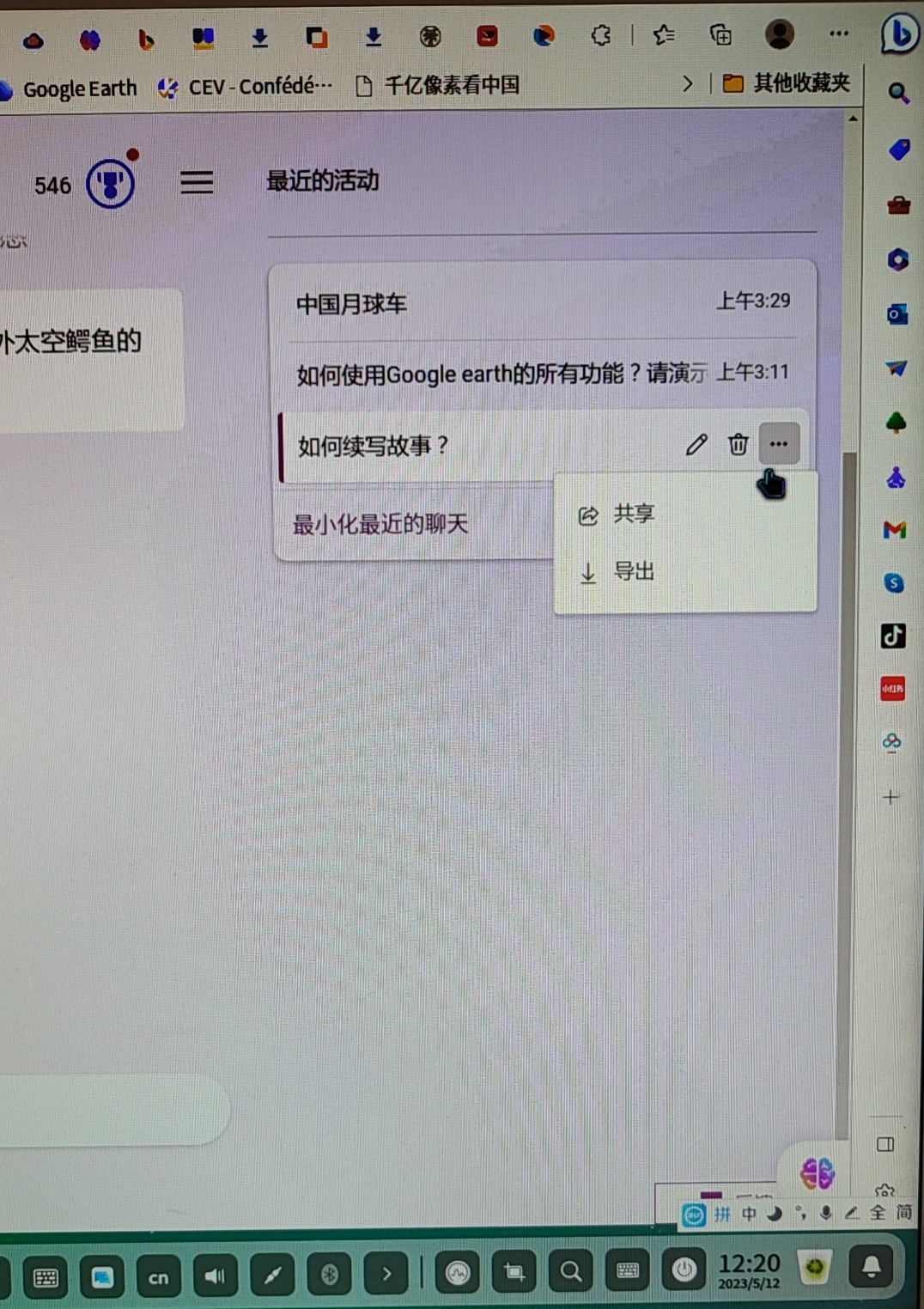
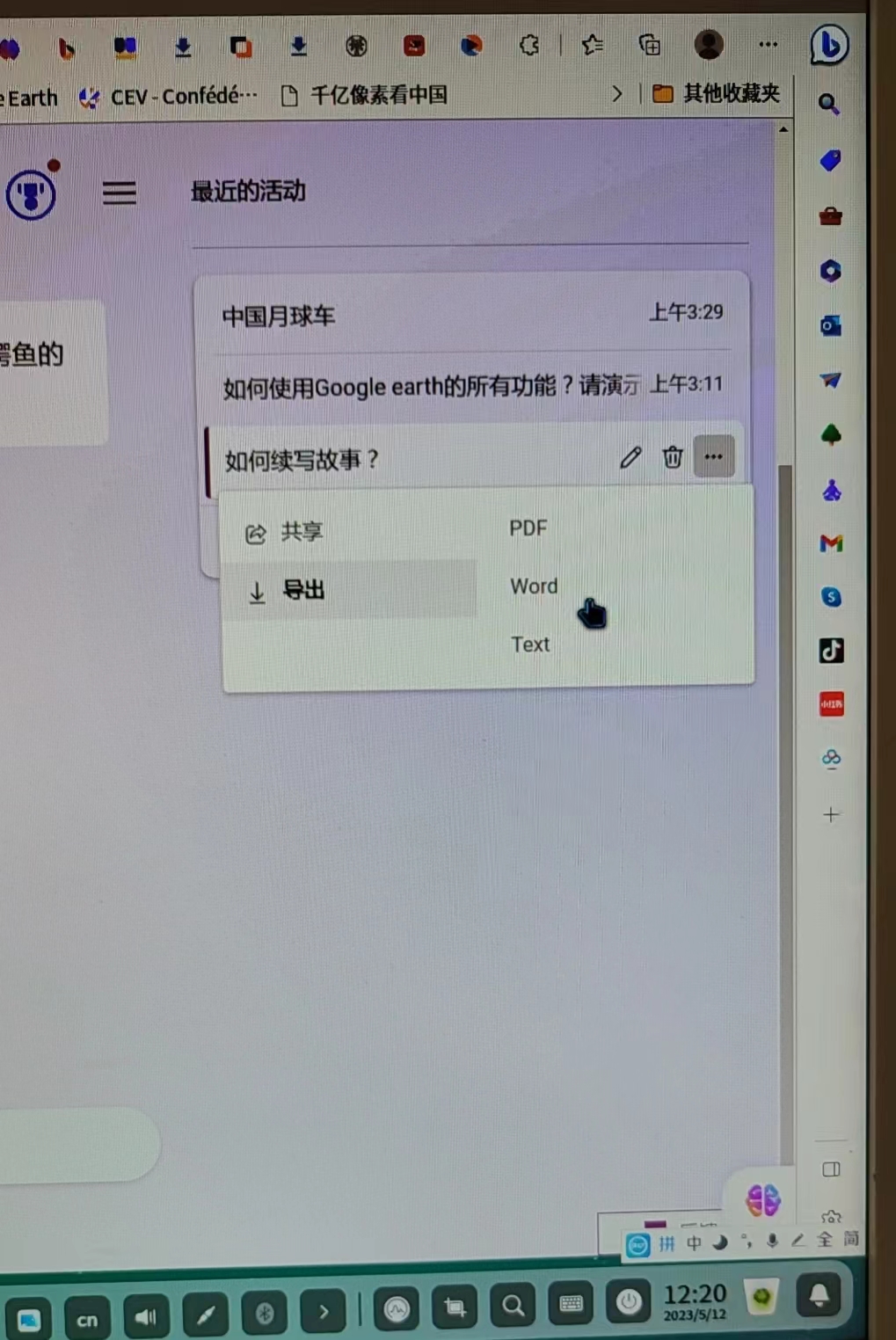
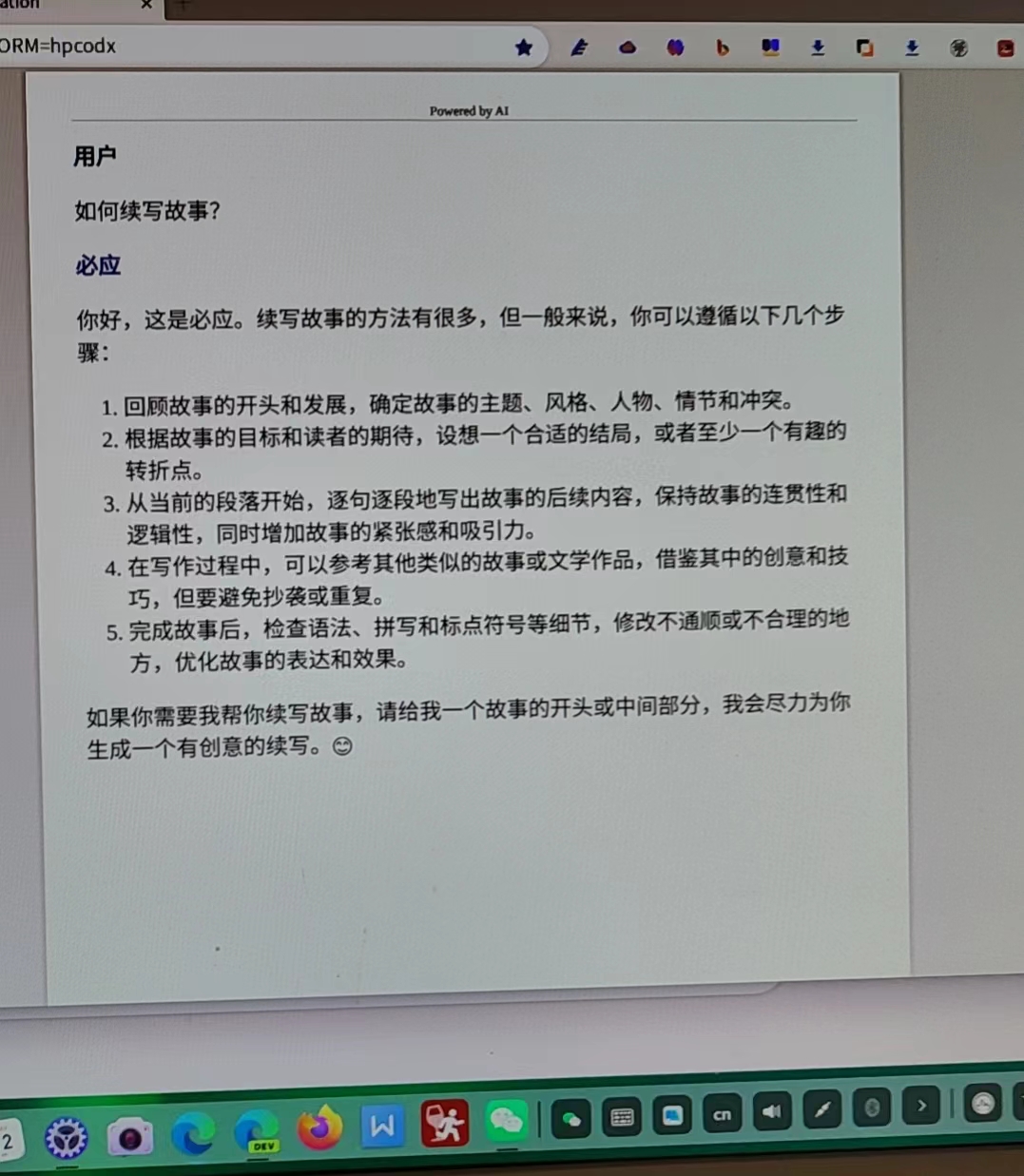
deepin 最近升级的Bing AI 增加了聊天记录和内容导出功能,方便了用户查找和提升了使用体验。
Popular Ranking
ChangePopular Events
More


 necesito ayuda
Deepin 20.8版运用微软新Bing经验
1、必须有向微软申请获得的使用新必应的电子邮件账号(申请过程自找)。
2、到微软网站下载适合Deepin用的 Edge Dev浏览器。
3、浏览器下载好以后,在插件中找到无忧行插件并安装。安装完后打开,用已有的电子邮件注册。之后打开并选择全局。
4、在浏览器搜索栏中输入bing ai, 使用微软通过的新Bing电子邮件登录。即可新Bing的聊天功能和侧边栏小b的各种功能啦。