

 中文
中文 
jjcui8595 deepin
2023-04-07 22:30 deepin 最简单的方法是从正常的同版本系统中拷贝一个sources.list文件过来
Reply Like 0 View the author
 deepin
 最简单的方法是从正常的同版本系统中拷贝一个sources.list文件过来

 deepin
 再次强调,换源是危险操作,无相关系统管理知识,请勿尝试。

 deepin
 ## Generated by deepin-installer
deb https://community-packages.deepin.com/deepin/ apricot main contrib non-free
#deb-src https://community-packages.deepin.com/deepin/ apricot main contrib non-free
不要换了
谁做的udom工具箱?把UOS源换上来了

 deepin
 需要检查一下/etc/apt目录,除了sources.list以外,其它文件也可以存仓库源地址

 deepin
 “混源大法”最容易走火入魔了,像我这种小菜鸟从来不练这种“禁术”。

 deepin
 换源是很危险的,无相关系统管理知识,请不要尝试,可以反馈给官方研发人员。
deepin 谢谢大家友情提醒,下次一定小心,不能在掉坑里了。
 deepin
 这工具箱应该是给早期的 UOS 专业版用的吧,写入的商店仓库还是专业版老商店的......第二步就更离谱了,替换的 Deepin 源还是 15.11 的,这教程是多早以前的了......
想找 V20 的源可以在论坛里搜索下关键词“内测”,最早以前的内测活动都在帖子里提供了系统源和内测源,那个系统源是没问题的
 deepin
 换源如果把系统里重要软件给更新了,说不定会有意想不到的bug。所以非常不建议小白折腾这些。
deepin 需要检查一下/etc/apt目录,除了sources.list以外,其它文件也可以存仓库源地址
谢谢,大佬提示。终于在“/etc/apt”的路径下,通过”以管理员身份打开“,检查了所有的“sources-list",把报错的"源”处理,就修复了。
见下图:
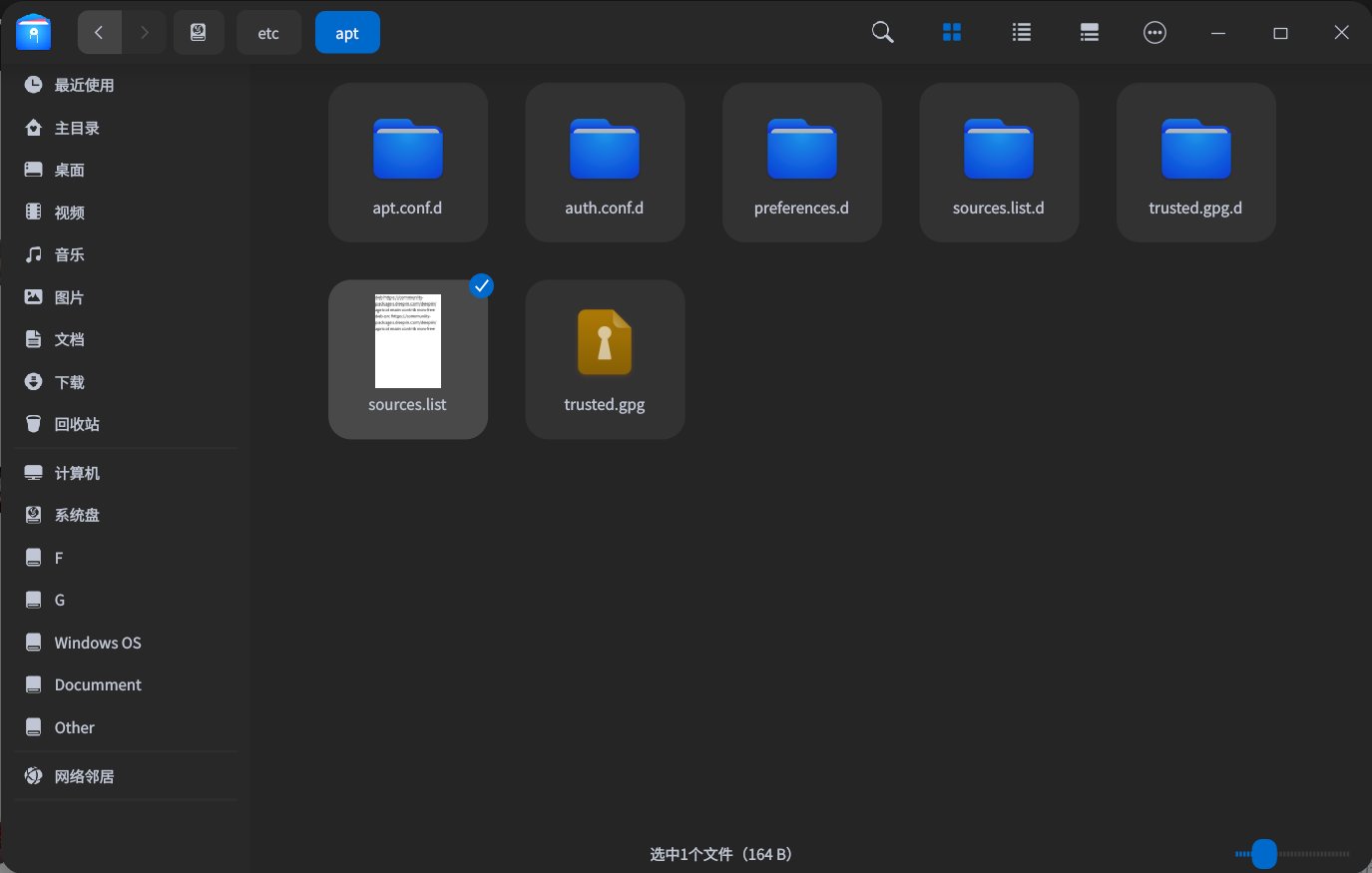
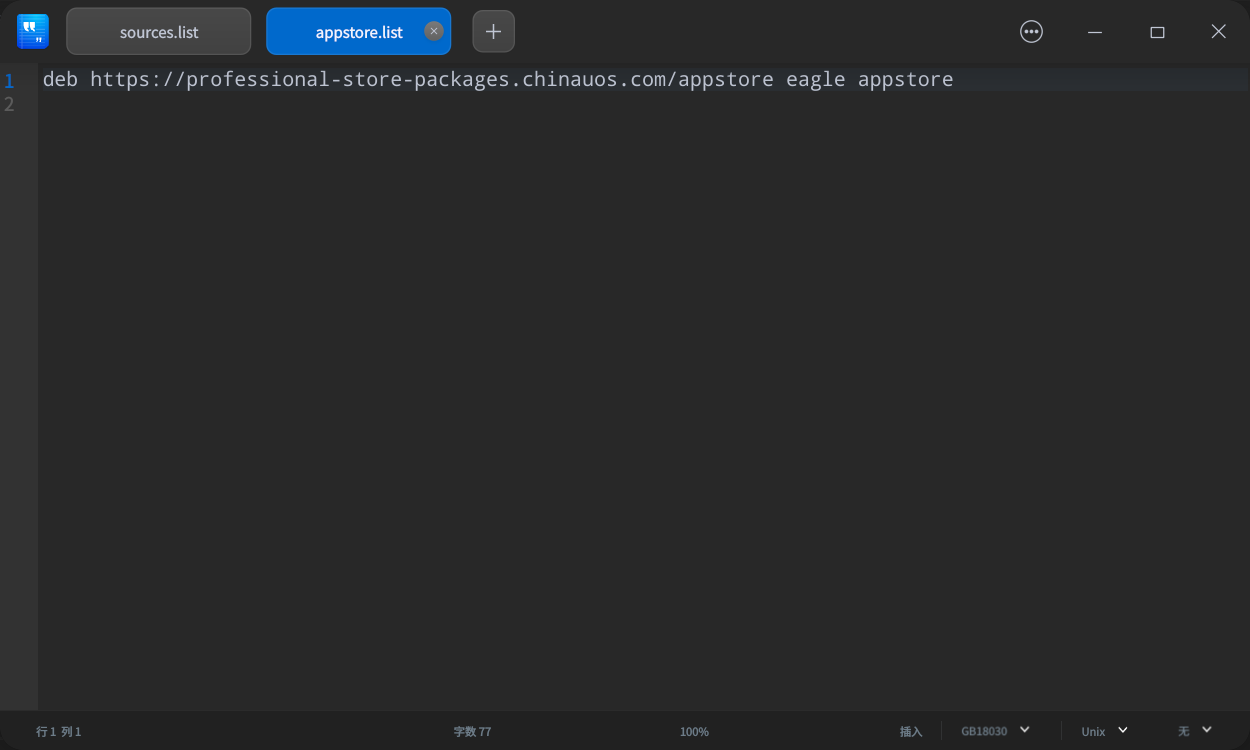
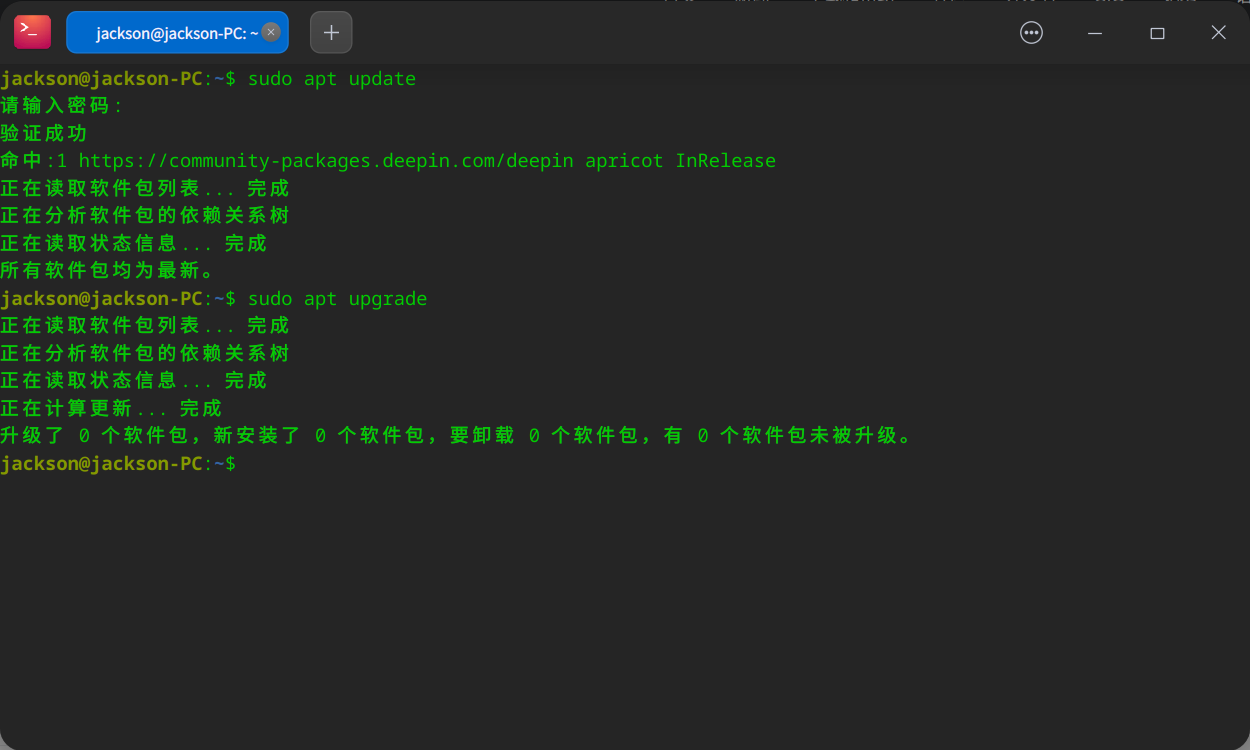
特别提醒:此帖仅供大家参考,切忌不要换源,操作不当,后果非常严重……
Popular Ranking
ChangePopular Events
More


 necesito ayuda
背景:
由于之前,执行了UDOM工具箱中的“修复源配置文件”,导致系统更新报错,见下图:
执行”sudo apt update"、“sudo apt upgrade"报错,见下图:
解决思路:
1.在大佬的建议下,检查一下”源“,发现我的”源“乱了。大佬建议”换源“处理。
2.在网上查询了一下”换源“的操作系统,尝试”换源“。
参考链接:https://www.cnblogs.com/javayanglei/p/13305284.html
3.重新检查一下”源“还是有点问题:
遗留问题:不知道如何删除“chinauos”源。
由于第一次“换源”,经验不足,请大家指正。
备注:此帖仅供参考,请勿模仿。如果操作不当,容易把系统搞崩了,切记切记!!!