

 中文
中文 
liwl deepin
2023-03-29 05:09 deepin Reply Like 0 View the author
 deepin
 deepin
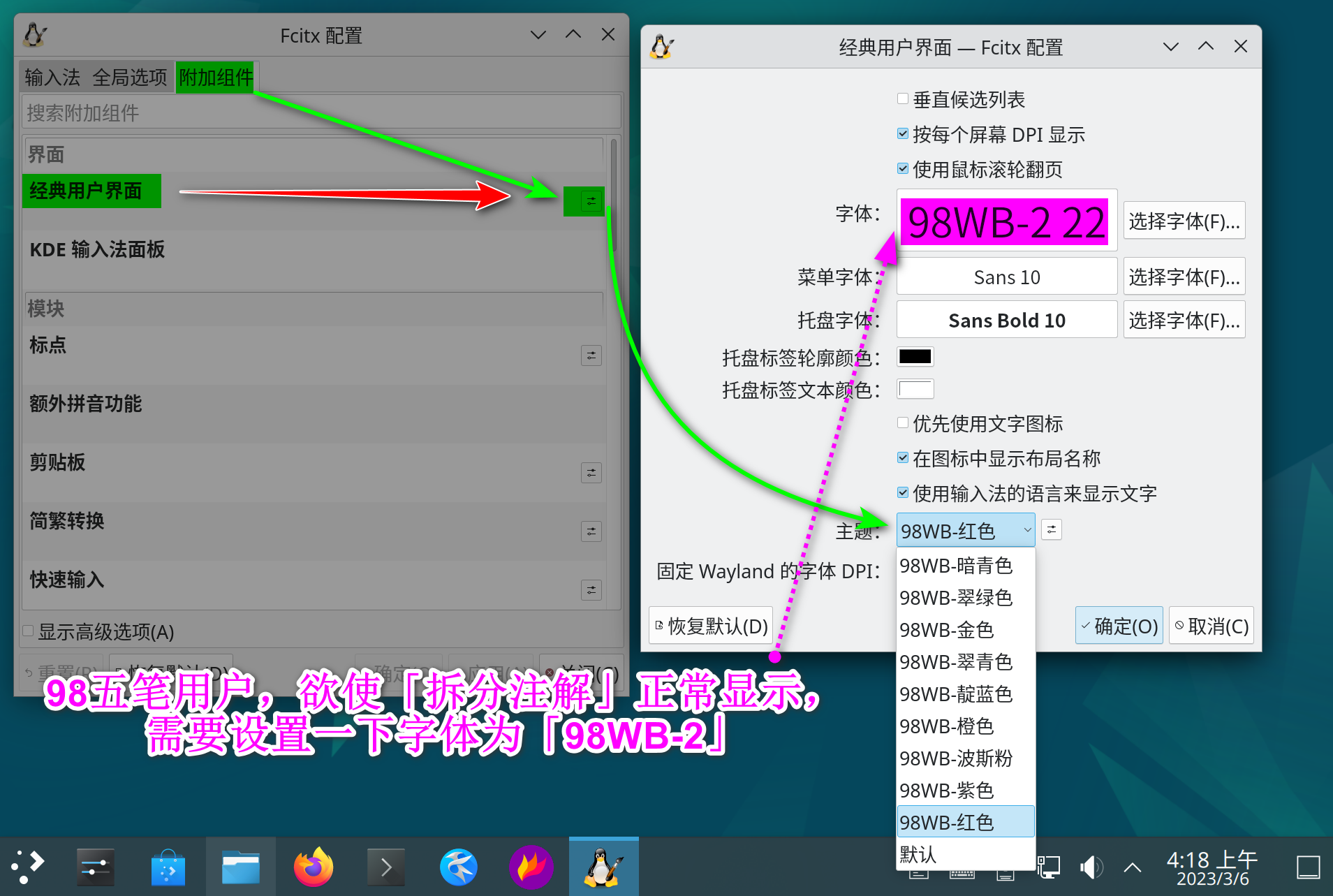
 现在的问题,是 DeepinV23 没有做 全套 的 fcitx5套件 ,所以没有「切换」功能。
https://wubi98.gitee.io/2023/03/06/2023-03-06-01.fcitx5/
deepin 现在的问题,是 DeepinV23 没有做 全套 的 fcitx5套件 ,所以没有「切换」功能。
https://wubi98.gitee.io/2023/03/06/2023-03-06-01.fcitx5/
 deepin
 现在的问题,是 DeepinV23 没有做 全套 的 fcitx5套件 ,所以没有「切换」功能。
https://wubi98.gitee.io/2023/03/06/2023-03-06-01.fcitx5/
我是V20.8,不是V23

 deepin
 现在的问题,是 DeepinV23 没有做 全套 的 fcitx5套件 ,所以没有「切换」功能。
https://wubi98.gitee.io/2023/03/06/2023-03-06-01.fcitx5/
现在的v23内测用户已经推送的fcitx5-config-qt了,已经是完整的了。
deepin 现在的v23内测用户已经推送的fcitx5-config-qt了,已经是完整的了。
没有内测资格,求尽快发版,哈哈,迫不及待了。

 deepin
 我是V20.8,不是V23
20.8是F4输入法,你需要卸载F4,安装F5输入法,以此解决该问题。
deepin 20.8是F4输入法,你需要卸载F4,安装F5输入法,以此解决该问题。
已经卸载原来的fcitx输入法了
deepin 已经卸载原来的fcitx输入法了
F5输入法安装了嘛?
设置了嘛?
deepin F5输入法安装了嘛?
设置了嘛?
你说的是这个吗?
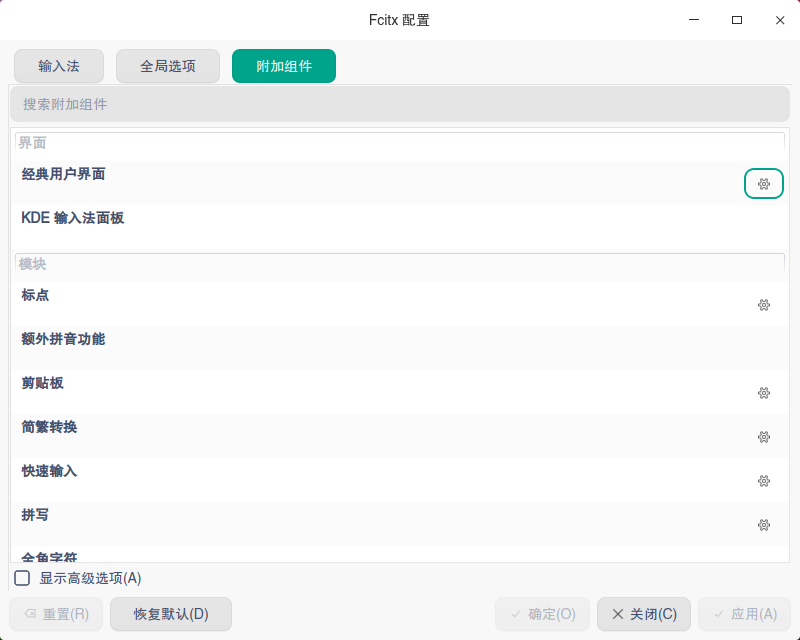
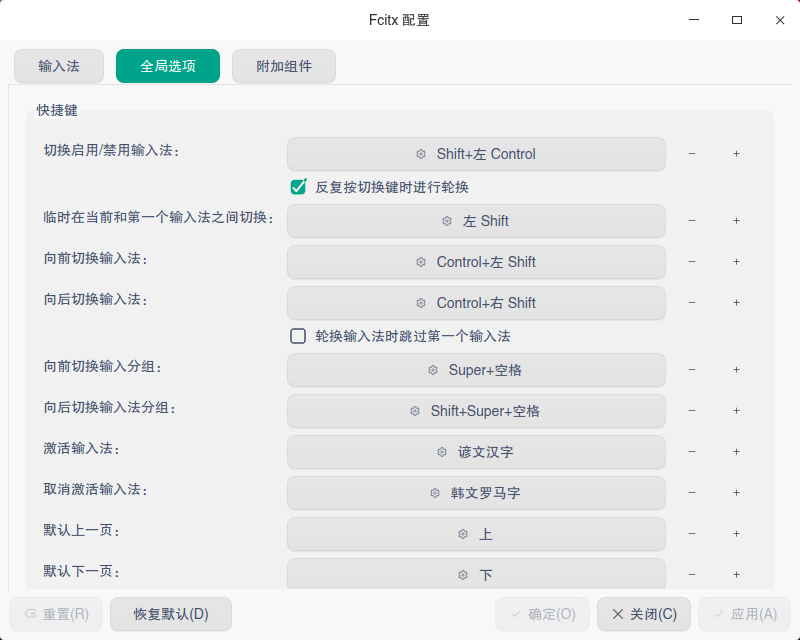
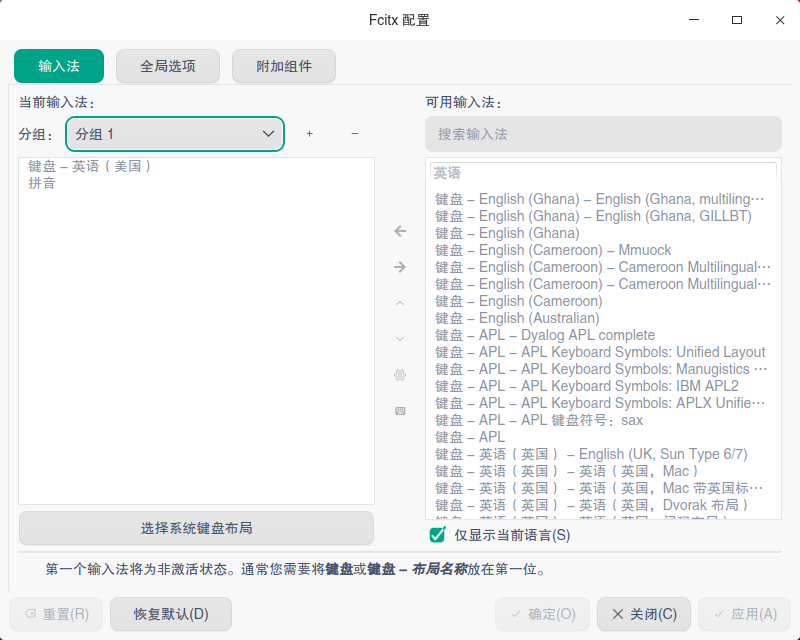
deepin 你说的是这个吗?
对。
deepin 感谢分享!我已安装上!
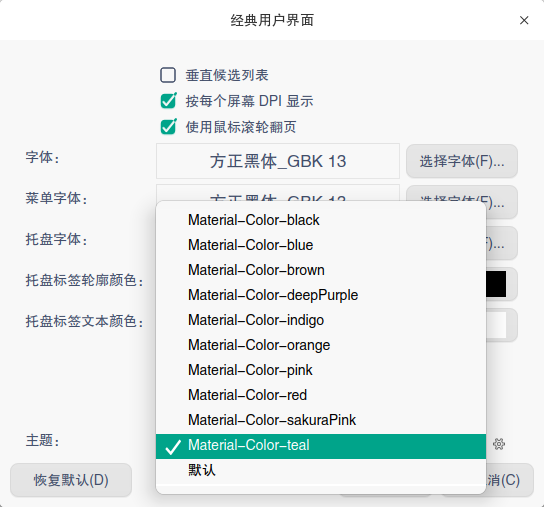
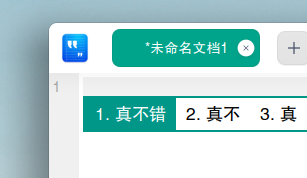

 deepin
 有人教卸载F4,安装F5吗?
20。8中
deepin deepin 有人教卸载F4,安装F5吗?
20。8中
转载自:https://bbs.deepin.org/post/228568
1.sudo apt purge *fcitx*
2.sudo apt update
3.sudo apt install fcitx5 fcitx5-pinyin
4.sudo vim /etc/envirotment,添加以下内容,保存退出。
GTK_IM_MODULE=fcitx
QT_IM_MODULE=fcitx
XMODIFIERS=@im=fcitx
SDL_IM_MODULE=fcitx
转载自:https://bbs.deepin.org/post/228568
1.sudo apt purge *fcitx*
2.sudo apt update
3.sudo apt install fcitx5 fcitx5-pinyin
4.sudo vim /etc/envirotment,添加以下内容,保存退出。
GTK_IM_MODULE=fcitx
QT_IM_MODULE=fcitx
XMODIFIERS=@im=fcitx
SDL_IM_MODULE=fcitx
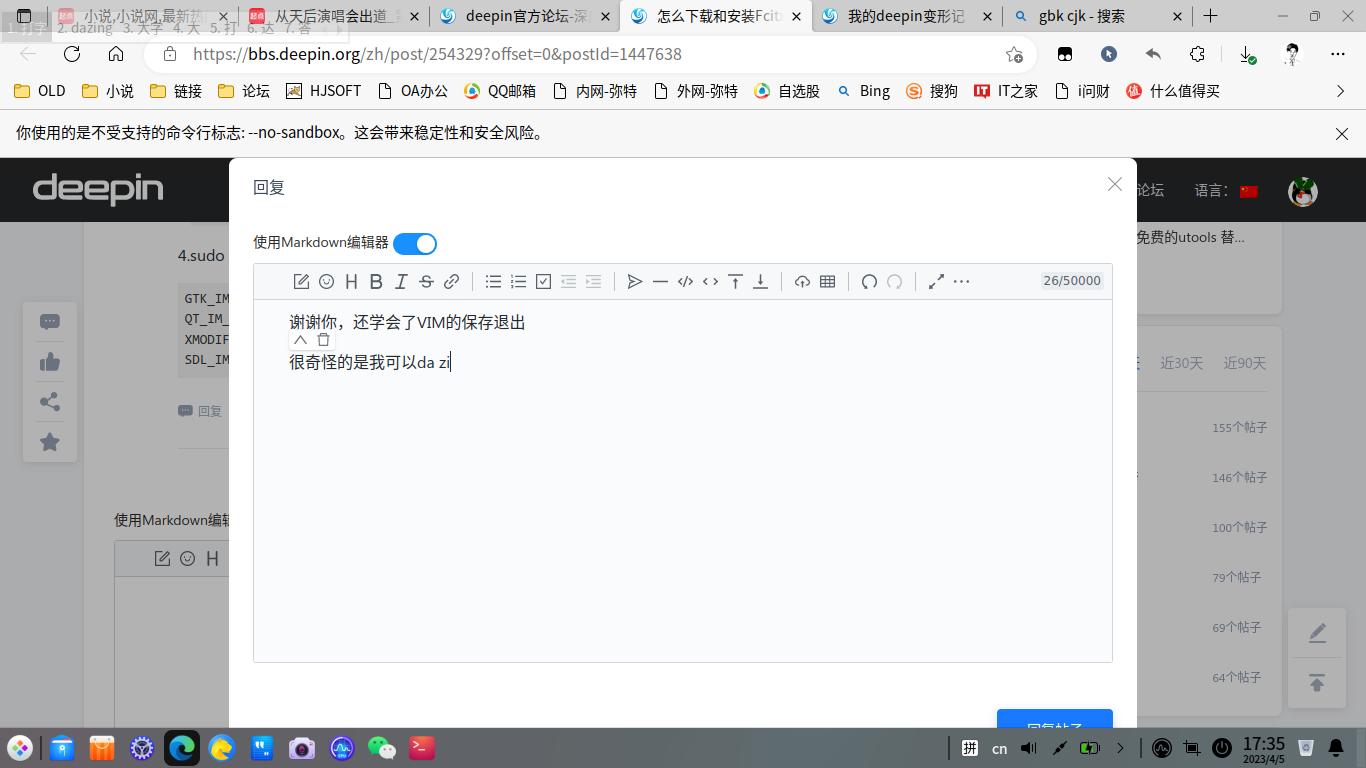
谢谢你,还学会了VIM的保存退出
很奇怪的是我可以用这个拼音输入打字,
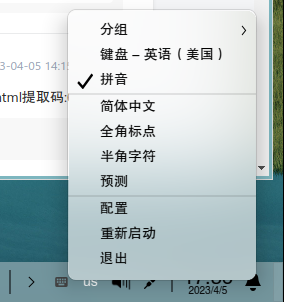
但是开始菜单F5的配置却打不开,
任务栏键盘图标那边的右键配置也打不开,
不知道是不是不大支持
deepin 谢谢你,还学会了VIM的保存退出
很奇怪的是我可以用这个拼音输入打字,
但是开始菜单F5的配置却打不开,
任务栏键盘图标那边的右键配置也打不开,
不知道是不是不大支持
你电脑的问题?我的正常打开:
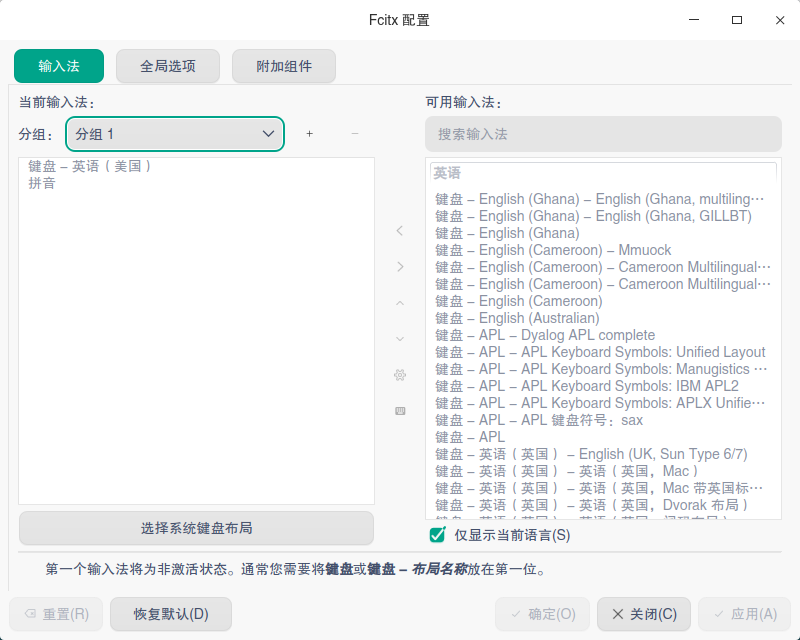
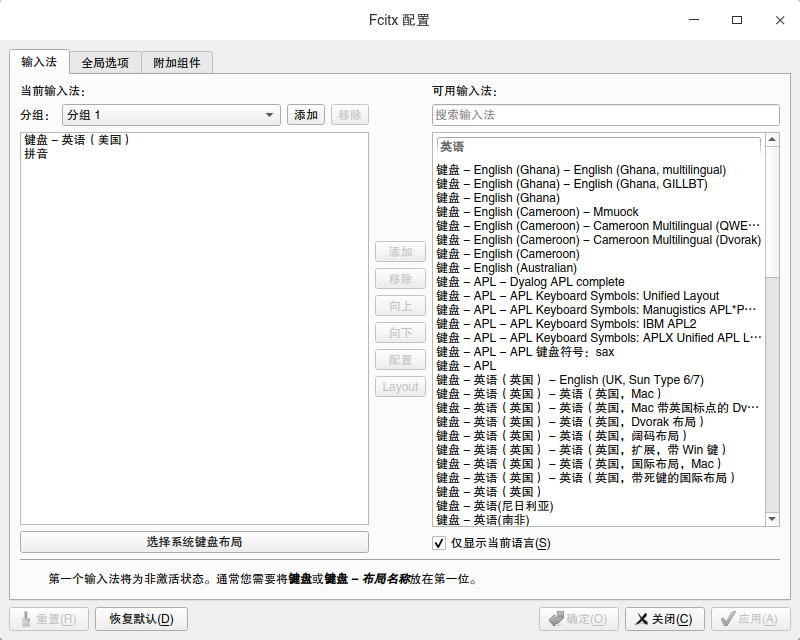
deepin 好像F5比搜狗还大,F5看下载有200多m,搜狗好像98M
deepin 你电脑的问题?我的正常打开:
恩,看到有人说自己电脑配置不支持,
没想到我也是

 deepin
 已经卸载原来的fcitx输入法了
请问一下,fcitx5有五笔拼音输入法吗?像小企鹅五笔拼音输入法那样,可以五笔拼音混输,拼音反查五笔编码的那种?
Popular Ranking
ChangePopular Events
More


 necesito ayuda
由于华宇让我的窗口特效开关失灵,卸载了,转用Fcitx5。
但是我的Fcitx5长这样:
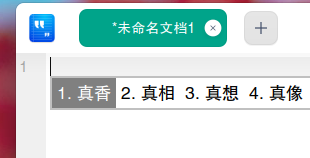
我想要liwl的同款皮肤,就像下图这样:
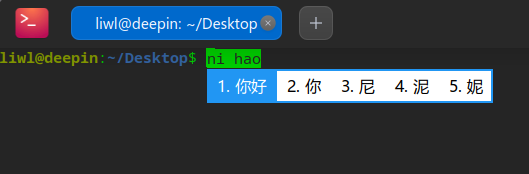
可以教我怎么下载和安装吗?(其他皮肤也可以,不非得是这个)